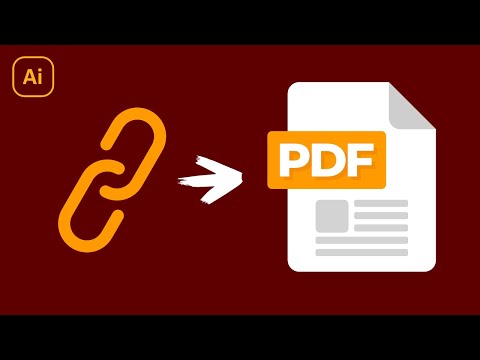
Add Links To A PDF In Illustrator
About
No channel description available.
Latest Posts


Video Description
In this tutorial I'll be demonstrating how you can add clickable hyperlinks to design elements in Adobe Illustrator, allowing you to save your work as a PDF document with clickable links in it. In short, we will accomplish this using the Attributes menu. Watch the video for more details. Want to learn more about how Adobe Illustrator works? Check out my Illustrator Explainer Series – a comprehensive series of over 100 videos where I go over every tool, feature and function and explain what it is, how it works, and why it’s useful: https://logosbynick.com/illustrator/ Join my mailing list and get 200+ free design templates: https://join.logosbynick.com/ 🔗 RESOURCE LINKS Need a logo designed? Hire me at: https://logosbynick.com/ Get my premium logo templates: https://logosbynick.com/design-templates/ 🎓 EXPLAINER COURSES Inkscape: https://logosbynick.com/inkscape/ Affinity Designer: https://logosbynick.com/affinity-designer/ GIMP: https://logosbynick.com/gimp/ Adobe Illustrator: https://logosbynick.com/illustrator/ Take my logo design workshop: https://logosbynick.com/learn/ ▶️ MY OTHER CHANNELS Inkscape & GIMP tutorials: https://www.youtube.com/c/logosbynick Mobile tutorials: https://www.youtube.com/channel/UCe7cPBY4S6XMQZQsf2eC_5w 💬 SOCIALS LinkedIn: https://www.linkedin.com/in/logosbynick/ Twitter/X: https://twitter.com/logosbynick Instagram: https://www.instagram.com/itslogosbynick/ 🎵 MUSIC USED In Da Mood - Combustibles
You May Also Like


Adobe Illustrator Accessories
AI-recommended products based on this video

Samsung Galaxy S6 Lite (2024) - Gray 10.4" 64GB WiFi Android Tablet w/S Pen, Dual Speakers, 8MP+5MP (CAD Version and Warranty)
