Always Do THIS with a new Gaming PC!

Hardware Canucks
@hardwarecanucksAbout
Hardware Canucks is focused on everything technology. We do in-depth reviews of the the latest Graphics cards, CPUs, storage, smartphones, notebooks, overclocking and gaming peripherals. We also focus on tutorials and how-to's so that you can just the most out of your PC gaming hardware. Join us as we unbox, review and benchmark the best computer hardware on the market.
Latest Posts


Video Description
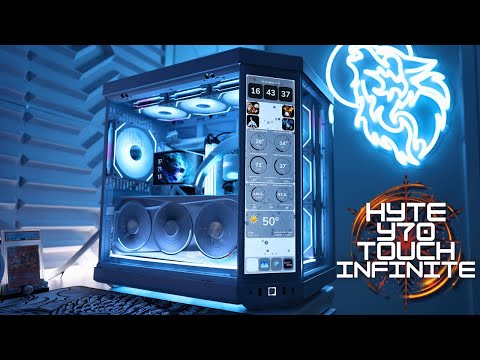
In this video, let's go over everything you need to do after a gaming (or not) system is built. This includes updating the BIOS with proper initial settings; Installing Windows 11 with your own bootable USB media; and essentials to configure inside the OS for proper runtime. GGHF Buy items in this video from Amazon at the links below: Check out the Shadow Base 800 (sponsor) - https://geni.us/SHADOWBASE800 Timestamps: 0:00 - The Setup! 0:21 - The 16-pin 12VHPWR is Dangerous! 0:58 - ALWAYS boot like this! 1:30 - The 3 Most Important things in the BIOS! 2:13 - Updating the BIOS (How to) 4:12 - Disable XMP and MCE! 4:53 - Set CORRECT PCIe X16 lane speed (for riser cables) 6:01 - Set AIO Pump / Fan Speeds in the BIOS 6:26 - Click for Good Luck (Sponsor) 6:56 - Installing WINDOWS 11 (Create Bootable Media) 7:53 - Windows 11 Install Settings 10:07 - Windows 11 Install without WiFi 11:37 - Change Time Zone & Power Plan 12:25 - TASK Manager Housekeeping 13:40 - Disable Privacy Settings 15:31 - RIGHT Click Menu hack 15:54 - Installing GPU Drivers (NVIDIA) 17:15 - BIOS Final Touches (iGPU, XMP, Profiles etc) GET MERCH ►https://hwcstore.com SUBSCRIBE ►https://bit.ly/SubHWC This video is sponsored by be quiet! As per Hardware Canucks guidelines, no review direction was received from manufacturer. As an Amazon Associate we earn from qualifying purchases. Follow us for more updates! Twitter https://bit.ly/HWC_Twitter FaceBook https://bit.ly/HWC_Facebook Instagram https://bit.ly/HWC_Instagram -------------------------------------------------------------- #hardwarecanucks #GamingPC #HowTo
















New Gaming PC Must-Haves
AI-recommended products based on this video

CORSAIR iCUE Link XC7 RGB Elite CPU Water Block - Transparent Flow Chamber - 24 RGB LEDs - Fits Intel® LGA 1700, AMD® AM5 and Older - White

CORSAIR Hydro X Series iCUE Link XH405i Custom Cooling Kit – Hardline Water Cooling Loop – XC7 Elite CPU Water Block – XD5 Elite D5 Pump Res – XR5 360mm Radiator – 3X QX120 RGB Fans

CORSAIR iCUE Link XD5 RGB Elite LCD Pump-Reservoir Unit - D5 PWM Pump - 480x480 IPS LCD Screen - 22 Addressable RGB LEDs - 440ml Nylon Reservoir - White
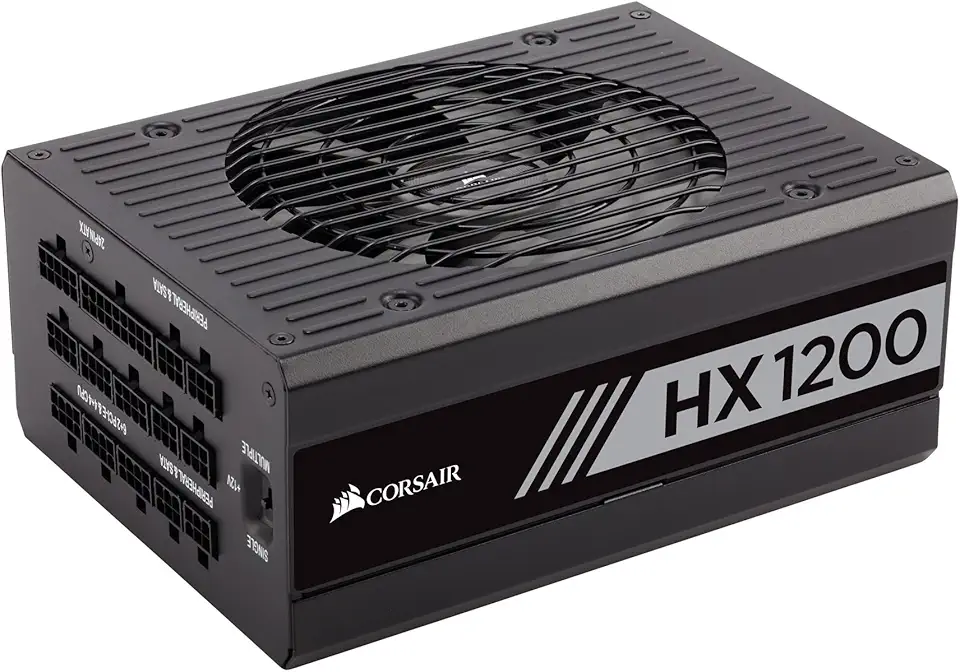
Corsair CP-9020140-UK HX1200 1200 W 80+ Platinum Fully Modular Power Supply Unit - Black

EVGA 10G-P5-3897-KR GeForce RTX 3080 FTW3 Ultra Gaming, 10GB GDDR6X, iCX3 Technology, ARGB LED, Metal Backplate

LG UltraWide 34WP65C-B 34 Inch 21:9 Curved FreeSync 1ms 160 Hz WQHD(3440 x 1440) Gaming Monitor, Black
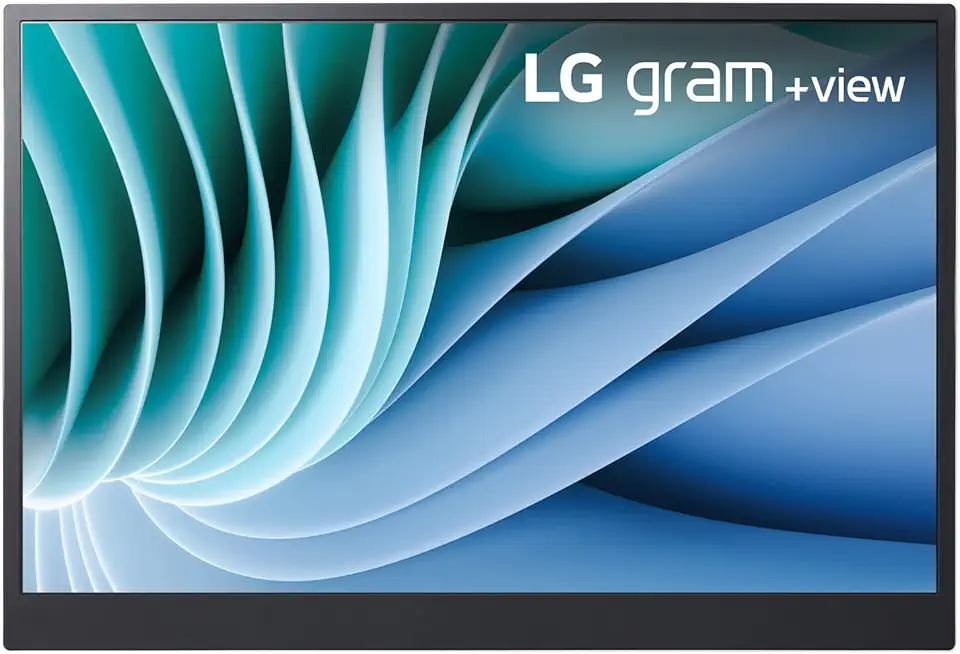
Lg gram 16-inch +View Portable Monitor with USB Type-C, DCI-P3 99% (Typ.), Auto Rotate, Two-Way Supported Folio Cover

StanbyME LG 27-Inch Class Smart Portable Touch Screen Monitor 27ART10AKPL. Built-in 3 Hour Battery, Full Swivel Rotation, Rollable. LG Stanbyme, Standbyme, Stand by me.
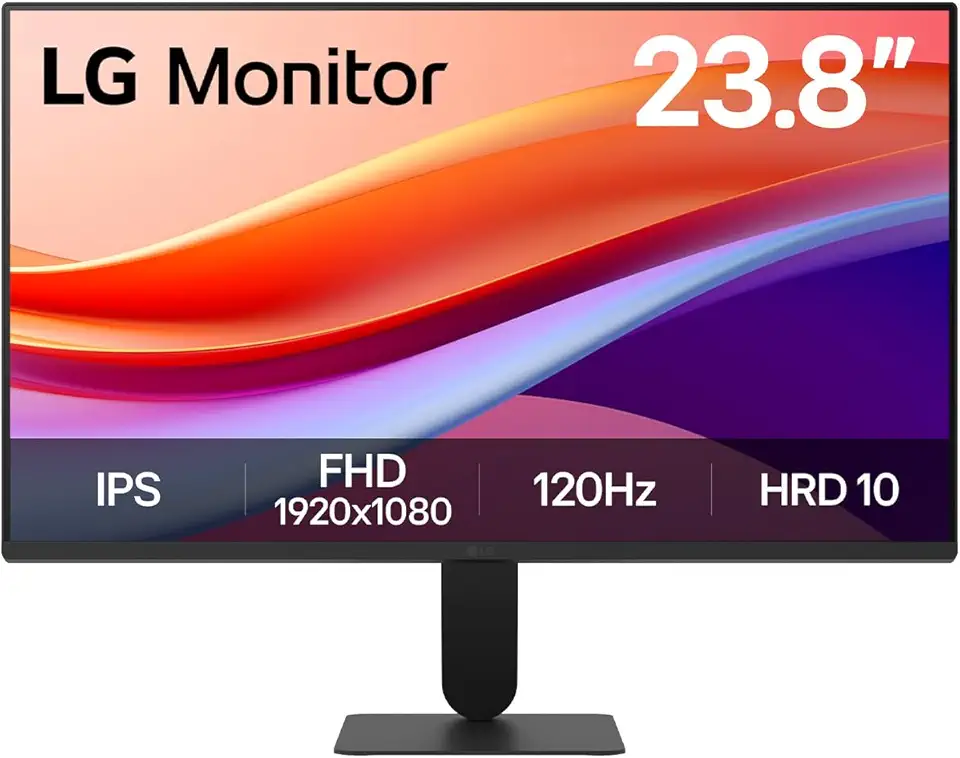
LG 24U411A-B 23.8" FHD (1920x1080) IPS Display Computer Monitor, 120Hz Refresh Rate, sRGB 99% (Typ.), USB-C, Reader Mode & Flicker Safe, Dynamic Action Sync, Black Stabilizer, Slim Stand Base, Black
![INIU USB C Cable, [3 Pack, 6.6+6.6+1.6ft] 3.1A QC 3.0 Fast Charging Type C Cable, Nylon Braided USB A to USB C Phone Charger Data Cord for iPhone 16/15 Pro Max Samsung S23 S22 Note 10 LG V20 etc](https://m.media-amazon.com/images/I/71VrgZW7f1L._AC_UL960_FMwebp_QL65_.jpg)
INIU USB C Cable, [3 Pack, 6.6+6.6+1.6ft] 3.1A QC 3.0 Fast Charging Type C Cable, Nylon Braided USB A to USB C Phone Charger Data Cord for iPhone 16/15 Pro Max Samsung S23 S22 Note 10 LG V20 etc

iPhone Charger Cord Lightning Cable (Apple MFi Certified) 6/6/10ft 3 Pack iPhone Cable Fast Charging Long Apple Charger Cable for iPhone 13 13 Pro 12 Pro 11 SE Max XS XR X, iPad Mini Air, iPod, AirPod

2 Pack Rechargeable Controller Battery Pack for Xbox Series X|S and Xbox One with 10FT USB C Charging Cable and Micro USB Adapter 6amLifestyle Battery Pack Xbox Play and Charge Kit

etguuds 3ft Car Carplay Cable for iPhone 16/16 Pro Max/16 Plus/15 Pro Max Plus, USB to USB C Cable Compatible with Apple Car Play iPhone 16 15 Cord - 2 Pack USB A to USB C Car Charger Cable Cord

Western Digital 2TB WD Blue SA510 SATA Internal Solid State Drive SSD - SATA III 6 Gb/s, 2.5"/7mm, Up to 560 MB/s - WDS200T3B0A

Logitech G502 Hero High Performance Wired Gaming Mouse, Hero 25K Sensor, 25,600 DPI, RGB, Adjustable Weights, 11 Programmable Buttons, On-Board Memory, PC/Mac, Black
CORSAIR iCUE Link XD5 RGB Elite LCD Pump-Reservoir Unit - D5 PWM Pump - 480x480 IPS LCD Screen - 22 Addressable RGB LEDs - 440ml Nylon Reservoir - White
CORSAIR iCUE Link XC7 RGB Elite CPU Water Block - Transparent Flow Chamber - 24 RGB LEDs - Fits Intel® LGA 1700, AMD® AM5 and Older - White
CORSAIR Hydro X Series iCUE Link XH405i Custom Cooling Kit – Hardline Water Cooling Loop – XC7 Elite CPU Water Block – XD5 Elite D5 Pump Res – XR5 360mm Radiator – 3X QX120 RGB Fans

HyperX Cloud II - Gaming Headset, 7.1 Surround Sound, Memory Foam Ear Pads, Durable Aluminum Frame, Detachable Microphone, Works with PC, PS5, PS4, Xbox Series X|S, Xbox One – Red
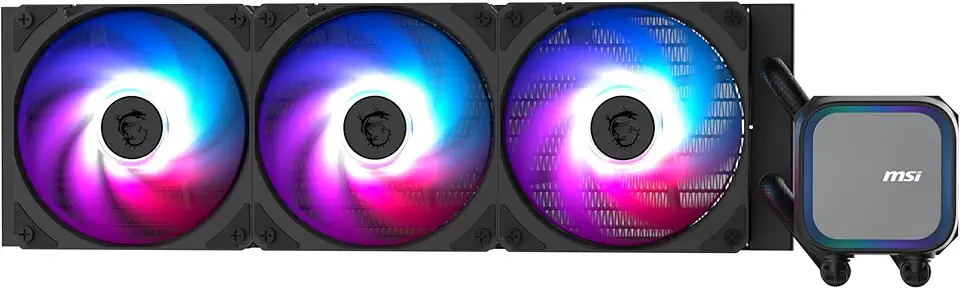
MSI MAG Coreliquid A13 360 - AIO ARGB CPU Liquid Cooler - 360mm Radiator - LGA 1851 Ready - Triple 120mm ARGB PWM Fans, Black
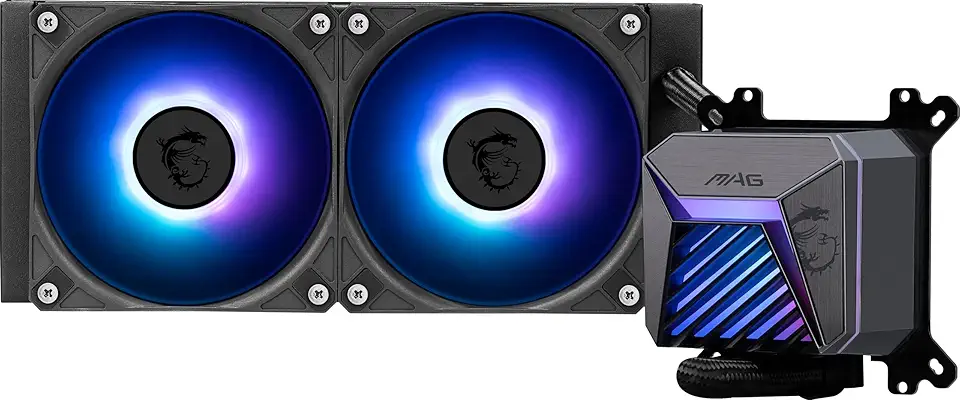
MSI MAG CORELIQUID A15 240 - AIO ARGB CPU Liquid Cooler - 240mm Radiator - AM5, LGA 1851 Ready - Dual 120mm ARGB PWM Fans, Black

for 90MM Video Card Cooler Fan for GPU for MSI GeForce for RTX 3060 3070 3080 3090 3060Ti 3070TI for Gaming X Trio Graphics(1pcs)
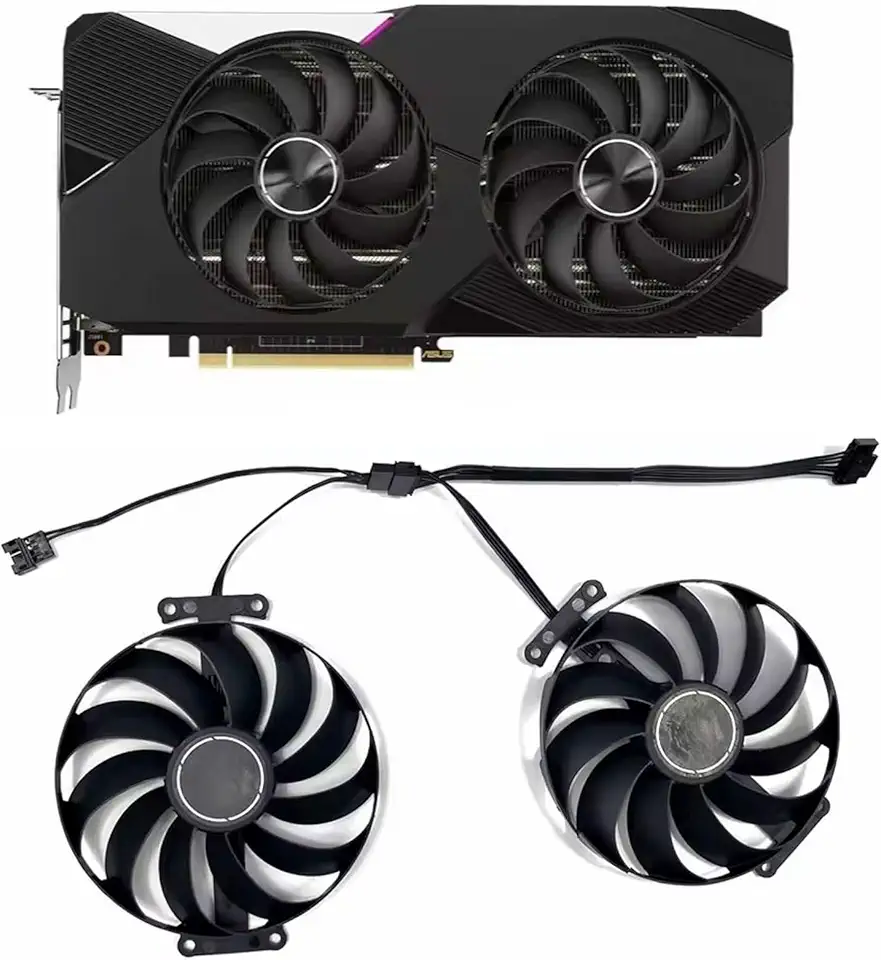
2PCS 95mm 7PIN T129215SU FDC10U12S9-C 12V 0.5A RTX3070 3060Ti Graphic Card Cooler Fan for ASUS GeForce RTX 3060 Ti 3070 Dual OC Fan

Skytech Azure Gaming PC, Intel i7 14700F 2.1 GHz, RTX 4070 Super 12GB GDDR6X, 1TB NVME Gen4, 32GB DDR5 RAM RGB, 750W Gold PSU, Wi-Fi, Win 11 Home

Skytech Omega Gaming PC, Ryzen 7 7800X3D 4.2 GHz, RTX 4070 Super, 1TB NVME Gen4, 32GB DDR5 RAM RGB, 750W Gold PSU, Wi-Fi, Win 11 Home