ASP.Net Core API Gateway - Ocelot API Microservice


Coding Droplets
View ChannelAbout
Coding Droplets is a platform to learn latest technologies and techniques in Software Development. We focus on creating training videos, tutorial video series which will help our subscribers to level up their knowledge. 🤝 Your support on Patreon helps me create more Tutorials and provides you with Early Access & Exclusive Content. https://www.patreon.com/CodingDroplets Social Media Profiles: Facebook: https://www.facebook.com/codingdroplets Twitter: https://twitter.com/codingdroplets Instagram: https://www.instagram.com/codingdroplets/ Github: https://github.com/codingdroplets
Latest Posts


Video Description
Microservices Tutorial Playlist Link: https://www.youtube.com/watch?v=gPInkLCfalE&list=PLzewa6pjbr3JQKhB_U_FiuYwQC70i-TyU&index=1 In this video we explains about ASP.Net Core API Gateway and how to create an Ocelot API Microservice. We also explains the Ocelot API Gateway implementation in a Blazor Web Application. From this video you'll get an idea of how to implement Ocelot API Gateway in any .Net Core Applicaitons. .Net Blazor Tutorial Playlist link: https://www.youtube.com/playlist?list=PLzewa6pjbr3IQEUfNiK2SROQC1NuKl6PV Ocelot is a .NET API Gateway. This project is aimed at people using .NET running a micro services / service oriented architecture that need a unified point of entry into their system. However it will work with anything that speaks HTTP and run on any platform that ASP.NET Core supports. Ocelot is a bunch of middlewares in a specific order. Ocelot manipulates the HttpRequest object into a state specified by its configuration until it reaches a request builder middleware where it creates a HttpRequestMessage object which is used to make a request to a downstream service. The middleware that makes the request is the last thing in the Ocelot pipeline. It does not call the next middleware. The response from the downstream service is retrieved as the requests goes back up the Ocelot pipeline. There is a piece of middleware that maps the HttpResponseMessage onto the HttpResponse object and that is returned to the client. That is basically it with a bunch of other features! There are two sections in the Ocelot API Gateway configuration. An array of Routes and a GlobalConfiguration. The Routes are the objects that tell Ocelot API Gateway, how to treat an upstream request [Ocelot API Upstream]. The Global configuration allows overrides of ReRoute specific settings. It's useful if you don't want to manage lots of Route specific settings. The main functionality of an Ocelot API Gateway is to take incoming HTTP requests and forward them on to a downstream service [Ocelot API Downstream], currently as another HTTP request. Ocelot's describes the routing of one request to another as a Route. The DownstreamPathTemplate, Scheme, and DownstreamHostAndPorts make the internal microservice URL that this request will be forwarded to. The port is the internal port used by the service. When using containers, the port specified at its dockerfile. The Host is a service name that depends on the service name resolution you are using. When using docker-compose, the services names are provided by the Docker Host, which is using the service names provided in the docker-compose files. DownstreamHostAndPorts is an array that contains the host and port of any downstream services that you wish to forward requests to. Usually this configuration will just contain one entry but sometimes you might want to load balance requests to your downstream services and Ocelot lets you add more than one entry and then select a load balancer. But if using Azure and any orchestrator it is probably a better idea to load balance with the cloud and orchestrator infrastructure. The UpstreamPathTemplate is the URL that Ocelot will use to identify which DownstreamPathTemplate to use for a given request from the client. Finally, the UpstreamHttpMethod is used so Ocelot can distinguish between different requests (GET, POST, PUT) to the same URL. What is Docker Compose? Docker Compose is a tool for defining and running multi-container Docker applications. With Compose, you use a YAML file to configure your application’s services. Then, with a single command, you create and start all the services from your configuration. Docker for .Net Core: .NET Core can easily run in a Docker container. Containers provide a lightweight way to isolate your application from the rest of the host system, sharing just the kernel, and using resources given to your application. Learn how to use docker for .Net Core and deploy .Net Core to Docker. .NET Core images Official .NET Core Docker images are published to the Microsoft Container Registry (MCR) and are discoverable at the Microsoft .NET Core Docker Hub repository. Each repository contains images for different combinations of the .NET (SDK or Runtime) and OS that you can use. Microsoft provides images that are tailored for specific scenarios. For example, the ASP.NET Core repository provides images that are built for running ASP.NET Core apps in production. Video Chapters: 0:00 - Video Summary 2:07 - Ocelot API Gateway Development 12:25 - Adding Docker Orchestration Support 13:47 - Ocelot API Gateway Testing with Postman 16:21 - Ocelot API Gateway Implementation #codingdroplets #microservices #apigateway #microservicestutorial #microservice #docker #dotnet6 #dotnet5 #dotnetcore #aspnetcore


![.NET Docker Tutorial - SQL Server Docker [.NET Docker]](https://imgz.pc97.com/?width=500&fit=cover&image=https://i.ytimg.com/vi/hpLvXNASyTI/hqdefault.jpg)















Essential ASP.NET Core Tools
AI-recommended products based on this video

MT7601 USB Adapter USB Antenna, Computer Adapter USB Adapter with Integrated Antenna for Windows Desktop Laptop

BrosTrend 1200Mbps USB WiFi Adapter for Windows 11/10/8/7/XP of PC Desktop Laptop, Dual Band 5GHz 867Mbps, 2.4GHz 300Mbps, USB 3.0, Network Card WLAN

BrosTrend AX300 WiFi 6 USB WiFi Adapter for PC, Nano Size WiFi Dongle for Laptop Desktop, USB Wireless Adapter for Windows 11/10/7, 2.4GHz Only, 286Mbps, Wireless Network Adapter, OFDMA (NOT for MAC)

AC600 Nano USB WiFi Adapter for Desktop PC/Laptop, Dual-Band (5GHz, 2.4GHz) Wireless 802.11ac MU-MIMO Network Adapter for Windows & Mac OS, Mini Travel Size WiFi Dongle

Sony WH-CH720N Noise Cancelling Wireless Headphones Bluetooth Over The Ear Headset with Microphone and Alexa Voice Control, Black
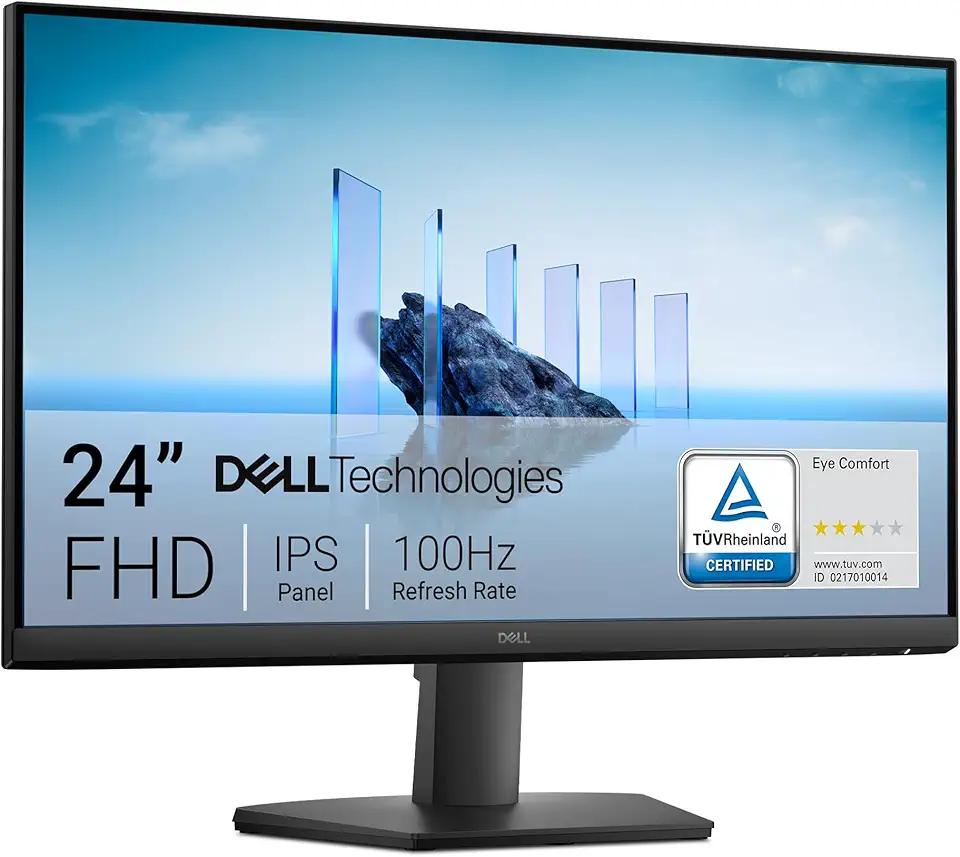
Dell 24 Monitor - SE2425HM - 23.8-inch Full HD (1920x1080) 16:9 100Hz Display, IPS Panel, 16.70 Million Colors, Anti-Glare, 1 HDMI / 1 VGA Port, TÜV Rheinland 3-Star*, Comfortview Plus - Black
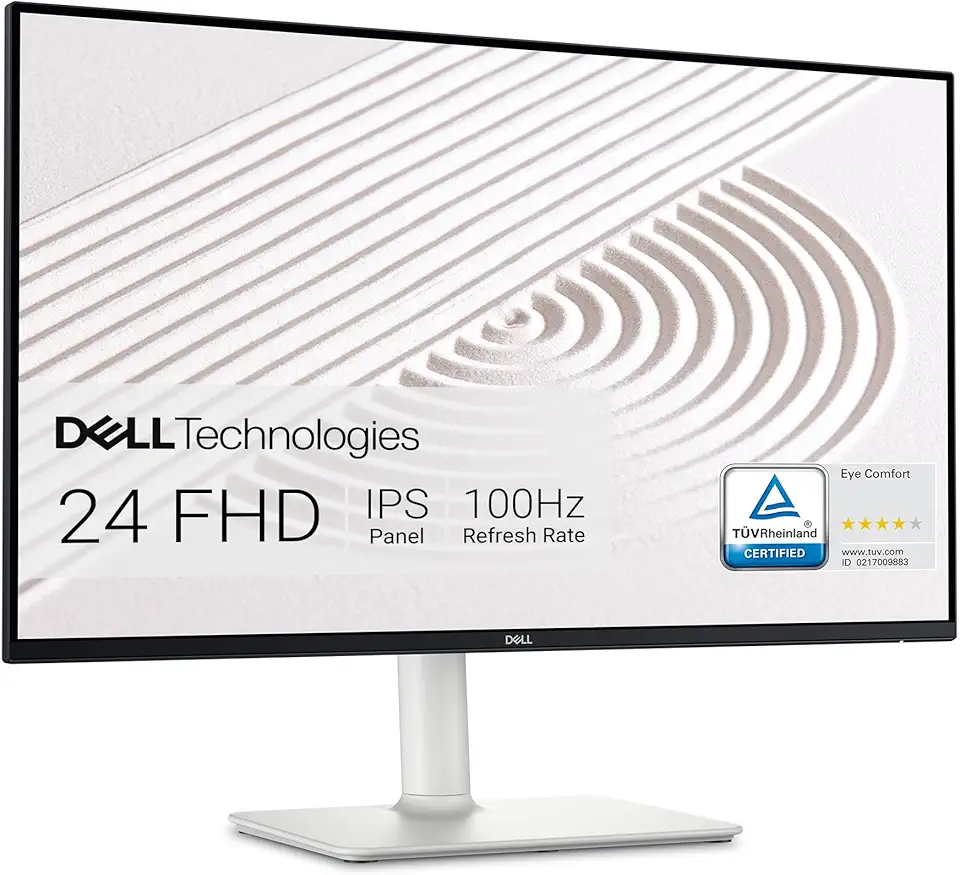
Dell S2425HS Monitor - 23.8 Inch, FHD (1920x1080) Display, 100Hz Refresh Rate 1500:1 Contrast Ratio, TÜV Rheinland Eye Comfort 4 Star, Integrated 2x5W Speaker, Height/Tilt/Swivel/Pivot - Ash White

USB C Docking Station Dual Monitor for Dell Hp,15-in-1 Laptop Docking Station 3 Monitors USB C Hub with Dual 4K HDMI,8K DP,Button,PD Charging,Ethernet,6 USB A&C,SD/TF, Audio USB-C Multiport Adapter
