ComfyUI 21 Art Styles & Artists in Prompts (free workflows), Stable Diffusion


Rudy's Hobby Channel
View ChannelAbout
Arduino, ComfyUI, DR5000, EEP, Flight Simulator, Fusion 360, Traincontroller, Yamaha MODX, X Touch One
Latest Posts
No results found. Try different keywords.
Video Description
Mentioning an art-style or an artist in your prompt is one of the strongest influencers of the outcome of txt2img generation in Stable Diffusion. Art-styles are easy to pick via the 'Prompt-Styler node, but of course styles and / or srtist names can be added yourself in the prompt (pos or neg). Art-styles and artists can be found via several websites, see the links below. The ComfyUI workflow used in the video is the one called Default Turbo and is downloadable via below links. Prompt Styler node https://stable-diffusion-art.com/sdxl-styles/ https://openaijourney.com/stable-diffusion-styles/ Art styles: https://supagruen.github.io/StableDiffusion-CheatSheet/ click on NOTES https://weirdwonderfulai.art/resources/stable-diffusion-xl-sdxl-art-medium/ Artist names: https://supagruen.github.io/StableDiffusion-CheatSheet/ https://stablediffusion.fr/artist-style Lists 4000 artists. https://sdxl.parrotzone.art/ Quick filter on style https://huggingface.co/spaces/mattthew/SDXL-artists-browser Multiple filter options https://aipromptguide.com/ artist info Link to the workflow from the video (and more): https://drive.google.com/drive/folders/1C4hnb__HQB2Pkig9pH7NWxQ05LJYBd7D?usp=drive_link If there's trouble with the Latent Upscale node, try this one: https://github.com/city96/SD-Latent-Upscaler Link to video on ComfyUI Manager: https://youtu.be/5AHBRVaJf9k?si=nGrBiBxhw0dGDJUl Large collection of upscalers: https://openmodeldb.info
Unleash Creativity: Essential Tools
AI-recommended products based on this video

MSI Thin 15 Gaming Laptop, 15.6" 144 Hz IPS Display, AMD Ryzen 9 8945HS, NVIDIA RTX 4060 8GB GDDR6, 32 GB DDR5, 2 TB SSD, with Windows 11 Pro, Office Pro Lifetime License, Mouse, USB C Flash Drive

Skytech Rampage Gaming PC, Intel i7 14700K 3.4 GHz (5.5GHz Turbo Boost), NVIDIA RTX 4070 Super 12GB GDDR6X, 2TB SSD, 32GB DDR5 RAM 5600 RGB, 750W Gold PSU, 360mm AIO, Wi-Fi, Win 11 Home
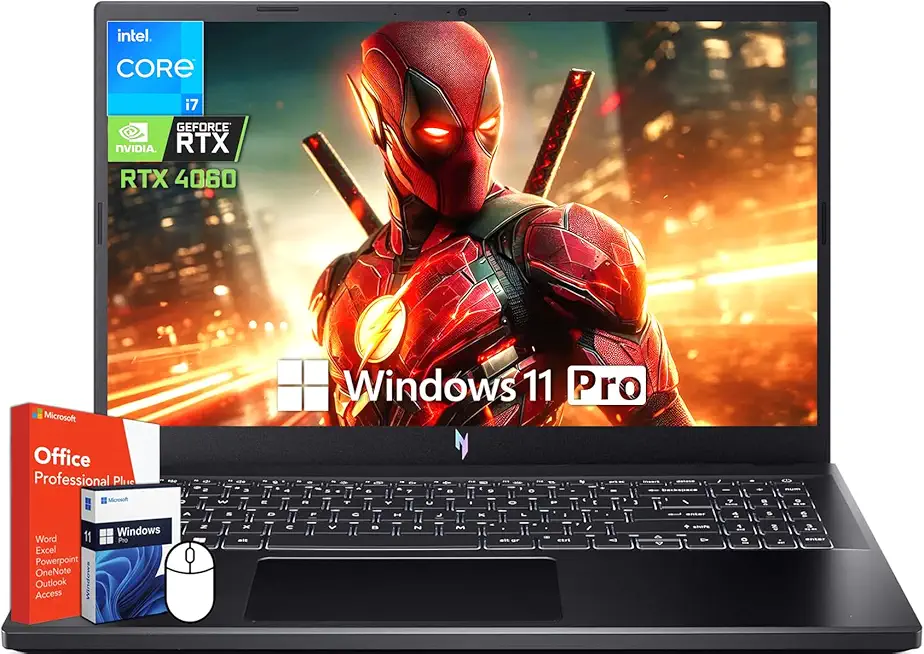
acer Nitro V 15 Gaming Laptop, 15.6" 144Hz FHD Display, Intel 10-Core i7-13620H, NVIDIA GeForce RTX 4060, 64 GB DDR5 RAM, 4 TB SSD, Backlit Keyboard, Microsoft Office Lifetime License, Windows 11 Pro
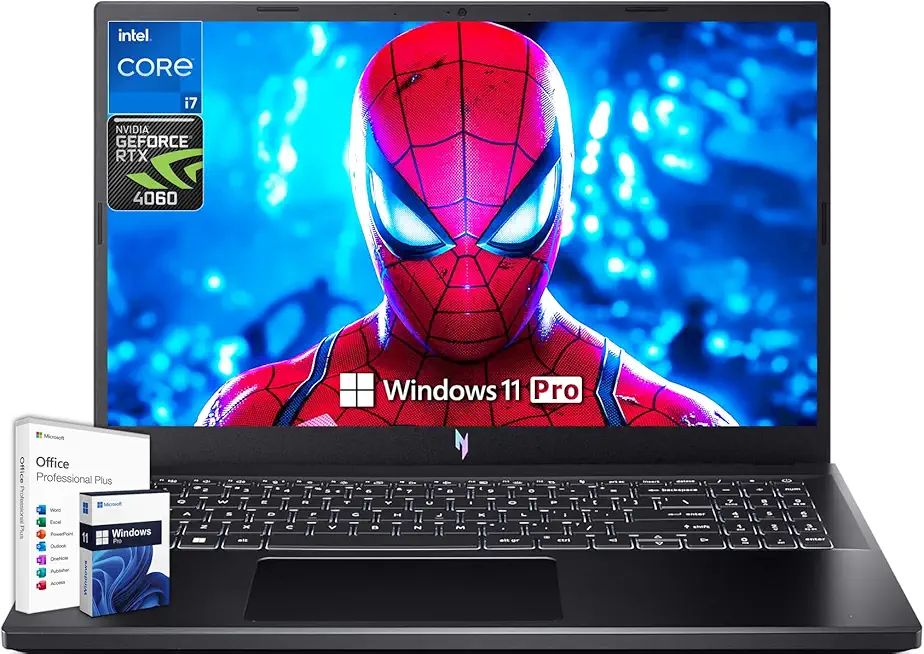
acer Nitro V 15 Gaming Laptop, Microsoft Office Lifetime License & Windows 11 Pro, 15.6" 144Hz FHD Display, Intel 10-Core i7-13620H, NVIDIA GeForce RTX 4060, 64GB DDR5 RAM, 4TB SSD, Backlit Keyboard

Adobe Photoshop Elements 2025 | PC/Mac | Software Download | Photo Editing | 3-year term license | Activation Required
