CompTIA A+ Core 2 Last-Minute Study Guide

Techvault Academy
@techvaultacademyAbout
Helping IT career changers and busy professionals pass their CompTIA exams on the first try—without wasting months on ineffective study methods. Our proven study frameworks have helped thousands of students transition into well-paying tech careers, even those with zero prior experience. From practice questions to domain mastery guides, we break down complex technical concepts into easy-to-understand lessons that stick. 👉 Get our FREE A+ Core 1 Study Plan at techvaultacademy.com and discover why our students pass in half the industry-average study time. Join 12.8K+ future IT professionals who are transforming their careers one certification at a time!
Latest Posts


Video Description
👇 **Get Your FREE A+ Success Toolkit (Study Plan, Quiz & More) in the PINNED COMMENT below!** 👇 🚀 **A+ STUDY RESOURCES** 🚀 ► Full Study Packs & Bundles: https://techvaultacademy.com/#product-bundles ► Join our FREE Community Hub: https://techvaultacademy.com/community/ This comprehensive last-minute review covers all essential domains of the CompTIA A+ Core 2 exam, expertly condensed into an efficient study session. ## Domain 1: Operating Systems (00:00:00 - 00:46:39) - **Windows Editions Compared** (00:00:00 - 00:13:00) - Windows 10 editions (Home, Pro, Pro for Workstations, Enterprise) - Key differences in RAM limits, features, and remote desktop capabilities - Windows 11 fundamentals and upgrade paths - **Command Line Mastery** (00:13:00 - 00:25:00) - Navigation commands (CD, DIR, MD) - File manipulation (COPY, XCOPY, ROBOCOPY) - Network tools (IPCONFIG, PING, TRACERT) - Disk management (DISKPART, FORMAT, DEFRAG) - **Windows Management Tools** (00:25:00 - 00:46:39) - Task Manager (00:25:00) - MMC and critical snap-ins (00:27:40) - Control Panel essentials (00:36:06) - Settings app functionality (00:41:12) ## Domain 2: Security (00:46:39 - 01:29:00) - **Physical & Logical Security** (00:46:39 - 00:51:35) - Physical access controls, biometrics, and security measures - Authentication methods and least privilege principles - **Wireless Security** (00:51:35 - 00:56:58) - WPA2/WPA3 protocols and best practices - Authentication systems (RADIUS, TACACS+, Kerberos) - **Malware & Threat Protection** (00:56:58 - 01:10:44) - Types of malware and their characteristics - Detection, prevention, and removal strategies - **Social Engineering Defenses** (01:10:44 - 01:17:06) - Phishing, vishing, social engineering tactics - Threat recognition and mitigation - **Windows Security Configuration** (01:17:06 - 01:23:38) - Windows Defender, firewall settings - User permissions and BitLocker encryption - **Mobile Device Security** (01:23:38 - 01:29:00) - Screen locks, remote wipes, and device encryption - IoT security considerations ## Domain 3: Software Troubleshooting (01:29:00 - 01:43:29) - **Windows Recovery Environment** (01:29:00 - 01:32:43) - WinRE tools, Safe Mode, and System Restore - Troubleshooting boot problems and BSODs - **Security Issue Resolution** (01:32:43 - 01:35:44) - Identifying malware symptoms - Certificate and browser redirection problems - **Malware Removal Procedure** (01:35:44 - 01:37:29) - CompTIA's 7-step malware removal process - **Mobile OS Troubleshooting** (01:37:29 - 01:43:29) - Common app and connectivity issues - Battery, screen, and security problems ## Domain 4: Operational Procedures (01:43:29 - 02:05:38) - **Documentation Best Practices** (01:43:29 - 01:47:20) - Network diagrams, SOPs, and knowledge bases - Ticketing systems and asset management - **Change Management** (01:47:20 - 01:49:40) - Change control procedures and rollback plans - Testing and documentation requirements - **Backup and Recovery** (01:49:40 - 01:52:32) - Windows backup methods (File History, System Image) - Backup strategies and verification - **Safety Procedures** (01:52:32 - 01:56:03) - ESD prevention, electrical safety - Physical safety considerations - **Environmental Controls** (01:56:03 - 01:58:35) - Temperature, humidity guidelines - Power protection devices and hazardous materials - **Security & Privacy Guidelines** (01:58:35 - 02:02:14) - Incident response, licensing compliance - Regulated data handling (PII, PHI, PCI DSS) - **Professional Communication** (02:02:14 - 02:05:38) - Customer service techniques - Handling difficult situations professionally ## Bonus Topics - **Scripting Fundamentals** (02:05:38 - 02:11:00) - Basic data types and script constructs - File extensions for different scripting languages - **Remote Access Technologies** (02:11:00 - 02:18:38) - RDP, SSH, VPN configurations and security Master these concepts and you'll be well-prepared to pass your CompTIA A+ Core 2 exam with confidence! Visit techvaultacademy.com for additional study resources. Let's pass that exam together! #CompTIA #APlus #ITCertification

![CompTIA A+ 220-1101: 25 Practice Questions on Mobile Device Networking [2023]](https://imgz.pc97.com/?width=500&fit=cover&image=https://i.ytimg.com/vi/zRDr8xhlOG4/hqdefault.jpg)

Upgrade Your Everyday Bag
AI-recommended products based on this video

EMEET C960 Webcam with Tripod, 1080P Webcam with Microphone, Adjustable Height Mini Tripod, C960 Web Camera with Privacy Cover, Plug & Play with Stand for Zoom/Skype/YouTube/FaceTime

VOLTME Portable Charger, Slim 10000mAh 5V/3A Power Bank, USB C in&Out High-Speed Charging Battery Pack, Travel Essentials Dual Output Compatible with iPhone 16 15 14 13 12 Samsung Google iPad etc
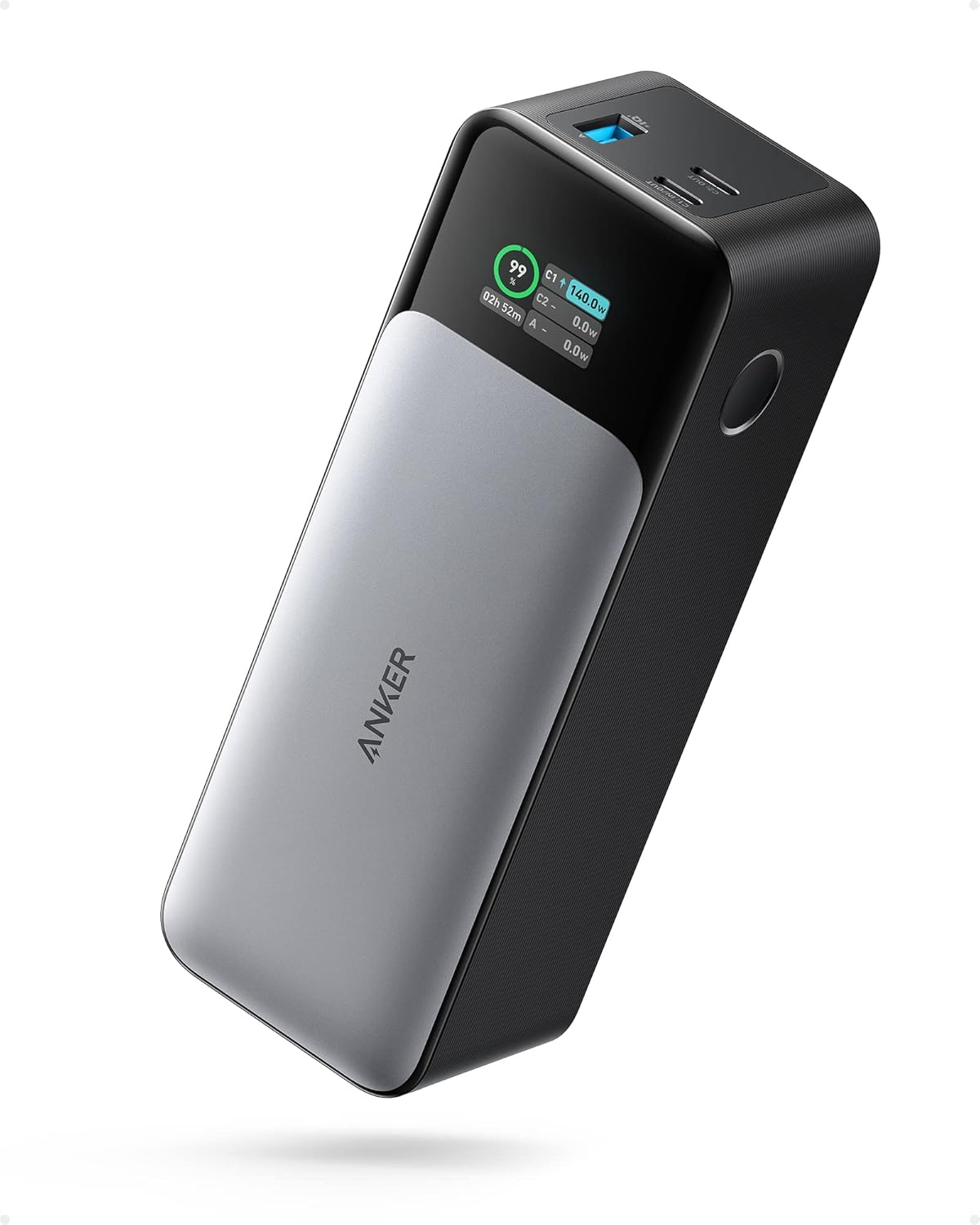
ANKER 737 Power Bank, 24,000mAh 3-Port Laptop Portable Charger with 140W Fast Charging, Smart Display, for Outdoor Work, Compatible with iPhone 16/15/14 Series, Vision Pro, Samsung, MacBook, and More

UGREEN Nexode Power Bank 20000mAh 130W Portable Charger 72Wh PD Fast Charging 3-Port USB C Battery Pack with TFT Smart Display for MacBook/iPad/iPhone 16/Samsung S24 and More

Power Bank 20,000mAh, 45W Fast Charging Laptop Portable Charger with Built-in USB C Cable, Travel Essential External Battery Pack with LED Display for MacBook iPad iPhone 16/15/14/13/Galaxy
