Cursor AI Agents Work Like 10 Developers (Cursor VP Live Demo)

Greg Isenberg
@GregIsenbergAbout
Subscribe for startup ideas & tutorials on on how to use AI to build & grow your startup. Hey, I’m Greg - CEO of Late Checkout and ex-advisor to Reddit, TikTok, and more. I post videos here from my podcast top 0.1% tech podcast called The Startup Ideas Podcast. You can also listen to The Startup Ideas Podcast on Apple Podcasts and Spotify. I keep it practical and never gatekeep the sauce. I share what I'm learning in real-time. Happy building
Latest Posts



Video Description
Join me as I chat with Lee Robinson, VP of Developer Experience at Cursor, as he shares practical tips for maximizing productivity with Cursor's AI coding tools. He demonstrates how to structure prompts, create custom commands, and leverage agents for everything from bug fixes to code reviews. The conversation highlights how AI tools are making software development more accessible while enabling developers to build higher quality products with less effort. Timestamps: 00:00 - Intro 01:49 - Using AI Agents in Cursor 08:21 - Custom Rules within Cursor 11:49 - BugBot and code review automation 17:19 - CLI and headless options for Cursor agents 19:29 - Tips for getting the most out of Cursor 21:09 - Examples of innovative software built with Cursor Get Your Complete Financial OS at https://dub.sh/brex-sip Key Points: • Lee demonstrates how to effectively use Cursor's AI agents for discrete coding tasks • Setting up proper linting, formatting, and testing helps agents self-correct their outputs • Custom commands and rules can be created to enhance code reviews and writing quality • Cursor offers CLI and headless options for running agents in automation workflow 1) Create New Chats for Each Task Lee showed us his workflow - he created 20+ separate agent chats in a single day! WHY? Because context window matters: • Each new chat = fresh brain for the AI • Prevents "memory overload" • Keeps responses focused and high-quality Don't clog the AI's brain with unrelated tasks! 2) Tag Files Explicitly in Your Prompts When working with agents, be direct about which files you want analyzed: • "I want to add event tracking when this button is clicked" • Tag specific files to pull them into context • Simple, clear instructions work BETTER than complex prompts The AI needs to know what to focus on - be specific! 3) Set Up Linters & Tests for Self-Correction This is GAME-CHANGING: Lee configures his projects with: • TypeScript • Linters • Formatting rules • Tests The result? The agent can READ ITS OWN OUTPUT and fix errors automatically without human intervention! Your AI becomes self-healing 4) Create Custom Rules & Commands Lee showed two POWERFUL examples: A) Writing Rules: • Banned marketing jargon ("mission-critical," "seamless") • LLM patterns to avoid ("It's not just X, it's Y") • Voice and tone guidelines B) Custom Commands: • /code-review that checks for edge cases • Security reviews • Loading states • Test quality These become your personal coding standards! 5) Use BugBot for Automated Code Reviews Cursor's BugBot can: • Automatically review PRs • Find issues humans might miss • Comment directly in GitHub • Fix internationalization problems Linear uses this for their "zero bug policy" - they have agents triage and fix bugs IMMEDIATELY after customer reports! 6) Run Agents Headlessly with CLI For advanced users: • Run cursor agents from terminal • Automate in CI/CD pipelines • Trigger from Slack (!!) • Fix bugs without even opening your editor Lee showed how he fixed a bug reported on X by triggering an agent FROM HIS PHONE in Slack 7) Avoid Context Overload The #1 mistake Lee sees: "People are just trying to give the model way too much stuff" When context hits 80-90%, quality drops dramatically. Research shows even million-token models get confused with too much context. NEW TASK = NEW CHAT. This is crucial! 8) Build "Personal Software" with Cursor The most exciting trend Lee's seeing: • 6-year-olds coding with AI • Custom debugging tools that would be "too expensive" to build manually • Vertical-specific apps using models like Nano Banana When coding is easy, you can build tools you'd never justify before! The #1 tool to find startup ideas/trends - https://www.ideabrowser.com/ LCA helps Fortune 500s and fast-growing startups build their future - from Warner Music to Fortnite to Dropbox. We turn 'what if' into reality with AI, apps, and next-gen products https://latecheckout.agency/ Boringmarketing - Vibe Marketing for Companies: http://boringmarketing.com/ The Vibe Marketer - Join the Community and Learn: http://thevibemarketer.com/ Startup Empire - a membership for builders who want to build cash-flowing businesses https://www.skool.com/startupempire/about FIND ME ON SOCIAL X/Twitter: https://twitter.com/gregisenberg Instagram: https://instagram.com/gregisenberg/ LinkedIn: https://www.linkedin.com/in/gisenberg/ FIND LEE ON SOCIAL X/Twitter: https://x.com/leeerob YouTube: https://www.youtube.com/@leerob Personal Website: https://leerob.com/












AI Development Must-Haves
AI-recommended products based on this video

【Best Sellers Rank 1#】1/2/3/4/5PCS New 𝐙𝐞𝐩𝐡𝐭𝐚 𝐇-𝐑𝐞𝐠𝐫𝐨𝐰 𝟐.𝟎, 𝐙𝐞𝐩𝐡𝐭𝐚 𝐇𝐚𝐢𝐫 𝐑𝐞𝐠𝐫𝐨𝐰𝐭𝐡, 𝐙𝐞𝐩𝐡𝐭𝐚 𝐇-𝐑𝐞𝐠𝐫𝐨𝐰 𝟐.𝟎 𝐅𝐨𝐫𝐦𝐮𝐥𝐚, 𝐇𝐚𝐢𝐫 𝐑𝐞𝐠𝐫𝐨𝐰𝐭𝐡 𝐑𝐢𝐜𝐞 𝐍𝐮𝐭𝐫𝐢 𝐒𝐩𝐫𝐚𝐲, 𝐋𝐨𝐧𝐠𝐞𝐫 𝐚𝐧𝐝 𝐅𝐮𝐥𝐥𝐞𝐫 𝐇𝐚𝐢𝐫, 𝐰𝐢𝐭𝐡 𝐁𝐢𝐨𝐭𝐢𝐧 𝐚𝐧𝐝 𝐂𝐚𝐟𝐟𝐞𝐢𝐧𝐞, 50ml/1.7 fl.oz (3PCS Hair Regrowth Agent)
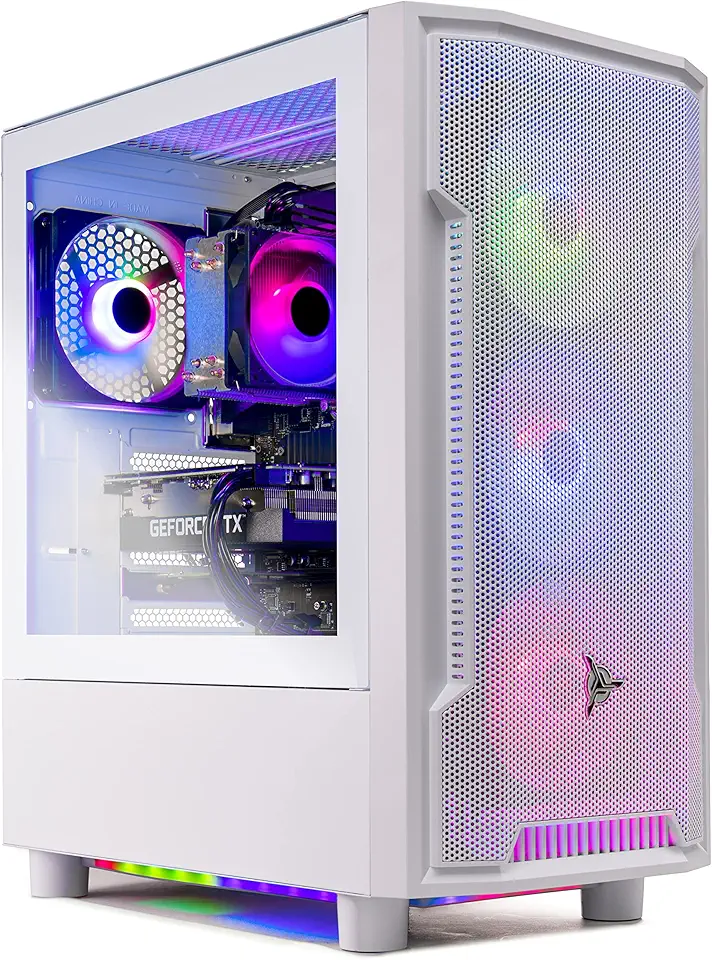
Skytech Archangel Gaming PC Desktop – AMD Ryzen 5 3600 3.6 GHz, NVIDIA RTX 3060, 1TB NVME SSD, 16GB DDR4 RAM 3200, 600W Gold PSU, 11AC Wi-Fi, Windows 11 Home 64-bit

Skytech Blaze 3.0 Gaming PC Desktop – Intel Core i5 12400F 2.5 GHz, NVIDIA RTX 3060, 500GB NVME SSD, 16GB DDR4 RAM 3200, 600W Gold PSU, 11AC Wi-Fi, Windows 11 Home 64-bit

MSI NVIDIA GeForce RTX 3050 Ventus 2X XS 8G OC Graphics Card - 8 GB GDDR6, 1807 MHz, PCI Express Gen 4, 128 Bits, DP v 1.4a, DL DVI-D, HDMI 2.1 (Supports 4K at 120Hz)

Asus Dual NVIDIA GeForce RTX 3050 6GB OC Edition Gaming Graphics Card - PCIe 4.0, 6GB GDDR6 Memory, HDMI 2.1, DisplayPort 1.4a, 2-Slot Design, Axial-tech Fan Design, 0dB Technology, Steel Bracket

Intel Core i9-12900KF Desktop Processor 16 (8P+8E) Cores up to 5.2 GHz Unlocked LGA1700 600 Series Chipset 125W
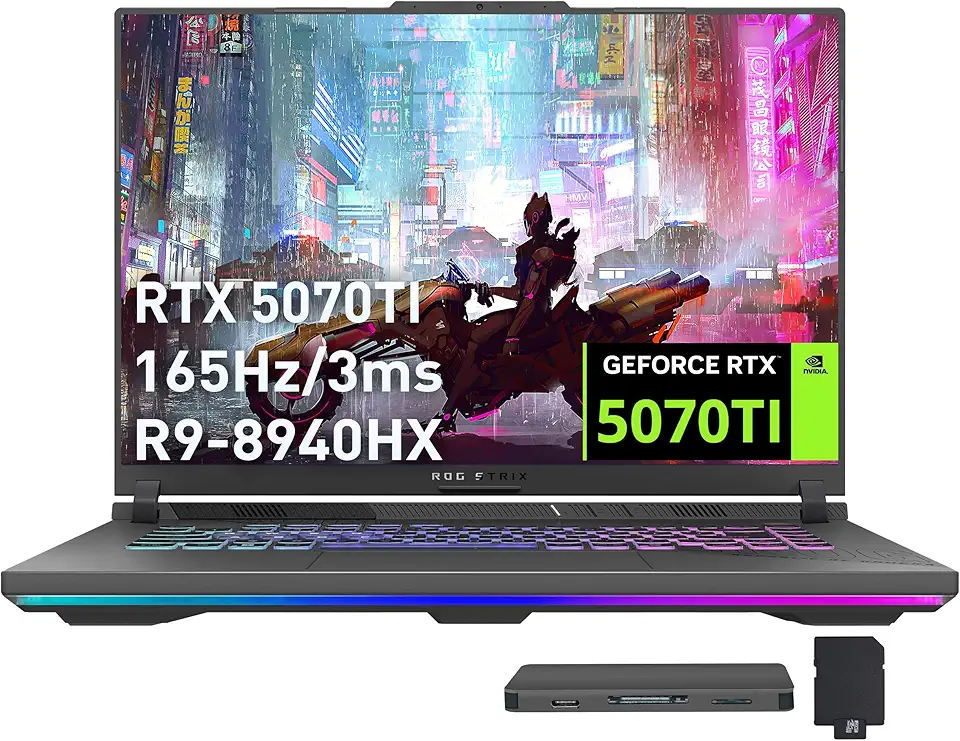
ASUS ROG Strix G16 Gaming Laptop, GeForce RTX 5070 Ti 12GB GDDR7, AMD Ryzen 9 8940HX, 64GB DDR5, 2TB SSD, Backlit Keyboard, Wi-Fi 6E, 16" WUXGA 165Hz Display, Win 11, Gray, 1TB Docking Station Set

Lenovo Legion Pro 5 16" WQXGA 165Hz Gaming Laptop, AMD Ryzen 9 9955HX, GeForce RTX 5070, 32GB DDR5, 3TB Storage (2TB SSD+1TB Docking Station Set), 24-Zone RGB Backlit Keyboard, WiFi 7, Win 11, Black

GEEKOM A7 Max Mini PC (Flagship Level Performance), AMD Ryzen 9 7940HS (Up to 5.2GHz),Mini Computer 16GB DDR5 RAM and 1TB PCIe 4.0 SSD, Windows 11 Pro, Quad 8K Display, USB4, Dual 2.5G LAN, Wi-Fi 6E

GEEKOM A8 AI Mini PC (3-Year Quality Support) with AMD Ryzen 9 8945HS Mini Computers, 32GB DDR5 RAM&2TB M.2 2280 NVMe Gen4*4 SSD, Windows 11 Pro Mini Desktop, WiFi 6E/BT5.2/USB4/8K/Quad Display

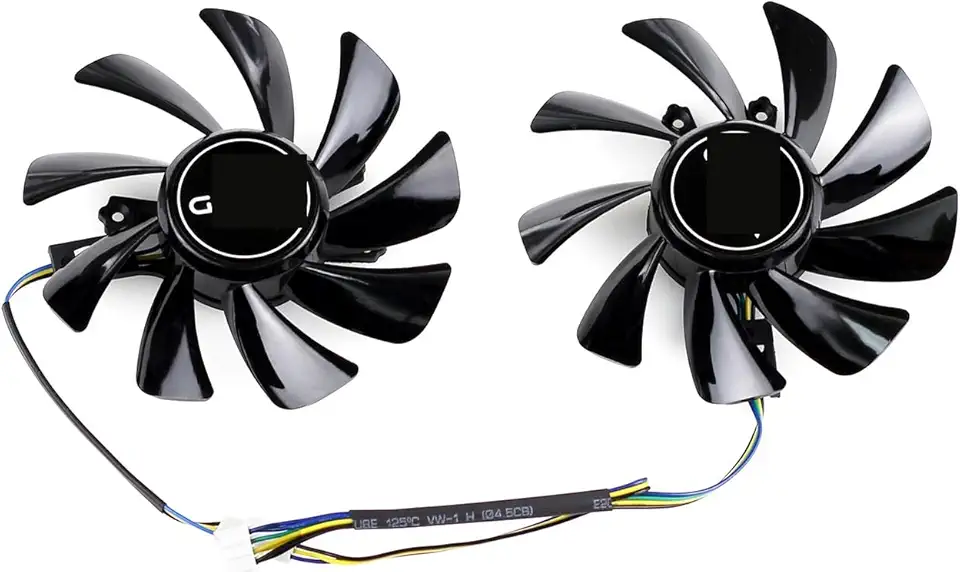
95MM T129215SU Cooling Fan for ASUS ROG Strix for GeForce RTX 3060 3070 3080 3090 Ti Graphics Card CF1010U12S/D T129215BU(Black A-Fan T12)
ASUS ROG Strix G16 Gaming Laptop, GeForce RTX 5070 Ti 12GB GDDR7, AMD Ryzen 9 8940HX, 64GB DDR5, 2TB SSD, Backlit Keyboard, Wi-Fi 6E, 16" WUXGA 165Hz Display, Win 11, Gray, 1TB Docking Station Set

ASUS ROG Strix G16 (2024) Gaming Laptop, 16” 16:10 FHD+ 165Hz, GeForce RTX 4060, Intel Core i7-13650HX, 16GB DDR5, 1TB PCIe SSD, Wi-Fi 6E, Windows 11, G614JV-AS71-CA

Asus ROG STRIX Z890-A GAMING WIFI Z890 LGA 1851 ATX motherboard, Intel® Core™ Ultra Series 2 Ready, Advanced AI PC-ready, 16+2+1+2 stages, DDR5, WiFi 7, 2.5G, 5x M.2, Thunderbolt™ 4, USB Type-C, AI OC

LG UltraWide 34WP65C-B 34 Inch 21:9 Curved FreeSync 1ms 160 Hz WQHD(3440 x 1440) Gaming Monitor, Black
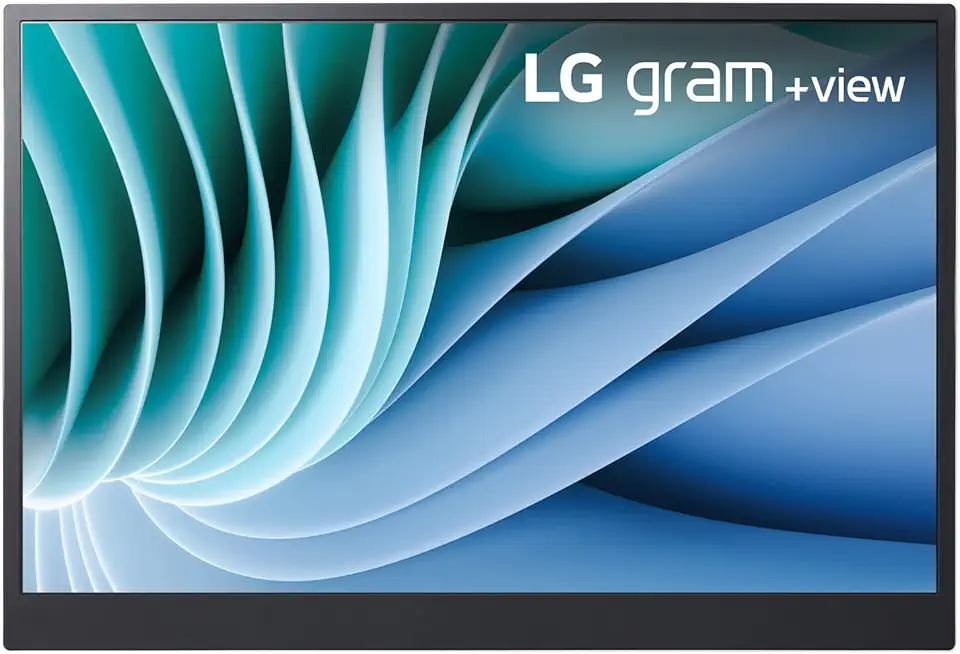
Lg gram 16-inch +View Portable Monitor with USB Type-C, DCI-P3 99% (Typ.), Auto Rotate, Two-Way Supported Folio Cover

StanbyME LG 27-Inch Class Smart Portable Touch Screen Monitor 27ART10AKPL. Built-in 3 Hour Battery, Full Swivel Rotation, Rollable. LG Stanbyme, Standbyme, Stand by me.
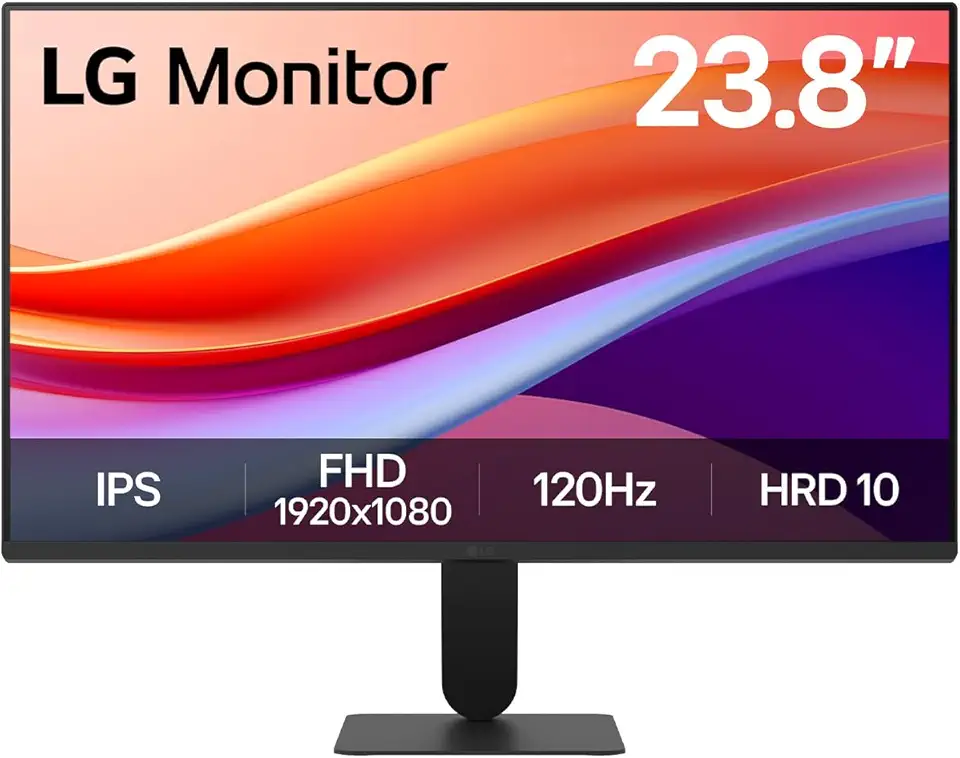
LG 24U411A-B 23.8" FHD (1920x1080) IPS Display Computer Monitor, 120Hz Refresh Rate, sRGB 99% (Typ.), USB-C, Reader Mode & Flicker Safe, Dynamic Action Sync, Black Stabilizer, Slim Stand Base, Black

Logitech M185 Wireless Mouse, 2.4GHz with USB Mini Receiver, 12-Month Battery Life, 1000 DPI Optical Tracking, Ambidextrous, Compatible with PC, Mac, Laptop - Black

Logitech G305 Lightspeed Wireless Gaming Mouse, Hero 12K Sensor, 12,000 DPI, Lightweight, 6 Programmable Buttons, 250h Battery Life, On-Board Memory, PC/Mac - Black

Logitech K400 Plus Wireless Touch TV Keyboard With Easy Media Control and Built-in Touchpad, HTPC Keyboard for PC-connected TV, Windows, Android, Chrome OS, Laptop, Tablet - Black

Logitech G435 Lightspeed and Bluetooth Wireless Gaming Headset - Lightweight Over-Ear Headphones, Built-in mics, 18h Battery, Compatible with Dolby Atmos, PC, Mobile - Black

Western Digital 2TB WD Blue SA510 SATA Internal Solid State Drive SSD - SATA III 6 Gb/s, 2.5"/7mm, Up to 560 MB/s - WDS200T3B0A

Thermalright Aqua Elite 240 V3 Liquid CPU Cooler, 240 Cooling Row Size, 2 x 120mm PWM Fans, S-FDB Bearings,for AMD/AM4/AM5, Intel LGA1150/1151/1155/1156/1200/2011/1700,Desktop CPU Cooler AIO
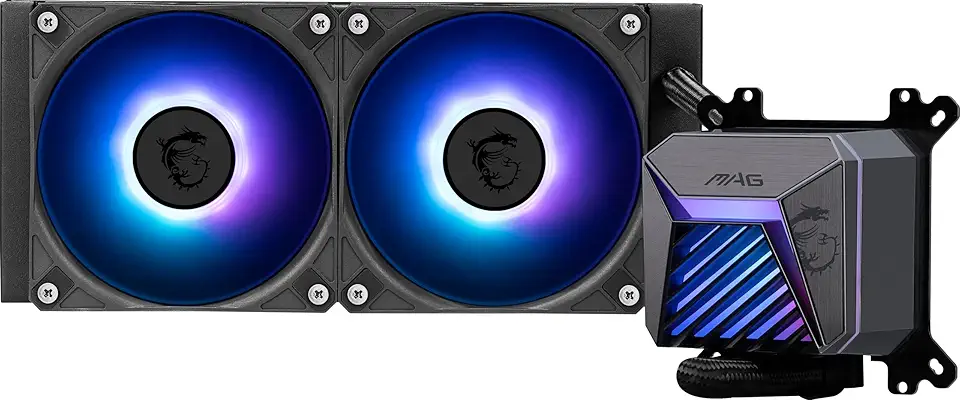
MSI MAG CORELIQUID A15 240 - AIO ARGB CPU Liquid Cooler - 240mm Radiator - AM5, LGA 1851 Ready - Dual 120mm ARGB PWM Fans, Black
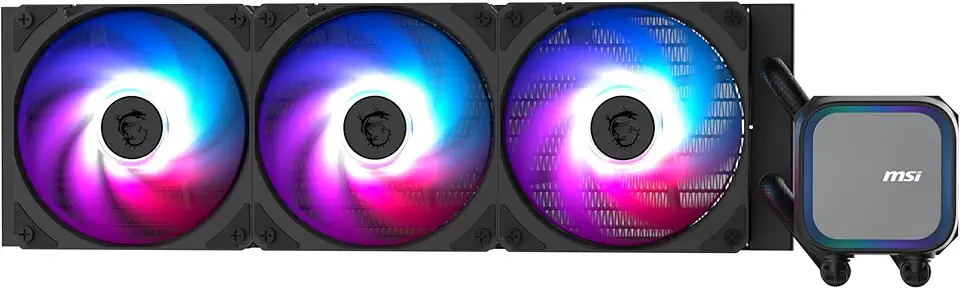
MSI MAG Coreliquid A13 360 - AIO ARGB CPU Liquid Cooler - 360mm Radiator - LGA 1851 Ready - Triple 120mm ARGB PWM Fans, Black