DaVinci Resolve Start-to-Finish Editing Tutorial for Beginners

Ben Claremont
View ChannelAbout
Helping you make EPIC 360 content with Insta360 cameras 🤩🎥 Tutorials, gear reviews & creative ideas to take your 360 content pro — for social media or business. 💼 Business inquiries: [email protected]
Latest Posts


Video Description
🚀 SPEED EDIT in DaVinci with my Free Shortcuts: https://www.benclaremont.com/davincishortcuts Unlock the easiest way to edit professional-looking videos using DaVinci Resolve with this step-by-step tutorial designed for total beginners. Learn the essential tools, pro editing shortcuts, and a foolproof 3-step process—all with zero cost and zero overwhelm. Stuff I mentioned in this video 👇🏻 DaVinci Resolve: https://www.blackmagicdesign.com/products/davinciresolve Sandisk SSD Drive: https://amzn.to/3SqyI6K CRAZY FAST SSD Drive: https://amzn.to/4cm6zXl Epidemic Sound: http://share.epidemicsound.com/zPPzN Adobe Podcast: https://prf.hn/l/BJbmaR1/ 🎨 Colour Correction video i mentioned: https://youtu.be/QB_GKc6LqIM 🎬 My DaVinci Resolve Editing Setup (affiliate links — I may earn a small commission): • DaVinci Resolve FREE VERSION: https://www.blackmagicdesign.com/au/products/davinciresolve • DaVinci Resolve STUDIO (Paid version): https://geni.us/bcdavinci • My Editing Laptop: https://geni.us/bcmacbookair • FAST Editing Hard drive i use: https://geni.us/bcsandisk • Mic i use for voiceovers: https://geni.us/bcshure • Where i get my music & SFX: https://share.epidemicsound.com:443/zPPzN 0:00 Intro 0:35 The editor i recommend 1:29 File management 2:49 The 3 stages of video editing 3:21 Essential project settings 4:49 Importing & previewing footage 5:55 Timeline basics 7:10 Syncing external sound 8:16 Cutting & trimming clips 10:15 Speed editing with keyboard shortcuts 13:01 Zooming & reframing 13:59 Adding B roll 15:24 Refining your 1st edit 15:59 Adding transitions 16:56 Adding text 20:52 Adding logos & overlays 21:54 Fixing sound & dialogue 24:13 Adding music 26:10 Colour grading 27:24 Export settings 28:37 Final tips #videoediting #davinciresolve #beginners DISCLOSURE: I often recommend products I use and love. Some of the links above are affiliate links, meaning I may earn a small commission if you purchase through them — at no extra cost to you. As an Amazon Associate, I earn from qualifying purchases.
You May Also Like






Boost Your Video Editing Skills Today
AI-recommended products based on this video

Smart Watch for Men/Women, 1.95" AMOLED Fitness Tracker Watches with Bluetooth Calls/Flashlight/100+ Sport Modes Heart Rate/Sleep Monitor Ultra Lightweight Ultrathin Design

LG 32UR500K-B Ultrafine 32-inch 4K UHD (3840x2160) Computer Monitor HDR10 Built-in Speaker x2 OnScreen Control Reader Mode Flicker Safe Borderless Design HDMIx2 DisplayPort Black

Wireless Bluetooth Mouse for Apple iPad iPhone MacBook Android Samsung Tablet Phone Dual-Mode Rechargeable 2.4G Portable Computer Mice for Windows Laptop Notebook PC Mac Desktop USB Receiver (Black)

VOLTME Portable Charger, Slim 10000mAh 5V/3A Power Bank, USB C in&Out High-Speed Charging Battery Pack, Travel Essentials Dual Output Compatible with iPhone 16 15 14 13 12 Samsung Google iPad etc
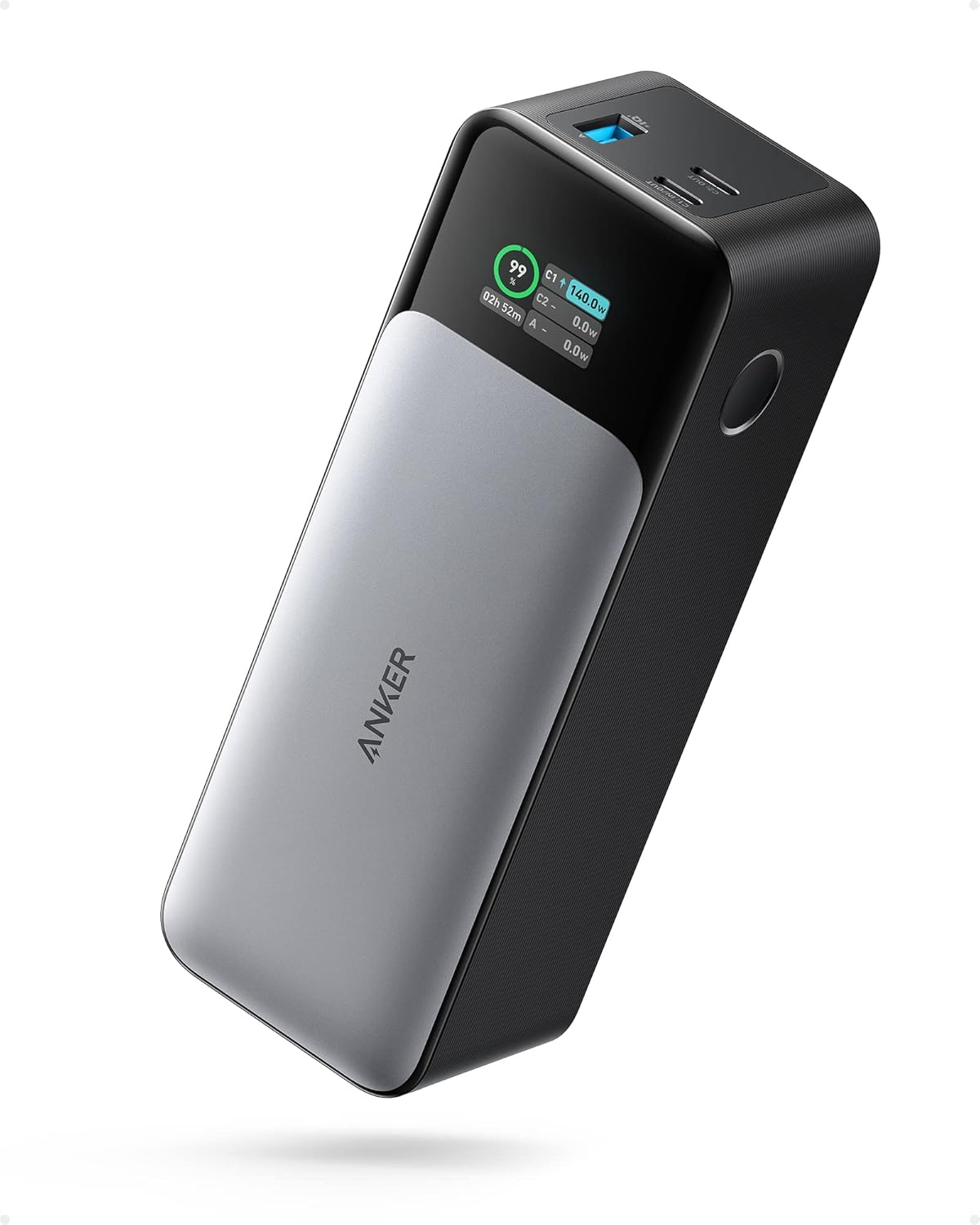
ANKER 737 Power Bank, 24,000mAh 3-Port Laptop Portable Charger with 140W Fast Charging, Smart Display, for Outdoor Work, Compatible with iPhone 16/15/14 Series, Vision Pro, Samsung, MacBook, and More

VEEKTOMX Portable Charger with Built in Cables 10000mAh, Power Bank for iPhone with Wall Plug, Travel Essential Fast Charging USB C Slim External Battery Pack for iPhone16/15/14, Samsung, iPad, etc
