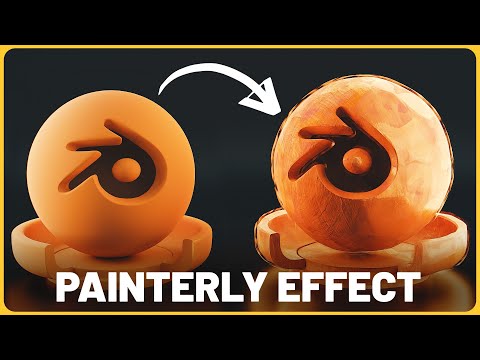
EASIEST Way to Make Painterly Animations in Blender 3D (Procedural Shader)

SouthernShotty
View ChannelAbout
Learn all things Blender 3D with a focus on characters, animation, rigging, and motion graphics!
Latest Posts
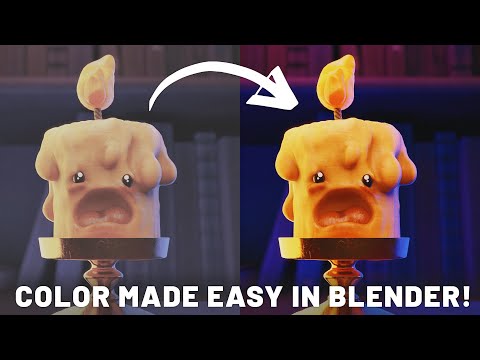

Video Description
25% OFF PRODUCTS NOW Dynamic VFX Pack (Free Sample Pack): https://blendermarket.com/products/blender-dynamic-vfx---elemental-asset-pack FREE PAINTERLY MAPS: Crafty Asset Pack (Free Sample Pack): https://blendermarket.com/products/crafty-asset-pack Patreon: https://www.patreon.com/southernshotty Skillshare (affiliate link): https://www.skillshare.com/r/user/southernshotty ----------------------------------------------------------------------------------------------------------- Tag me in your artwork on Instagram and Twitter @SouthernShotty Instagram: https://www.instagram.com/southernshotty/ Twitter: https://twitter.com/SouthernShotty ----------------------------------------------------------------------------------------------------------- Some tutorials I liked with their own painterly approaches: https://www.youtube.com/watch?v=6uaJ0L4E390 https://www.youtube.com/watch?v=MgZsVBVZ3Nc https://www.youtube.com/watch?v=s8N00rjil_4 We'll guide you through the process of setting up procedural shaders in Blender, showing you how to manipulate nodes to achieve a dynamic, painterly effect that automatically applies across your entire animation. This method not only simplifies the creation process but also allows for incredible flexibility in adjusting the style and colors of your animation on the fly.
No Recommendations Found
No products were found for the selected channel.