EASIEST Way To Trademark a Name or Logo | No Lawyer Needed!

About
No channel description available.
Latest Posts
No results found. Try different keywords.
Video Description
Here's my method and the EASIEST Way To Trademark a Name or Logo. I use this method to trademark brands for my e-commerce store on Amazon without the assistance of a lawyer/attorney. USPTO recently launched its beta version of this application. I cover how to navigate through the new application layout here: https://youtu.be/bUnYCwz6-6E. ----------------------------------------------------------------------------------- 🔔 DEBT TO DOLLAR$🔔 Hi, my name is Josh and I focus this channel on turning side hustles into financial freedom. Subscribe if you’d like to learn more. ↪︎ AI Product Research: https://www.productxpert.ai ↪︎ EXCLUSIVE Coaching Program: https://www.fbamentoring.com/services ↪︎ MASSIVE Jungle Scout Discount: https://get.junglescout.com/JS-DTD ↪︎ ALL Links - One Place: https://linktr.ee/debttodollars ----------------------------------------------------------------------------------- 📦 Amazon Seller Equipment 📦 -Thermal Printer For Barcodes/Labels: https://amzn.to/4gXfosf -Thermal Printing Paper: https://amzn.to/4ae7N62 -Digital Scale For Shipping Weights (Small): https://amzn.to/40d0M0O -Digital Scale For Shipping Weights (Large): https://amzn.to/3PTeVeZ -Boxes For Shipping To FBA: https://amzn.to/40uV5wo -Bubblewrap For Protection: https://amzn.to/40t2VH4 -Packing Tape: https://amzn.to/4g17xIS -Polybags For Individual Packaging: https://amzn.to/4heydqu -Barcode Scanner (FBM Sellers): https://amzn.to/3C27TkF -Team Lift Tape For Heavy Sets/Units: https://amzn.to/4fUDLFJ -Lightbox For Product Photography: https://amzn.to/4fY3DQS -Phone Tri-Pod (Use Your Phone For Product Photography & Save Money): https://amzn.to/40vHIMI ----------------------------------------------------------------------------------- ⏲ TIMESTAMPS ⏲ 0:00 Intro 0:49 What Are You Trademarking? 1:08 Searching For Active/Existing Trademarks (TESS) 2:52 Create Your Trademark (Logo) 4:00 Search The Trademark ID Manual 6:21 Create A TEAS/USPTO Account 7:12 Step 1: TEAS Plus or Standard? 8:26 Step 2: Ownership of Trademark Information 10:13 Step 3: Uploading Your Trademark/Logo 13:17 Step 4: Add Goods/Services/Classes 14:23 Section 1(a) or Section 1(b)? 15:33 Step 5: Sign The Application 17:28 Step 6: Review & File ----------------------------------------------------------------------------------- 📎 VIDEO LINKS 📎 ↪︎ Canva/Create Your Logo: https://www.canva.com ↪︎ USPTO ID Manual: https://idm-tmng.uspto.gov/id-master-list-public.html ↪︎ Search For Active Trademarks: https://tmsearch.uspto.gov ↪︎ Application Link: https://www.uspto.gov/trademarks/login ----------------------------------------------------------------------------------- 📢 DISCLAIMER 📢 I am not a financial adviser or licensed attorney and topics covered in this video are to be used for entertainment purposes only. I do not claim any right over any of the graphics, images, songs used in this video. All rights reserved to the respective copyright owners. #DebtToDollars #AmazonFBA #Trademark
Essential Legal Branding Tools
AI-recommended products based on this video

MrBeast Kids Hoodie, Brushed Kids Fleece, Mr Beast Logo Design Kids Sweatshirt for Boys and Girls, Gifts for Kids
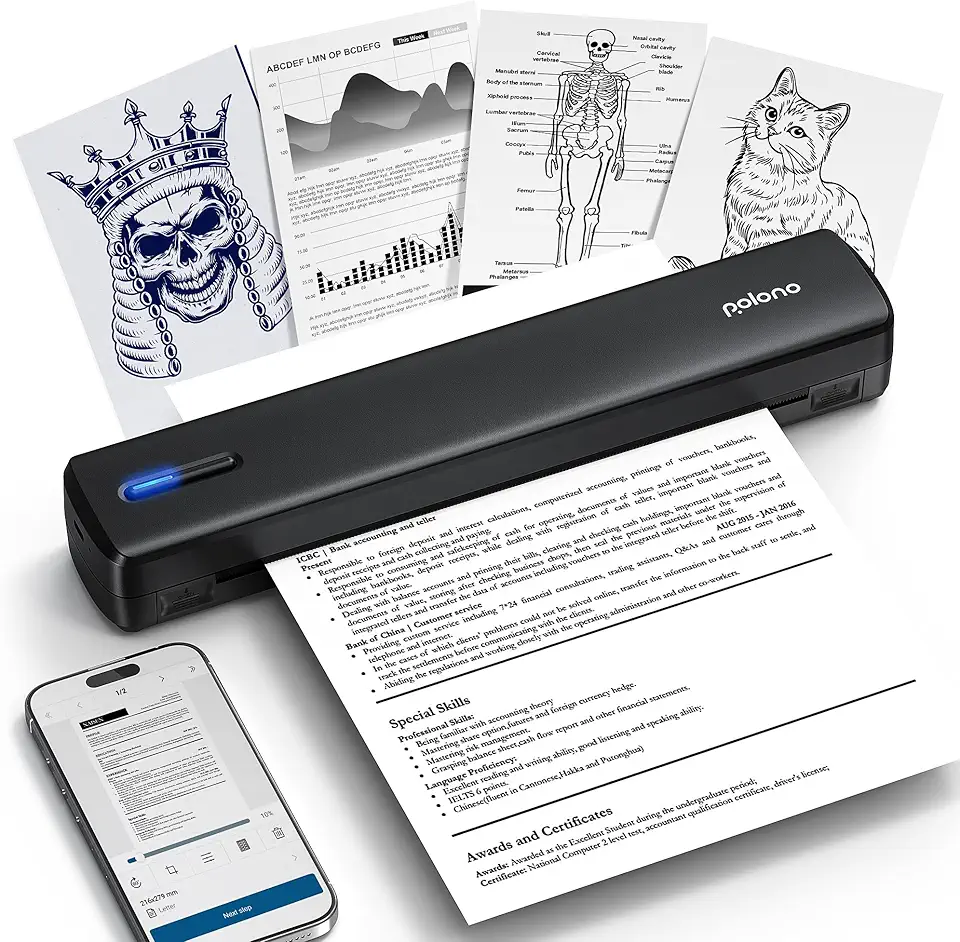
POLONO Portable Printer, D810 Inkless Bluetooth Thermal Printer Wireless for Travel, Compatible with iOS, Android, Laptop, Supports 8.5"x11" US Letter for Office, Car, Home, Black
MrBeast Kids Hoodie, Brushed Kids Fleece, Mr Beast Logo Design Kids Sweatshirt for Boys and Girls, Gifts for Kids

MaxGear Metal Business Card Holder for Men & Women, Professional Stainless Steel Card Case for Business Cards, Slim Purse Name Cards Holders Wallet with Interior Lining, Buckle Style Shut
MrBeast Kids Hoodie, Brushed Kids Fleece, Mr Beast Logo Design Kids Sweatshirt for Boys and Girls, Gifts for Kids