Elementor Pro + Advanced Custom Fields Tutorial 2021

Ferdy․com | Ferdy Korpershoek
@ferdycomAbout
I teach you how to make a website. How To Make A WordPress Website. How To Make An eCommerce Website. How To Make A Listing Website. How To Make An Affiliate Marketing Website. I provide tutorials with free tools like WordPress, Elementor, The Blocksy Theme, Astra Theme, Kadence Theme. And tutorials using paid tools like Elementor Pro, Divi, CartFlows, LearnDash, ConvertKit, Buddy Boss, and more. My goal is to help people to make a website and make it profitable by monetizing their website through services you offer, selling products or courses, placing ads on your website, and using affiliate links. I have been making websites since 1999 and with a lot of trial and error, I know what works and how you can make a professional website with the minimum amount of effort.



Video Description
WordPress enables you to create amazing websites. But when you want to take it to the next level by adding different kinds of pages with taxonomies, custom fields, and templates that display that information you need Custom Post Types, Advanced Custom Fields, and Eleementor Pro. In this video I show you how to do that. I will show you how to create a Custom Post Type that enables you to create a new kind of page for your website. Like a portfolio, or real estate. Movies. People. Etc. For instance, you can create a Custom Post Type called Penthouses. But within those Penthouses Pages, I can only add a title, content, Featured Images, and a category. But I want to add more information. Like the amount of space. Storage. Space. Etc. That is where ACF comes in. It allows me to create custom fields that enable me to fill in details about Penthouses really easily. When we have done that we can use the Dynamic Content Option within Elementor Pro to gather the information about the Custom Fields and Display them beautifully within our website. So. One more time. We create a new post type. Penthouses. Then we create custom fields. So we can fill in a lot of extra information about our Penthouses. And use Elementor Pro to display the information beautifully on our Penthouse page. This is commonly used on Real Estate Websites. But also websites like IMDB and Booking.com. 0:00 Intro 2:21 Get Elementor Pro 3:14 Create Custom Post Types 5:55 Choose A Custom Icon For Your Custom Post Type 7:00 Get The Free Advanced Custom Fields Plugin 11:09 Create Your First Case Study Post 15:09 Create A Template In Elementor Pro 42:32 Create The Case Study Archive Page 52:06 Create Related Cuse Studies 54:34 Show Case Studies On The Homepage















Essential Drone Accessories Now
AI-recommended products based on this video

DJI Mic Mini (2 TX + 1 RX), Detail-Rich Audio, Wireless Lavalier Microphone for Camera/Android, 2-Person Vlog, Team Production

SanDisk 128GB Extreme PRO SDXC UHS-I Memory Card - C10, U3, V30, 4K UHD, SD Card - SDSDXXD-128G-GN4IN
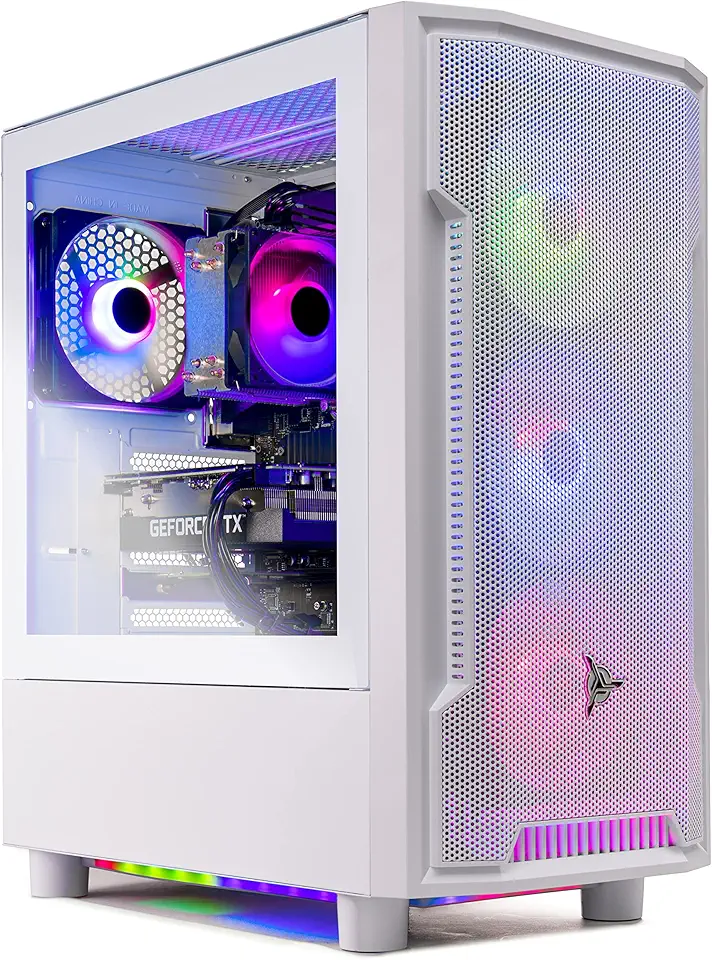
Skytech Archangel Gaming PC Desktop – AMD Ryzen 5 3600 3.6 GHz, NVIDIA RTX 3060, 1TB NVME SSD, 16GB DDR4 RAM 3200, 600W Gold PSU, 11AC Wi-Fi, Windows 11 Home 64-bit

SmallRig ZV-E1 Camera Baseplate for Sony ZV-E1, Built-in Cold Shoe Mount and QR Plate (for Arca) Quick Switch Between Tripod and Stabilizer for DJI RS 2 / RSC 2 / RS 3 / RS 3 Pro - 4314

NEEWER a6700 L Plate Compatible with Sony Alpha 6700, Quick Switch Aluminum Extendable Side Plate & Anti Twist Baseplate Compatible with Arca Swiss QR System DJI RS 2 RSC 2 RS 3 Pro Gimbals, CA048
