Excel VBA FIND Function (& how to handle if value NOT found)


Leila Gharani
View ChannelAbout
Excel. Power Query. Copilot. ChatGPT. Power BI. PowerPoint. You use them every day to automate Excel and your work - so why not actually master them? I’ll show you how to: ✔️Automate the stuff that drives you nuts ✔️ Spend less time on grunt work, more time on wow work ✔️ Build reports that look good AND actually make sense What You’ll Learn Here: ✔️ Excel, Power BI, PowerPoint, VBA, Google Sheets & more ✔️ AI-powered Excel & the future of work ✔️ Data & finance skills that give you an edge I don’t just teach this stuff - I use it daily. My goal? To help you think differently about the tools you already have, so you can work faster, and with confidence. 🎓 My background: MA in economics / Economist / Business Consultant / Accounting Systems Expert / Oracle & SAP implementations (for Finance) / Teacher & Microsoft MVP 💡 400,000+ professionals have taken my courses at XelPlus - because working smarter just makes sense. Join here 👉 https://www.xelplus.com/courses/
Latest Posts


Video Description
Join 400,000+ professionals in our courses here 👉 https://link.xelplus.com/yt-d-all-courses Elevate your Excel skills with this in-depth tutorial on using the VBA FIND method. This guide is perfect for anyone looking to streamline their data search process in Excel using VBA. 🎓 Get access to the full course here: https://www.xelplus.com/course/excel-vba-excel-macros/ 🔍 What's Inside: ▪️ Understanding the FIND Method: Learn how to use Excel's FIND method in VBA, similar to using Ctrl+F or the Find and Select option in Excel, but much faster and more efficient. ▪️ Arguments Explained: Dive into the key arguments of the FIND method, including expression, what to find, look in, look at, and more. ▪️ Importance of Argument Settings: Understand why setting arguments like 'look in' and 'look at' is crucial, as default settings revert to your last manual find settings in Excel. ▪️ Creating a Range Object: Discover how to use the SET keyword and create a Range object to store your FIND results. ▪️ Practical Application: Apply these concepts in a real-world scenario where you find the article code for a selected company ID using a dynamic VBA code. Quickly learn how to use the VBA FIND Function. What parameters are required. How to look for partial matches or for complete matches (whole word). Also if VBA should search in the cells, formulas or comments. I also show you how to handle cases if VBA FIND doesn't find a value. So in cases where your text or value is not found. You'll want to account for this, because in case your text or value is not found, you'll get a VBA error. In order to avoid the error, you can use the VBA IF statement. This ensures that if a value is not found, you will not end up with an error, instead you can decide what you'd like to do (in the video I'll show you how to create a custom message box, informing the user that the value was not found). ★ Links to related videos: ★ Check out the full playlist: https://www.youtube.com/playlist?list=PLmHVyfmcRKyzmbDy6QoBuUDrU5D-jD-Se ★ My Online Excel Courses ► https://www.xelplus.com/courses/ ➡️ Join this channel to get access to perks: https://www.youtube.com/channel/UCJtUOos_MwJa_Ewii-R3cJA/join 👕☕ Get the Official XelPlus MERCH: https://xelplus.creator-spring.com/ 🎓 Not sure which of my Excel courses fits best for you? Take the quiz: https://www.xelplus.com/course-quiz/ 🎥 RESOURCES I recommend: https://www.xelplus.com/resources/ 🚩Let’s connect on social: Instagram: https://www.instagram.com/lgharani LinkedIn: https://www.linkedin.com/company/xelplus Note: This description contains affiliate links, which means at no additional cost to you, we will receive a small commission if you make a purchase using the links. This helps support the channel and allows us to continue to make videos like this. Thank you for your support! #ExcelVBA

















Excel VBA Must-Haves
AI-recommended products based on this video

Lenovo IdeaPad 15.6” FHD Touchscreen Laptop, 40GB RAM 2.5TB Storage (2TB SSD+512GB Docking Station Set), 6-Cores Intel Core i3, Windows 11 Pro with Microsoft Office Included, Plusera Earphones

Lenovo 2025 New Touchscreen Laptop • 6-Cores Intel Core i3 • 40GB RAM • 2TB SSD • 15.6 inch FHD (1920 x 1080) Display • Long Battery Life • WOWPC Recovery USB • Windows 11 Pro with Microsoft Office
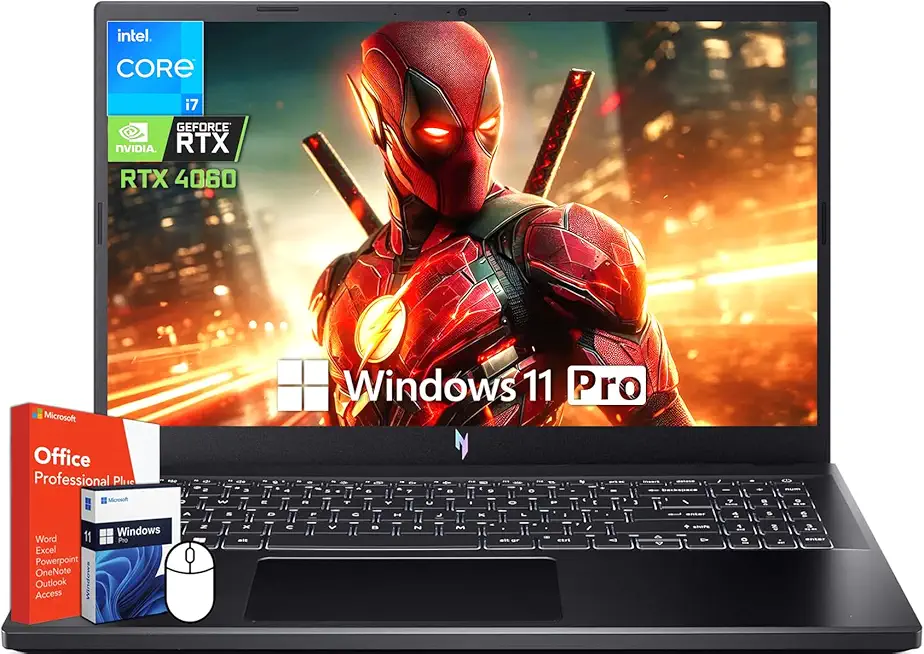
acer Nitro V 15 Gaming Laptop, 15.6" 144Hz FHD Display, Intel 10-Core i7-13620H, NVIDIA GeForce RTX 4060, 64 GB DDR5 RAM, 4 TB SSD, Backlit Keyboard, Microsoft Office Lifetime License, Windows 11 Pro
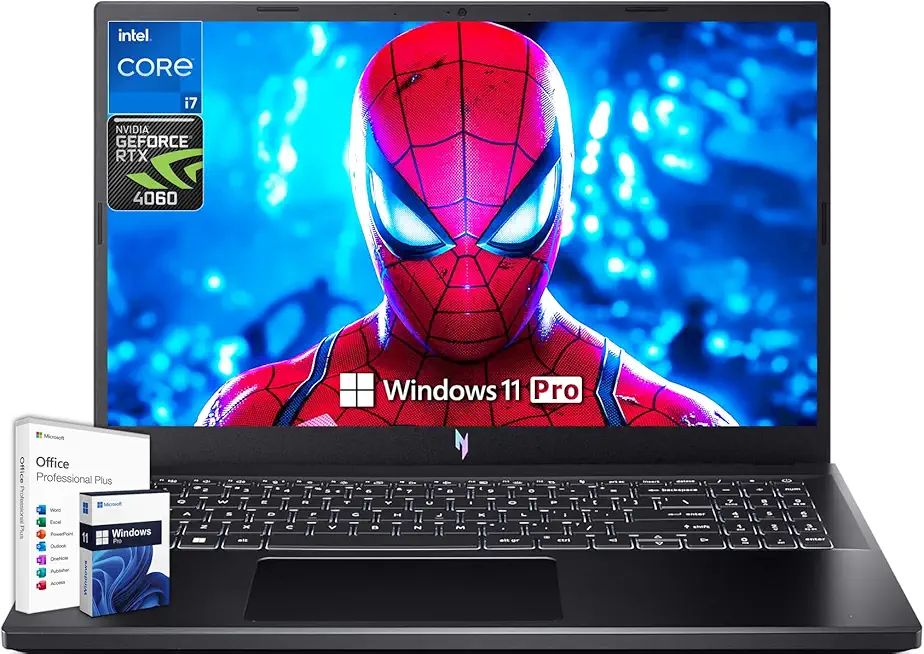
acer Nitro V 15 Gaming Laptop, Microsoft Office Lifetime License & Windows 11 Pro, 15.6" 144Hz FHD Display, Intel 10-Core i7-13620H, NVIDIA GeForce RTX 4060, 64GB DDR5 RAM, 4TB SSD, Backlit Keyboard

Macally Small Wired Keyboard for Mac and Windows - 78 Scissor Switch Keys Compatible Apple Keyboard - USB Mini Keyboard That Saves Space and Looks Great - Plug and Play Wired Mac Keyboard - Aluminum

Wireless Gaming Headset for PS5, PS4, PC, Mac, Switch, 2.4GHz Gaming Headsets with Bluetooth 5.4, Hidden ENC Noise Canceling Mic, 35H Battery, 3D Spatial Sound, 3.5mm Wired - Black

UGREEN USB C to USB Hub with 4 USB 3.0, Powered USB C Splitter for Laptop, MacBook Pro, Mac mini M4, iMac, iPad Pro, Chromebook, Dell XPS, Galaxy S23, and More, 0.5FT

Wireless Bluetooth Mouse for Apple iPad iPhone MacBook Android Samsung Tablet Phone Dual-Mode Rechargeable 2.4G Portable Computer Mice for Windows Laptop Notebook PC Mac Desktop USB Receiver (Black)