Getting Started with OneNote : Organize Your Life, Work, and Study

Teacher's Tech
@teacherstechAbout
🌟 This is the channel where tech finally makes sense! I'm Jamie, an avid tech enthusiast and educator, and I'm here to make your journey into tech a whole lot easier. Forget complicated jargon and confusing tutorials. I make beginner-friendly videos that explain tech concepts in plain English, step by step. In today's fast-paced world, the right tech tools can be a game-changer. That's why I'm here! I break down important business and education apps into simple steps, so you can unlock their power and boost your productivity. If you're ready to get started with tech without the overwhelm, make sure to subscribe to my channel 💡
Latest Posts




Video Description
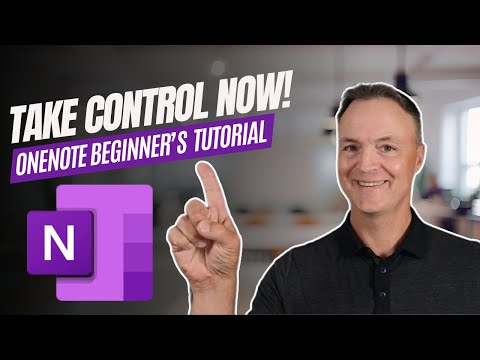
Welcome to our beginner’s guide to Microsoft OneNote—the ultimate tool for getting organized, staying productive, and managing your notes, ideas, and projects all in one place. Whether you're a student, professional, or someone looking to organize personal tasks, OneNote is your go-to digital notebook. In this video, we’ll walk you through everything you need to know to get started with OneNote. From creating and organizing notebooks to using powerful features like tags, sharing, and cloud syncing, we’ve got you covered. Say goodbye to scattered notes and hello to streamlined efficiency! OneNote on the Web: https://www.onenote.com/?404&public=1 What You'll Learn: How to set up and organize your first notebook Tips for taking notes efficiently with OneNote How to use tags to keep track of important tasks and ideas Using OneNote for school, work, and personal life Why Use Microsoft OneNote? All-In-One Organization: Keep all your notes, ideas, and documents in one easy-to-access place. Seamless Syncing: Access your notebooks across all your devices—desktop, tablet, and mobile. Collaboration Made Easy: Share your notes and collaborate with others in real-time. 0:00 Introduction 0:40 Where to get Microsoft OneNote 1:18 Tour of a Notebook and Navigation in OneNote 3:24 Create a new Notebook in OneNote 5:16 Change to Dark Theme 6:00 Change OneNote views, and tab layouts 6:53 Collapse and Closing Notebooks 7:51 Creating and organizing sections and pages in OneNote 9:00 Creating a group section 10:29 Adding content to your pages in OneNote 15:16 Add links to website or other OneNote pages 16:09 How to use tags in OneNote 17:50 Drawing tools 19:53 Sharing your OneNote Notebook















Upgrade Your Gaming Today
AI-recommended products based on this video

95MM T129215SU Cooling Fan for ASUS ROG Strix for GeForce RTX 3060 3070 3080 3090 Ti Graphics Card CF1010U12S/D T129215BU(Black A-Fan T12)
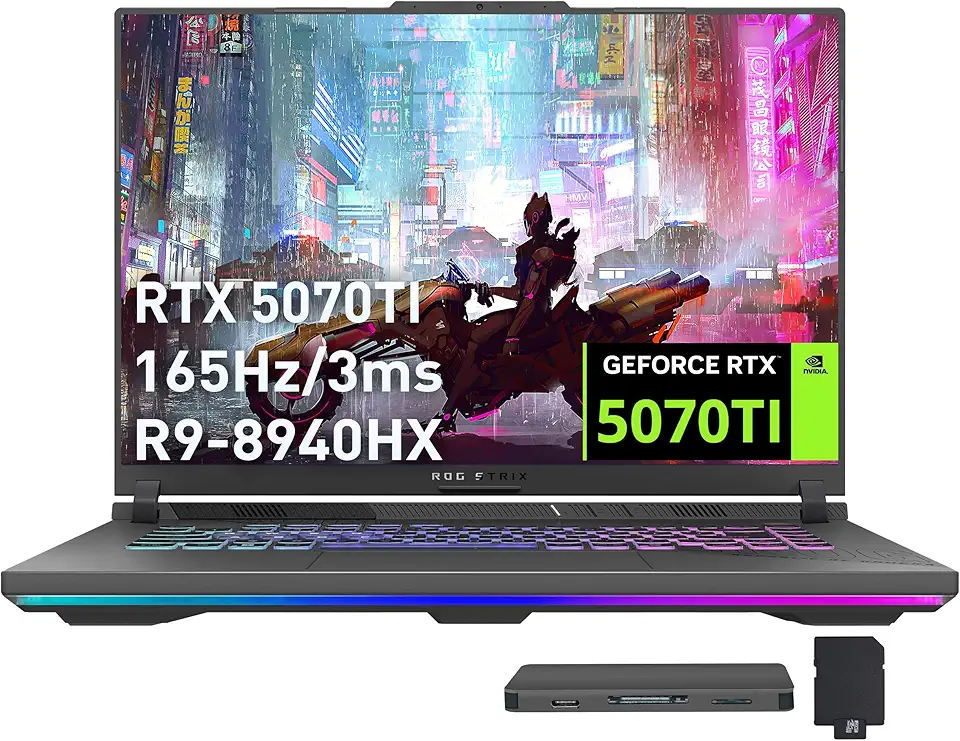
ASUS ROG Strix G16 Gaming Laptop, GeForce RTX 5070 Ti 12GB GDDR7, AMD Ryzen 9 8940HX, 64GB DDR5, 2TB SSD, Backlit Keyboard, Wi-Fi 6E, 16" WUXGA 165Hz Display, Win 11, Gray, 1TB Docking Station Set

ASUS ROG Strix G16 (2024) Gaming Laptop, 16” 16:10 FHD+ 165Hz, GeForce RTX 4060, Intel Core i7-13650HX, 16GB DDR5, 1TB PCIe SSD, Wi-Fi 6E, Windows 11, G614JV-AS71-CA

Asus ROG Gladius III Wireless AimPoint Gaming Mouse, Connectivity (2.4GHz RF, Bluetooth, Wired), 36000 DPI Sensor, 6 programmable Buttons, ROG SpeedNova, Replaceable switches, Paracord Cable, White

230W Charger Compatible with Razer Blade 14” 15” 16" 17” (2025-2018) RZ09 RTX-3060/3070/3080/4060/4070 Gaming Laptop RC30-0530 RC30-0238 RC30-0248 Replacement Power Adapter

Logitech M185 Wireless Mouse, 2.4GHz with USB Mini Receiver, 12-Month Battery Life, 1000 DPI Optical Tracking, Ambidextrous, Compatible with PC, Mac, Laptop - Black

Logitech G305 Lightspeed Wireless Gaming Mouse, Hero 12K Sensor, 12,000 DPI, Lightweight, 6 Programmable Buttons, 250h Battery Life, On-Board Memory, PC/Mac - Black

Logitech K400 Plus Wireless Touch TV Keyboard With Easy Media Control and Built-in Touchpad, HTPC Keyboard for PC-connected TV, Windows, Android, Chrome OS, Laptop, Tablet - Black

Logitech G435 Lightspeed and Bluetooth Wireless Gaming Headset - Lightweight Over-Ear Headphones, Built-in mics, 18h Battery, Compatible with Dolby Atmos, PC, Mobile - Black

New SteelSeries Arctis Nova Pro for Xbox Multi-System Gaming Headset - Premium Hi-Fi Drivers - Hi-Res Audio - 360° Spatial - GameDAC Gen 2 - Quad-DAC - ClearCast Gen 2 Mic - Xbox, PC, PS5/PS4, Switch

NEW SteelSeries Arctis Nova 3 Multi-Platform Gaming Headset - Signature Arctis Sound - ClearCast Gen 2 Mic - PC, PS5/PS4, Xbox Series X|S, Switch, Mobile
230W Charger Compatible with Razer Blade 14” 15” 16" 17” (2025-2018) RZ09 RTX-3060/3070/3080/4060/4070 Gaming Laptop RC30-0530 RC30-0238 RC30-0248 Replacement Power Adapter

12V/24V 100W Car Laptop Charger USB C for Lenovo Thinkpad MacBook HP Dell Acer Asus,Google,MSI, LG, Samsung,Huawei,Surface pro 9 8, Razer, Chromebook, ROG Ally, Steam Deck and All Type-C Devices

Razer Universal Quick Charging Stand for Xbox Series X|S: Magnetic Secure Charging - Matches Forza Horizon 5 Limited Edition Xbox Wireless Controller - USB Powered - (Controller Sold Separately)
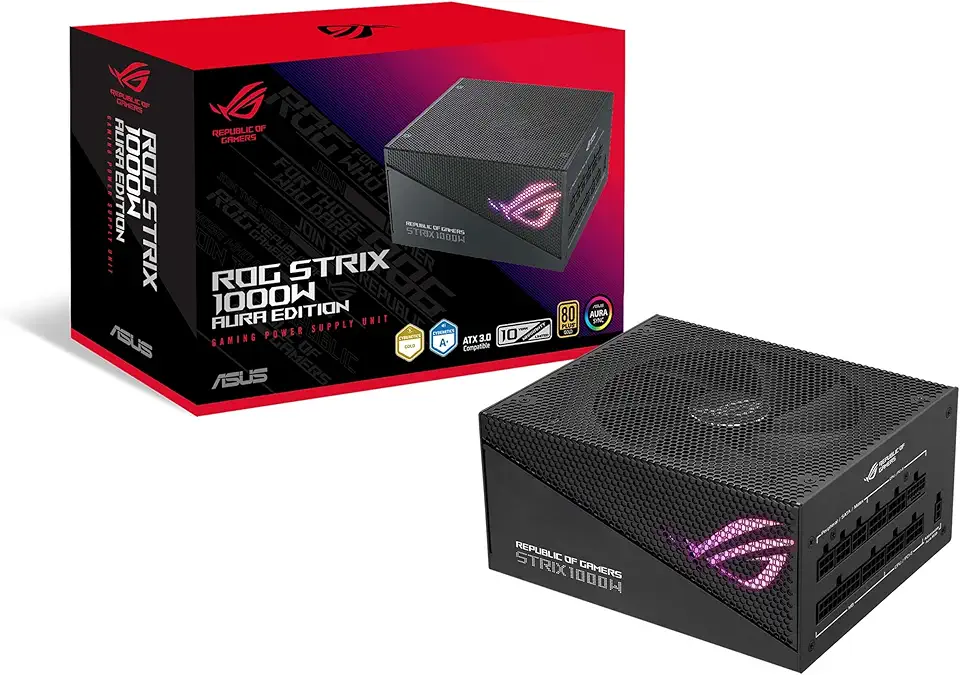
Asus ROG Strix 1000W Gold Aura Edition (Fully Modular Power Supply, 80+ Gold Certified, ATX 3.0, Cybenetics Lambda A+ Certification, PCIe Gen 5.0 Ready, Axial-tech Fan, Aura Sync, 10-Year Warranty)
95MM T129215SU Cooling Fan for ASUS ROG Strix for GeForce RTX 3060 3070 3080 3090 Ti Graphics Card CF1010U12S/D T129215BU(Black A-Fan T12)
ASUS ROG Strix G16 Gaming Laptop, GeForce RTX 5070 Ti 12GB GDDR7, AMD Ryzen 9 8940HX, 64GB DDR5, 2TB SSD, Backlit Keyboard, Wi-Fi 6E, 16" WUXGA 165Hz Display, Win 11, Gray, 1TB Docking Station Set
ASUS ROG Strix G16 (2024) Gaming Laptop, 16” 16:10 FHD+ 165Hz, GeForce RTX 4060, Intel Core i7-13650HX, 16GB DDR5, 1TB PCIe SSD, Wi-Fi 6E, Windows 11, G614JV-AS71-CA
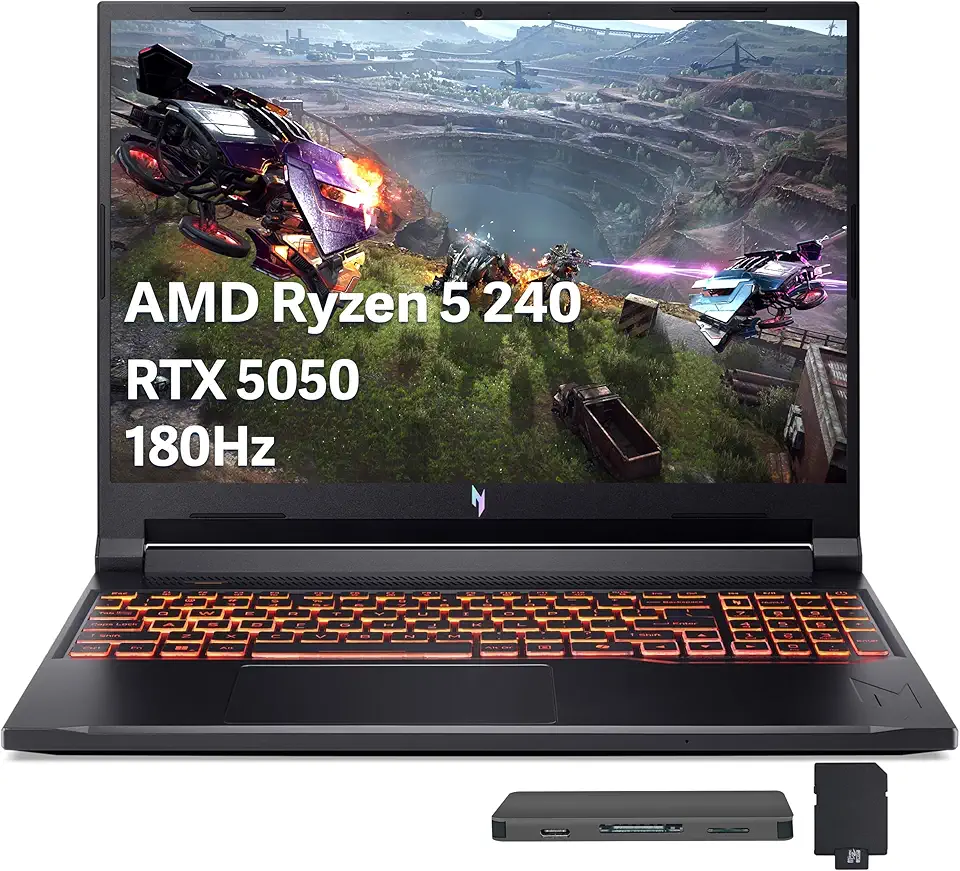
Acer Nitro V 16 AI Gaming Laptop, 16" WUXGA 180Hz Display, AMD Ryzen 5 240, GeForce RTX 5050, 16GB DDR5, 512GB SSD, Backlit Keyboard, Copilot, Wi-Fi 6E, Win 11, Black, 1TB Docking Station Set
