Google Flow | Veo 3.1 Tutorial & Real Test Results

About
No channel description available.
Latest Posts



Video Description
Learn how to use Google Flow with Veo 3.1 to create AI generated videos step by step. In this detailed tutorial, we test all major features including Text to Video, Frames to Video, and Ingredients to Video, and share real test results comparing quality, speed, and upscaling options. You’ll see how to: • Access Google Flow from Google Labs and use your Gmail account to start generating videos • Understand free vs Pro credits and how to maximize them • Use Text to Video • Create controlled results using Frames to Video with start and end frames • Combine multiple clips using Scene Builder for continuous storytelling • Test Ingredients to Video by mixing multiple images into one AI scene • Compare Veo 3.1 Quality vs Fast model performance and decide which is worth your credits Whether you’re a content creator, AI filmmaker, or just testing the latest Google Labs video generation tools, this video shows the most practical workflow to get smooth, realistic results. Join the discord server for free: https://discord.com/invite/gggpkVgBf3 Support the channel by becoming a member: https://www.youtube.com/channel/UCULYTrFvN-HXakYXMHclCzQ/join Get AI2PLAY Mugs, Bags, Stickers from https://pixaroma-shop.fourthwall.com/collections/ai2play Learn to use AI Locally with ComfyUI: https://www.youtube.com/@pixaroma Check my other projects with AI - https://www.youtube.com/@AltFlux #veo3 #veo3tutorial #googleflow Chapters 00:00 What is Google Flow and Veo 3.1 02:03 Text to Video 05:20 Frames to Video 10:25 Ingredients to Video 13:41 More Image to Video Examples
You May Also Like



Unleash Your Drone Skills
AI-recommended products based on this video
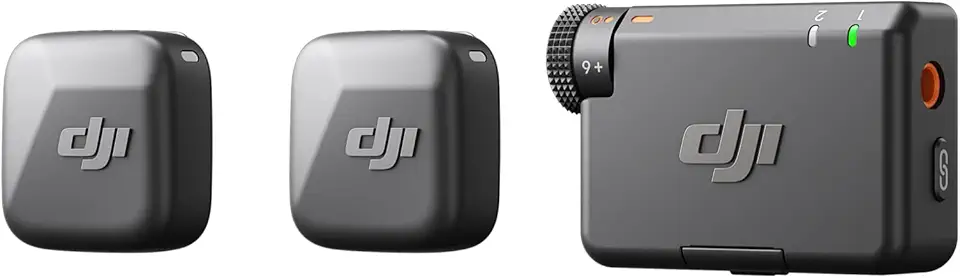
DJI Mic Mini (2 TX + 1 RX), Detail-Rich Audio, Wireless Lavalier Microphone for Camera/Android, 2-Person Vlog, Team Production

SanDisk 64GB Extreme PRO SDXC UHS-I Memory Card - C10, U3, V30, 4K UHD, SD Card - SDSDXXU-064G-GN4IN

SanDisk 128GB Extreme PRO SDXC UHS-I Memory Card - C10, U3, V30, 4K UHD, SD Card - SDSDXXD-128G-GN4IN