Google Notebook LM Tutorial - [Become A Power User in 15 min]


Santrel Media
@santrelmediaAbout
Based out of Philadelphia, Santrel Media offers innovative marketing solutions to improve business profitability and efficiency, with a focus on the cross-departmental customer experience. We deliver business growth through quantifiable marketing programs that drive leads, support sales, and strengthen efficiency. Santrel was born out of necessity. In our fast-changing world, it is essential for businesses to have an effective marketing strategy which provides a positive return on investment and increases brand awareness. For some businesses, organic marketing is optimal, for others, paid advertising is better, and for most, we incorporate a combination of the two. At Santrel, we push our clients into the most effective & efficient marketing channels of the current year. Not 10 years ago.
Latest Posts


Video Description
In this video, I will show you how to use the new free Google Notebook LM platform with 13 unique tips. Start here: https://notebooklm.google.com 🧠 The world's leading AI newsletter: https://neuralfrontier.beehiiv.com/subscribe 🏦 Form your LLC: https://santrelmedia.com/incfile ⏰ Double your productivity with this software: https://santrelmedia.com/Productivity Follow us on Instagram: Nate: https://www.instagram.com/nateobrienn/ Mike: https://www.instagram.com/mikeobrienn/ SUBSCRIBE: www.youtube.com/santrelmedia DISCLAIMER: This video and description contains affiliate links, which means that if you click on one of the product links, I’ll receive a small commission. This helps support the channel and allows us to continue to make videos like this. Thank you for the support! Everything in this video is based on information we learned from online resources, our own experience, and books we have read. Please do your own research before making any important decisions. You and only you are responsible for any and all digital marketing decisions you make. Thank you for watching! TIMESTAMPS: 0:00 What is NotebookLM? 0:40 Getting Started 1:56 Tip 12 2:41 Tip 11 (making a podcast) 3:50 Tip 10 5:29 Tip 9 6:48 Tip 8 7:25 Tip 7 (make a study guide) 8:30 Tip 6 (make a timeline) 9:20 Tip 5 (make a briefing doc) 9:58 Tip 4 10:29 Tip 3 11:00 Tip 2 11:11 WOAH! UPDATES FROM GOOGLE!! 11:53 Tip 1 (using NotebookLM to read journal entries) 12:38 A word of caution





![ChatGPT Tutorial 2025 - [Become An AI Power User in 30 Minutes]](https://imgz.pc97.com/?width=500&fit=cover&image=https://i.ytimg.com/vi/dG3O3ePj-b8/hqdefault.jpg)






Essential 4x4 Gear for Off-Road Adventures
AI-recommended products based on this video

6000A 160PSI Car Battery Booster Jump Starter with Air Compressor and Air Blower (All Gas/10L Diesel), Portable Car Battery Booster Pack, Safe Durable Jump Box with 800 Lumen Light/18W Fast Charge

Tire Inflator Portable Air Compressor- 150PSI Air Pump Cordless Electric for Car, Motorcycle,Ball, Bike, with Tire Gauge Pressure, Dual-Use Type
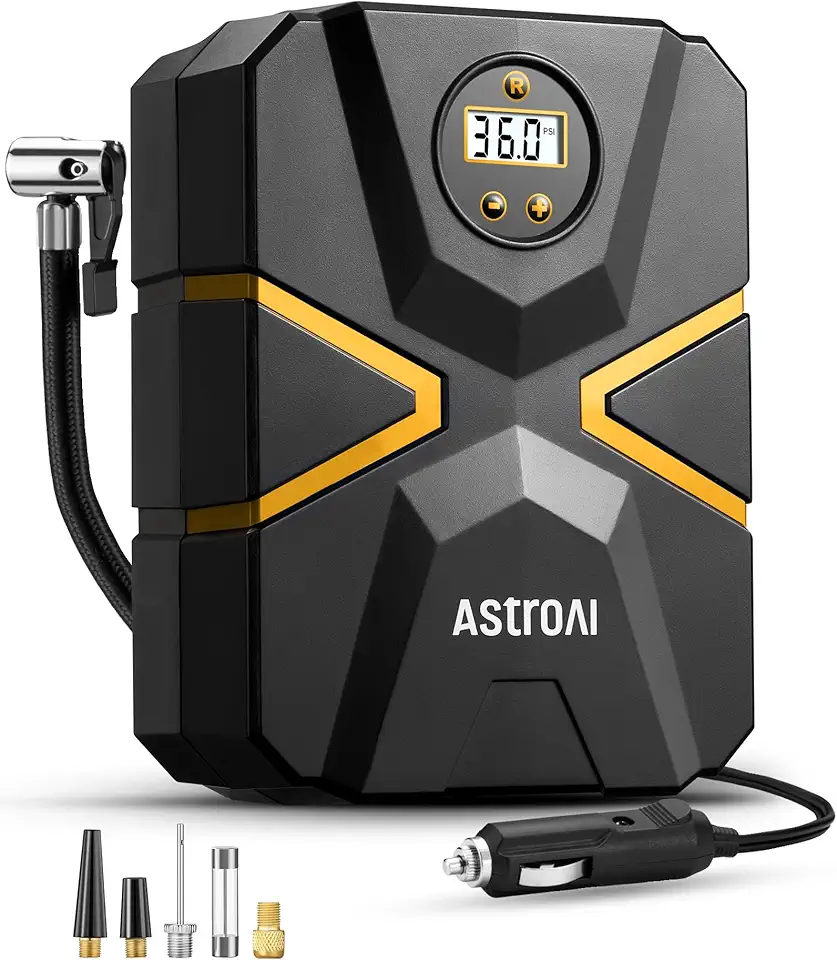
AstroAI Tire Inflator Air Compressor 12V DC, Digital Car Tire Pump 150 PSI, Preset Tire Pressure & Auto Shutoff, Electric Air Pump for Car Tyres, Bicycles, Other Inflatables

9-in-1 5000A 150PSI Car Battery Booster Jump Starter with Air Compressor (All Gas/9L Diesel), Portable Car Battery Booster Pack, Safe Durable Car Jump Starter with Extended Jumper Cables, Glove, Light
