How to Build a PC, the last guide you’ll ever need! (2024 Update)

About
No channel description available.
Latest Posts
No results found. Try different keywords.
Video Description
You never want to cut corners on your PC’s power supply. So check out what Seasonic has to offer at: https://geni.us/vrtx We’ve done plenty of build guides before – But now we’re taking it to the next level. Not only will you know how to build a PC, you’ll know how to build ANY PC – This is the LAST guide you’ll ever need, now updated for 2024! Discuss on the forum: https://linustechtips.com/topic/1566357-how-to-build-a-pc-the-last-guide-you%E2%80%99ll-ever-need-2024-update/ Buy a Seasonic Vertex GX-1000: https://geni.us/vrtx Buy a Seasonic Prime TX-1300: https://geni.us/4Gct Buy an Intel Core i9-13900K: https://geni.us/zpcPv Buy an MSI MAG Z790 Carbon WIFI: https://geni.us/Qk6s5l Buy a Kingston KC400 1TB: https://geni.us/AYg7MK Buy an RTX 4060 Ti FE: https://geni.us/Po72n Buy an ASUS WS W790 ACE: https://geni.us/0nv0t Buy a Xeon W7-2495X: https://geni.us/BmrIsJh Buy a Noctua NH-D9 DX-4677 4U: https://geni.us/KqN1Vhk Buy an Corsair iCUE Link H150i: https://geni.us/TLWZ Buy QX120 fans: https://geni.us/kYqvYAw Check out the Thermal Grizzly LGA-1700 contact frame: https://lmg.gg/fcGnK Check out the PTM7950 PHASE CHANGE THERMAL PAD: https://lmg.gg/PNz1f Buy LTT cable ties: https://lmg.gg/azSz1 Purchases made through some store links may provide some compensation to Linus Media Group. ► GET MERCH: https://lttstore.com ► GET EXCLUSIVE CONTENT ON FLOATPLANE: https://lmg.gg/lttfloatplane ► SPONSORS, AFFILIATES, AND PARTNERS: https://lmg.gg/partners ► EQUIPMENT WE USE TO FILM LTT: https://lmg.gg/LTTEquipment ► OUR WAN PODCAST GEAR: https://lmg.gg/wanset FOLLOW US --------------------------------------------------- Twitter: https://twitter.com/linustech Facebook: http://www.facebook.com/LinusTech Instagram: https://www.instagram.com/linustech TikTok: https://www.tiktok.com/@linustech Twitch: https://www.twitch.tv/linustech MUSIC CREDIT --------------------------------------------------- Intro: Laszlo - Supernova Video Link: https://www.youtube.com/watch?v=PKfxmFU3lWY iTunes Download Link: https://itunes.apple.com/us/album/supernova/id936805712 Artist Link: https://soundcloud.com/laszlomusic Outro: Approaching Nirvana - Sugar High Video Link: https://www.youtube.com/watch?v=ngsGBSCDwcI Listen on Spotify: http://spoti.fi/UxWkUw Artist Link: http://www.youtube.com/approachingnirvana Intro animation by MBarek Abdelwassaa https://www.instagram.com/mbarek_abdel/ Monitor And Keyboard by vadimmihalkevich / CC BY 4.0 https://geni.us/PgGWp Mechanical RGB Keyboard by BigBrotherECE / CC BY 4.0 https://geni.us/mj6pHk4 Mouse Gamer free Model By Oscar Creativo / CC BY 4.0 https://geni.us/Ps3XfE Timestamps (Courtesy of NoKi1119): 0:00 Intro 1:22 Your games will impact your choices 2:25 Summarizing what non-gamers need 4:04 Form factors of PC case & motherboards 5:50 Step #1: Knowing your budget is important 6:38 Choosing your parts: CPU & graphics card 8:13 What is a PCI-E gen? 10:47 New V.S. used GPU, CPU's impact 12:26 GPU's different outputs & versions 14:27 Choosing your parts: Motherboards & chipsets 15:35 Choosing your parts: RAM 17:54 What is ECC memory? 19:26 Do NOT mix different memory sticks! 19:49 Choosing your parts: Storage 20:55 Choosing your parts: Cooling solution 24:29 Choosing your parts: PSU 26:14 PSU form factors & classes 28:08 Choosing your parts: Case 29:35 Choosing your parts: Fans 33:13 Fan connector types, controller hubs 34:08 Choosing your parts: Storage part II 34:52 Choosing your parts: RGB 35:00 RGB types, RGB hubs & software 37:13 Choosing your parts: Aesthetic accessories 38:10 Step #2: Setup your work area 40:30 Step #3: CPU 40:52 CPU sockets & retention types 42:45 Unboxing & installing the CPU 49:40 Step #4: RAM. 53:14 Step #5: M.2 SSD 56:51 Step #6: CPU cooler 59:32 Applying the thermal compound or pad 1:01:58 Installing the air cooler 1:05:15 Installing the water cooler 1:07:09 Step #7: Pre-build test 1:10:43 What if the system doesn't boot? 1:13:53 Step #8: Case prep 1:17:31 Step #9: Motherboard installation 1:19:27 Front panel cables, USB headers 1:26:53 Step #10: Storage 1:31:29 Step #11: Case fans & flow types 1:34:54 Dealing with fan connections 1:38:04 Step #12: Power supply 1:43:00 Step #13: Graphics card 1:46:39 Step #14: Cable management 1:48:03 Step #15: Powering on & troubleshooting 1:49:46 Step #16: BIOS 1:53:09 Step #17: Firmware installer 1:54:13 Outro









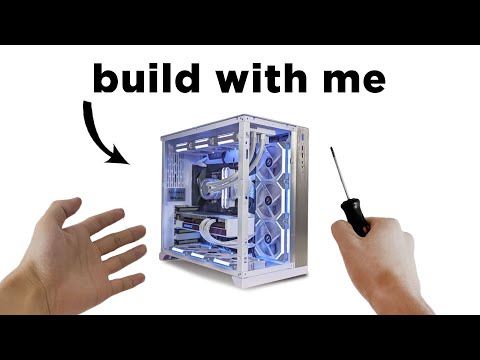




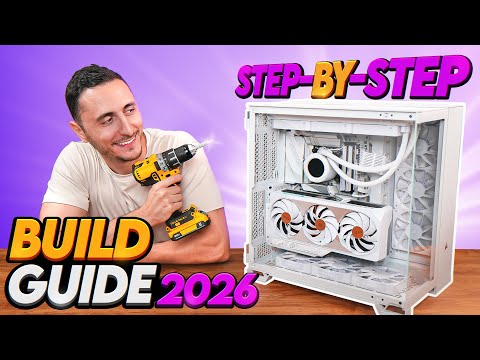

Essential PC Building Parts
AI-recommended products based on this video

Asus Prime B650-PLUS WiFi AMD B650 AM5 Ryzen Desktop 9000 8000 & 7000 ATX Motherboard, DDR5, PCIe 5.0 M.2, 2.5Gb LAN, WiFi 6E, HDMI, SATA 6 Gbps, USB Type-C®, BIOS Flashback, Thunderbolt 4 Header

Asus Prime B550M-A WiFi II AMD AM4 (3rd Gen Ryzen) Micro ATX Motherboard (PCIe 4.0, WiFi 6, ECC Memory, 1Gb LAN, HDMI 2.1/D-Sub, 4K@60HZ, Addressable Gen 2 RGB Header and Aura Sync)

Asus Prime GeForce RTX 5080 16GB GDDR7 Prime-RTX5080-16G Pci-Express 5.0 Dlss 4.0 Graphics Card Gaming
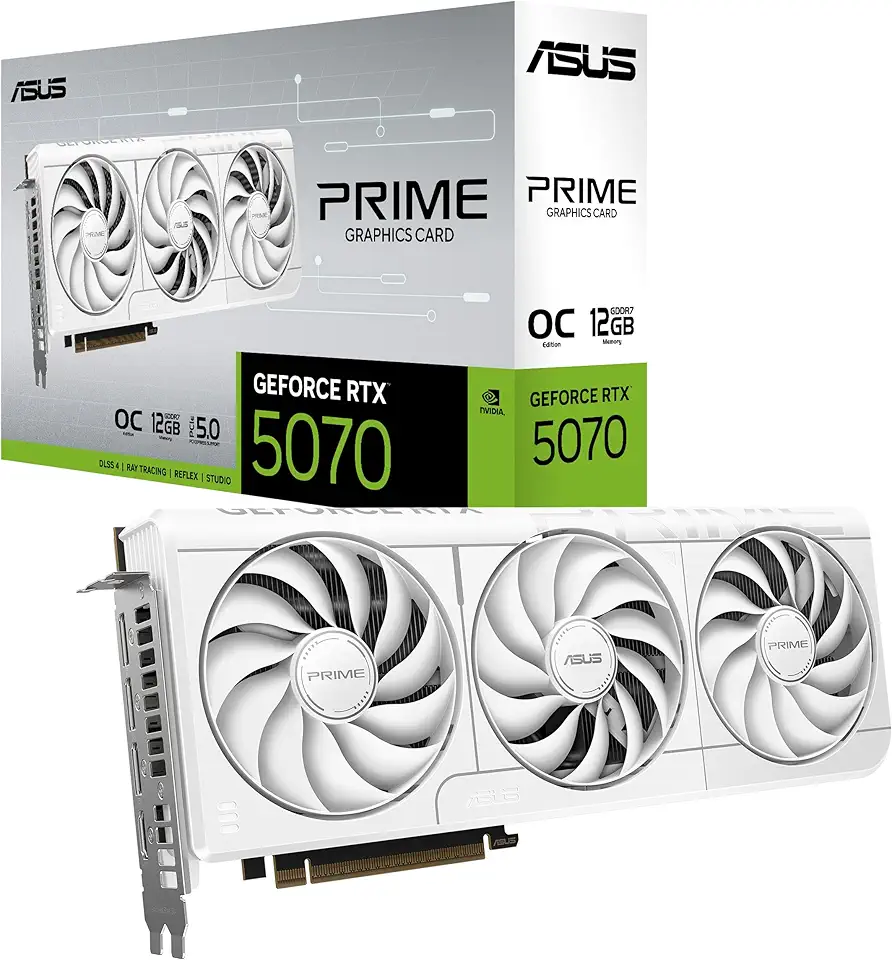
The SFF-Ready ASUS Prime GeForce RTX™ 5070 12GB GDDR7 White OC Edition Graphics Card (PCIe® 5.0, 12GB GDDR7, HDMI®/DP 2.1, 2.5-Slot, Axial-tech Fans, Dual BIOS)

Intel Core i9-13900 Desktop Processor 24 cores (8 P-cores + 16 E-cores) 36MB Cache, up to 5.6 GHz
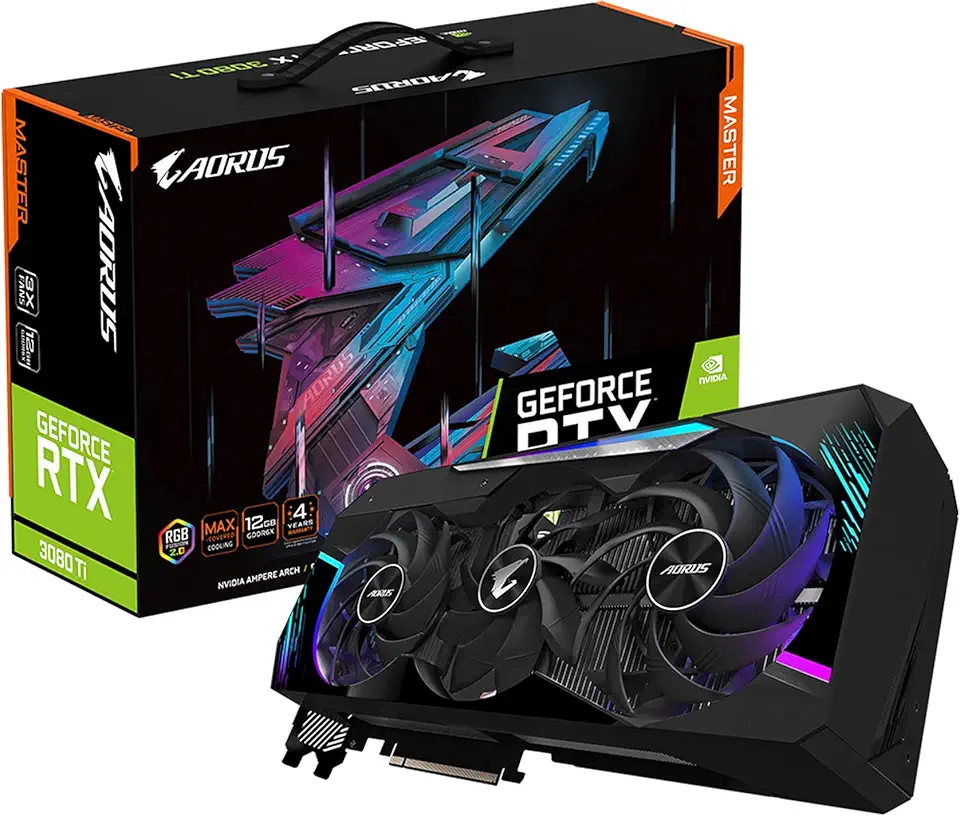
GIGABYTE AORUS GeForce RTX 3080 Ti Master 12G Graphics Card, Max Covered Cooling, 12GB 384-bit GDDR6X, GV-N308TAORUS M-12GD Video Card

GIGABYTE AORUS GeForce RTX 3060 Elite 12G (REV2.0) Graphics Card, 3X WINDFORCE Fans, 12GB 192-bit GDDR6, GV-N3060AORUS E-12GD REV2.0 Video Card
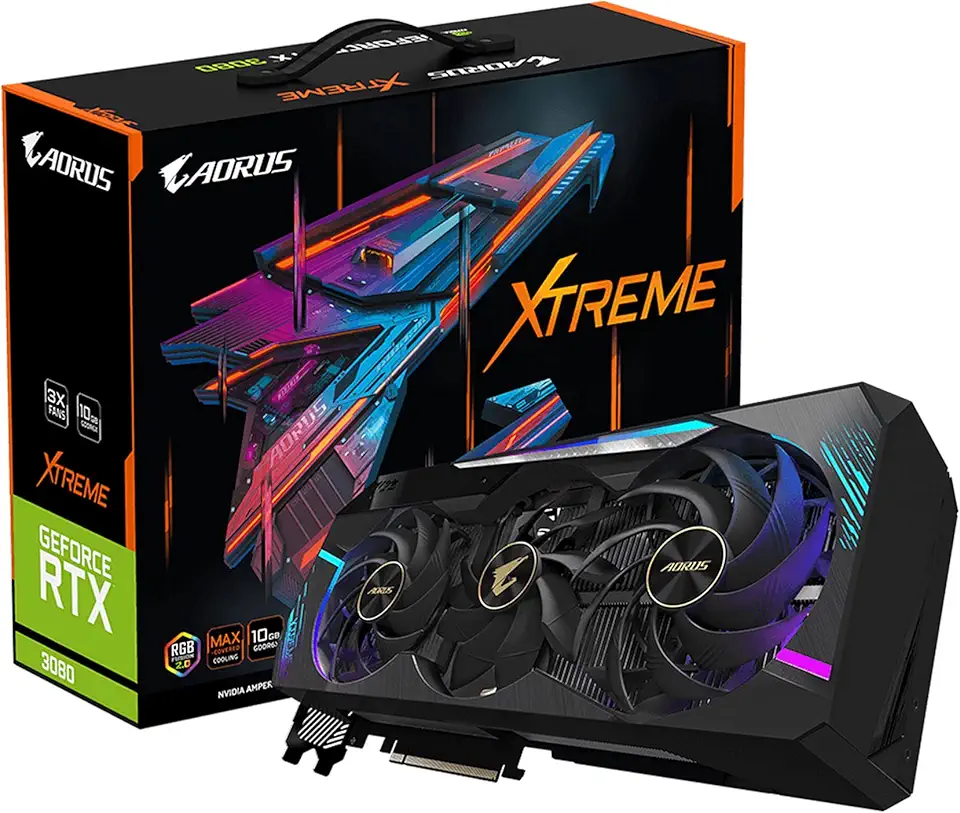
GIGABYTE AORUS GeForce RTX 3080 Xtreme 10G (REV2.0) Graphics Card, Max Covered Cooling, LHR, 10GB 320-bit GDDR6X, GV-N3080AORUS X-10GD REV2.0 Video Card

GIGABYTE - AORUS Elite 16 Gaming Laptop - 165Hz 2560x1600 WQXGA - NVIDIA GeForce RTX 5070 - Intel Core Ultra 9 275HX - 1TB SSD with 32GB DDR5 RAM - Windows 11 Home AD (AORUS Elite 16 BWHC3USC64SH)

Samsung 990 EVO Plus - 4TB PCIe Gen4. X4, Gen5. X2 NVMe 2.0 - M.2 Internal SSD, Speed Up to 7,250 MBs, Upgrade Storage for PC-Laptops, HMB Technology and Intelligent Turbowrite (MZ-V9S4T0B/AM)
![SAMSUNG 870 EVO SATA SSD 500GB 2.5” Internal Solid State Drive, Upgrade PC or Laptop Memory and Storage for IT Pros, Creators, Everyday Users, MZ-77E500B/AM [Canada Version]](https://m.media-amazon.com/images/I/911ujeCkGfL._AC_UL960_FMwebp_QL65_.jpg)
SAMSUNG 870 EVO SATA SSD 500GB 2.5” Internal Solid State Drive, Upgrade PC or Laptop Memory and Storage for IT Pros, Creators, Everyday Users, MZ-77E500B/AM [Canada Version]
![SAMSUNG 870 EVO SATA III SSD 4TB 2.5” Internal Solid State Drive, Upgrade PC or Laptop Memory and Storage for IT Pros, Creators, Everyday Users, MZ-77E4T0B/AM [Canada Version]](https://m.media-amazon.com/images/I/71W2nK7LUrL._AC_UL960_FMwebp_QL65_.jpg)
SAMSUNG 870 EVO SATA III SSD 4TB 2.5” Internal Solid State Drive, Upgrade PC or Laptop Memory and Storage for IT Pros, Creators, Everyday Users, MZ-77E4T0B/AM [Canada Version]
![SAMSUNG 990 PRO SSD 4TB PCIe Gen4 NVMe M.2 Internal Solid State Hard Drive, Up to 7,450MB/s, Heat Control, Direct Storage and Memory Expansion, MZ-V9P4T0B/AM [Canada Version]](https://m.media-amazon.com/images/I/81WuG6lQuDL._AC_UL960_FMwebp_QL65_.jpg)
SAMSUNG 990 PRO SSD 4TB PCIe Gen4 NVMe M.2 Internal Solid State Hard Drive, Up to 7,450MB/s, Heat Control, Direct Storage and Memory Expansion, MZ-V9P4T0B/AM [Canada Version]

Seagate Portable 4TB External Hard Drive HDD – USB 3.0 for PC, Mac, Xbox, & PS4 - 1-Year Rescue Service (STGX4000400)

Seagate Game Drive 4TB External Hard Drive Portable HDD - Compatible With PS4 (STGD4000400) blue

CORSAIR iCUE Link XD5 RGB Elite LCD Pump-Reservoir Unit - D5 PWM Pump - 480x480 IPS LCD Screen - 22 Addressable RGB LEDs - 440ml Nylon Reservoir - White

CORSAIR iCUE Link XC7 RGB Elite CPU Water Block - Transparent Flow Chamber - 24 RGB LEDs - Fits Intel® LGA 1700, AMD® AM5 and Older - White

CORSAIR Hydro X Series iCUE Link XH405i Custom Cooling Kit – Hardline Water Cooling Loop – XC7 Elite CPU Water Block – XD5 Elite D5 Pump Res – XR5 360mm Radiator – 3X QX120 RGB Fans
