How To Check PCIe Version of Slot and Motherboard
About
No channel description available.
Latest Posts


Video Description
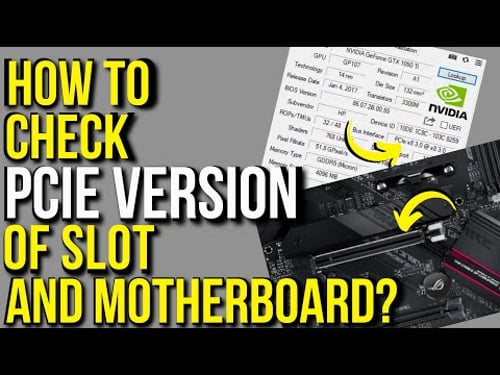
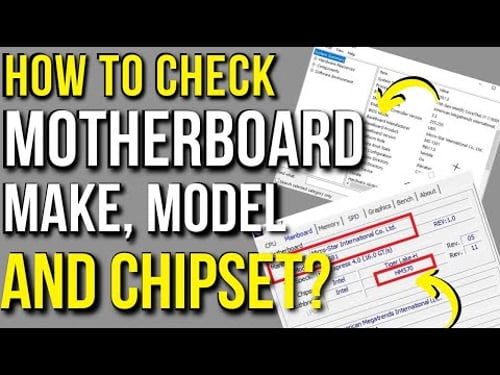
Here I explain how to check PCIe version of motherboard and PCie slot you have. Read in Detail How to Identify PCIe Version of Slot ➤ https://pcguide101.com/motherboard/how-to-check-pci-express-slot-version/ This video serves as a comprehensive guide on how to check and identify the version of the PCIe slots on your motherboard. I basically talk about three methods. The third is my recommended and also the most comprehensive method. The first method talks about using a third party software called GPU-Z to identify the PCIe version of motherboard slot. This is great for laptops. The second method talks about how to use physical inspection to identify the PCIe version on the motherboard. The third and the most comprehensive method is a definitive guide on how to read the motherboard technical specsheet for PCIe slot. It also talks about how to identify the make and model of your motherboard so that you can look up its technical specsheet online. This information is great for installing newer PCIe devices such as graphics card or NVMe SSDs. Chapters: [0:00] - Introduction [1:45] - Method 1: Using GPU-Z To Identify PCIe Slot Version [3:12] - Method 2: Physically Inspecting the Motherboard [4:34] - Method 3: Installing Intel HD Graphics Drivers [4:50] - 3.1 - How to Identify Make and Model of Motherboard [5:56] - 3.2 - Checking Out PCIe Slot Version Through Specsheet ---------------------------------------------------------- References ---------------------------------------------------------- Pugest Systems: PCI-Express 4.0 vs 3.0 Video Card Performance ➤https://www.pugetsystems.com/labs/articles/PCI-Express-4-0-vs-3-0-Video-Card-Performance-1982/ ---------------------------------------------------------- Download Links ---------------------------------------------------------- GPU-Z ➤ https://www.techpowerup.com/download/techpowerup-gpu-z/ How to check PCIe slot version, how to check motherboard PCIe version, how to check PCie version, PCie version, PCIe 3.0, PCIe 4.0, PCIe 2.0, PCIe 1.0, PCIe slot, PCie lanes, PCIe version, identify PCIe version, GPU-Z, motherboard version, motherboard PCIe slot, how to check PCie 4.0, How to check PCIe 3.0, What is PCie, how to know your pcie version, how to see pcie version, how to check pcie, how to pcie version nvme
You May Also Like






![Best AMD Budget CPU Buying Guide | [$50-$150] AMD CPUs & APUs of 2021](https://imgz.pc97.com/?width=500&fit=cover&image=https://i.ytimg.com/vi/VxL0jzX2h3k/hqdefault.jpg)
Upgrade Your PC Today
AI-recommended products based on this video
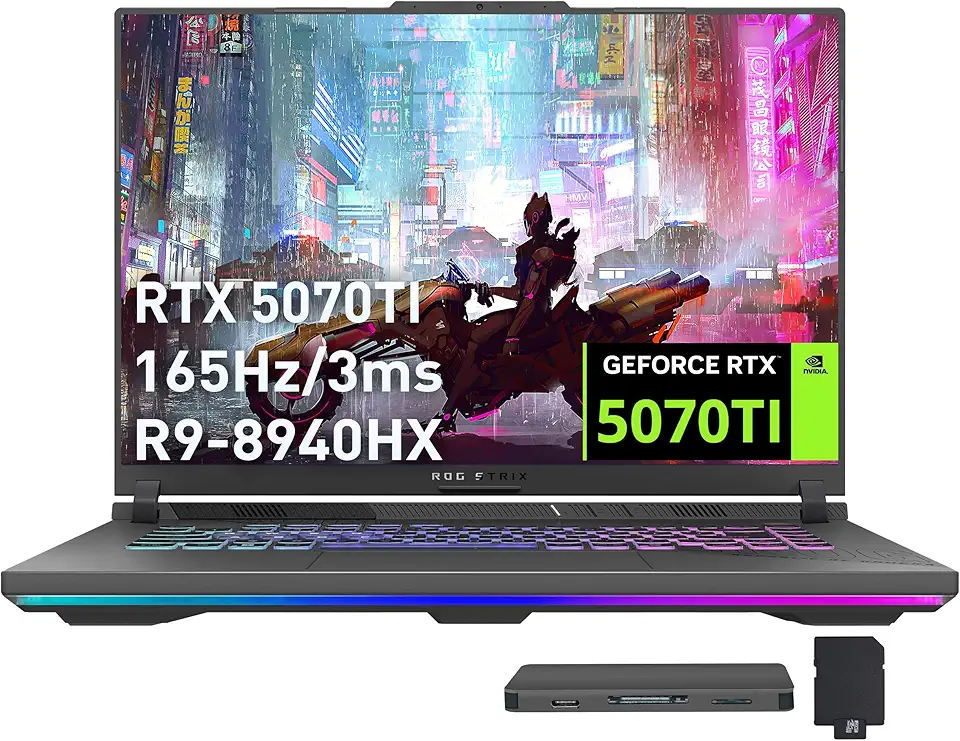
ASUS ROG Strix G16 Gaming Laptop, GeForce RTX 5070 Ti 12GB GDDR7, AMD Ryzen 9 8940HX, 64GB DDR5, 2TB SSD, Backlit Keyboard, Wi-Fi 6E, 16" WUXGA 165Hz Display, Win 11, Gray, 1TB Docking Station Set

Asus ROG STRIX Z890-A GAMING WIFI Z890 LGA 1851 ATX motherboard, Intel® Core™ Ultra Series 2 Ready, Advanced AI PC-ready, 16+2+1+2 stages, DDR5, WiFi 7, 2.5G, 5x M.2, Thunderbolt™ 4, USB Type-C, AI OC

Asus ROG Strix B850-A Gaming WiFi AMD AM5 B850 ATX Motherboard 14+2+2 Power Stages, DDR5 AEMP, 2.5G LAN, WiFi 7 with Q-Antenna, 4X M.2, PCIe® 5.0, USB 20Gbps Type-C, AI Networking II, ASUS AI Advisor

Asus ROG Strix B550-F Gaming WiFi II AMD AM4 (3rd Gen Ryzen) ATX Motherboard (PCIe 4.0,WiFi 6E, 2.5Gb LAN, BIOS Flashback, HDMI 2.1, Addressable Gen 2 RGB Header and Aura Sync)

MSI MPG Z790 Carbon WiFi II Gaming Motherboard (Supports 12th/13th/14th Gen Intel Processors, LGA 1700, DDR5, PCIe 5.0, M.2, 2.5Gbps LAN, USB 3.2 Gen2, Wi-Fi 7, ATX)
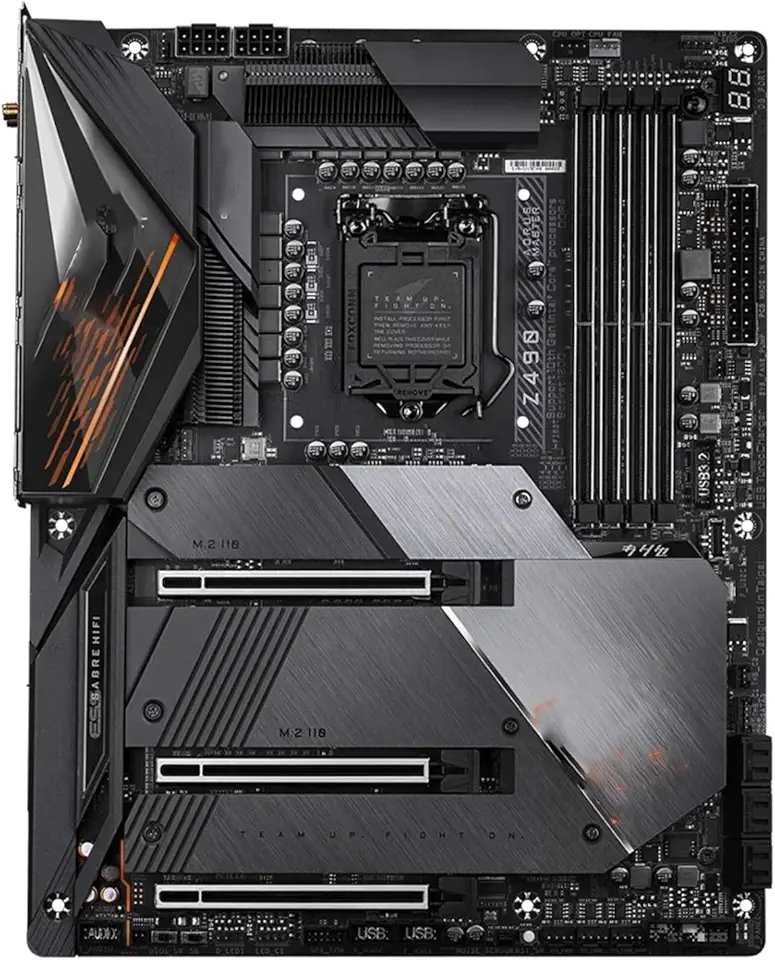
Motherboard Fit for Gigabyte Z490 AORUS Master LGA 1200 ATX Gaming Motherboard Support I9-10900K I7-10700K I5-10600K DDR4 3×M.2 1×PCI-E X16

Corsair Vengeance LPX 32GB (2 X 16GB) DDR4 3200 (PC4-25600) C16 1.35V Desktop Memory - Black

Crucial 64GB DDR5 RAM, 5600MHz (or 5200MHz or 4800MHz) Desktop Memory Kit, UDIMM 288-Pin, Compatible with 13th Gen Intel Core and AMD Ryzen 7000 - CT2K32G56C46U5

EVGA GeForce RTX 3060 Ti FTW Ultra Gaming, 08G-P5-3667-KR, 8GB GDDR6, iCX3 Cooling, ARGB LED
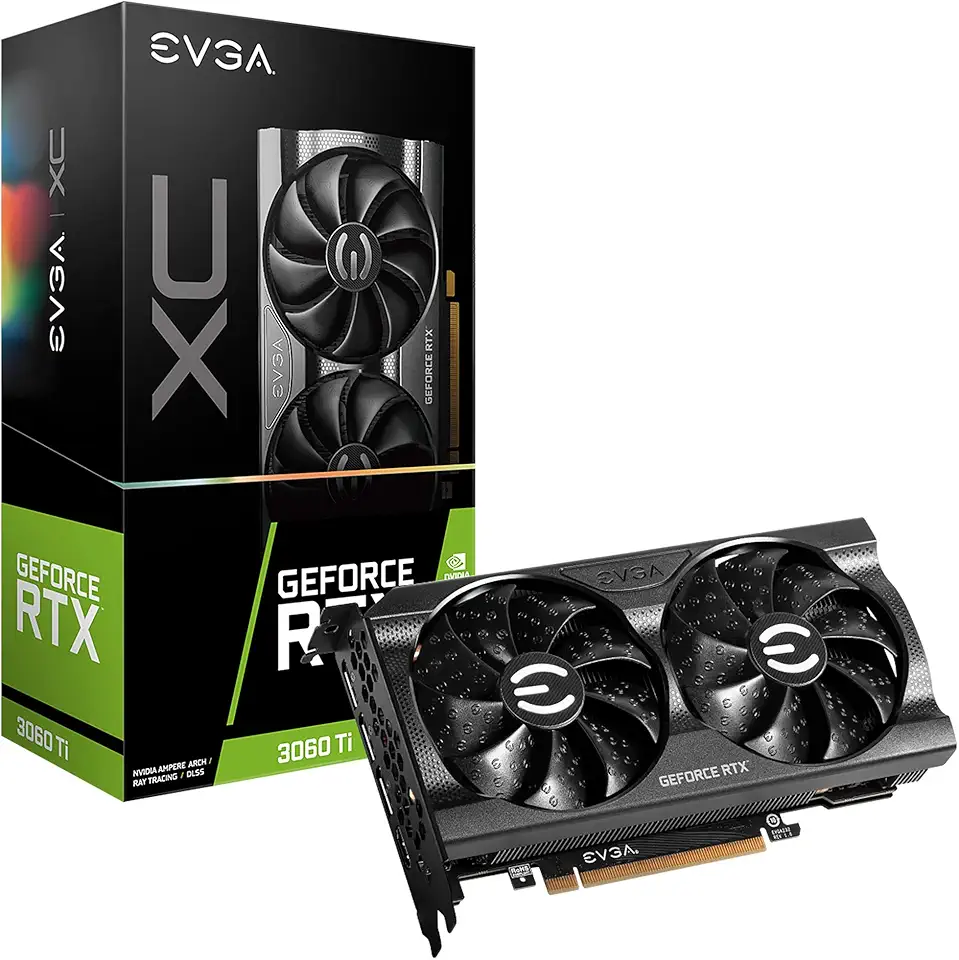
EVGA GeForce RTX 3060 Ti XC Gaming, 08G-P5-3663-KR, 8GB GDDR6, iCX3 Cooling, Metal Backplate
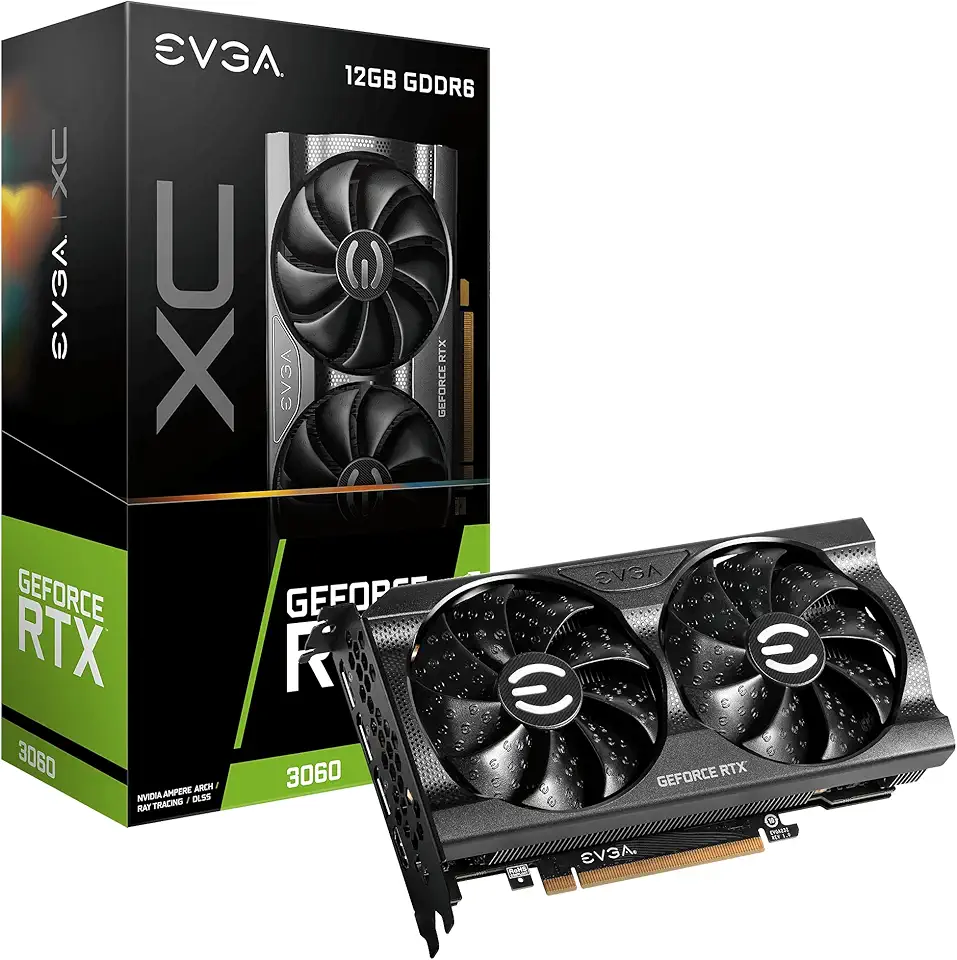
EVGA Geforce Rtx 3060 Xc Gaming (12Gb Gddr6/Pci Express 4.0/1882Mhz/15000Mhz), 12G-P5-3657-KR

EVGA GeForce RTX 3060 Ti XC Gaming, 08G-P5-3663-KL, 8GB GDDR6, Metal Backplate, LHR
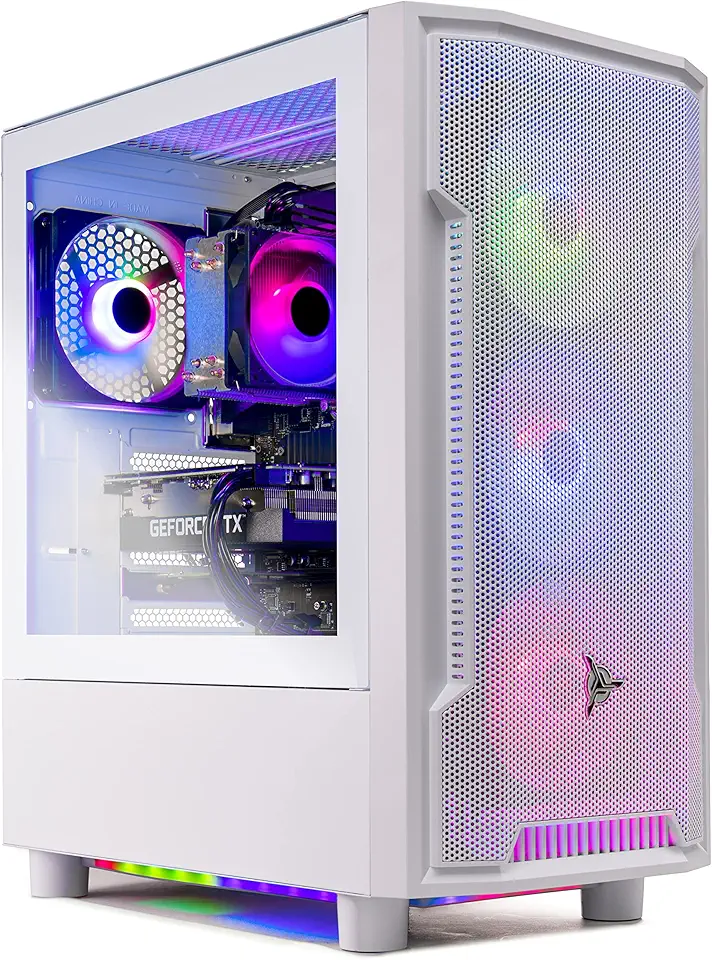
Skytech Archangel Gaming PC Desktop – AMD Ryzen 5 3600 3.6 GHz, NVIDIA RTX 3060, 1TB NVME SSD, 16GB DDR4 RAM 3200, 600W Gold PSU, 11AC Wi-Fi, Windows 11 Home 64-bit

MSI Thin 15 15.6" 144Hz Gaming Laptop, Intel® Core™ 5-210H, RTX 4050, 16GB DDR5, 1TB NVMe SSD, Windows 11 Home

Fanless Mini PC 13th Gen Core i7 1355U(10C/12T), Win11 Pro Mini Desktop PC Dual 2.5G LAN Mini PC Fanless, Iris Xe Graphics, Dual HD+ DP Triple Display, USB-C, WiFi6, BT5.2, 64GB RAM 1TB NVME SSD

Beelink SER5 MAX Mini PC, AMD Ryzen 7 6800U(8C/16T, Up to 4.7GHz), Mini Computer 32G LPDDR5 RAM 1TB NVMe PCIE4.0 SSD, Mini Desktop Computer 4K@144Hz Triple Display HDMI2.1/DP/WiFi6/BT5.2/W-11 Pro
