How to Configure DHCP on a Cisco Switch | Configure DHCP Server in Cisco Switch and Exclude IP range


Cisco Config
View ChannelAbout
After watching and getting help from many videos tutorial on YouTube I decide to share my knowledge and help people who want to learn Networking and Configuration. I try to make my video as simple as possible and practically show you how to design, Configure and test the network. I hope so people enjoy my video and get knowledge also.
Latest Posts


Video Description
Hello Friends, This is 2nd Part of video and to watch 1st part of video please click on below Link. https://youtu.be/7dXBN8a-X2U In this Video tutorial I am going to show you how to configure DHCP Server / DHCP Pool in Cisco Switch. I use Cisco 3550 Switch in this video but commands i used will work on all=most all type of Cisco Switch included 2960, 2960X, 3550, etc. It’s very simple & easy to configure DCHP server in Cisco Switch. you will get answer of all below question in this video Configure Cisco Switch as DHCP server DHCP - Configuring the Cisco IOS DHCP Server, How To Configure DHCP Server On A Cisco 3550 Switch, Configure DHCP on a Cisco router or switch, how to check DHCP configuration on cisco Switch, DHCP configuration configure DHCP Pool on the cisco Switch configure DHCP on cisco switch 3550 how to configure dhcp in multiple vlans configure dhcp server for multiple vlans on the switch configuring cisco switch as dhcp server
Essential Cisco Switch Gear
AI-recommended products based on this video

TP-Link 5 Port Gigabit Ethernet Network Switch (TL-SG1005D) - Plug and Play, Desktop or Wall Mount, Plastic Case, Ethernet Splitter, Fanless, Traffic Optimization, Unmanaged (TL-SG1005D)

TP-Link USB to Ethernet Adapter (UE306) - Foldable USB 3.0 to Gigabit Ethernet LAN Laptop Network Adapter, Supports Nintendo Switch, Windows, Linux, Apple MacBook OS 10.11- OS 12, Surface
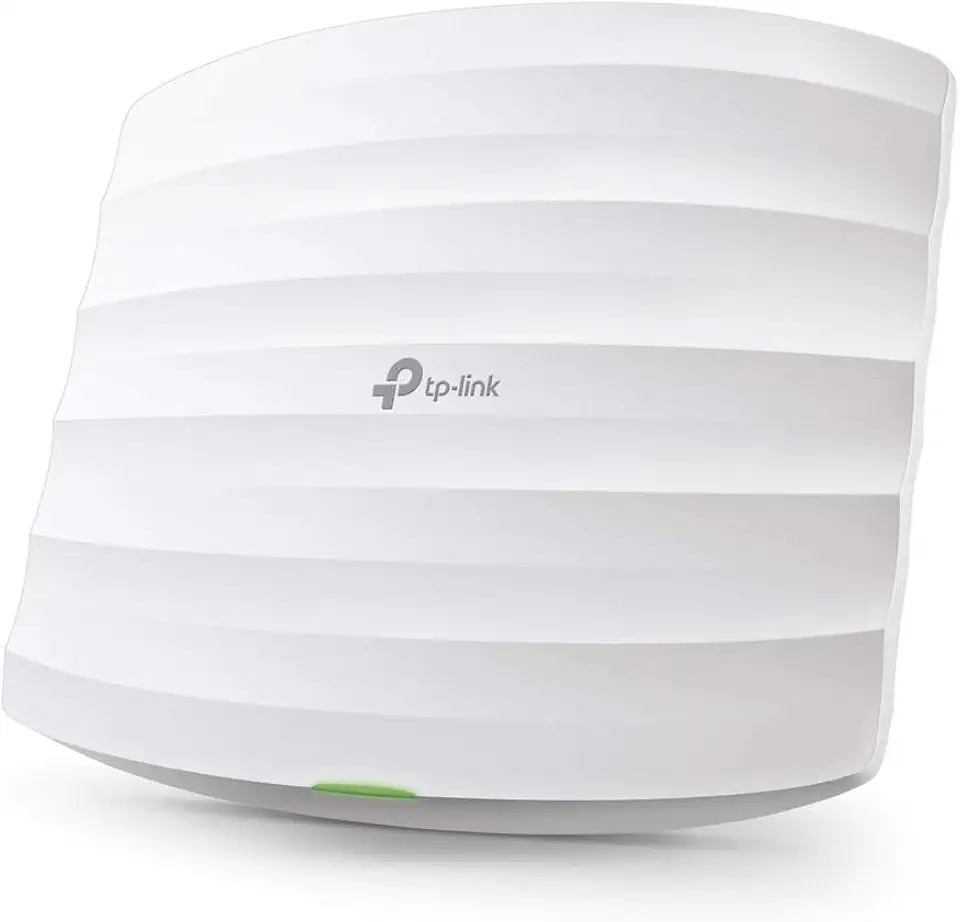
TP-Link Omada AC1750 Gigabit Wireless Access Point (EAP245 V3) - Business WiFi Solution w/Mesh Support, Seamless Roaming & MU-MIMO, PoE Powered, SDN Integrated, Cloud Access & Omada App, White

TP-Link EAP225-Outdoor | Omada AC1200 Wireless Gigabit Outdoor Access Point | Business WiFi Solution w/ Mesh Support, Seamless Roaming & MU-MIMO | PoE Powered | SDN Integrated | Cloud Access & App White
