How to create a bootable macOS Big Sur USB Install drive

About
No channel description available.
Latest Posts

Video Description
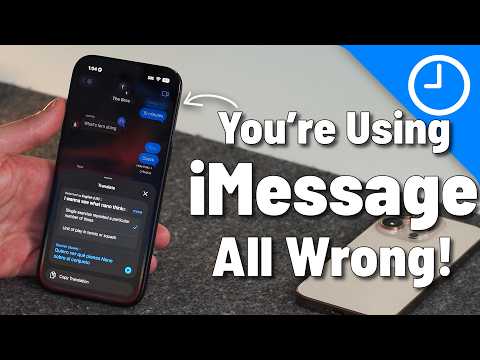
A bootable USB installer makes fresh installs of macOS Big Sur easy. → SUBSCRIBE FOR MORE VIDEOS: https://www.youtube.com/c/9to5mac?sub_confirmation=1 DETAILED VIDEO SYNOPSIS: ---------------------------------------------------- In this video tutorial, I show you how to create a bootable macOS 11 Big Sur USB installer drive. This drive is handy for facilitating clean installs and upgrades to macOS Big Sur. I show you how to create the installer, alter the necessary Secure Boot settings, and install macOS Big Sur on your Mac. RELATED LINKS: ---------------------------------------------------- Buy SanDisk Ultra USB-C drive from Amazon: https://amzn.to/2LpalF5 Your drive should be at least 16GB not 8GB. How to install macOS Big Sur beta on a separate APFS Volume: https://youtu.be/ml9JkxCynaw ACKNOWLEDGEMENTS: ----------------------------------------------------- FTC: We use income earning auto affiliate links: https://9to5mac.com/about/#affiliate FCPX plugins by MotionVFX: https://motionvfx.sjv.io/c/1977902/760654/10011 Music by Soundstripe: https://app.soundstripe.com/referrals/15157 Add captions to your videos with Rev, get $10 off now: https://www.rev.com/blog/coupon/?ref=jeffbenjamin SUBSCRIBE FOR MORE VIDEOS: ---------------------------------------------------- By clicking subscribe, you'll be able to see our new videos when they go live. If you click the bell icon, you'll be notified when new videos are uploaded. Also, don't forget to click the 'LIKE' button in order to vouch for the quality of the video. This helps expose our content to other potential viewers helping us to grow the channel and thus lets us produce more videos. Thank you very much for taking the time out of your day to watch. https://www.youtube.com/c/9to5mac?sub_confirmation=1 GEAR I USE TO MAKE VIDEOS: ----------------------------------------------------- Computer: 16-inch MacBook Pro (2019): https://bhpho.to/3izxfrl Camera: Canon EOS-R: https://bhpho.to/3dWSWyh Lens: EF 24-70mm f/2.8L II USM Lens: https://bhpho.to/2W3FQt1 Audio interface: Sound Devices MixPre-3 II: https://bhpho.to/38rESvo Microphone: Shure SM7B: https://bhpho.to/3f1Rk7x PODCASTS: ----------------------------------------------------- Happy Hour: https://podcasts.apple.com/us/podcast/9to5mac-happy-hour/id641836403 Daily: https://podcasts.apple.com/us/podcast/9to5mac-daily/id1331816080 Watch Time: https://podcasts.apple.com/us/podcast/9to5mac-watch-time/id1470240640 Stacktrace: https://podcasts.apple.com/us/podcast/stacktrace/id1359435443 Apple @ Work: https://podcasts.apple.com/us/podcast/apple-work/id1500332802 FOLLOW: ----------------------------------------------------- http://twitter.com/9to5Mac/ http://instagram.com/9to5Mac/ http://twitter.com/JeffBenjam/ http://instagram.com/JeffBenjam/ TIMESTAMPS: ---------------------------------------------------- 0:00 Introduction 0:26 Create the USB installer drive 5:36 Alter Secure Boot settings for destination Mac 7:27 Boot from Big Sur USB installer drive 8:29 Create new APFS volume (optional) 9:22 Install macOS Big Sur HASHTAGS: ----------------------------------------------------- #macos #Mac #macosbigsur





Upgrade Your Gaming Setup
AI-recommended products based on this video

95MM T129215SU Cooling Fan for ASUS ROG Strix for GeForce RTX 3060 3070 3080 3090 Ti Graphics Card CF1010U12S/D T129215BU(Black A-Fan T12)
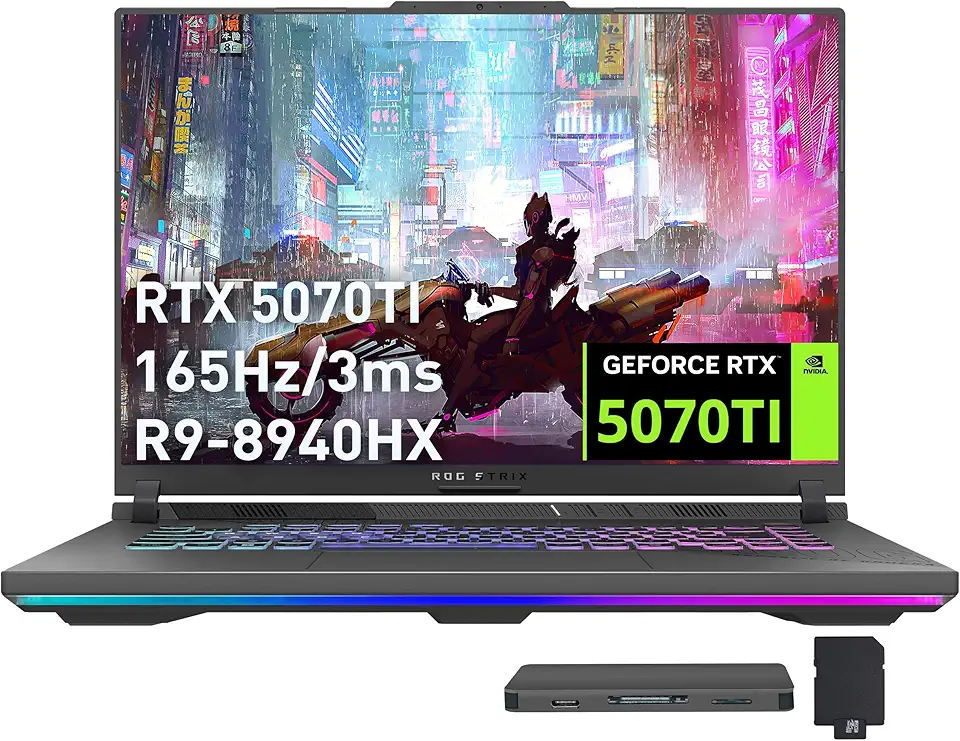
ASUS ROG Strix G16 Gaming Laptop, GeForce RTX 5070 Ti 12GB GDDR7, AMD Ryzen 9 8940HX, 64GB DDR5, 2TB SSD, Backlit Keyboard, Wi-Fi 6E, 16" WUXGA 165Hz Display, Win 11, Gray, 1TB Docking Station Set

ASUS ROG Strix G16 (2024) Gaming Laptop, 16” 16:10 FHD+ 165Hz, GeForce RTX 4060, Intel Core i7-13650HX, 16GB DDR5, 1TB PCIe SSD, Wi-Fi 6E, Windows 11, G614JV-AS71-CA

Asus ROG Gladius III Wireless AimPoint Gaming Mouse, Connectivity (2.4GHz RF, Bluetooth, Wired), 36000 DPI Sensor, 6 programmable Buttons, ROG SpeedNova, Replaceable switches, Paracord Cable, White

Lenovo Legion Pro 5 16" WQXGA 165Hz Gaming Laptop, AMD Ryzen 9 9955HX, GeForce RTX 5070, 32GB DDR5, 3TB Storage (2TB SSD+1TB Docking Station Set), 24-Zone RGB Backlit Keyboard, WiFi 7, Win 11, Black

230W Charger for Lenovo Legion Slim Pro 5 5P 7 S7 C7 Y720 Y730 Y740 Y920 Y530 Y540 Y545 R720 ThinkPad P1 P16 P16v P15 P17 T15g P50 P50s P51 P52 P53 P70 P71 P72 P73 Laptop ideacentre/ThinkStation AIO

New Slim 170W AC Charger Fit for Lenovo Legion Slim 5 5i Yoga Pro 9i ThinkPad P1 P16 P16v P53 P70 P71 P72 P73 IdeaPad Pro 5i 5 3 LOQ 16 15 ADL170SCC3A 20V 8.5A Laptop Power Supply Adapter Cord

170W AC Charger for Lenovo ThinkPad P1 P50 P51 P52 P53 P70 P71 P72 P73 P16 P16v P17 P15 T15g P15v T15p X1 Extreme Legion Y520 IdeaPad Pro 5 Yoga Slim 7 Laptop ThinkStation ThinkCentre IdeaCentre AIO

230W Charger Compatible with Razer Blade 14” 15” 16" 17” (2025-2018) RZ09 RTX-3060/3070/3080/4060/4070 Gaming Laptop RC30-0530 RC30-0238 RC30-0248 Replacement Power Adapter

GIGABYTE AORUS GeForce RTX 3060 Elite 12G (REV2.0) Graphics Card, 3X WINDFORCE Fans, 12GB 192-bit GDDR6, GV-N3060AORUS E-12GD REV2.0 Video Card
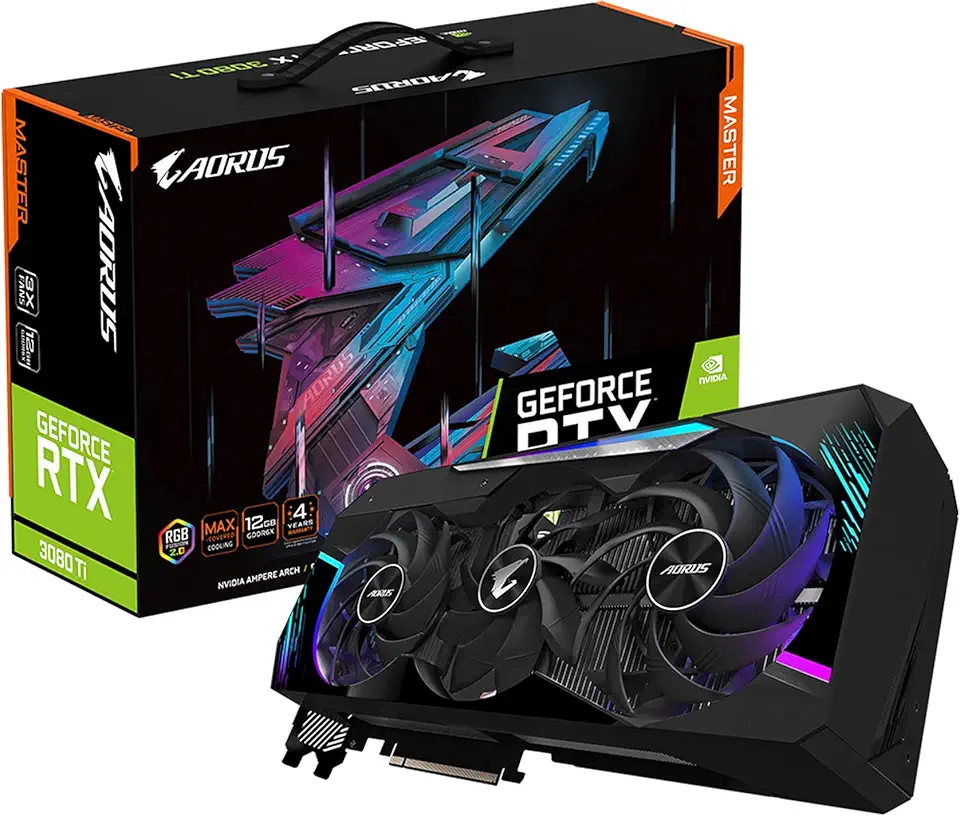
GIGABYTE AORUS GeForce RTX 3080 Ti Master 12G Graphics Card, Max Covered Cooling, 12GB 384-bit GDDR6X, GV-N308TAORUS M-12GD Video Card
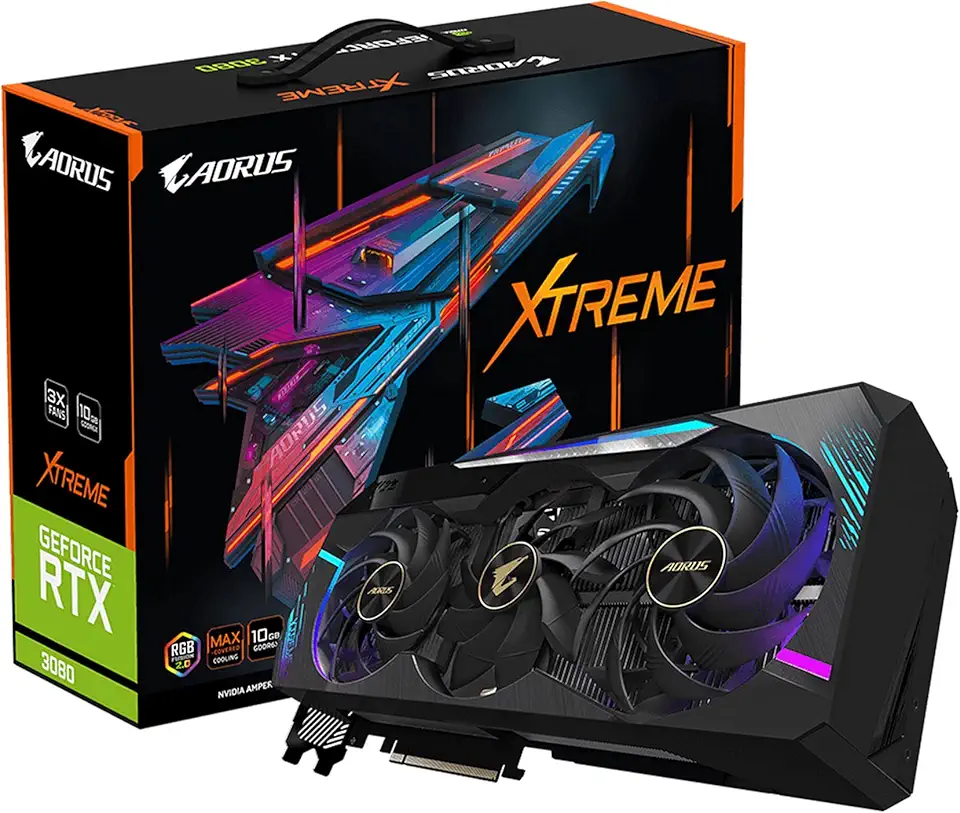
GIGABYTE AORUS GeForce RTX 3080 Xtreme 10G (REV2.0) Graphics Card, Max Covered Cooling, LHR, 10GB 320-bit GDDR6X, GV-N3080AORUS X-10GD REV2.0 Video Card

GIGABYTE - AORUS Elite 16 Gaming Laptop - 165Hz 2560x1600 WQXGA - NVIDIA GeForce RTX 5070 - Intel Core Ultra 9 275HX - 1TB SSD with 32GB DDR5 RAM - Windows 11 Home AD (AORUS Elite 16 BWHC3USC64SH)

240W 180W AC Charger Fit for Dell G15 G16 G7 G5 G3 Series 5500 5505 5510 5515 5511 5520 5521 5525 5530 5535 5587 5590 7500 7588 7590 7700 7790 7620 7630 3500 3579 3590 3779 LA240PM160 Gaming Laptop

MOSISO 13-14 inch Laptop Case, 13.3 inch Puffy Laptop Sleeve Compatible with MacBook Air 13 13.3 13.6/Pro 13/14, HP, Dell, ASUS, Lenovo, Rectangle Quilted Puffer Computer Bag for Women, Sand Global Recycled Standard
