How to fix errors with the ESP32 / ESP8266 and Firebase.


Electronics Simplified
View ChannelAbout
Simplifying the Complex Electronics Concepts for all the Engineers and Young Students who have the curiosity to Build a better future with technology. Hoping that all the knowledge shared leads to another INVENTOR of the future. Happy Understanding. Making the best efforts to Simplify the Content for all the World.
Latest Posts


Video Description
#errors #esp8266 #fixed #ESP32 #firebase The ESP Devices are most popular devices for IoT(Internet of Things). So having a realtime database is a challenge. In this video, you will see some most common mistakes done by the users. If you have any more errors, do not hesistate to mention it in the comment section. The entire video has the procedure to get started with firebase too. Error List 1. Using the wrong version of the library (incompatibilty issue solved) 2. Connecting to WiFi (reboot / EN) 3. Entering wrong password for the authentication (App Password is to be generated from the google account.) 4. Editing the code without establishing the connection with the database 5. Email account (Use a new account for safety) Uploading errors fixed on this video : https://youtu.be/Ym2XbpdHYYo Code for Anonymous Data Logging : https://www.electronicssimplified.in/feed/esp32-esp8266-realtime-database-with-firebase/ Code for Email Authentication : https://www.electronicssimplified.in/feed/esp32-esp8266-real-time-data-logging-with-authentication/ Library for Firebase ESP Client : https://github.com/rolan37/Firebase-ESP-Client-main Link to Firebase: https://console.firebase.google.com/ (Please use your own Web API Keys and URLs. I have not hidden the information for education purpose only.) Timeline 0:00 Introduction 0:17 Connect your device 0:36 Create your Firebase Project 1:33 Setting up Authentication (Anonymous) 2:23 Setting up Realtime Database 4:03 Setting up Programming Environment 4:40 Adding the Firebase ESP Client Library (Version Compatible with Firebase in 2023) (Error 1) 8:09 Setting up your device for upload 11:21 Connecting to the WiFi (Error 2) 13:13 Email Authentication Method (Do not do it. Watch the Full Video) 15:15 Incorrect Method of Email ID and Passwords 20:49 Creating an App Password for the ESP Devices 26:05 Setting up a new account and adding the details 26:40 Connection with the Realtime Database and fetching the UUID Please Like || Share || Subscribe
Instant ESP32/ESP8266 Fix Kit
AI-recommended products based on this video
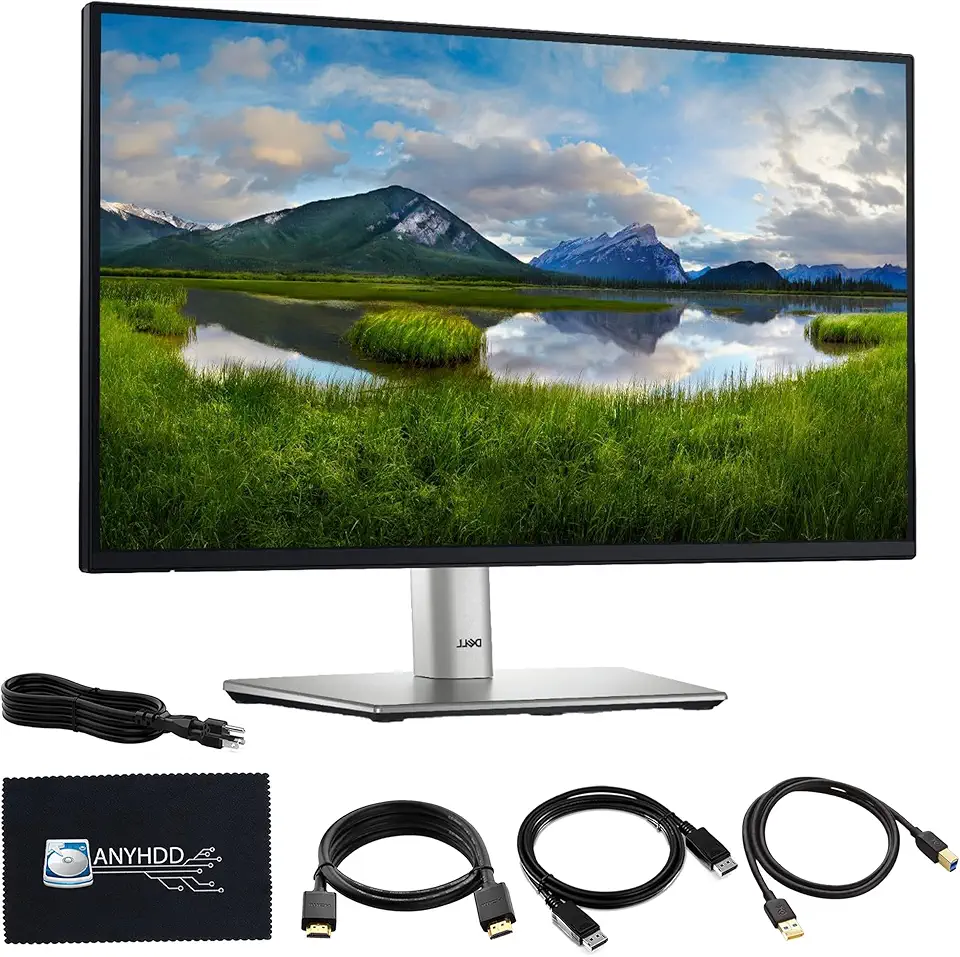
Dell P2725H 27" Full HD 1920 x 1080 Monitor - 1 Year Warranty, Computer Monitor Screen Bundle with Power Cable + USB 3.0 Upstream Cable + Display Port Cable + HDMI Cable + Microfiber Cloth Included
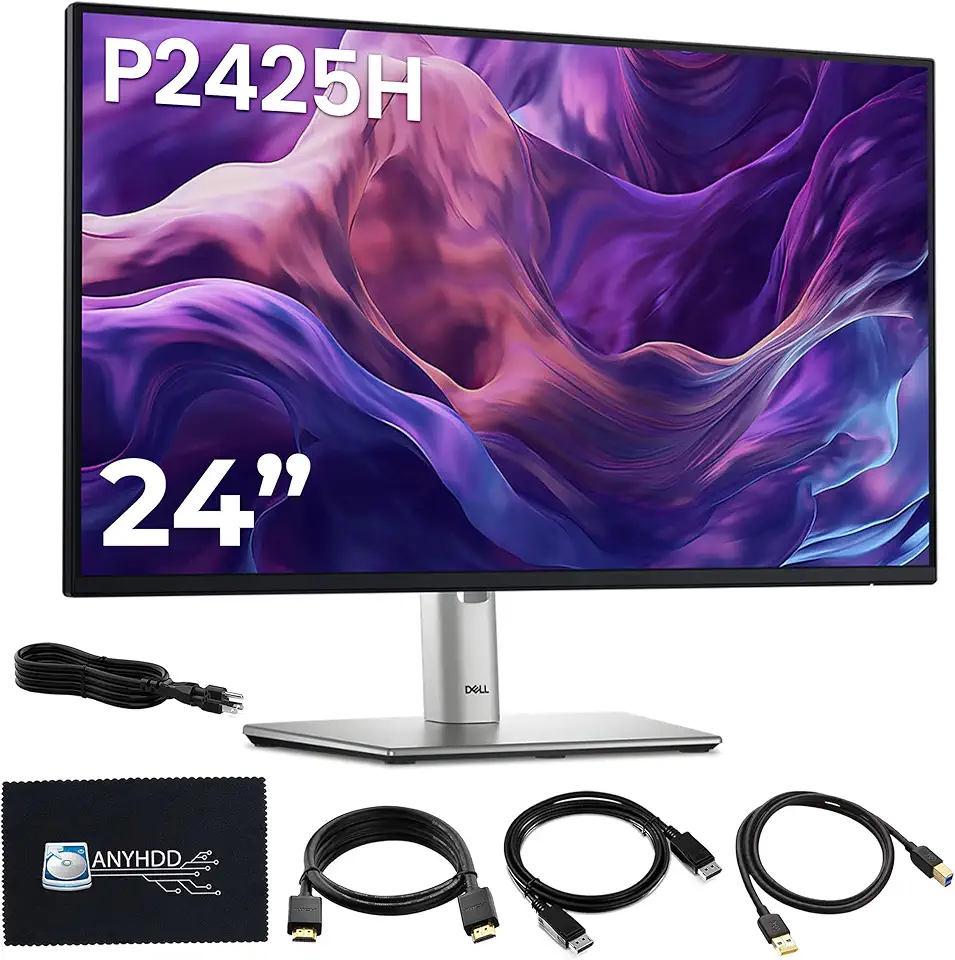
Dell P2425H Computer Monitor Screen 24" 16:9 IPS Display 100Hz w/Stand - 1 Year Warranty, Full HD, 1920 x 1080 with Power Cord + DisplayPort Cable + HDMI Cable + USB 3.0 Cable + Microfiber Cloth

DCNETWORK iPhone 4s Cable USB Sync and Charging Cable for iPhone 4 4s 3G 3GS iPad 1 2 3 iPod Touch Nano 30 Pin Charger Cord Dock Adapter Data 3.3 Feet (White)

Mini MP3 Player, Portable Digital Music Media Player, Mini MP3 with Back Clip, Player with Earphone and USB Cable, Up to 5H Playing Time, Support Memory Card (Black)
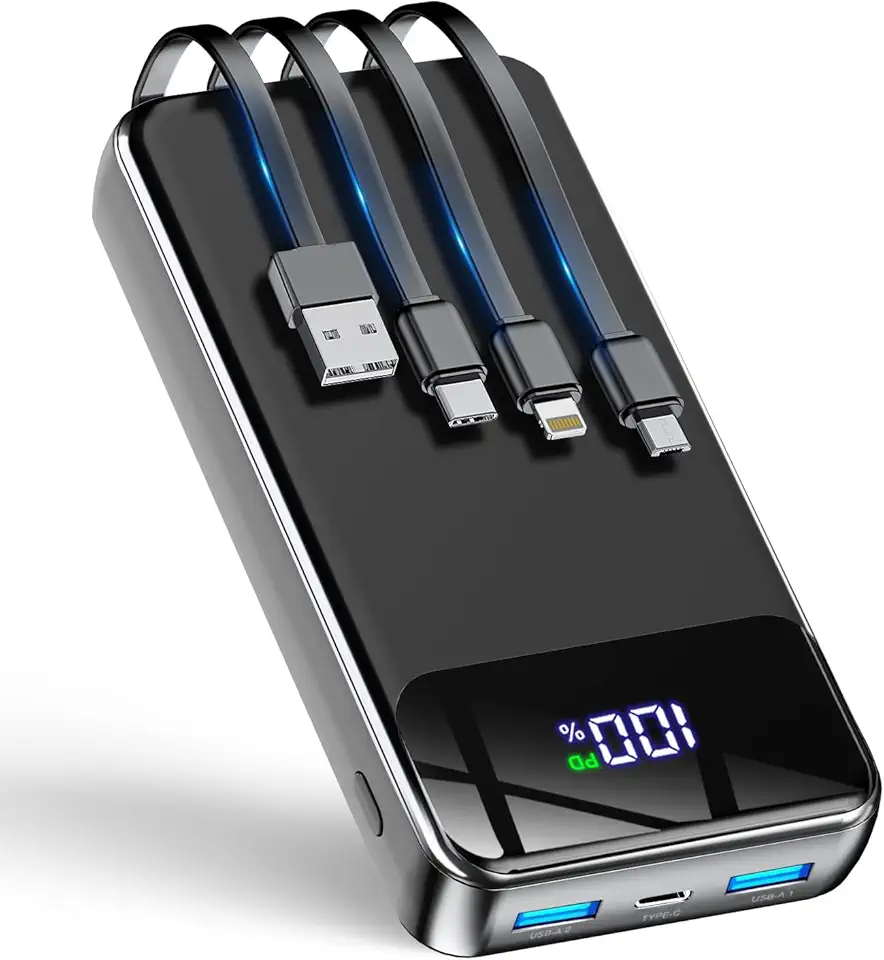
GTOCE Portable Charger,40000mAh Power Bank with 22.5W Fast Charging LED Digital Display Battery Pack with 6 Outputs 2 Inputs, Type C Powerbank Portable Charger for iPhone 16 pro Samsung AirPods,Black

Wireless Power Bank 40800mAh,7-in-1 Portable Charger with 3 Built in Cables,15W Wireless Charging 25W PD QC 4.0 Fast Charging USB C LCD Display Battery Pack for iPhone 16/15/13/12,Samsung,Android etc

AsperX for Magsafe Power Bank, 10000mAh Wireless Magnetic Power Bank, 22.5W Wire Fast Charging Portable Charger with USB C Cable, LCD Display for Magsafe Battery Pack for iPhone 16/15/14/13/12
