How To Install Google Bard Extensions and What They Do


Think Tutorial
View ChannelAbout
Hey there! I'm Dusty Porter, and welcome to Think Tutorial, where we simplify technology. Are you struggling with apps, devices, or tech tools? I totally get it. My channel is your shortcut to tech confidence. Every day, I break down complex technology into bite-sized, easy-to-follow tutorials that actually make sense. Whether you're a tech newbie or want to level up your digital skills, I've got your back. From software deep-dives to hardware hacks, Think Tutorial is all about turning tech confusion into tech mastery – one crystal-clear video at a time. What can you expect? • Fresh tutorials dropped daily • Comprehensive guides for apps, devices, and platforms • No-nonsense, straight-to-the-point explanations Ready to make technology work for you? Let's do this! 🖥️ Daily Tech Tutorials 🔧 Practical. Proven. Powerful. 🎯 Simplifying Tech, One Tutorial at a Time Want more? Check out www.dustyporter.com Business Inquiries: [email protected]
Latest Posts


Video Description
Learn how to install and use Google Bard extensions, and discover how they can enhance your browsing experience. With Bard extensions, you can access AI-powered search results, translate languages, write different kinds of creative content, and answer your questions in an informative way. Unlock your FREE DOMAIN + 50% OFF on Web Hosting - Elevate Your Website Today! 👉 http://goo.gl/iGVMmp Unlock Your YouTube Success with TubeBuddy: Skyrocket Your Channel Growth Effortlessly! 🚀 Get Your FREE 30-Day Trial NOW! 👉 http://bit.ly/tubebuddyfree30days 🔥 Discover endless creativity with Fiverr's top-notch logos, voice work, and more - click for exclusive FREE credit: https://bit.ly/FiverrDusty 🔥 Connect With Me Here: https://linktr.ee/dustyporter All my video gear is listed here: https://kit.co/DustyPorter/youtube-on-a-budget MY WEBSITES: http://www.youtubecreatorshub.com http://www.thinktutorial.com ---------------------------------------------------------------------------------- 🚀 Learn from successful YouTube creators as they share their journeys – Don't miss our podcast interviews: http://bit.ly/youtubecreatorshubpodcast 🎧 Disclaimer: Please note that the links provided in the description may be affiliate links, allowing you to support our channel at no additional cost. Chapters: 0:06 What Is Google Bard AI 0:36 How To Enable and Find Google Bard Extensions 1:22 Example Of Gmail Google Bard Extension 2:29 Example of The YouTube Google Bard Extension 3:30 Example of The Google Maps Bard Extension #tutorial #howto #googlebard
Boost Your Browser with These Essential Extensions
AI-recommended products based on this video

KEFEYA Portable Monitor for Laptop, P2 12” Full HD Dual Triple Monitor Laptop Screen Extender with IPS Display, HDMI/USB-A/Type-C Plug & Play for Cellphone, Windows, Chrome & Mac, Fits 13”-16” Laptops Global Recycled Standard

Logitech K400 Plus Wireless Touch TV Keyboard With Easy Media Control and Built-in Touchpad, HTPC Keyboard for PC-connected TV, Windows, Android, Chrome OS, Laptop, Tablet - Black

eXtremeRate ThumbsGear Interchangeable Thumbstick for Xbox Controller - Improve Comfort - Chrome Gold 3 Height Domed & Concave Grips Ergonomic Adjustable Joystick for Xbox Core, for Xbox One S/X/Elite

Replacement for Lenovo IdeaPad Slim 3 Chrome 14M868 LCD Back Cover 5CB1L30387
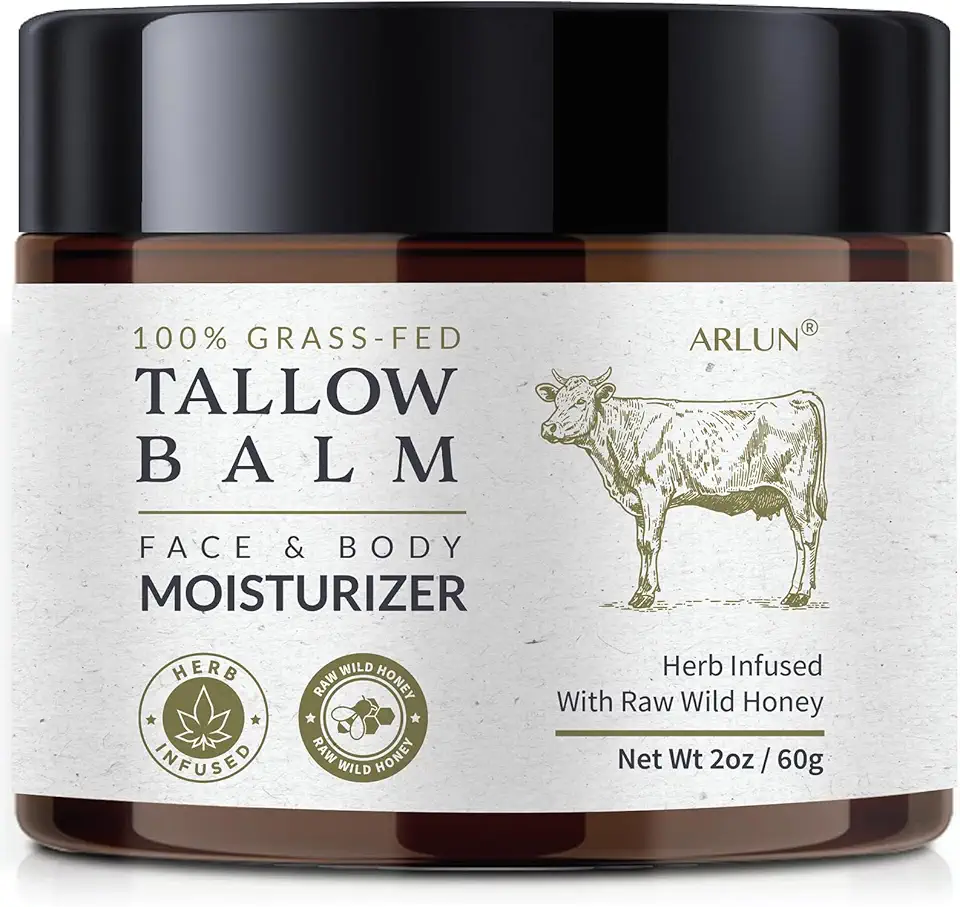
Beef Tallow and Honey Balm for Skin: Whipped Grass Fed Beef Tallow Balm Moisturizer with Raw Honey and Olive Oil for Face and Body - Natural Cow Fat Cream Unscented

VASAGLE Coffee Bar Cabinet, Kitchen Storage Cabinet with a Drawer, Farmhouse Cabinet Sideboard with Adjustable Shelf for Kitchen, Rustic White and Honey Brown UBBK341W01

Beef Tallow Skincare Moisturizer for face: 100% Grass Fed Whipped Beef Tallow Face Cream With Organic Raw Honey, Jojoba Oil, Vitamin E - Moisturizer for Face Body for Mature - Dry Eczema or Sensitive Skin Women Men (120 G)
