How To Make A WordPress Website | Divi Theme Tutorial


Ferdy․com | Ferdy Korpershoek
@ferdycomAbout
I teach you how to make a website. How To Make A WordPress Website. How To Make An eCommerce Website. How To Make A Listing Website. How To Make An Affiliate Marketing Website. I provide tutorials with free tools like WordPress, Elementor, The Blocksy Theme, Astra Theme, Kadence Theme. And tutorials using paid tools like Elementor Pro, Divi, CartFlows, LearnDash, ConvertKit, Buddy Boss, and more. My goal is to help people to make a website and make it profitable by monetizing their website through services you offer, selling products or courses, placing ads on your website, and using affiliate links. I have been making websites since 1999 and with a lot of trial and error, I know what works and how you can make a professional website with the minimum amount of effort.




Video Description
Learn how to create your first website using the world's most popular Wordpress theme 'Divi'. In this tutorial, you will learn step-by-step how to create a professional Wordpress website. Watch The New Divi Tutorial: https://www.youtube.com/watch?v=Or02VuBuEGk Get a Domain and Webhosting: https://webhosting11.com Get the Divi theme: https://ferdykorp.com/divi Download the website: https://divi.ferdykorp.com Divi Tutorial Timestamps: 00:00 Intro 07:23 Get a Domain Name And Webhosting 09:55 Choose Your Domain Name 13:20 Install WordPress 16:57 The Backend And Frontend Of Your Website 20:29 Choose The Best Permalink Settings 25:43 Get The Divi Theme 30:54 Upload Your Site Logo 32:10 Create Global Colors 33:17 Create a Menu With Pages 37:45 Create A Site Title The Divi Builder 40:57 The Basics Of The Divi Builder 57:57 Create The Homepage From Scratch 01:07:26 Find The Right Fonts For Your Website 01:12:08 Optimise Your Website For All Devices 01:17:08 Showcase Logo’s of Companies You Work For 01:21:54 Use Custom CSS in the Divi Theme 01:30:42 More Design Tricks 01:32:04 Change The Default Fonts In Your Divi Website 01:38:50 Add an Image to The Background 01:43:16 Hide Modules On Different Devices 01:45:05 Create a Specialty Area Using The Divi Theme 02:06:00 Create a Contact Form Using The Divi Theme 02:10:28 Add Scroll Effects Speed Up Your Workflow 02:11:55 Create A Custom Header 02:13:45 Import The Header For Free 02:20:08 Copy and Paste Styles 02:21:22 Extend Styles 02:23:07 Copy and Paste Modules 02:25:59 Clone Existing Pages 02:27:10 Make Use of Pre Made Layouts In The Divi Theme 02:28:31 Speed Up Your Workflow 02:43:36 Create A Custom Footer 02:46:00 Create A Blog And Blogposts 02:47:59 Create A Portfolio 02:49:16 Use Global Items In The Divi Theme 02:53:51 Import a Complete Website Page by Page 03:00:11 The Best Follow Up Tutorials 03:07:55 Thank You For Watching This Divi Tutorial The Divi theme is the most popular WordPress theme in the world. The Divi theme makes it easy to create websites using their visual builder. You see how your website looks while you are creating your website. It is a drag and drop builder. In this tutorial, we will create a professional website that I would sell to a client for $3.000 - $5.000. Other Divi Tutorials: Divi Custom Header Tutorial: https://www.youtube.com/watch?v=yBA0BeMcu0Q Divi Blog Turial: https://www.youtube.com/watch?v=dvPcszGVujU Divi Portfolio Tutorial: https://www.youtube.com/watch?v=aMgFCVpQjAY Divi Scroll Effects Tutorial: https://www.youtube.com/watch?v=asiuP7rKU28 Divi Custom Footer Tutorial: https://www.youtube.com/watch?v=BR6cw6bGA7E Great Follow Up Tutorials: WoooCommerce Tutorial: https://www.youtube.com/watch?v=Txg-PrWRdzs ConvertKit Tutorial: https://www.youtube.com/watch?v=qf7ir4uLuzM Google Adsense Tutorial: https://www.youtube.com/watch?v=W7r2w0aq3kE Affiliate Marketing Tutorial: https://www.youtube.com/watch?v=b1UcMeS7iYU















Action-Packed Movie Night Essentials
AI-recommended products based on this video

Sony WH-CH720N Noise Cancelling Wireless Headphones Bluetooth Over The Ear Headset with Microphone and Alexa Voice Control, Black

Civilized Water Recliner, 3-in-1 Water Recliner, Foldable Foam Floating Chair for Adults, Lightweight Pool Lounger, Chairs for Sitting in The Waters Swim, for Pool Parties, Lakes (Blue)

【Built-in Apps & Auto Keystone】CLOKOWE 4K Mini Projector with WiFi and Bluetooth - Full HD 1080P Supported, Portable 270° Rotation Outdoor Movie Projector, Compatible with TV Stick/Smartphone/HDMI/USB

YOTON Y3 Mini Portable Movie Projector, 1080P Full HD Supported, Outdoor Home Movie Theater Projector, Compatible with Fire TV Stick, HDMI, USB, PS5, Xbox, iOS, Android, Laptop
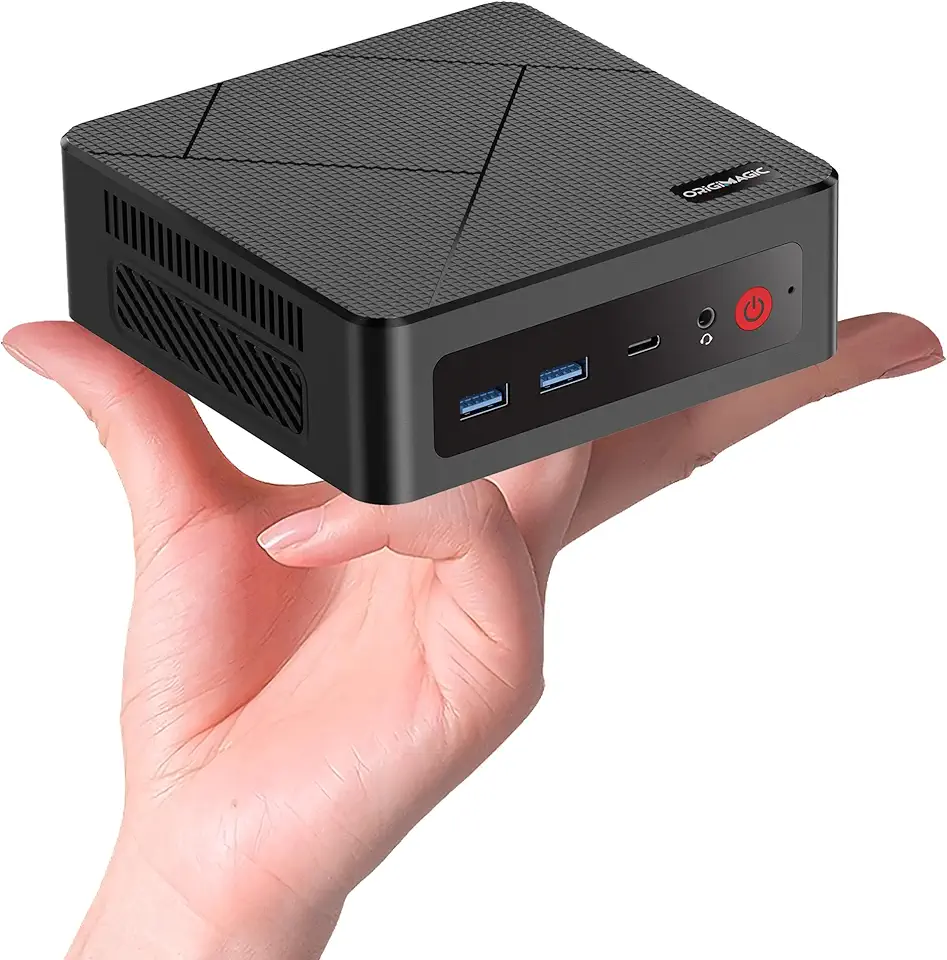
C4 Mini PC 11 Pro, Ryzen 5 3550H Mini Desktop Computer (Beat N150/N100/N95) Dual 1000Mbps NIC LAN, 16GB RAM 512GB SSD Micro PC, WiFi 5, BT 5.0, Triple Display, PC for Home Theater, Office

BOSGAME B100 Mini PC, Intel 12th Gen Alder Lake-N100, 16GB DDR4, 512GB SSD, 4K Triple Display, USB3.2/WiFi 5/BT4.2/2.5GbE, Compact Desktop for Home Theater, Streaming, Office

BOSGAME B95 Mini PC Desktop Computers, Intel 12th Gen N95, 16GB DDR4 RAM, 512GB M.2 SSD, Dual HDMI, Type-C, 4K UHD, WiFi 5, BT 5.0, Compact Silent PC for Home Theater, Streaming, Office

BOSGAME E2 Mini PC Desktop Computers, AMD Ryzen 5 3550H, 16GB DDR4, 512GB PCIe SSD, 4K Triple Display, Type-C & USB3.2, RJ45 & Wi-Fi 5 & BT 5.0, Compact Silent PC for Office, Streaming, Home Theater

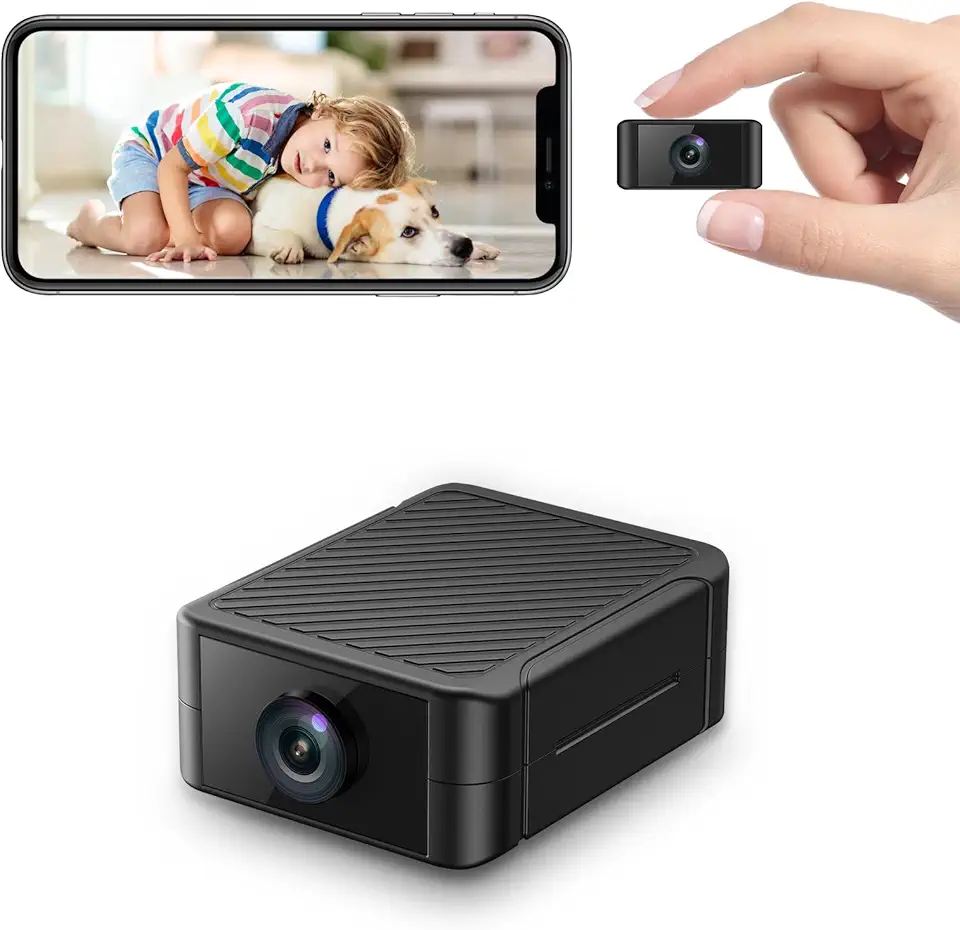
Spy Camera, Hidden Camera 4K Ultra HD with 4H Battery Life, SD Card & Cloud Storage, Motion Detection Alarm, Real-Time App Alerts, 2.4G WiFi & Night Vision for Home/Office Security

Spy Camera, Hidden Camera 4K Ultra HD with 4H Battery Life, SD Card & Cloud Storage, Motion Detection Alarm, Real-Time App Alerts, 2.4G WiFi & Night Vision for Home/Office Security

Apollo 13 - 4K Ultra HD + Blu-ray (Bilingual)