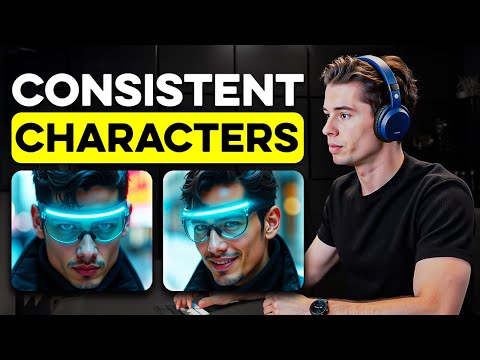
How to Make Consistent Characters With AI | Full Course

Roboverse
@roboverse987About
Welcome to Roboverse! for inquiries: roboverse (at) mediaflow.group Discover the best AI tools to boost your productivity, creativity, and business. From AI video generators and content creators to game-changing tools for automation and efficiency, we bring you in-depth reviews, tutorials, and comparisons to help you find the perfect solution for your needs. Whether you're a content creator, entrepreneur, or tech enthusiast, our channel is your ultimate guide to harnessing the power of AI. Subscribe for actionable tips, expert insights, and innovative strategies that turn AI into your biggest ally. 💡 Unleash the future—one tool at a time! 🤖✨
Latest Posts



Video Description
Create with Openart 👉 https://roboverse-ai.com/openart-characters ✅ Use ROBOV20 for 20% off In this full consistent character ai course, I will show you step by step how you can use openart to make consistent characters for any of the creative work you do. It's even possible to create multiple consistent characters! Openart AI is by far the best way to make consistent characters. I highly recommend to start creating with openart here 👉 https://roboverse-ai.com/openart-characters and using my special coupon for viewers of this full course ''ROBOV20'' for a 20% discount! in this Full Course: Introduction to Consistent Characters: - Definition of consistent characters in AI image generation - The problem with standard AI generation (different results each time) - Why character consistency matters for storytelling and content creation - The future of AI content creation and character development Understand the Technology: - How consistent character technology works - Feature recognition and preservation in AI models - Comparison of different approaches: - Manual prompting (inconsistent results) - Custom model training (time-consuming) - Specialized tools like OpenArt (efficient consistency) Three Methods for Character Creation: - Method 1: Text Description Approach - Writing effective character descriptions - Tips for specificity in physical attributes - Using style selections to enhance results - Example prompts and best practices - Method 2: Single Image Reference - Selecting optimal reference images - Image quality considerations - Front-facing vs. other angles - Lighting and detail requirements - Method 3: Multiple Image Training - Using 4+ images for maximum consistency - Including different angles and expressions - Combining full-body shots with close-ups - Maintaining consistent lighting and style Character Generation Settings: - Understanding character weight settings - Using the "Preserve Key Features" toggle - Effective prompt structure for consistent results - Balancing consistency with creative freedom Advanced Character Posing: - Using the 3D pose editor - Selecting appropriate base models - Creating custom poses from presets - Checking poses from multiple angles - Writing effective prompts for posed characters Editing and Refining Characters: - Enhancing facial details while maintaining identity - Correcting common issues (hands, proportions) - Changing facial expressions - Using in-painting for targeted modifications - Removing unwanted elements Creating Multi-Character Scenes: - Combining different consistent characters - Writing effective prompts for character interaction - Current limitations and future developments Character Animation: - Transforming static images into videos - Writing effective animation prompts - Camera movement descriptions - Environmental animation elements - Understanding animation limitations Practical Applications: - Using consistent characters in comics and visual stories - Character development for games - Content series and marketing applications - Building recognizable brand characters for inquiries: roboverse (at) mediaflow.group #Roboverse
You May Also Like




AI Art Mastery Starter Kit
AI-recommended products based on this video
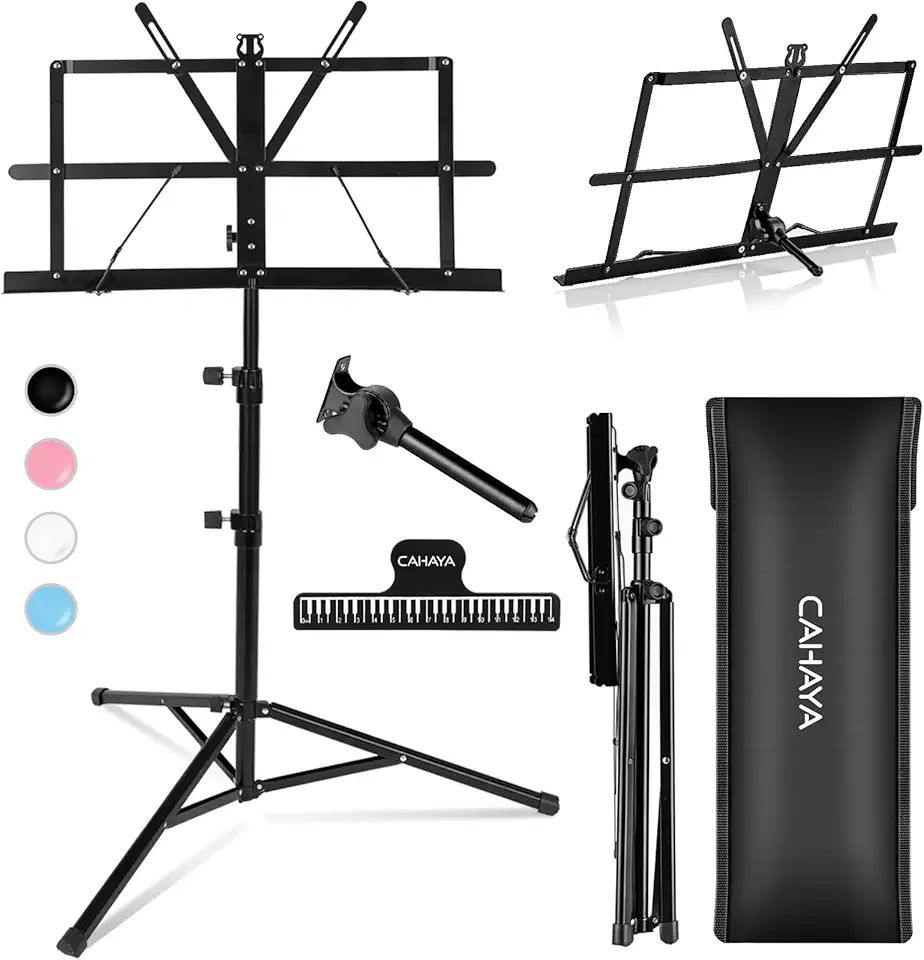
CAHAYA Portable Sheet Music Stand: Dual Use Desktop Book Holder Folding Lightweight Extra Stable Reinforced with Carrying Bag and Clip for Students Musicians Height Adjustable up to 54.3" CMS0204

MSI Thin 15 Gaming Laptop, 15.6" 144 Hz IPS Display, AMD Ryzen 9 8945HS, NVIDIA RTX 4060 8GB GDDR6, 32 GB DDR5, 2 TB SSD, with Windows 11 Pro, Office Pro Lifetime License, Mouse, USB C Flash Drive

Skytech Rampage Gaming PC, Intel i7 14700K 3.4 GHz (5.5GHz Turbo Boost), NVIDIA RTX 4070 Super 12GB GDDR6X, 2TB SSD, 32GB DDR5 RAM 5600 RGB, 750W Gold PSU, 360mm AIO, Wi-Fi, Win 11 Home
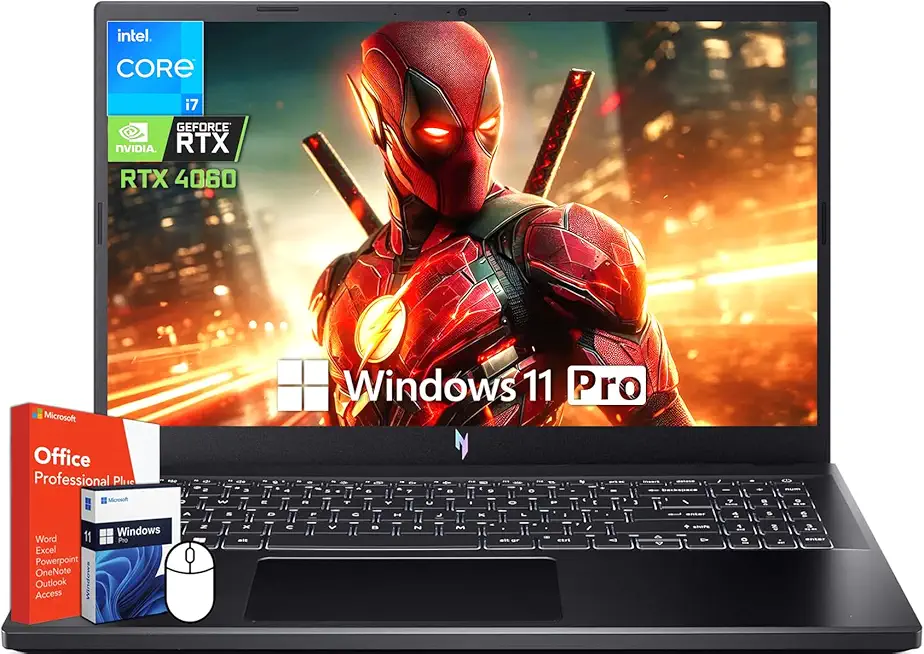
acer Nitro V 15 Gaming Laptop, 15.6" 144Hz FHD Display, Intel 10-Core i7-13620H, NVIDIA GeForce RTX 4060, 64 GB DDR5 RAM, 4 TB SSD, Backlit Keyboard, Microsoft Office Lifetime License, Windows 11 Pro
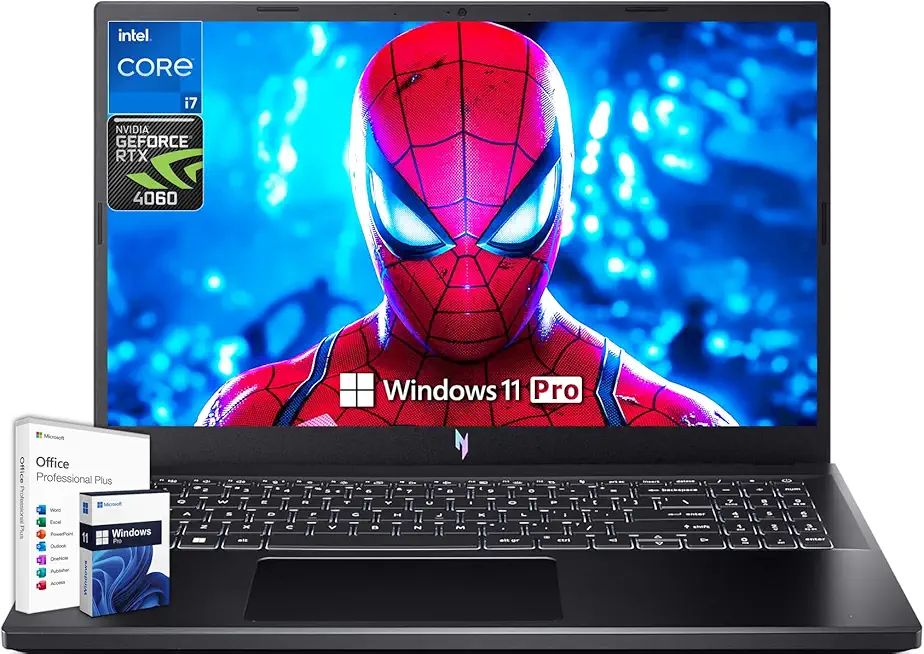
acer Nitro V 15 Gaming Laptop, Microsoft Office Lifetime License & Windows 11 Pro, 15.6" 144Hz FHD Display, Intel 10-Core i7-13620H, NVIDIA GeForce RTX 4060, 64GB DDR5 RAM, 4TB SSD, Backlit Keyboard

Soundcore by Anker P20i True Wireless Earbuds, 10mm Drivers with Big Bass, Bluetooth 5.3, 30H Long Playtime, Water-Resistant, 2 Mics for AI Clear Calls, 22 Preset EQs, Customization (Blue)

Soundcore Liberty 4 Pro by Anker, Noise Cancelling Wireless Earbuds, 7-Sensor and Real-Time Adaptive Noise Cancelling, 2× Faster Charging, Studio-Level Hi-Fi Music, Clear Calls with 6 Mics and AI

UPERFECT Portable Monitor 18.5 inch 120 Hz 100% sRGB 1080P Portable Screen for Laptop w/Smart Cover, VESA & Speakers, Frameless IPS HDR USB-C HDMI Port Gaming Monitor for Smart Phone, Tablet, MacBook

ASUS TUF Gaming GeForce RTX ™ 5070 Ti 16GB GDDR7 OC Edition Gaming Graphics Card (PCIe® 5.0, HDMI®/DP 2.1, 3.125-slot, Military-Grade Components, Protective PCB Coating, axial-tech Fans)
Soundcore by Anker P20i True Wireless Earbuds, 10mm Drivers with Big Bass, Bluetooth 5.3, 30H Long Playtime, Water-Resistant, 2 Mics for AI Clear Calls, 22 Preset EQs, Customization (Blue)