How to Migrate WordPress Site to New Host (Without Breaking Your Website)


WP Wiki - Digital Web Tutor
View ChannelAbout
Welcome to WP Wiki - Digital Web Tutor, the ultimate destination for beginner-friendly WordPress tutorials on plugins, themes, and other essential tools. Our channel is dedicated to helping you optimize your WordPress site for better performance, speed, and functionality. Our team of WordPress experts provides step-by-step guidance on SEO, security, e-commerce, and more. Our easy-to-follow tutorials let you learn at your own pace and master WordPress in no time. Whether you're a blogger, freelancer, or small business owner, WP Wiki - Digital Web Tutor has everything you need to create a successful online presence. From setting up your site to customizing it with the latest plugins and themes, we've got you covered. So, if you're looking for comprehensive and reliable WordPress tutorials, look no further than WP Wiki - Digital Web Tutor. Subscribe today to join thousands of satisfied viewers and take your WordPress skills to the next level!
Latest Posts



Video Description
In this video, we will learn how to migrate WordPress site to new host. This means you have an existing WordPress website in a particular hosting, but you want to switch or change your hosting company. After watching this step-by-step tutorial, you will be able to set the same domain name and same web design to different hosting. ~~~~~ Do you know? HOSTINGER offers free migration (by their experts) to their new users. ⏩ Hostinger 80% Discount: https://rebrand.ly/wp/hostinger ( Additional 10% Coupon: WPWIKI ) ⏩ Donate to us for Better Content: buymeacoffee.com/wpwiki ⏩ SpeedUp Your WordPress Website By One Plugin: https://rebrand.ly/get/wprocket For any Business: [email protected] ~~~~~ To start this process, go to the wp-admin dashboard. Then install the wpvivid backup migration plugin. After activating, the plugin page will appear. You will see the backup and restore options from these two different places. Now click on "Backup now" from the plugin dashboard. It will start taking a backup file immediately. It may take several minutes, based on your website size. Backup finished. If you scroll down you will see the backup file here. We need to download the backup files now. Click on the download button. Here you will see the backup files here. Here I have one backup file because of having a small website. You may see multiple files. Download all the files from here. Download done. Now we need to set up our new hosting with our current domain. First of all, open the login details of your newly purchased hosting. Normally they send this server information and login details when you buy the hosting. Here you will see the server IP, nameservers, and cpanel login details. If you ever failed to get this, then contact your new hosting provider. They will send you that again. After finding that email or this information, go to your domain registrar company. We need to change the domain nameserver of it. Copy the new nameservers from your email, and replace the old nameservers. Nameserver changed successfully. Now our domain will be connected with our new host. But this process is not instant. The domain and hosting will be connected within 48 hours. But normally 1 hour is enough. Let it happen silently. We will install WordPress on our new hosting now. Copy the server IP address. And paste it with a cpanel directory. And copy the cpanel username and password to log in. Click here. Then click install. Now select HTTPS, and choose the domain name. Blank the subdirectory. Remember the admin username and password, we will need this later. Scroll down, and click install. WordPress is installed successfully. Now we will wait for several hours so that the domain connects to the new hosting. After an hour, we will visit your website. This time I am refreshing the page. Look, if you don't see any change to your website design, then you can be sure that the domain and new hosting is still did not connected. Normally 1 hour is enough for this, but if you have a hurry then you can use VPN to work early. Let us connect to a VPN and check our website. Here I am using a VPN extension in a different browser, you can use VPN software for this too. Look, our domain is now showing like this. If you wait and check your website constantly for several hours, then you may see this interface in your main browser. If you don't have VPN, then please wait for several hours for showing this interface. Go to wp-admin login. Log in with your username and password you used while installing WordPress. Now install and activate the wpvivid migration plugin here. Scroll down, and click upload. And upload the backup file you just downloaded. Upload done. Now under the backup section, you will find the backup file. Click on Restore. The restoration process is being started. Restore completed successfully. It logged out automatically. Let's check the website homepage first. Well, the webpage is finely loading. Which means migration of WordPress site to the new host is done. If you check in your main browser, then you will see you had only these themes. Those default themes were not installed. But when you come to VPN enabled browser, the default themes will be visible. Actually, when you see the default themes in your original website, then you can start editing or making any changes to your website. I prefer to wait a day after restoration. After 6 hours, I am entering to my website from my primary browser, let's see what happens. Yes, on the themes page, I am seeing the default themes. This means my website is now live with new host. So, this is the video on how to migrate WordPress site to new host. If you have any questions, then feel free to ask me in the comment section. If it works for you, then please hit the like and subscribe button below. Thank you.











Upgrade Your iPhone 14 Pro Max Experience
AI-recommended products based on this video

for Magsafe Car Mount【20 Strong Magnets 】Magnetic Phone Holder for Car Phone Holder Mount Dash【360°】Cell Phone Mount for Car Accessories,Car Mount for iPhone 16 Pro Max 15 14 13 12 Plus MagSafe Cases

Apple AirPods Pro 2 Wireless Earbuds, Bluetooth Headphones, Active Noise Cancellation, Transparency, Personalized Spatial Audio, High-Fidelity Sound, H2 Chip, USB-C Charging

Cleaner Kit for Airpods Pro 1 2 3 Multi-Function Cleaning Pen with Soft Brush Flocking Sponge for Bluetooth Earphones Case Cleaning Tools White
![iPhone 16 15 Charger [Apple MFi Certified] 2 Pack USB C Wall Charger Block 6FT USB C to Type C Cable Compatible with iPhone 16 15 Pro Max,16e, AirPods Pr, iPad Pro12.9/11, Samsung/Android Phones](https://m.media-amazon.com/images/I/51GjkZn3ACL._AC_UL960_FMwebp_QL65_.jpg)
iPhone 16 15 Charger [Apple MFi Certified] 2 Pack USB C Wall Charger Block 6FT USB C to Type C Cable Compatible with iPhone 16 15 Pro Max,16e, AirPods Pr, iPad Pro12.9/11, Samsung/Android Phones

soundcore P31i by Anker, Real-Time Adaptive Noise Cancelling, Hi-Res Sound, Translation Earbuds, 50H Playtime, Wireless Earbuds, Bluetooth Earphones, Spatial Audio, Fast Charging, IP55 ClimatePartner certified
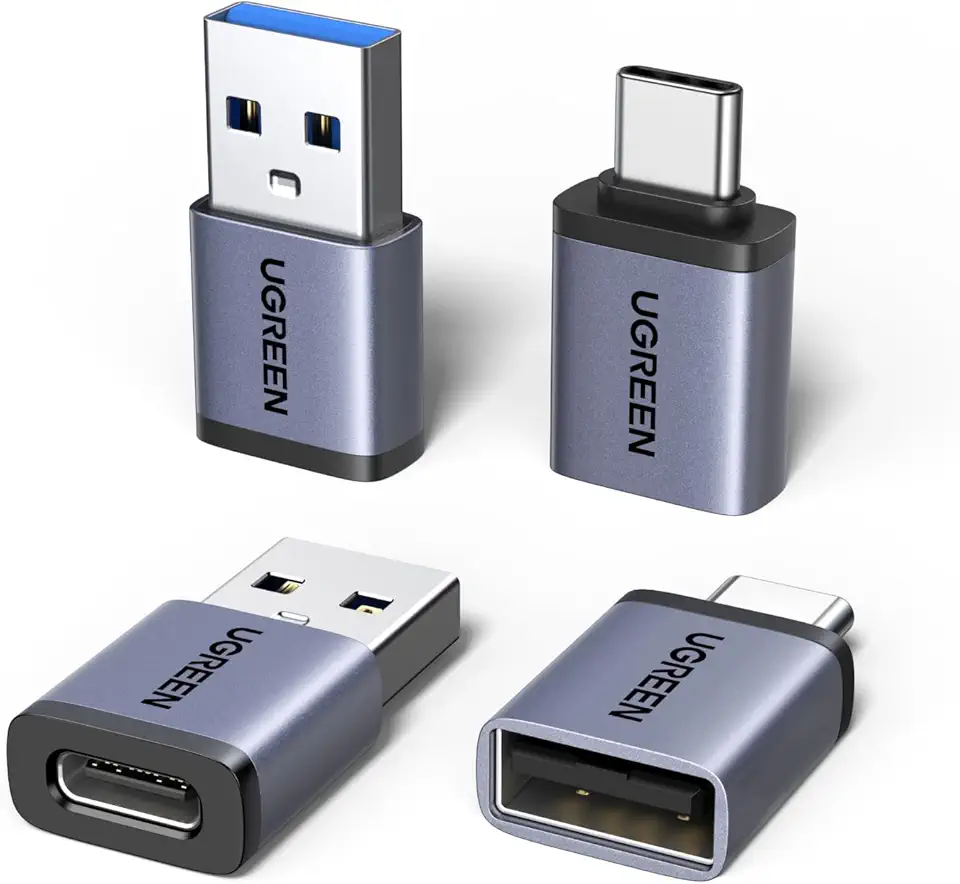
UGREEN USB to USB C Adapter & USB C to USB Adapter Combo 4-Pack, 10Gbps Type-C Converter, Car Charger Compatible with MacBook Pro, iPad Mac mini, iPhone 17/16, Galaxy, PC/Laptop, Hard Drive Enclosure
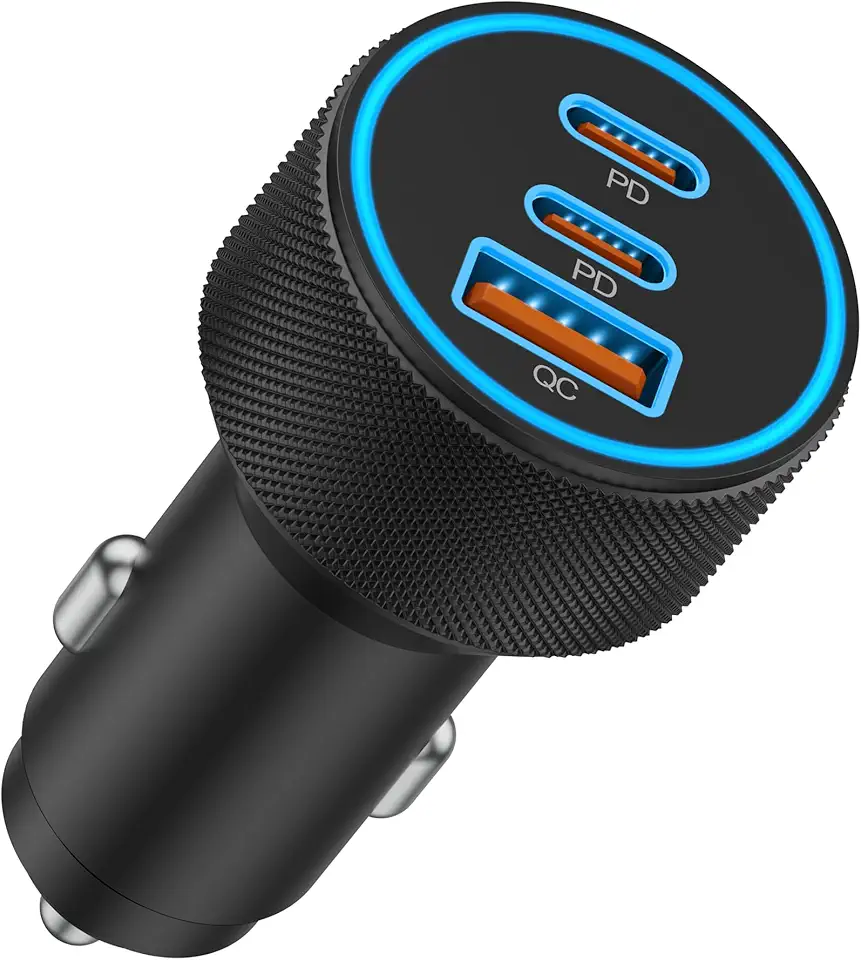
USB C Car Charger, 3-Port 67W Super Fast Charging Dual USB-C & USB-A Car Charger Accessories Cigarette Lighter Adapter for iPhone 17 16e 16 15 14 13 12 11 Pro Max, iPad, Galaxy, Pixel, Android Phone

USB C Car Charger 121W, IDOLCO 2-Port Car Charger USB C Fast Charger PD3.0 QC4.0 PPS Fast Charging 12V Car Phone Charger Cigarette Lighter Adapter Plug for iPhone 16/15/14 Series, Galaxy S24/MacBook

URVNS 240W USB C Car Charger, Super Fast Charging 4-Ports PD3.1 140W/PD3.0 100W PPS 45W QC65W Type-C Car Adapter for MacBook Pro Laptop iPhone 15 14 Max iPad Samsung Galaxy S24/23/22 Pixel etc
![Spigen Spigen Tempered Glass Screen Protector [GlasTR EZ FIT] designed for Nintendo Switch 2 (2025) - 2 Pack](https://m.media-amazon.com/images/I/61L0hIGSbYL._AC_UL1500_FMwebp_QL65_.jpg)
Spigen Spigen Tempered Glass Screen Protector [GlasTR EZ FIT] designed for Nintendo Switch 2 (2025) - 2 Pack

SanDisk 64GB 2-Pack Ultra USB 3.0 Flash Drive (2x64GB) - SDCZ48-064G-GAM462, Black

SanDisk Ultra Flair USB 3.0 64GB Flash Drive High Performance up to 150MB/s (SDCZ73-064G-G46)

SanDisk 32GB 3-Pack Cruzer Glide USB 2.0 Flash Drive (3x32GB) - SDCZ60-032G-G46T, Black

SanDisk 32GB Ultra Dual Drive Go USB Type-C Flash Drive, Black -SDDDC3-032G-GAM46
![MRGLAS 2025 Upgraded Magsafe Car Mount Vacuum Suction Magnetic Phone Holder Car, 360° Foldable Adjustable Suction Cup Phone Stand [89+LBS Suction & 2800gf Magnetic] for Car Accessories iPhone17/16](https://m.media-amazon.com/images/I/71UbeT7ccLL._AC_UL960_FMwebp_QL65_.jpg)
MRGLAS 2025 Upgraded Magsafe Car Mount Vacuum Suction Magnetic Phone Holder Car, 360° Foldable Adjustable Suction Cup Phone Stand [89+LBS Suction & 2800gf Magnetic] for Car Accessories iPhone17/16

OHLPRO Tablet Car Mount Universal Tablet Holder for Car Windshield Dash Dashboard, 360 Degree Rotation,TPU Suction Gel Stick, for iPad Mini 4/3/2/1Samsung Galaxy Size 7"- 10.5" Tablet Mount

Magnetic Car Mount Air Vent Cell Phone Holder, Universal Vehicle Dash Dashboard Ac Airvent Cellphone Magic Stand with Clip Hook, for iPhone 16 15 Samsung Lenovo Google etc

AINOPE Phone Holder for Car Vent 2025 Gravity Air Vent Car Phone Holder Mount for iPhone 16 Pro Max with Vent Clip Hand Free Cell Phone Car Mount for iPhone 16 Plus Samsung S25 Ultra Car Accesorries
Apple AirPods Pro 2 Wireless Earbuds, Bluetooth Headphones, Active Noise Cancellation, Transparency, Personalized Spatial Audio, High-Fidelity Sound, H2 Chip, USB-C Charging

Google Pixel Buds Pro 2 - Noise Canceling Earbuds - Up to 31 Hour Battery Life with Charging Case - Bluetooth Headphones - Compatible with Android - Hazel

Beats Fit Pro - True Wireless Noise Cancelling Earbuds - Active Noise Cancelling - Sweat Resistant Earphones, Compatible with Apple & Android, Class 1 Bluetooth®, Built-in Microphone - Beats White

Wireless Charging Case for AirPods Pro 1st / 2nd Gen with Type-C Charging Port, Compatible with AirPod Pro 2nd Generation Replacement Case, with Blue-Tooth Sync Button, No Earbuds

Apple AirTag 4 Pack

Apple AirTag 1 Pack
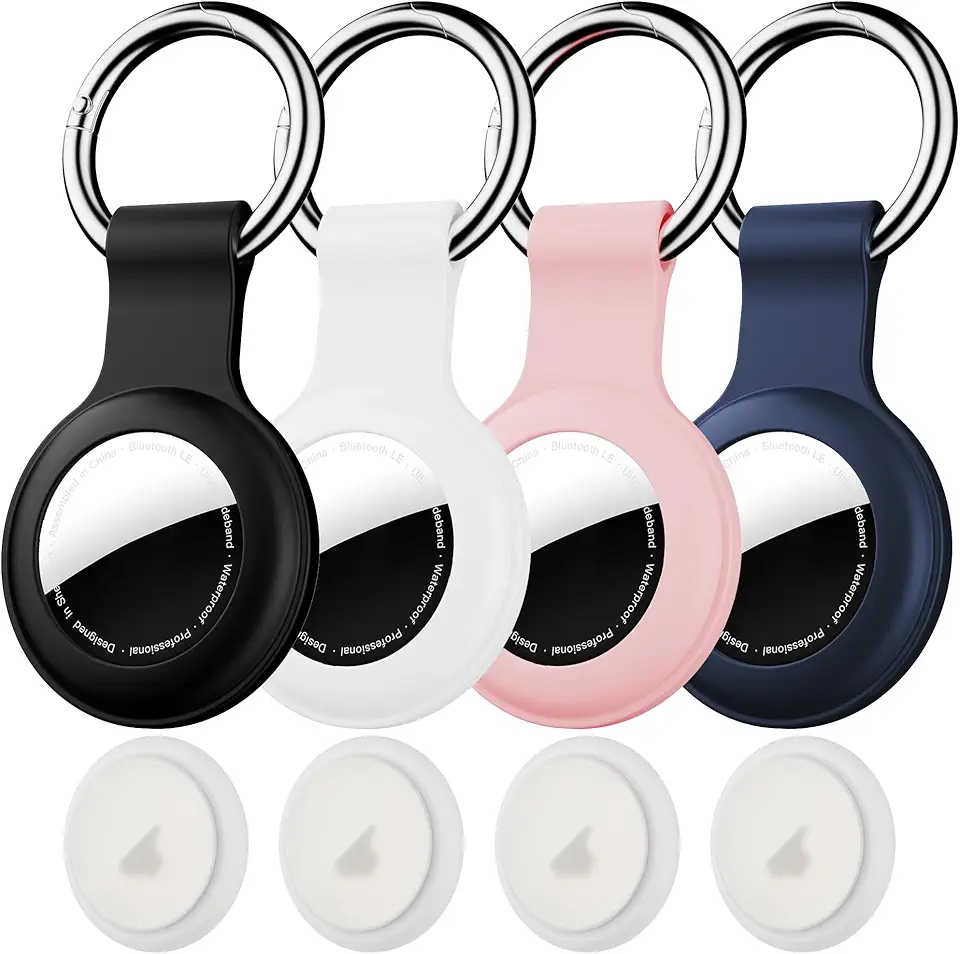
Citymore 4 Pack IPX8 Waterproof for AirTag Keychain,with Soft Silicone AirTags Holder Case Key Ring, Compatible with Apple AirTag for Luggage,Keys, Dog Collar etc
