How to reset Keyboard settings to default in Windows 11

About
No channel description available.
Latest Posts
No results found. Try different keywords.
Video Description
This video will show you how to reset keyboard settings to default in windows 11. Click on Search menu, and type in language. Then select language settings. If you have multiple languages enabled, put another language on top and your existing preferred language at the bottom. Restart your computer. And then again move your existing preferred language back to the top of the list to make it the primary language again. Doing so will reset the keyboard layout to default. If you have a single language, add a new language. Once added, move it to the top of the list. Restart your computer. Once you have done this, now move the old language back on the top of the list. This will reset the keyboard. If your laptop keyboard keys are not working the way they should be, then maybe it is time you reset your keyboard keys to default settings. How to reset Keyboard settings to default in Windows 10: https://youtu.be/KUTVEC5yrRQ ------------------------------------------------- music: https://www.bensound.com/
![Keyboard Not Working All Keys Windows 10/11 ⌨ [Solution]](https://imgz.pc97.com/?width=500&fit=cover&image=https://i.ytimg.com/vi/RIwqeJxpr_4/hqdefault.jpg)
![Keyboard Not Working In Windows 11 [Fix]](https://imgz.pc97.com/?width=500&fit=cover&image=https://i.ytimg.com/vi/dn2AyEBnfH0/hqdefault.jpg)













Revive Your Keyboard
AI-recommended products based on this video
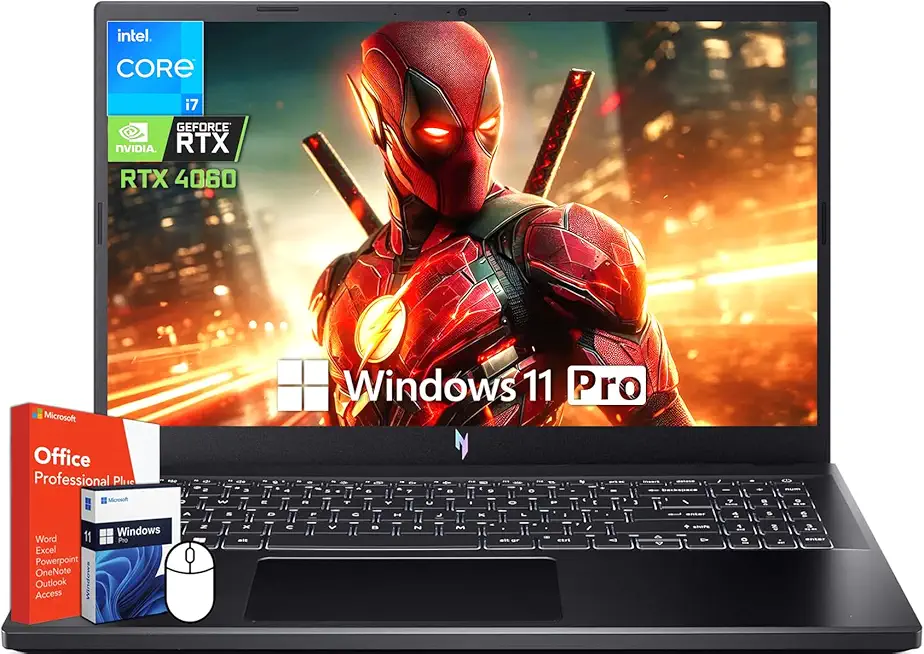
acer Nitro V 15 Gaming Laptop, 15.6" 144Hz FHD Display, Intel 10-Core i7-13620H, NVIDIA GeForce RTX 4060, 64 GB DDR5 RAM, 4 TB SSD, Backlit Keyboard, Microsoft Office Lifetime License, Windows 11 Pro

acer Nitro V16 Gaming Laptop, Microsoft Office 2024 Lifetime License, 16" WUXGA 165Hz, AMD Ryzen 7 8845HS Up to 5.10 GHz, GeForce RTX 4060, 64 GB DDR5 RAM, 4 TB SSD, Backlit Keyboard, Win 11 Pro
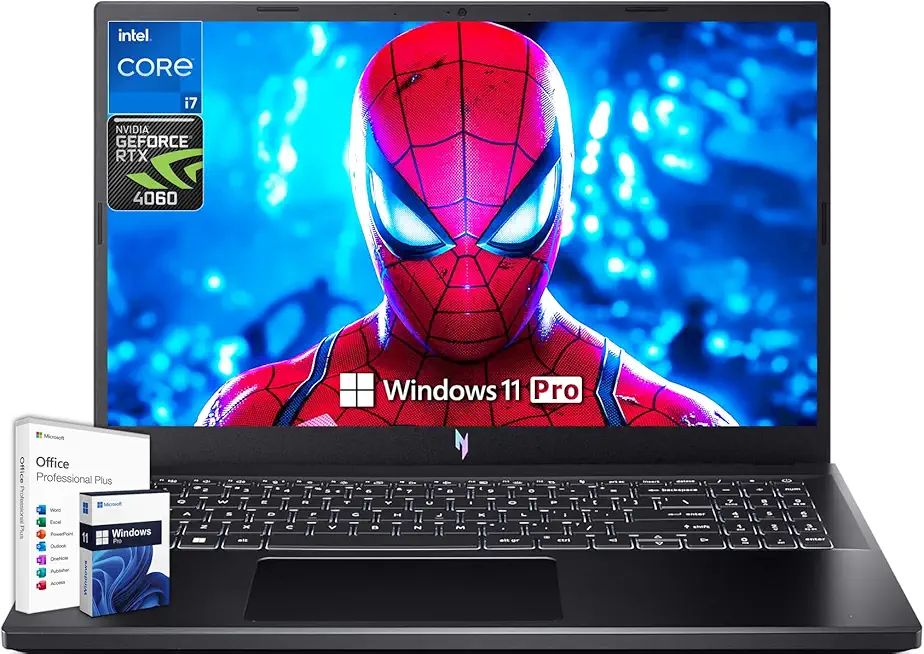
acer Nitro V 15 Gaming Laptop, Microsoft Office Lifetime License & Windows 11 Pro, 15.6" 144Hz FHD Display, Intel 10-Core i7-13620H, NVIDIA GeForce RTX 4060, 64GB DDR5 RAM, 4TB SSD, Backlit Keyboard

Anker Power Bank(PowerCore 10K),Compact Travel-Ready 10,000mAh Battery Pack with PowerIQ Charging Technology,5V/3A High-Speed Charging for iPhone,iPad,and More (USB-C Input and Output(Black),1pack) ClimatePartner certified

Macally Small Wired Keyboard for Mac and Windows - 78 Scissor Switch Keys Compatible Apple Keyboard - USB Mini Keyboard That Saves Space and Looks Great - Plug and Play Wired Mac Keyboard - Aluminum
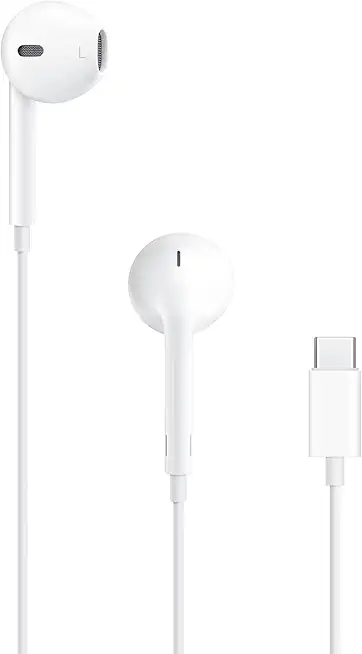
Apple EarPods Headphones with USB-C Plug, Wired Ear Buds with Built-in Remote to Control Music, Phone Calls, and Volume

Apple EarPods Headphones with Lightning Connector, Wired Ear Buds for iPhone with Built-in Remote to Control Music, Phone Calls, and Volume

Apple AirPods 4 Wireless Earbuds, Bluetooth Headphones, with Active Noise Cancellation, Adaptive Audio, Transparency Mode, Personalized Spatial Audio, USB-C Charging Case, Wireless Charging, H2 Chip

SmallRig Wireless Follow Focus Kit (Lite) with Handwheel Controller & Receiver Motor, A/B Stops & 15mm Rod Clamp, Compact Design, Widely Compatible with Cinema and Zoom Lenses with High Damping - 4296
