How to use data from two sheets to create a custom Apps Script function


Laurence Svekis
@laurencesvekiscoursesAbout
I'm here to help you learn, achieve your dreams, come join me on this amazing adventure today Google Developers Expert - GSuite Providing Web development courses and digital marketing strategy courses since 2002. Innovative technology expert with a wide range of real world experience. Providing Smart digital solutions online for both small and enterprise level businesses. "I have a passion for anything digital technology related, enjoy programming and the challenge of developing successful digital experiences. As an experienced developer, I created my first computer applications in 1990, and my first website in 1998. I enjoy sharing my knowledge with others and want to help you share in the wonderful opportunities that the internet provides." "Learning, understanding with a strong passion for education. The internet has provided us with new opportunities to expand and share knowledge." Check out my Website for more details at https://basescripts.com/
Latest Posts

Video Description
The provided code and explanation outline how to use data from two sheets to create a custom Google Apps Script function called CALC_TOTAL_COST_WITH_TAX. This function calculates the total cost of items based on their categories while considering tax rates. Here's a summary: getTaxRate(category) Function: This function retrieves the tax rate for a specific category from a sheet named 'TaxTable' within the active spreadsheet. The function uses the getActive() method to get the active spreadsheet and fetches the 'TaxTable' sheet using getSheetByName('TaxTable'). It then uses getDataRange() to retrieve the entire range of data in the 'TaxTable' sheet and getValues() to retrieve the values within that range, creating a two-dimensional array called taxTable. The function initializes the tax variable to 0 and iterates through each row of taxTable. If the category matches, it assigns the corresponding tax rate to the tax variable. The function returns the value of the tax variable. The test() function demonstrates the getTaxRate(category) function's usage by logging the tax rate for a specific category. Custom Formula Calculation (CALC_TOTAL_COST_WITH_TAX): This custom formula calculates the total cost of items based on their categories, with different tax rates applied to each category. The CALC_TOTAL_COST_WITH_TAX function takes item details including item name, quantity, price, and category as arguments. Within the function, it uses the getTaxRate(category) function to obtain the tax rate associated with the provided category. The subtotal for the item is calculated by multiplying quantity and price. The total cost for the item is then calculated by adding the tax amount (obtained by multiplying the subtotal by the tax rate) to the subtotal. The function returns the calculated total cost for the item. Using the Custom Formula in Google Sheets: In a cell where you want the total cost to appear (e.g., cell E6), enter the formula =CALC_TOTAL_COST_WITH_TAX(item, qty, price, cat) to calculate the total cost for a specific item. In summary, the code showcases how to leverage Google Apps Script to calculate the total cost of items considering tax rates from a separate table. The custom formula CALC_TOTAL_COST_WITH_TAX integrates the getTaxRate(category) function to efficiently calculate costs for each item based on their categories. Course content web development and web design courses with coding examples and source code for the lesson content. Source Code is available within my Github account. Lessons posted are students learn more about a specific topic related to modern web development and applying code. Laurence Svekis is a professional top selling course author having instructed over 1 Million students both online and in person. Laurence Svekis is a Google Developer Expert specializing in Google Workspace automation using Google Apps Script Code. Subscribe: https://www.youtube.com/@LaurenceSvekisCourses Check out my Website for more details at https://basescripts.com/ #SpreadsheetTips #Coding #CustomFormula #AutomateTasks #DataManipulation #GoogleAppsDevelopment #GoogleAppsScripting #GoogleScripting #ScriptingMagic #SpreadsheetFunctions #AutomationDevelopment #ProgrammingTutorial #GoogleAppsScriptTutorial #GoogleSheetsTutorial #GoogleAutomation #SpreadsheetAutomationTips #CodingTips #CustomCode #CustomizeGoogleSheets #GoogleAppsScriptDevelopment #GoogleSheetsDevelopment #ScriptingDevelopment #AutomationDevelopmentTips #CustomizeGoogleWorkspace #GoogleScriptingTips #GoogleAppsScriptHacks #CustomizationHacks #AutomateGoogleSheetsTasks #GoogleSheetsCoding #GoogleAppsScriptingMagic #ScriptingDevelopmentMagic #AutomationDevelopmentMagicHacks #CustomizeGoogleAppsScriptDevelopment #GoogleScriptEditorDevelopment #GoogleScriptingDevelopmentTips #CustomizationDevelopmentTricks #AutomateGoogleWorkspaceDevelopment #GoogleSheetsScriptingDevelopment #GoogleAppsScriptingDevelopmentTricks #ScriptingDevelopmentMagicHacks #AutomationDevelopmentMagicTricks #CustomizeGoogleWorkspaceScriptDevelopmentTips #GoogleScriptEditorDevelopmentMagicTricks #GoogleScriptingDevelopmentMagicHacks #CustomizationDevelopmentHacksAndTricks #AutomateGoogleSheetsDevelopmentMagicTricks #DataProcessingScript #CustomSpreadsheetFunctions #ScriptEditor #GoogleScripts #GoogleScripting101 #CodingHacks #GoogleSheetsDevelopmentTips #AutomationScript #CustomizeSpreadsheets #CustomizeGoogleAppsScriptHacks #CustomizeGoogleWorkspaceScriptTips #CustomizationDevelopmentHacksAndTricks #AutomateGoogleSheetsDevelopmentTricks #GoogleSheetsCodingMagic #GoogleAppsScriptingMagicDevelopment #ScriptingDevelopmentMagicTricks #AutomationDevelopmentMagicHacks #CodingDevelopment #CodingDevelopmentTricks #CodingDevelopmentHacks #CodingDevelopmentMagic #CodingDevelopmentMagicTricks #CodingDevelopmentMagicHacks #ProgrammingDevelopment #ProgrammingDevelopmentTricks #ProgrammingDevelopmentHacks #ProgrammingDevelopmentMagic #ProgrammingDevelopmentMagicTricks
Upgrade Your Everyday
AI-recommended products based on this video

Amazon Echo Show 8 (newest model), With Spatial Audio, Smart Home Hub, and Alexa, Charcoal

Apple AirPods 4 Wireless Earbuds, Bluetooth Headphones, with Active Noise Cancellation, Adaptive Audio, Transparency Mode, Personalized Spatial Audio, USB-C Charging Case, Wireless Charging, H2 Chip

Wireless Earbuds, Bluetooth 5.4 Headphones, True Wireless Stereo Earphones with IPX7 Waterproof, Noise Cancelling Mic, Fast Charging and Comfort Fit Ear Buds for Sports/Workouts - Black
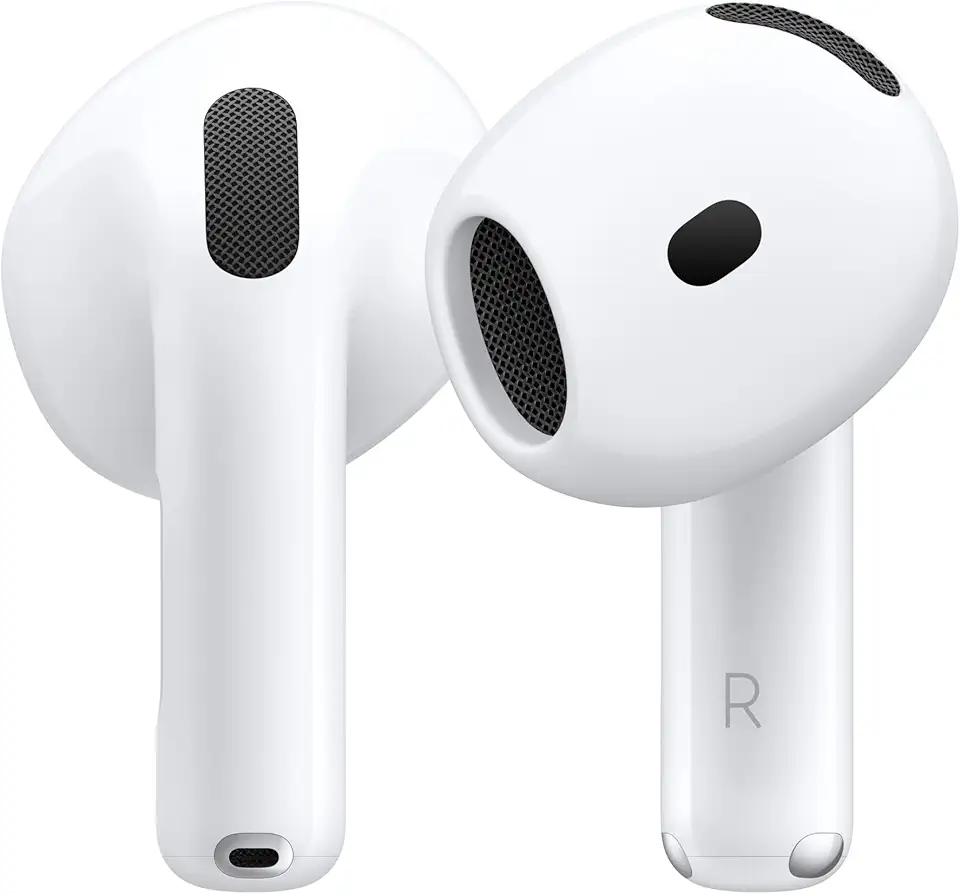
Apple AirPods 4 Wireless Earbuds, Bluetooth Headphones, Personalized Spatial Audio, Sweat and Water Resistant, USB-C Charging Case, H2 Chip, Up to 30 Hours of Battery Life, Effortless Setup for iPhone

Apple AirPods Pro 2 Wireless Earbuds, Active Noise Cancellation, Hearing Aid Feature, Bluetooth Headphones, Transparency, Personalized Spatial Audio, High-Fidelity Sound, H2 Chip, USB-C Charging

Smart Watch for Men/Women, 1.95" AMOLED Fitness Tracker Watches with Bluetooth Calls/Flashlight/100+ Sport Modes Heart Rate/Sleep Monitor Ultra Lightweight Ultrathin Design

Smart Watch for Men Women (Answer/Make Call), 1.96" HD Smartwatch Fitness Activity Tracker, 110+ Sports IP68 Waterproof, Heart Rate/Sleep Monitor/Pedometer/Calories, Fitness Watch for Android iOS
![Apple Watch Series 10 [GPS 46mm case] Smartwatch with Rose Gold Aluminium Case with Light Blush Sport Band - M/L. Fitness Tracker, ECG App, Always-On Retina Display, Water Resistant](https://m.media-amazon.com/images/I/61nNNMI1cFL._AC_UL960_FMwebp_QL65_.jpg)
Apple Watch Series 10 [GPS 46mm case] Smartwatch with Rose Gold Aluminium Case with Light Blush Sport Band - M/L. Fitness Tracker, ECG App, Always-On Retina Display, Water Resistant
![Apple Watch Series 10 [GPS 42mm case] Smartwatch with Jet Black Aluminium Case with Black Sport Band - S/M. Fitness Tracker, ECG App, Always-On Retina Display, Water Resistant](https://m.media-amazon.com/images/I/6105jZyXyPL._AC_UL960_FMwebp_QL65_.jpg)
Apple Watch Series 10 [GPS 42mm case] Smartwatch with Jet Black Aluminium Case with Black Sport Band - S/M. Fitness Tracker, ECG App, Always-On Retina Display, Water Resistant
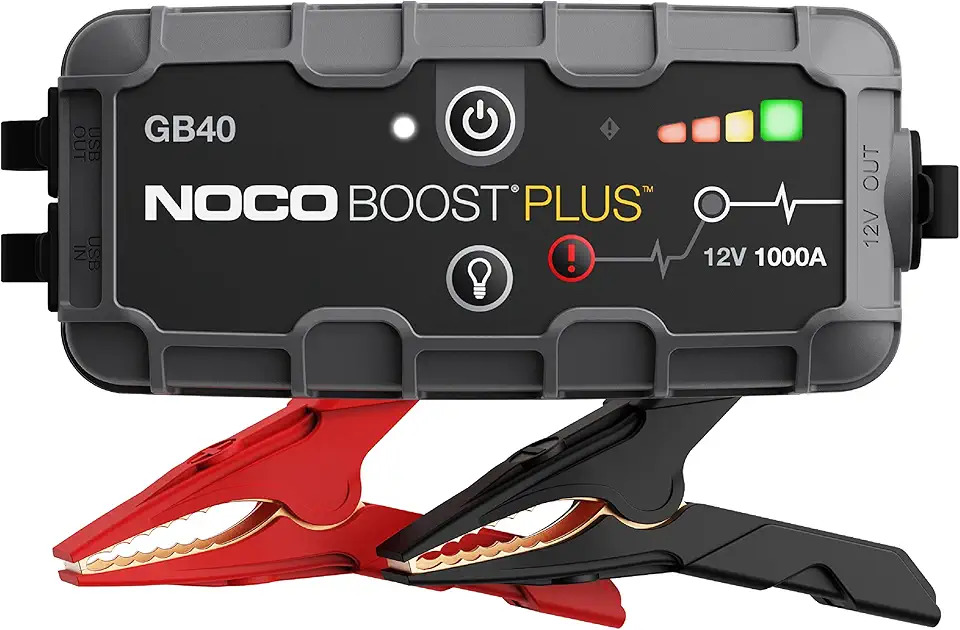
NOCO Boost GB40: 1000A UltraSafe Jump Starter – 12V Lithium Battery Booster Pack, Portable Jump Box, Power Bank & Jumper Cables - for 6.0L Gas and 3.0L Diesel Engines

UGREEN Nexode Power Bank 20000mAh 130W Portable Charger 72Wh PD Fast Charging 3-Port USB C Battery Pack with TFT Smart Display for MacBook/iPad/iPhone 16/Samsung S24 and More
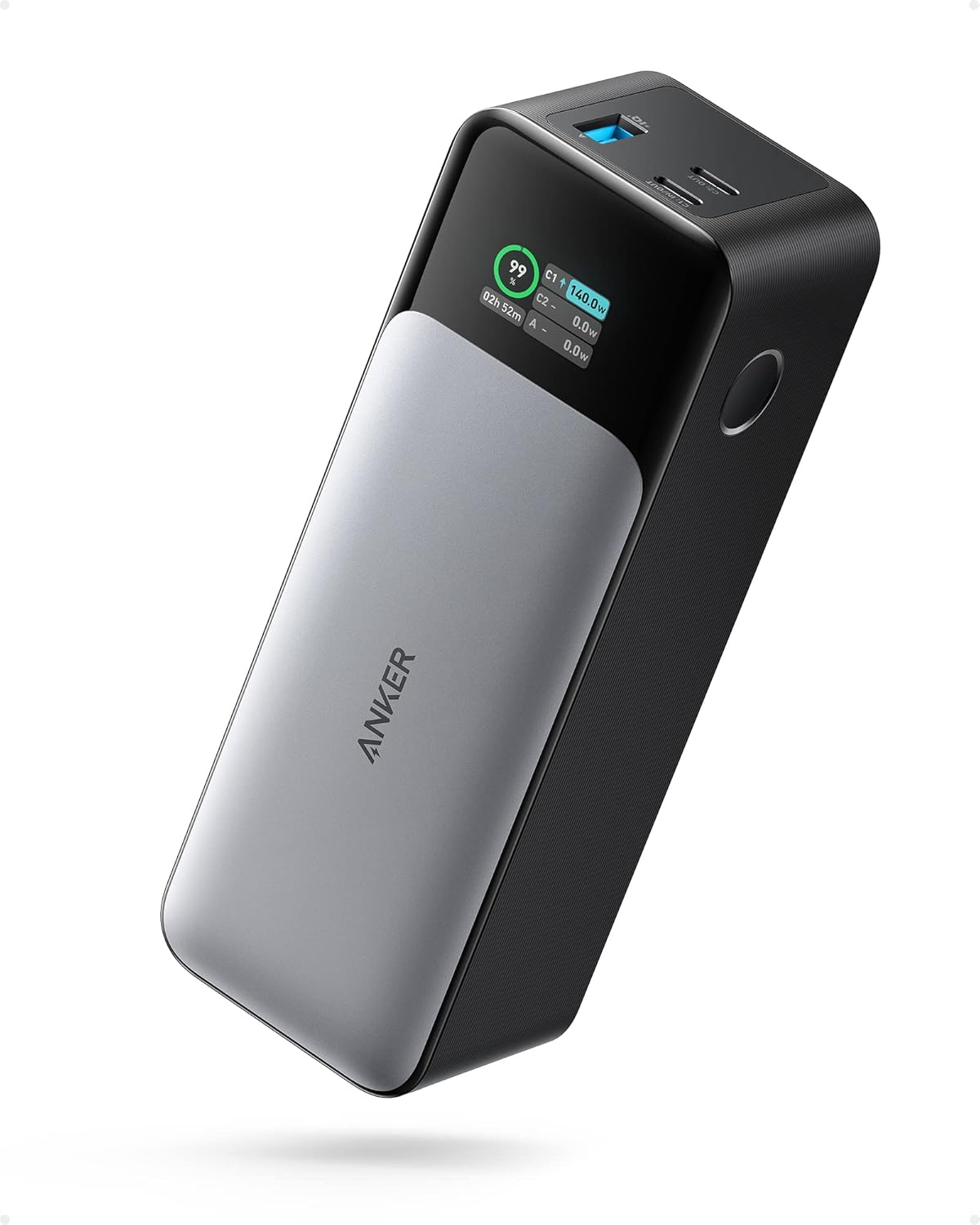
ANKER 737 Power Bank, 24,000mAh 3-Port Laptop Portable Charger with 140W Fast Charging, Smart Display, for Outdoor Work, Compatible with iPhone 16/15/14 Series, Vision Pro, Samsung, MacBook, and More

VOLTME Portable Charger, Slim 10000mAh 5V/3A Power Bank, USB C in&Out High-Speed Charging Battery Pack, Travel Essentials Dual Output Compatible with iPhone 16 15 14 13 12 Samsung Google iPad etc
Apple AirPods 4 Wireless Earbuds, Bluetooth Headphones, with Active Noise Cancellation, Adaptive Audio, Transparency Mode, Personalized Spatial Audio, USB-C Charging Case, Wireless Charging, H2 Chip
Apple AirPods 4 Wireless Earbuds, Bluetooth Headphones, Personalized Spatial Audio, Sweat and Water Resistant, USB-C Charging Case, H2 Chip, Up to 30 Hours of Battery Life, Effortless Setup for iPhone
Apple AirPods Pro 2 Wireless Earbuds, Active Noise Cancellation, Hearing Aid Feature, Bluetooth Headphones, Transparency, Personalized Spatial Audio, High-Fidelity Sound, H2 Chip, USB-C Charging

Bose QuietComfort Bluetooth Headphones, Wireless Headphones with Active Over Ear Noise Cancelling and Mic, Deep Bass, Up to 24 Hours of Playtime, White Smoke

Barnyard Designs Indoor Herb Garden Planter Set with Tray, Metal Windowsill Plant Pots with Drainage for Outdoor or Indoor Plants, Set/3 (Black)

Eye Contact Web Camera for Desktop Computer – 1080P USB Camera with Microphone & Stand, Center Cam for Laptop or Desktop, Manual Focus, Plug & Play for macOS & Windows(Black)
![PEHAEL 3+3Pack for iPhone 17 Pro Max Privacy Screen Protector with Camera Lens Protector Full Coverage Anti-Spy Tempered Glass Film 9H Hardness Easy Installation Bubble Free [6.9 inch]](https://m.media-amazon.com/images/I/61PnVkv6KKL._AC_UL960_FMwebp_QL65_.jpg)
PEHAEL 3+3Pack for iPhone 17 Pro Max Privacy Screen Protector with Camera Lens Protector Full Coverage Anti-Spy Tempered Glass Film 9H Hardness Easy Installation Bubble Free [6.9 inch]
![Ailun 3 Pack Screen Protector for iPhone 16 Pro Max [6.9 inch] + 3 Pack Camera Lens Protector with Installation Frame,Sensor Protection,Dynamic Island Compatible,Case Friendly Tempered Glass Film](https://m.media-amazon.com/images/I/815keamN-BL._AC_UL960_FMwebp_QL65_.jpg)
Ailun 3 Pack Screen Protector for iPhone 16 Pro Max [6.9 inch] + 3 Pack Camera Lens Protector with Installation Frame,Sensor Protection,Dynamic Island Compatible,Case Friendly Tempered Glass Film
