How to use the New Microsoft Outlook Calendar - Beginner's Class


Teacher's Tech
@teacherstechAbout
🌟 This is the channel where tech finally makes sense! I'm Jamie, an avid tech enthusiast and educator, and I'm here to make your journey into tech a whole lot easier. Forget complicated jargon and confusing tutorials. I make beginner-friendly videos that explain tech concepts in plain English, step by step. In today's fast-paced world, the right tech tools can be a game-changer. That's why I'm here! I break down important business and education apps into simple steps, so you can unlock their power and boost your productivity. If you're ready to get started with tech without the overwhelm, make sure to subscribe to my channel 💡
Latest Posts




Video Description
Welcome to our comprehensive beginner's guide on the new Microsoft Outlook Calendar for 2023! 📅 Dive into the modern features and discover how to navigate with ease. Whether you're just starting out or looking to refresh your knowledge, this tutorial has got you covered. 10 Essential Tips and Tricks for the New Microsoft Outlook: https://youtu.be/U7uuxBjKkCQ Learn more about the New Outlook email here: https://youtu.be/olLCI8zXewc Learn more about using the New OneDrive: https://youtu.be/eCTn3Tmu538 🔍 What You'll Learn: ⭐Basics of Navigation: Explore the intuitive design of the new Outlook Calendar and get comfortable with its interface. ⭐Calendar Functionality: Understand the core features, from viewing your schedule to customizing your calendar views. ⭐Creating Events: Step-by-step guide on setting up personal reminders, appointments, and meetings. ⭐Sharing & Collaboration: Learn how to share your calendar, sync with others, and set up collaborative events seamlessly. 0:00 Introduction 0:26 Getting the New Outlook 1:45 Navigating & setting up your New Outlook Calendar 5:36 Adding your location weather on Calendar 6:41 Where to find and select your calendar 7:55 Add a calendar of interest (like a favorite sports team) 9:21 Organizing your calendars 10:52 Sharing your calendars with others 12:51 Creating and saving a new event for yourself 17:28 Creating and sending an event for you and others 20:40 More settings in the New Outlook Calendar















Master Outlook Calendar Today
AI-recommended products based on this video

A ALPS Kid's Watch,Boys Watch Digital Sport Outdoor Multifunction Chronograph LED Waterproof Alarm Calendar Analog Watch for Children with Silicone Band

HQCME 9 Pack Lined Sticky Notes, 4X6 in, 9 Pastel Colors Large Ruled Stickies Colorful Super Sticking Power Memo Pads Strong Adhesive, Sticky Notes with Lines for Home, Office

AYASAL Lash Lift Kit Eyelash Perm Kit, with Detailed Instruction Eyelash Lift Kit, Easy for Beginner and Professional Lash Perm Kit, Achieve Salon-Quality Lashes Lift with Safe and Effective Result

VieBeauti Teeth Whitening Pen Gel: 30+ Uses - Teeth whitening Gel with Professional Formulation and Ingredients, No Sensitivity, Travel-Friendly, Beautiful White Smile Mint

Crucial X9 Pro 4TB Portable SSD, Up to 1050MB/s Read & Write, 3.2 USB-C, External Solid State Drive, Durable Storage for PC and Mac, for Professional Creators, Silver - CT4000X9PROSSD902

GULINEE Wet and Dry Cut Professional Hair Cutting Scissors Barber Shears Japanese Aichi SUS440C Stainless Steel Tijeras de Peluqueria Shintou (5.5" Precision Cut)

Microsoft Office Home & Student 2019 | One-time purchase, 1 person | PC/Mac Keycard

HLDIRECT 47 Inch Gaming Desk with LED Lights, Home Office Gamer Desk, Ergonomic Computer Table with Large Carbon Fiber Desktop, Computer Desk with Cup Holder & Headphone Hook for Home Office, Black

FOYTOKI 2 Sets Rechargeable Hand Warmers Portable with Temperature Levels Ergonomic Design for School Office

IMGadgets 47 x 24 Inches Height Adjustable Electric Standing Desk 2024, 5th Gen Quieter Motor Ergonomic Sit Stand Up Home Office Computer Desk with Height Memory Buttons, Display, 2 Headphone Holders

SEVEN WARRIOR Gaming Desk with LED Lights & Power Outlets, 55" Computer Desk with Monitor Shelf, Home Office Desk with Cup Holder and Headphone Hook, Ergonomic, Carbon Fiber Surface Black

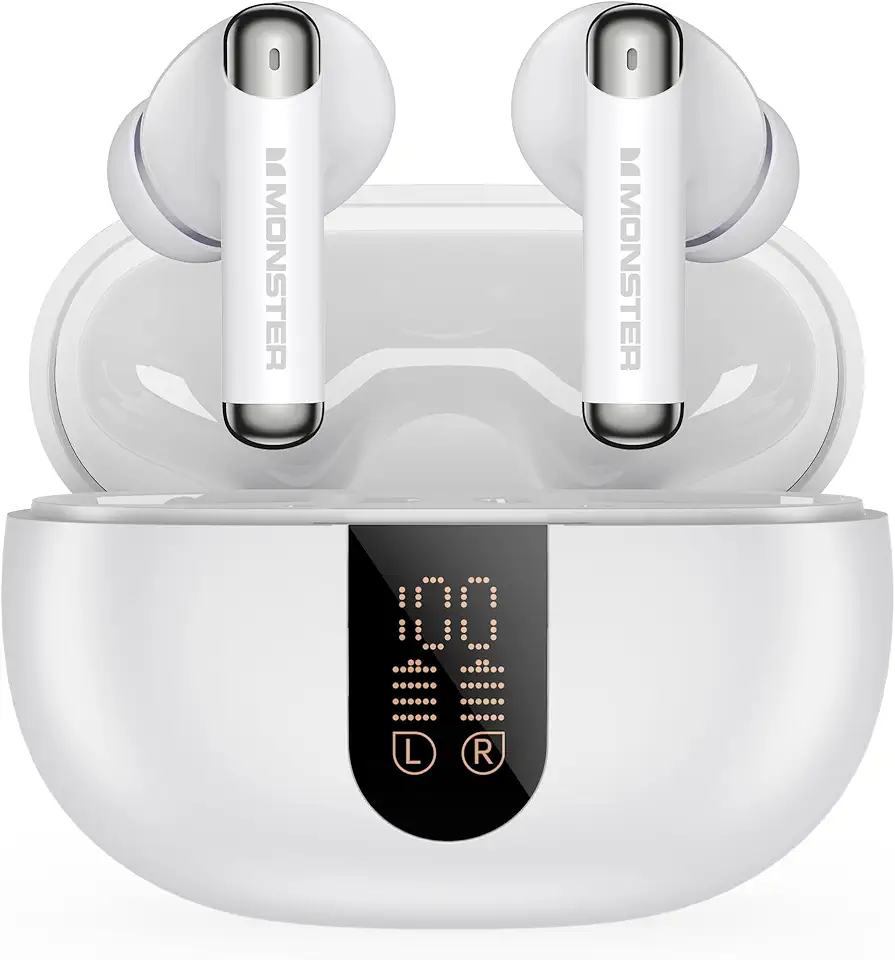
Monster N-Lite 211 Wireless Earbuds, Bluetooth 6.0 Stereo Headphones with Noise-Cancelling Mic and LED Display, Built-in Mic for Clear Calls, Waterproof Design for Sports