I used Cursor to turn a Hormozi Video into an APP: FULL TUTORIAL


Riley Brown
View ChannelAbout
Vibe Coding AI Tools AI Automation AI Agents These 5 categories of tools are changing the world. On this channel, I dive into practical detail on how you can learn the most important technology our generation has ever seen. My goal is to make advanced tools simple and accessible so anyone can create, launch, and win in this new era. Subscribe if you're ready for a new vibe.
Latest Posts


Video Description
In this video, I walk you through the process of building a simple yet effective focus timer app from scratch. Use the app we built in this episode: https://lockedintimer.com I'll start by explaining how a $7 twist kitchen timer from Amazon inspired the development of this project to improve productivity. We'll go from conceptualizing the app design using v0 and cursor, setting up the tech stack, to deploying the final app on a custom domain. You'll learn about setting up a Firebase database for user authentication and data storage, integrating AI with Cursor, and using Replit for development and deployment. By the end, you'll see how the app encourages focused work sessions with features like quick tasks, motivational prompts, and custom sounds for the timer. Join me as I dive deep into coding, problem-solving, and bringing this app to life! Replit Template https://replit.com/@an732001/Riley-and-Ansh-Full-Stack-Nextjs-Template-version-1?v=1#README.md Cursor [https://cursor.com](https://cursor.com/) v0 [https://v0.dev](https://v0.dev/) firebase [firebase.google.com](http://firebase.google.com/) ***Time Stamps*** 00:00 Introduction to the Kitchen Timer Hack 00:00 Introduction to the Twist Kitchen Timer 00:59 Conceptualizing a Timer App 01:33 Designing the App Interface 02:20 Initial Testing and Functionality 02:28 Setting Up the Development Environment 06:04 Connecting Firebase and Replit 09:27 Implementing User Authentication 16:25 Debugging and Final Adjustments 21:02 Setting Up the Timer 21:26 Adding Profile and Quick Task Features 22:12 Testing and Debugging Quick Tasks 36:10 Deploying the Application 36:55 Final Adjustments and Testing






App Development Must-Haves
AI-recommended products based on this video
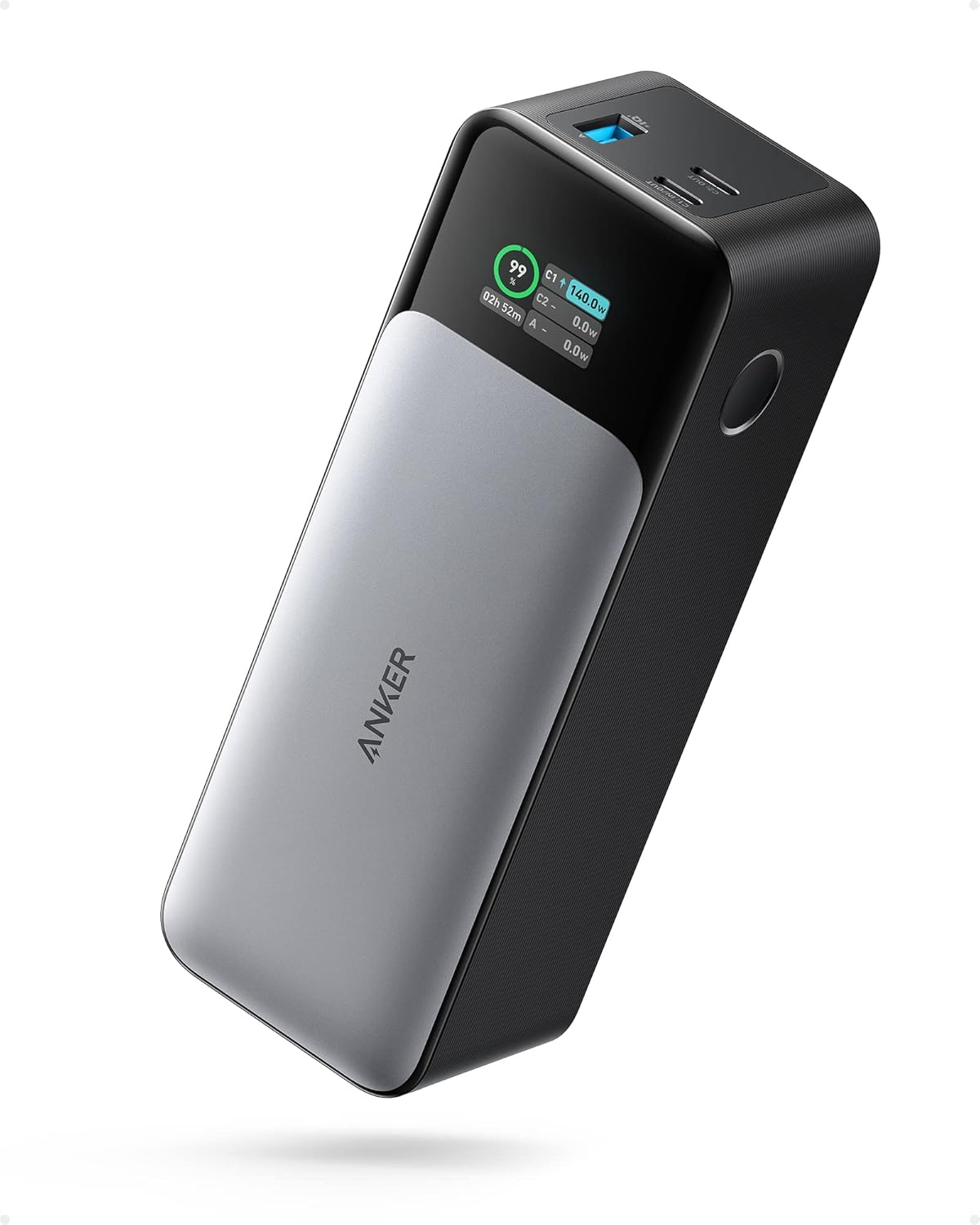
ANKER 737 Power Bank, 24,000mAh 3-Port Laptop Portable Charger with 140W Fast Charging, Smart Display, for Outdoor Work, Compatible with iPhone 16/15/14 Series, Vision Pro, Samsung, MacBook, and More

Stylus Pen for iPad 2018-2025, Fast Charging Magnetic Pencil (1st Generation) with Tilt Sensitivity & Palm Rejection for iPad Air 3/4/5/M2/M3, iPad mini 5/6, iPad 6/7/8/9/10/11, iPad Pro 11"/12.9"/M4

UGREEN USB C to USB Hub with 4 USB 3.0, Powered USB C Splitter for Laptop, MacBook Pro, Mac mini M4, iMac, iPad Pro, Chromebook, Dell XPS, Galaxy S23, and More, 0.5FT

UGREEN Uno 6 in 1 USB-C Hub with 10Gbps USB-C & USB-A Data Ports 4K@60Hz HDMI for MacBook Pro/Air, iPad Pro, Surface, XPS, Thinkpad and More.

UGREEN USB C Hub 10Gbps, 4 Ports USB 3.2 HUB with 2 USB-C 3.2 and 2 USB-A 3.2, USB Port Extender for MacBook Pro, MacBook Air, Acer Aspire, HP Laptops, iPad Pro, iPhone 15/15 Pro Max and More

Anker Power Bank(PowerCore 10K),Compact Travel-Ready 10,000mAh Battery Pack with PowerIQ Charging Technology,5V/3A High-Speed Charging for iPhone,iPad,and More (USB-C Input and Output(Black),1pack) ClimatePartner certified