Install pfSense on VMWare ESXi 8 (Standalone ESXi)


Tech Me Out
View ChannelAbout
Tech Me Out is all about our passion for technology. IT Pros, Home lab geeks, Network gurus, Gadget lovers, trust us - you have come to right place. We love to talk about technology and we enjoy sharing our knowledge with our subscribers. So grab a coffee, grab a comfy chair and let us take you with us. Tech reviews, unboxing reviews, tutorials, gadgets and everything tech related. Together we will take a journey throughout the IT universe.
Latest Posts

Video Description
Install pfSense on VMWare ESXi 8 with ease. All you need are just several prerequisites, pfsense ISO file, ESXi server up and running and that's it. Follow this video to see how to do it right. pfSense is a firewall/router computer software distribution based on FreeBSD. pfSense Community Edition (CE) is the partially open source version while pfSense Plus has moved to a closed source model. It is installed on a physical computer or a virtual machine to make a dedicated firewall/router for a network. It can be configured and upgraded through a web-based interface, and requires no knowledge of the underlying FreeBSD system to manage. pfSense can be installed on any x86 hardware but it can also be installed as a virtual machine on all major hypervisors like VMWare ESXi. In this video we will focus on how to Install pfSense on VMWare ESXi 8. The overall process hasn't changed much since the last version of VMWare ESXi but since the ESXi 8 web interface has changed a bit, i decided to create this video to adjust to the new version. Once you have finished the Install of pfSense on VMWare ESXi 8 you will find that the pfsense firewall is super robust and its capabilities can be further expanded with addons like Snort IPS, pfblocker, wireguard VPN, etc. I just love pfsense and the fact that i can run it as a virtual machine is a huge bonus. being able to use snapshot for example, is super convenient. go ahead, Install pfSense on VMWare ESXi 8 and you will not regret it. #pfsense #vmware #firewall Follow us on twitter: https://twitter.com/techmeout5 Join our Synology Facebook group: https://www.facebook.com/groups/synousergroup Join our Ubiquiti UniFi Facebook group: https://www.facebook.com/groups/ubntusergroup Music: Morning Thoughts by Hotham is licensed under a Creative Commons License. https://creativecommons.org/licenses/... Stream: https://linktr.ee/hothammusic Free Download: https://hypeddit.com/hotham/morningth... Support by RFM - NCM: https://rb.gy/l1ojv Featured playlist
Boost VM Network Security
AI-recommended products based on this video

OWC 64GB DDR5 4800 PC5-38400 CL40 2Rx4 288-pin 1.1V ECC Registered RDIMM Memory RAM Module Upgrade Compatible with Dell PowerEdge R660XS R760XS
OWC 64GB DDR5 4800 PC5-38400 CL40 2Rx4 288-pin 1.1V ECC Registered RDIMM Memory RAM Module Upgrade Compatible with Dell PowerEdge XE9680
OWC 64GB DDR5 4800 PC5-38400 CL40 2Rx4 288-pin 1.1V ECC Registered RDIMM Memory RAM Module Upgrade Compatible with Dell PowerEdge R6625 R760 R7615 R7625
OWC 64GB DDR5 4800 PC5-38400 CL40 2Rx4 288-pin 1.1V ECC Registered RDIMM Memory RAM Module Upgrade Compatible with Dell PowerEdge HS5610 HS5620

Crucial 64GB DDR5 RAM, 5600MHz (or 5200MHz or 4800MHz) Desktop Memory Kit, UDIMM 288-Pin, Compatible with 13th Gen Intel Core and AMD Ryzen 7000 - CT2K32G56C46U5

SSD SATA mSATA 500GB Dogfish Internal Solid State Drive High Performance Hard Drive Desktop Laptop SATA III 6Gb/s Includes SSD 16GB 32GB 60GB 64GB 120GB 128GB 240GB 250GB 480GB 500GB (500GB, MSATA)
SSD SATA mSATA 120GB Dogfish Internal Solid State Drive High Performance Hard Drive Desktop Laptop SATA III 6Gb/s Includes SSD 16GB 32GB 60GB 64GB 120GB 128GB 240GB 250GB 480GB 500GB (120GB, MSATA)

TP-Link 5 Port Gigabit Ethernet Network Switch (TL-SG1005D) - Plug and Play, Desktop or Wall Mount, Plastic Case, Ethernet Splitter, Fanless, Traffic Optimization, Unmanaged (TL-SG1005D)

TP-Link USB to Ethernet Adapter (UE306) - Foldable USB 3.0 to Gigabit Ethernet LAN Laptop Network Adapter, Supports Nintendo Switch, Windows, Linux, Apple MacBook OS 10.11- OS 12, Surface
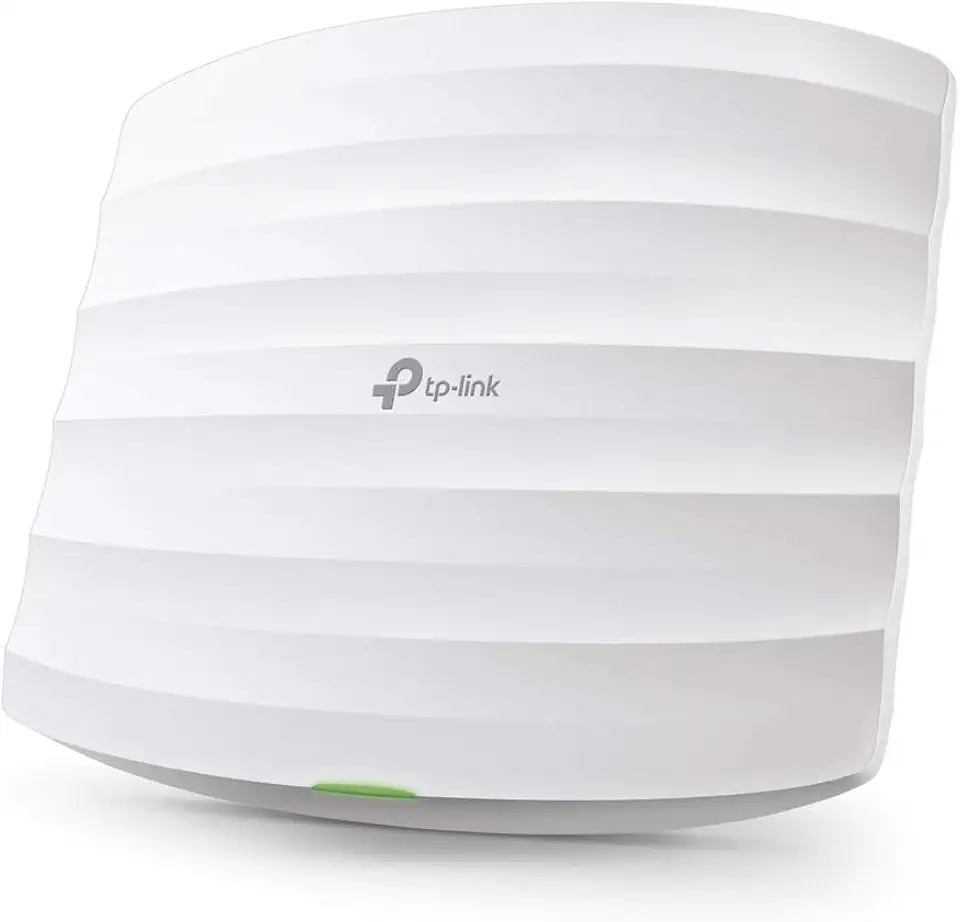
TP-Link Omada AC1750 Gigabit Wireless Access Point (EAP245 V3) - Business WiFi Solution w/Mesh Support, Seamless Roaming & MU-MIMO, PoE Powered, SDN Integrated, Cloud Access & Omada App, White
