LSP in Neovim. Thanks to BILL GATES?! | FREE COURSE // EP 3


typecraft
@typecraft_devAbout
Weekly content that will help developers level up 🚀. Topics are tailored for the modern programmer. Join your community for fresh, weekly content that keeps you in the know. For collaboration or sponsorship opportunities, connect with us at [email protected].
Latest Posts


Video Description
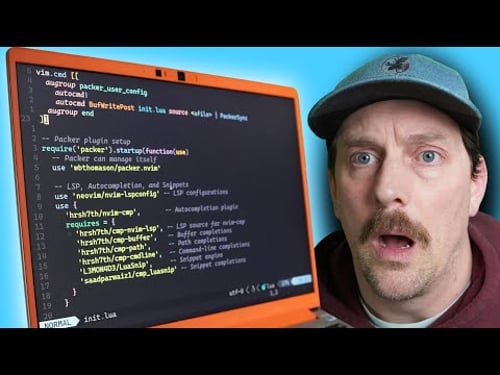
X: https://twitter.com/typecraft_dev Welcome back to neovim for newbs!! In this episode we are FINALLY configuring neovim to use LSPs for amazing modern language server functionality. VScode, and other editors/IDEs handle some of the LSP functionality out of the box, but for neovim we have to do a little work to get things working correctly. In this video I'll cover step-by-step how to configure neovim to be an IDE by using LSP. its going to be a fun ride!! chapters: 0:00 - intro 0:48 - overview of our current config 1:39 - what is LSP?? 3:38 - installing mason 5:35 - installing mason-lsp-config 7:19 - installing nvim-lsp-config 9:15 - LSP is connected! set some keymaps 12:30 - telescope ui for quick actions 14:25 - install tsserver and show it off 16:47 - wrapping it up!












No Recommendations Found
No products were found for the selected channel.