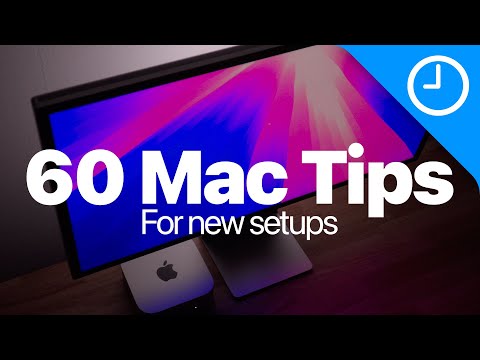
60 Mac / macOS Getting Started Tips! (2024 edition) Do you know them all?
About
No channel description available.
Latest Posts


Video Description
Sponsor: Download Orka Desktop 3.0 today: https://bit.ly/3BLS94C In this video I walkthrough everything I do when setting up a new Mac in 2024. In this macOS getting started guide, I show you some basic, intermediate, and advanced Mac tips and tricks for macOS Sequoia, and all Apple Mac hardware like MacBook, Mac mini, iMac, Mac Studio, etc. Get your own M4 Mac and accessories, and support the channel! M4 Mac mini: https://amzn.to/3YYsXjk M4 MacBook Pro: https://amzn.to/3Za4usC M4 iMac: https://amzn.to/4hVPk1r Magic Trackpad w/ USB-C: https://amzn.to/3YXLnAZ Magic Mouse w/ USB-C: https://amzn.to/3ZdAvjM Magic Keyboard with Touch ID w/ USB-C: https://amzn.to/3Of0IrS My favorite Mac - SSD Samsung T9: https://amzn.to/4hVDkx1 Software mentioned: AirBuddy: https://v2.airbuddy.app Dock Mate: https://www.macenhance.com/dockmate.html Yoink: https://eternalstorms.at/yoink/mac/ Wallpaper: https://drive.google.com/file/d/1JJOYgVhKmDR2i9KEDbcq-gQtBKeSMX00/view?usp=share_link Watch more videos: *iOS 18.2 beta 3 Features* https://youtu.be/ffrYHPJeVt8 *iOS 18.2 beta 2 Features* https://youtu.be/xZAO9kXswpE *macOS Sequoia Top 10 Features* https://youtu.be/0pCa6vnLP0g *iOS 18.1 Apple Intelligence review* https://youtu.be/ke5WoeZLwdk *iOS 18.2 beta Top Features* https://youtu.be/7vGk0jx-j8U *AirPods Pro 2 Hearing Aid walkthrough* https://youtu.be/0Wy6Obn7A_E *AirPods 4 review* https://youtu.be/wIJR-vvOJ04 *Top 100 iOS 18 features* https://youtu.be/cKqRPhjTMrs Screenshot mod terminal commands: defaults write com.apple.screencapture disable-shadow -bool true defaults write com.apple.screencapture type JPG killall SystemUIServer ## Subscribe to the channel! https://youtube.com/@9to5Mac?sub_confirmation=1 Join this channel to get access to perks: https://www.youtube.com/channel/UChjRM_qQAaOAiLNbOGbYcRA/join ## Subscribe to our Podcast https://www.youtube.com/playlist?list=PLP3DOW_eX2AwO_whrINOi-TuAdgsSR83i https://podcasts.apple.com/us/podcast/9to5mac-overtime/id1727206360 ## Follow Jeff https://www.twitter.com/JeffBenjam https://www.instagram.com/jeffbenjam https://www.tiktok.com/@JeffBenjam https://www.snapchat.com/JeffBenjam https://www.linkedin.com/in/jeffbenjam/ https://www.facebook.com/jeffbenjam/ ## Gear for making videos Camera 📷: Sony FX30: https://geni.us/NFM6tf Shure SM7dB: https://geni.us/6WoWjRk Apple Studio Display: https://geni.us/On4nZ5A ## Affiliate disclaimer FTC: We use income-earning affiliate links and participate in the Amazon Services LLC Associates Program. For more details, visit: https://9to5mac.com/about/#affiliate ## Chapters 00:00 Introduction 01:27 Increase mouse speed 02:07 Enable right click 02:26 Enable swipe between pages 03:28 Increase trackpad speed 03:55 Enable tap to click 04:32 Enable three-finger drag 05:20 Enable tabbing between fields 06:07 Set an export shortcut for Preview 07:47 Configure additional keyboard shortcuts 08:45 Set up text replacements 09:44 Enable Touch ID 10:51 Enable unlock with Apple Watch 11:18 Disable recent apps in Dock 11:50 Customize Dock apps 13:05 Minimize windows into application icon 14:32 Resize the Dock 15:00 Move the Dock position 15:44 Automatically hide and show the Dock 16:09 Add web apps to the Dock 16:45 Use DockMate to preview minimized windows 17:21 Use double-click to fill windows 18:49 Stop showing desktop when clicking wallpaper 19:25 Set up Hot Corners 20:44 Use window tiling and remove margins 21:58 Enable Stacks on Desktop 22:33 Make new Finder windows show Desktop 23:06 Configure Finder sidebar 23:53 Add hard disks to the Desktop 24:03 Keep folders on top when sorting by name 24:27 Make searches use the current folder 25:06 Add User Library to sidebar 26:07 Enable Finder status bar 27:13 Use Yoink to move files efficiently 28:21 Auto-hide the menu bar 28:49 Add volume controls to the menu bar 29:15 Enable battery percentage on MacBooks 29:40 Remove Spotlight from menu bar 30:17 Use Alfred to improve productivity 32:48 Configure App Store to install large apps to external disk 34:36 Customize computer name 35:09 Disable screenshot floating thumbnail 36:10 Disable screenshot shadow and save files as JPG 38:55 Disable saving Desktop and Documents to iCloud 41:25 Set up iPhone mirroring 43:44 Set up iPhone notifications 44:35 Set up iPhone widgets 45:28 Enable Apple Intelligence 46:14 Enable Siri 47:16 Configure Type to Siri shortcut 47:45 Enable Dictation 48:32 Customize Safari start page 49:29 Switch to Safari compact view 50:29 Enable Safari status bar 50:53 Enable inspector and source-viewer in Safari 51:33 Enable File Vault encryption 52:13 Configure Time Machine backups 53:55 Use AirBuddy for a better AirPods experience ## Tags #mac #macOS #macossequoia






Mac Must-Haves for New Owners
AI-recommended products based on this video

MOSISO Laptop Case 13 inch, 13 inch Laptop Sleeve Bag Compatible with MacBook Air 13 M4 M3 M2 M1 2025-2018 / Pro 13 M2 M1 2025-2016, Neoprene Computer Sleeve Bag with Small Case, Space Gray Global Recycled Standard

MOSISO 360 Protective Laptop Bag 15 inch, 15 inch Computer Shoulder Bag Compatible with MacBook Air 15 M4 M3 M2 2025-2023, Dell XPS 15, Side Open Messenger Case &4 Zipper Pockets&Handle, Black Global Recycled Standard

MOSISO 13-14 inch Laptop Case, 13.3 inch Puffy Laptop Sleeve Compatible with MacBook Air 13 13.6 M4 M3 M2 M1/Pro 13/Pro 14,HP,Dell,ASUS, Lenovo, Polyester Horizontal Bag with Small Case, Rose Red Global Recycled Standard

EooCoo Case Compatible with MacBook Air 13 inch M4 M3 M2 2025-2022 A3240 A3113 A2681, Plastic Hard Case & TPU Keyboard Skin & Screen Protector for Laptop Air 13.6 inch - Crystal Clear Global Recycled Standard

Magnetic Car Mount Air Vent Cell Phone Holder, Universal Vehicle Dash Dashboard Ac Airvent Cellphone Magic Stand with Clip Hook, for iPhone 16 15 Samsung Lenovo Google etc

CUTE STONE Little Girls Play Purse, Toddler Purse with Handbag, Heels, Pretend Makeup Kit, Toy Phone, Light-Up Magic Wand, My First Purse Set with Princess Jewelry, Pretend Play Gift Toys for Kids

Magic Metaball Bouncing Ball, Children's Bouncing Ball, Magic Flying Saucer, Parent-Child Interaction, Transformation Flying Toy with 6 Light

Magic Metaball Bouncing Ball, Children's Bouncing Ball, Magic Flying Saucer, Parent-Child Interaction, Transformation Flying Toy with 6 Light
![iPhone Charger Fast Charging [Apple MFi Certified] USB C to Lightning Cable 6FT USBC to Lightning Cable Nylon Braided Type C Cord for iPhone 14 13 12 11 Pro Max XR XS X 8 7 6 Plus SE, iPad](https://m.media-amazon.com/images/I/517jTqwo1nL._AC_UL960_FMwebp_QL65_.jpg)
iPhone Charger Fast Charging [Apple MFi Certified] USB C to Lightning Cable 6FT USBC to Lightning Cable Nylon Braided Type C Cord for iPhone 14 13 12 11 Pro Max XR XS X 8 7 6 Plus SE, iPad

Anker 332 USB-C Hub (5-in-1) with 4K HDMI Display, 5Gbps - and 2 5Gbps USB-A Data Ports and for MacBook Pro, MacBook Air, Dell XPS, Lenovo Thinkpad, HP Laptops and More
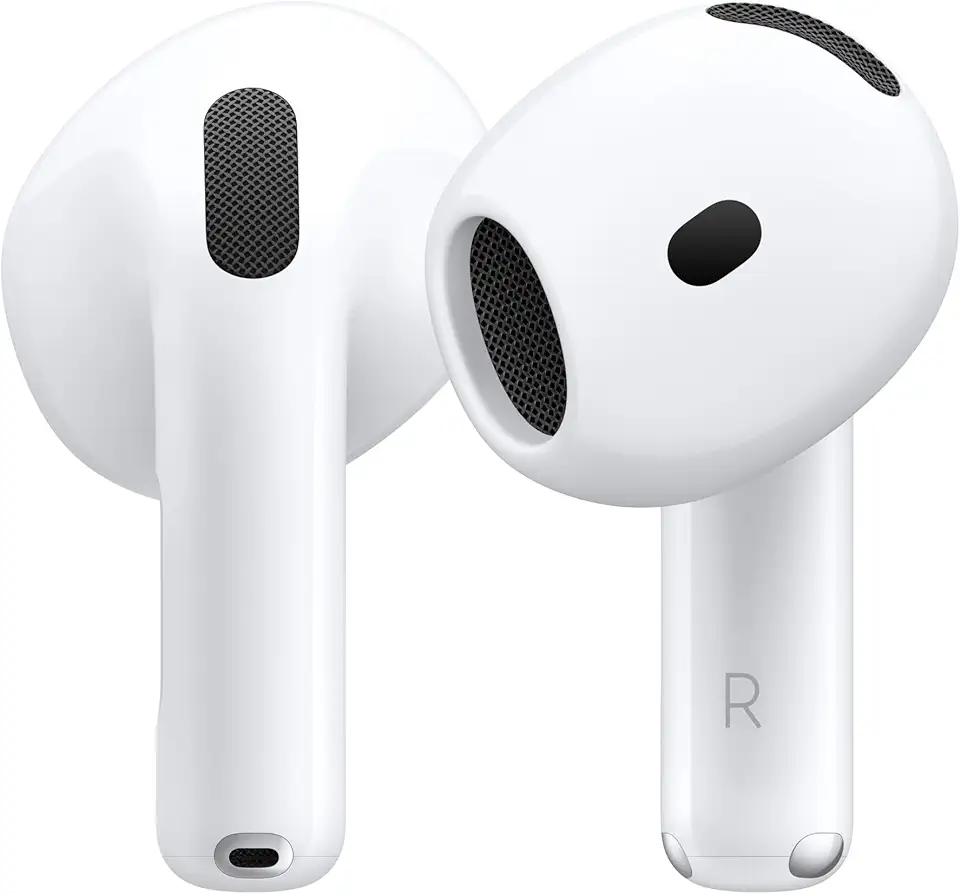
Apple AirPods 4 Wireless Earbuds, Bluetooth Headphones, Personalized Spatial Audio, Sweat- and Water-Resistant, USB-C Charging Case, H2 Chip, Up to 30 Hours of Battery Life

Apple AirPods Pro 2 Wireless Earbuds, Bluetooth Headphones, Active Noise Cancellation, Transparency, Personalized Spatial Audio, High-Fidelity Sound, H2 Chip, USB-C Charging

Wireless Charger for iPhone- 3 in 1 Charging Station for iPhone 16/15/14/13/12/Pro Max/Pro/Mini/Plus, Apple Watch 10/9/8/7/SE/6/5/4/3/2/1/Ultra2/Ultra, AirPods pro/2/3/4

3 in 1 Foldable Charging Station for Apple Wireless Charger for iPhone 16 15 14 13 12 11 Series, Wireless Charging Station with Night Light for Apple Watch Charger for AirPods 4/3/2/Pro/Pro 2 (Black)

Bose QuietComfort Wireless Noise Cancelling Headphones, Bluetooth Over Ear Headphones with Up to 24 Hours of Battery Life, Moonlight Grey - Limited Edition

12V/24V 100W Car Laptop Charger USB C for Lenovo Thinkpad MacBook HP Dell Acer Asus,Google,MSI, LG, Samsung,Huawei,Surface pro 9 8, Razer, Chromebook, ROG Ally, Steam Deck and All Type-C Devices

Logitech G203 Wired Gaming Mouse, 8,000 DPI, Rainbow Optical Effect LIGHTSYNC RGB, 6 Programmable Buttons, On-Board Memory, Screen Mapping, PC/Mac Computer and Laptop Compatible - Black

Logitech G305 Lightspeed Wireless Gaming Mouse, Hero 12K Sensor, 12,000 DPI, Lightweight, 6 Programmable Buttons, 250h Battery Life, On-Board Memory, PC/Mac - Black
Anker 332 USB-C Hub (5-in-1) with 4K HDMI Display, 5Gbps - and 2 5Gbps USB-A Data Ports and for MacBook Pro, MacBook Air, Dell XPS, Lenovo Thinkpad, HP Laptops and More

Lenovo USA ThinkPad Thunderbolt 3 Dock Gen 2 135W (40AN0135US) Dual UHD 4K Display Capability, 2 HDMI, 2 DP, USB-C, USB 3.1, Black

135W Power Adapter Cord for Lenovo ThinkPad Universal Thunderbolt 4 3 Dock/USB C Smart Dock/Thunderbolt 3 Essential Gen 1 2/ThinkPad Hybrid USB-C with USB-A/Ultra/Pro/Gen 2
