Making Presentations Has Never Been Easier! Markdown + Pandoc


Federico Tartarini
@federicotartariniAbout
Welcome to Federico Tartarini's channel! Here, you'll find a variety of videos on topics ranging from LaTeX, Markdown, Python, and Thermal Comfort, to Visual Studio Code, Microsoft Word, and Google Docs. My goal is to provide informative and engaging content that helps you to improve your skills and productivity. Whether you're a student, researcher, or professional, there should be something for you. My videos are designed to be easy to follow, even if you're new to the topic. I cover everything from the basics to more advanced topics and provide plenty of examples and demonstrations along the way. I always welcome your feedback and suggestions, so please don't hesitate to reach out if you have any questions or ideas for future videos. So why not subscribe to our channel today? Thanks for watching, and we'll see you in the next video!
Latest Posts
No results found. Try different keywords.
Video Description
An easy and quick way to create a Beamer presentation using markdown. With Pandoc you can convert a markdown file into a Beamer presentation in no time. I will show you how to create slides, add lists, columns, figures, tables, code listings, references, and a bibliography. I will also show you how to convert the markdown file into an HTML website, a PowerPoint presentation, and a Slidy presentation. ✅ Subscribe for more videos like this one 🔔 Click on the bell icon to be notified when I release a new video 👍 Please like my video! ⚠️ Join my channel to get access to perks: https://www.youtube.com/channel/UCRjhrVMfeAurqHm4BnTNgyw/join 🙏 Support my channel on Patreon at https://www.patreon.com/federicotartarini ☕ Support my channel by buying me a coffee - https://www.buymeacoffee.com/FedericoT 🎥 Playlists you may find useful: ➜ Google Cloud Platform: https://www.youtube.com/playlist?list=PLY91jl6VVD7wLP84OUgmjGSUBbem92KHk ➜ Beamer LaTeX course: https://www.youtube.com/playlist?list=PLY91jl6VVD7z8c6XM5CR9wzU5aZ2702nD ➜ Full LaTeX course: https://www.youtube.com/playlist?list=PLY91jl6VVD7wnyOlAgPRe-i9ov4_ZqHV8 ➜ PyCharm course: https://youtube.com/playlist?list=PLY91jl6VVD7zH9TVtqZ2ygCqKzupqXT0t ➜ Building a documentation website with Docusaurus: https://youtube.com/playlist?list=PLY91jl6VVD7wn8SHdWKRg3AAEKbHQYaNL 🎥 Videos you may find useful: ➜ Build and deploy a documentation website using Docusaurus 2: https://youtu.be/I-hYKNgaMmE ➜ Add a glossary to your document containing terms and acronyms: https://youtu.be/lfF7DPUEPQ0 ➜ Write a paper using the Elsevier template: https://youtu.be/iueBeWkLq60 ➜ Overleaf and GitHub integration: https://youtu.be/BAt5xYP70u0 ➜ Review a document in Overleaf: https://youtu.be/uMQP1YEunYQ ➜ Export citations from Mendeley into LaTeX: https://youtu.be/JinsVU3ORaI ➜ Pandas DataFrame to LaTeX table: https://youtu.be/6ll6TDaZOt0 ➜ How to use git and GitHub with PyCharm: https://youtu.be/dBMHuIWbF_k ➜ Use Grammarly in Overleaf ✍️: https://youtu.be/WxMH7Bk9tC0 ➜ TeXiFy - PyCharm IntelliJ LaTeX plug-in: https://youtu.be/bxXMZV9f9P8 ➜ Nomenclature in LaTeX document: https://youtu.be/zPrWS5cnDgc ➜ Why you should start using LaTeX now!!: https://youtu.be/FzWIL3-yir8 ✅ Let's connect: 🌍 My website - https://federicotartarini.github.io/ 💻 GitHub - https://github.com/FedericoTartarini Twitter - https://twitter.com/FedericoTartar1 LinkedIn – https://www.linkedin.com/in/federico-tartarini/ 📝 Useful notes: https://pandoc.org/MANUAL.html 👨💻 Source code: https://github.com/FedericoTartarini/pandoc.git 🎥 Content of this video: 00:00 - What you will learn 03:00 - Install Pandoc 03:45 - install MikTeX 04:50 - Project structure 06:00 - Markdown to Beamer presentation 11:15 - Markdown to HTML 12:58 - Markdown to Slidy 14:10 - Markdown to Powerpoint 15:00 - Professional presentation 17:20 - Markdown preamble 18:15 - Table of content 18:40 - Sections and Slides 19:20 - Add links 19:50 - Text formatting 20:25 - Code listing 20:40 - Markdown tables 21:10 - Figures and images 22:40 - Math equations and LaTeX 23:20 - Divide slide in columns 25:15 - Reference BibTeX entries 26:16 - Reference Figures 28:15 - Print bibliography 🔣 Keywords: #Pandoc #Markdown #Presentation #PowerPoint #pyCharm #MikTeX
Upgrade Your Gaming Setup
AI-recommended products based on this video

HP EliteDesk 805 G9 Business SFF Desktop, AMD Ryzen 5 8500G, 32GB DDR5 RAM, 1TB SSD, HDMI, DisplayPort, RJ-45, Wi-Fi, Windows 11 Pro, Black, Bundle with ADATA UC310 64GB USB Flash Drive
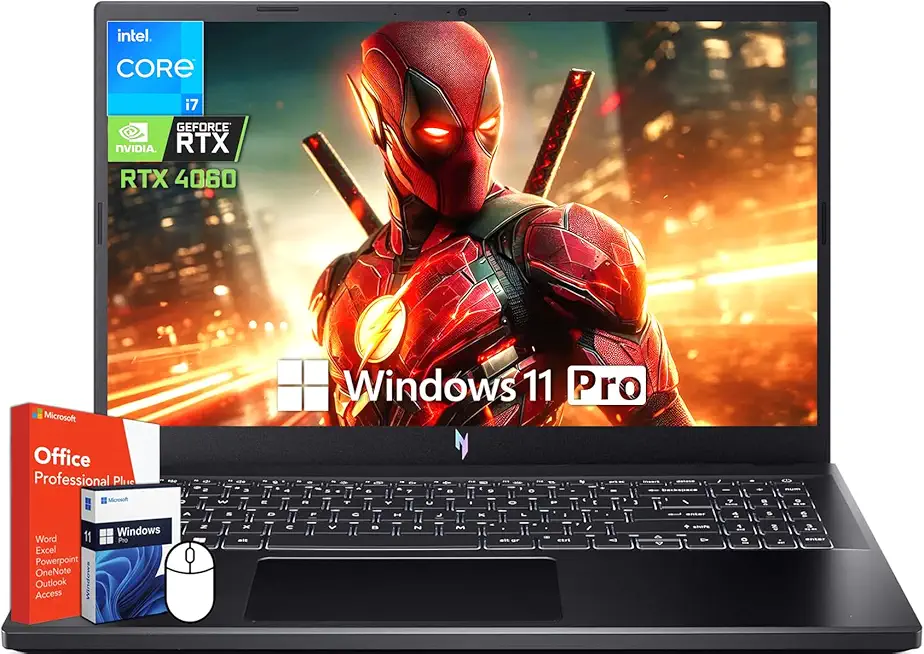
acer Nitro V 15 Gaming Laptop, 15.6" 144Hz FHD Display, Intel 10-Core i7-13620H, NVIDIA GeForce RTX 4060, 64 GB DDR5 RAM, 4 TB SSD, Backlit Keyboard, Microsoft Office Lifetime License, Windows 11 Pro
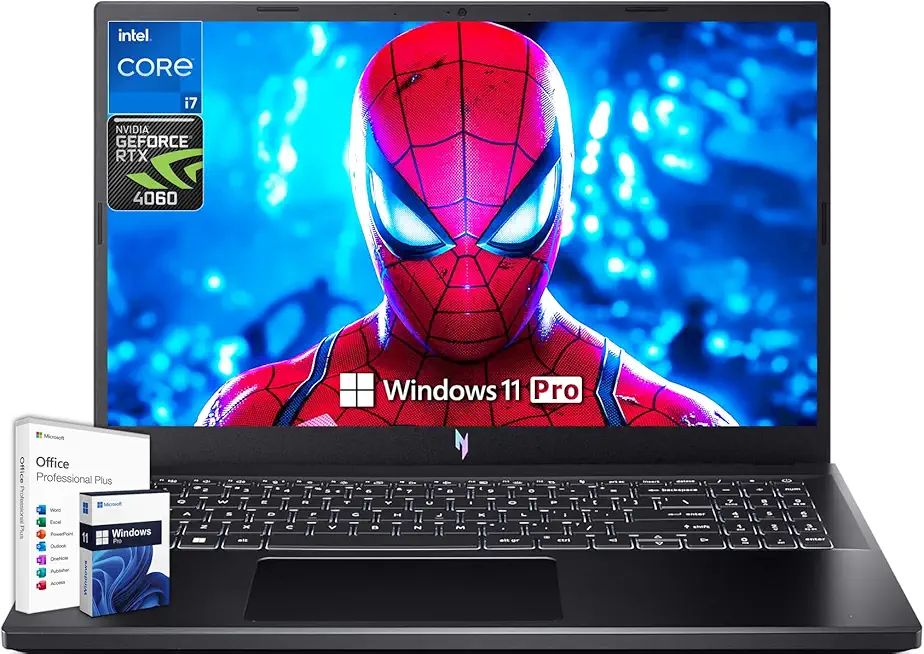
acer Nitro V 15 Gaming Laptop, Microsoft Office Lifetime License & Windows 11 Pro, 15.6" 144Hz FHD Display, Intel 10-Core i7-13620H, NVIDIA GeForce RTX 4060, 64GB DDR5 RAM, 4TB SSD, Backlit Keyboard

acer Nitro V15 Gaming Laptop, Microsoft Office Lifetime License & Windows 11 Pro, Intel i9-13900H Processor, NVIDIA GeForce RTX 4060, 64 GB DDR5 RAM, 4 TB SSD, 15.6" FHD 144Hz Display, Backlit

FIFINE XLR/USB Gaming Microphone Set, Dynamic PC Mic for Streaming Podcasting, Computer RGB Mic Kit with Boom Arm Stand, Mute Button, Headphones Jack, for Recording Vocal Voice-Over-AmpliGame AM8T Global Recycled Standard

UGREEN Cat 8 Ethernet Cable 10FT, High Speed Braided 40Gbps 2000Mhz Network Cord Cat8 RJ45 Shielded Indoor Heavy Duty LAN Cables Compatible for Gaming PC PS5 Xbox Modem Router 10FT

ASUS TUF Gaming A16 (2024) Copilot+ PC Gaming Laptop, 16 16:10 165Hz Display, AMD Ryzen™ AI 9 HX 370, NVIDIA® GeForce RTX™ 4060, 16GB LPDDR5X, 1TB PCIe Gen 4.0 SSD, Wi-Fi 6E, Windows 11, FA608WV-DB94
