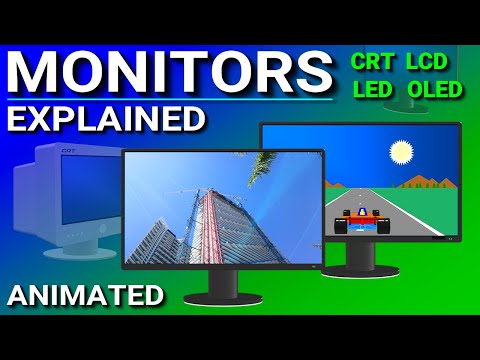
Monitors Explained - LCD, LED, OLED, CRT, TN, IPS, VA

PowerCert Animated Videos
@powercertanimatedvideosAbout
Learn Visually. A channel of animated information technology videos such as networking, computers, routers, switches, servers, comptia courses, etc. Thank you for stopping by. All videos are copyrighted. Re-uploading these videos to youtube or any other platform is strictly prohibited.
Latest Posts




Video Description
Monitor (Purchased this on 11-9-25) that I use and recommend: https://amzn.to/4oCYS4o (affiliate) A monitor is the primary output component of a computer. This video explains the different monitor types such as LCD, LED, OLED, and CRT. It also explains the different types of flat panels on LCD monitors such as TN, IPS, and VA. It also discusses resolutions, contrast ratios, refresh rates and response times. Which monitor is the best for gaming? My keyboard https://amzn.to/3XJlSDb My mouse https://amzn.to/4pqvQpj Twitter: https://twitter.com/PowerCert Topics Include: Intro: 00:00 CRT Monitor: 00:51 Refresh Rate: 01:34 LCD Monitor: 02:12 Contrast Ratio: 03:52 Flan Panel Types: 04:47 TN Panel: 05:00 Response Time: 05:21 IPS Panel: 06:20 VA Panel: 07:30 OLED Monitor: 08:31 Resolution: 10:19 Aspect Ratio: 11:54 Monitor Recommendation: 12:57
You May Also Like








Upgrade Your Display
AI-recommended products based on this video

MSI PRO MP273QW E2 AMZ 27-inch IPS 2560 x 1440 (QHD) Computer Monitor, 100Hz, Adaptive-Sync, HDMI, VESA Mountable, Tilt, Speaker, 1ms, White
