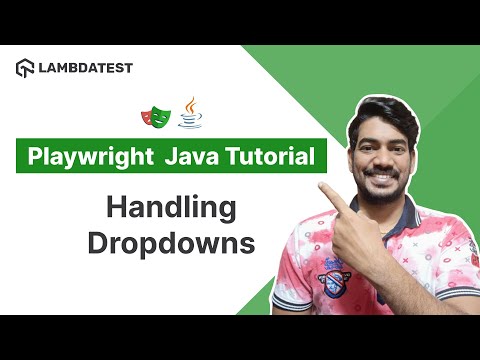
Playwright Java Tutorial 🎭 | How To Handle Dropdowns | Part IV | TestMu AI

TestMu AI
@testmuaiAbout
TestMu AI (Formerly LambdaTest) is a fully autonomous agentic quality engineering platform that accelerates testing at scale. AI Agents that autonomously plan, author, execute, analyze, and optimize while keeping humans-in-the-loop. It integrates with your repos, CI, IDEs, and terminals, learning from every code change. A platform that enables you to evolve as fast as your product does. Today, TestMu AI stands as global leaders in AI innovation, with AI agents powering a connected, end-to-end quality layer. Disclaimer: The channel content complies with the Fair Use Guidelines under Section 107 of the Copyright Act. All rights reserved to © 2026 TestMu AI. Any illegal reproduction of content will result in immediate legal action.
Latest Posts



Video Description
In this tutorial, you'll discover how to interact with dropdowns using Playwright and Java! Start FREE Testing: https://accounts.lambdatest.com/register?utm_source=YouTube&utm_medium=Organic&utm_campaign=May17&utm_term=-SH-NbY-8Uk&utm_content=LT_Sign_Up 📢 In this Part 4 of the Playwright Java tutorial series, 𝐊𝐨𝐮𝐬𝐡𝐢𝐤 𝐂𝐡𝐚𝐭𝐭𝐞𝐫𝐣𝐞𝐞 (@Koushik_chat), Content Creator at LetCode delves into the various types of dropdowns and demonstrates how to select dropdown options using Text, Value, and Index in Playwright. The tutorial also provides insights on handling jQuery dropdowns. Take your automation capabilities to the next level and optimize your web interactions by mastering dropdowns with Playwright and Java. 📍𝐆𝐢𝐭𝐇𝐮𝐛 𝐋𝐢𝐧𝐤: https://github.com/ortoniKC/LambdaTest-Playwright-Java ➡ How can I interact with dropdowns using Playwright and Java? You can interact with dropdowns using Playwright and Java by locating the dropdown element and selecting options by text, value, or index using the selectOption() method. You can also handle jQuery dropdowns in a similar manner. 📌𝐀𝐥𝐬𝐨, 𝐲𝐨𝐮 𝐰𝐢𝐥𝐥 𝐥𝐞𝐚𝐫𝐧📃 📍Different types of Dropdowns 📍How to select multiple options 📍How to do assertions 𝐕𝐢𝐝𝐞𝐨 𝐂𝐡𝐚𝐩𝐭𝐞𝐫𝐬 👀 00:00 Interact with dropdown 00:45 Select Option 03:15 launch browser 04:29 Select by Value 07:28 Assertion 09:04 Select by Label 10:53 Select by Index 11:48 Select multiple options 13:55 Find option count 16:42 How to handle jQuery dropdown 22:30 Select Group 💬 Get started with a detailed guide to Playwright Testing Tutorial ➡ https://www.testmuai.com/playwright 𝐑𝐞𝐥𝐚𝐭𝐞𝐝 𝐁𝐥𝐨𝐠𝐬 & 𝐇𝐮𝐛𝐬📝 ➡ Playwright vs Selenium vs Cypress: A Detailed Comparison: https://bit.ly/3nbplvq ➡ Playwright Tutorial: Getting Started With Playwright Framework: https://bit.ly/3LxhmT0 ➡ How To Find Elements Using Playwright Locators: https://bit.ly/3pqE0nw ➡ A Complete Guide To Playwright Assertions: https://bit.ly/3McPmmT ➡ Testing Modern Applications With Playwright 🎭: https://bit.ly/3n94FEw ➡ Playwright End To End Testing Tutorial: A Complete Guide: https://bit.ly/3LbdF3V 📄 How To Run Playwright Tests On The LambdaTest Platform: https://bit.ly/3HYwyX6 Sign Up for LambdaTest! It’s FREE 🙌 Perform scalable and reliable cross-browser compatibility testing of your website and web app on the latest mobile and desktop browsers: https://accounts.lambdatest.com/register?utm_source=YouTube&utm_medium=Organic&utm_campaign=May17&utm_term=-SH-NbY-8Uk&utm_content=LT_Sign_Up_2 For questions: [email protected] 😃 𝐄𝐱𝐩𝐥𝐨𝐫𝐞: 🎬 Most Recent Videos: https://bit.ly/3PRAPyo 📝 Blog: https://bit.ly/3yGVsUc 🎓 Learning Hub: https://bit.ly/3fr6l4Z 🎥 LambdaTest Customers: https://bit.ly/2TB7pvD 🚀 Webinars: https://bit.ly/37i41co 🛠️ Product Updates: https://bit.ly/3717NGO 💬 LambdaTest Certifications: https://bit.ly/3XwW0b0 𝐂𝐨𝐧𝐧𝐞𝐜𝐭 𝐰𝐢𝐭𝐡 𝐋𝐚𝐦𝐛𝐝𝐚𝐓𝐞𝐬𝐭: 👥 COMMUNITY: https://bit.ly/3Aiz5oO 🛠️ YOUTUBE: https://bit.ly/3rH2Yfh 🌎 LINKEDIN: https://bit.ly/3xA6F84 👥 FACEBOOK: https://bit.ly/37mbQOa 🐦TWITTER: https://bit.ly/3Cn0g3A 🖼️ GITHUB: https://bit.ly/3jowfYs 🔴 NEWSLETTER: https://bit.ly/3juhxzc 📸 PINTEREST: https://bit.ly/2VCXI05 #playwright #lambdatestyourapps#playwrightjava #dropdownsinplaywright #dropdowns #java #testscenario #assertioninplaywright #dropdownsinplaywright #attributesinplaywright Disclaimer: This video features materials protected by the Fair Use guidelines of Section 107 of the Copyright Act. All rights reserved to © 2023 LambdaTest. Any illegal re-production of this content will result in immediate legal action.






Upgrade Your Gaming Setup Now
AI-recommended products based on this video
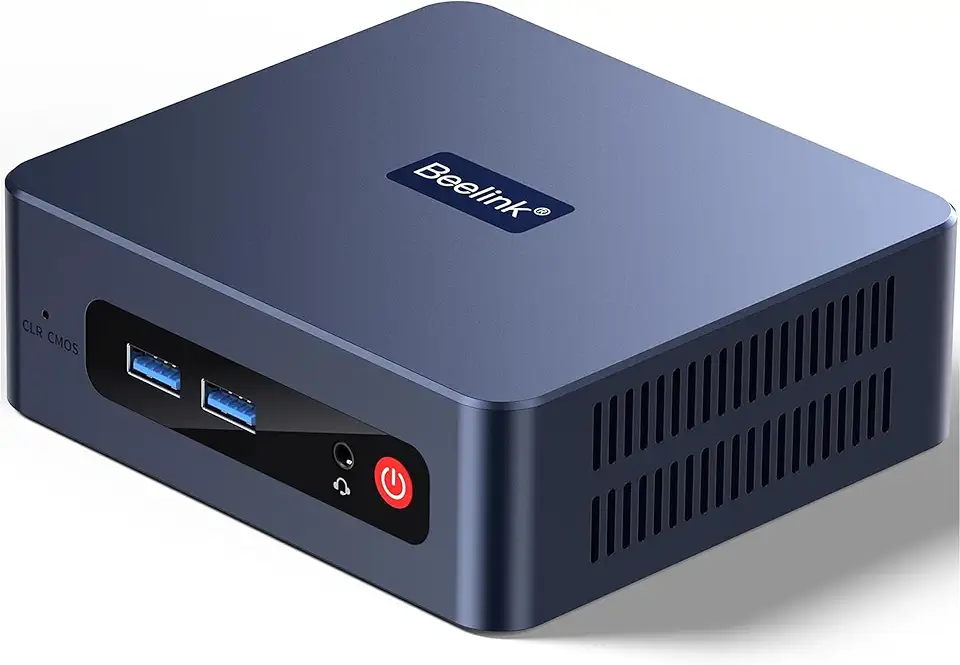
Beelink SER3 Mini Desktop PC with AMD Ryzen 3 3200U 2C/4T, 16GB DDR4 500GB PCIE3.0 X4 SSD, Dual Display Output, WiFi6/BT5.2 W-11 Pro Mini Gaming Computer

Beelink SER3 Mini PC, AMD Ryzen 3 3200U(14nm, 2C/4T) up to 3.5GHz, Mini Gaming Computer 16GB DDR4 RAM 500GB PCIE3.0 X4 SSD, Micro PC 4K@60Hz Dual Display, Mini Computer WiFi6/BT5.2/HTPC/W-11 Pro
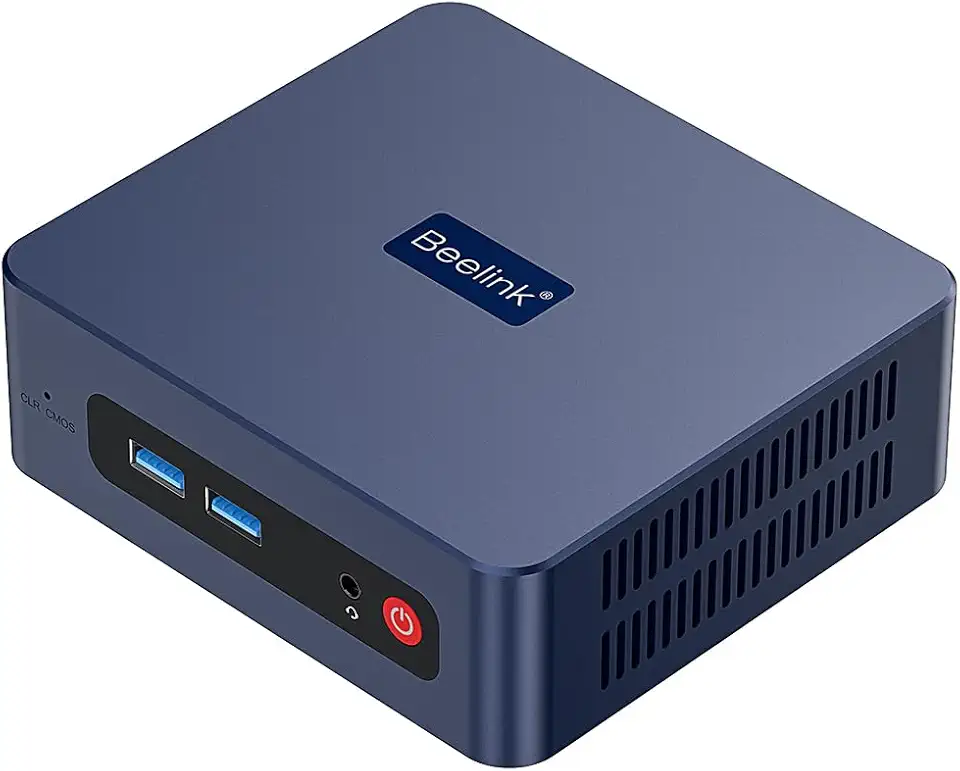
Beelink SER3 Mini PC, AMD Ryzen 3 3200U(up to 3.5GHz) 2C/4T, Mini Computer 16GB DDR4 RAM 500GB SSD, Mini Desktop Computer 4K@60Hz Dual HDMI Display WiFi6/BT5.2/WOL/HTPC/W-11 Pro

Corsair Vengeance LPX 32GB (2 X 16GB) DDR4 3200 (PC4-25600) C16 1.35V Desktop Memory - Black

88MM T129215SU RTX 2060 for Cooling Fan for Gigabyte GTX 1660 1650 for Super Ti Graphics Card Cooler PLD09210S12HH(Black 2-Fan T12)

88MM T129215SU RTX 2060 for Cooling Fan for Gigabyte GTX 1660 1650 for Super Ti Graphics Card Cooler PLD09210S12HH(Black 2-Fan PLD)
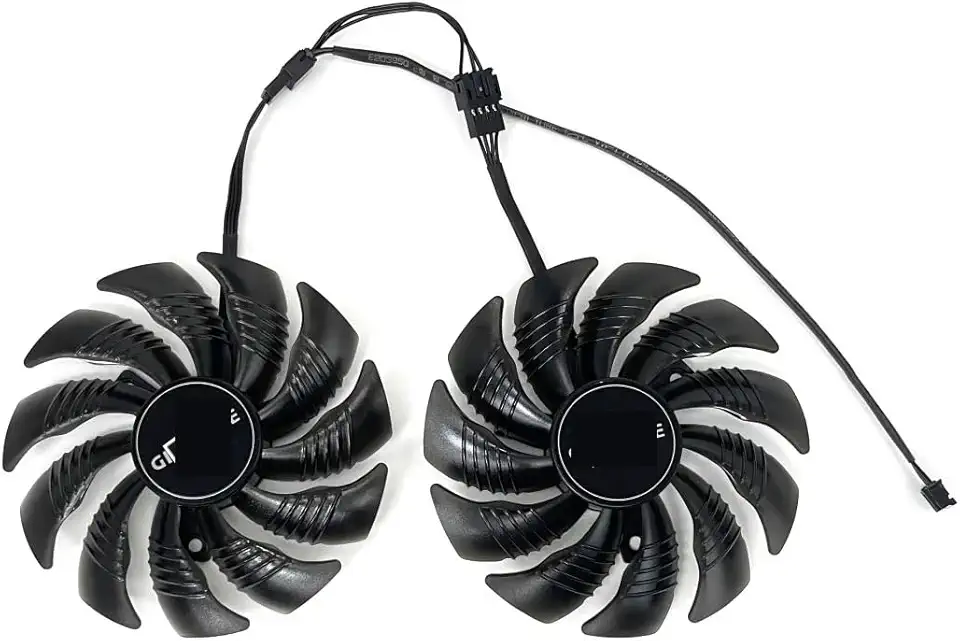
for 88MM T129215SU PLD09210S12HH for Cooling Fan for Gigabyte GTX 1650 1660 Ti for Super RTX 2060 Graphics Video Card Fans(Black A-Fan PLD)

95MM T129215SH for Cooling Fan for Gigabyte GTX 1650 for Gaming 1660 Ti RTX 2060 for Super 2070 WINDFORCE Graphics Card Cooler

Logitech G203 Wired Gaming Mouse, 8,000 DPI, Rainbow Optical Effect LIGHTSYNC RGB, 6 Programmable Buttons, On-Board Memory, Screen Mapping, PC/Mac Computer and Laptop Compatible - Black

NEW SteelSeries Arctis Nova 3 Multi-Platform Gaming Headset - Signature Arctis Sound - ClearCast Gen 2 Mic - PC, PS5/PS4, Xbox Series X|S, Switch, Mobile

New SteelSeries Arctis Nova Pro for Xbox Multi-System Gaming Headset - Premium Hi-Fi Drivers - Hi-Res Audio - 360° Spatial - GameDAC Gen 2 - Quad-DAC - ClearCast Gen 2 Mic - Xbox, PC, PS5/PS4, Switch
