Playwright Testing Features | Playwright With TypeScript Tutorial🎭| Part 3


TestMu AI
@testmuaiAbout
TestMu AI (Formerly LambdaTest) is a fully autonomous agentic quality engineering platform that accelerates testing at scale. AI Agents that autonomously plan, author, execute, analyze, and optimize while keeping humans-in-the-loop. It integrates with your repos, CI, IDEs, and terminals, learning from every code change. A platform that enables you to evolve as fast as your product does. Today, TestMu AI stands as global leaders in AI innovation, with AI agents powering a connected, end-to-end quality layer. Disclaimer: The channel content complies with the Fair Use Guidelines under Section 107 of the Copyright Act. All rights reserved to © 2026 TestMu AI. Any illegal reproduction of content will result in immediate legal action.
Latest Posts


Video Description
Watch this video to learn about some exciting features offered by Playwright, like recording tests, taking screenshots of tests, auto-wait mechanism, and much more. Start FREE Testing: https://accounts.lambdatest.com/register?utm_source=Youtube&utm_medium=Organic&utm_campaign=Jun22&utm_term=1INdYpaXqLE&utm_content=LT_Sign_Up In this Part-III of the Playwright tutorial series, 𝙆𝙤𝙪𝙨𝙝𝙞𝙠 𝘾𝙝𝙖𝙩𝙩𝙚𝙧𝙟𝙚𝙚, Content Creator at LetCode (@Koushik_chat) walks you through some of the fantastic features of Playwright with live examples. He demonstrates how you can take screenshots and videos of your test run in Playwright, record your test scripts, and what Playwright fixtures are. He ends the video by explaining the Playwright's different kinds of reporters, the retries option, and the auto-waiting feature. 🔹 𝑲𝒆𝒚 𝒕𝒂𝒌𝒆𝒂𝒘𝒂𝒚𝒔 ➡ 𝑹𝒆𝒄𝒐𝒓𝒅 𝑻𝒆𝒔𝒕 𝑺𝒄𝒓𝒊𝒑𝒕𝒔 - You can use the Playwright Test Recorder to execute the test without needing to write Playwright test scripts. ➡ 𝑹𝒆𝒑𝒐𝒓𝒕𝒔 - Playwright tests include a few built-in reporters for various needs and support custom reporters. The —reporter command-line option is the simplest way to try out built-in reporters. ➡ 𝑻𝒂𝒌𝒆 𝑺𝒄𝒓𝒆𝒆𝒏𝒔𝒉𝒐𝒕𝒔 & 𝑽𝒊𝒅𝒆𝒐𝒔 𝒐𝒏 𝒇𝒂𝒊𝒍𝒖𝒓𝒆 - Playwright Tests help take screenshots and videos on failures and also support test reporter for every execution ➡ 𝑬𝒙𝒆𝒄𝒖𝒕𝒊𝒐𝒏 𝒐𝒏 𝒇𝒂𝒊𝒍𝒖𝒓𝒆 - Playwright tests allow for test retries. When this option is enabled, failing tests are retried multiple times until they pass or the maximum number of retries is reached. Failing tests are not retried by default. ➡ 𝑨𝒖𝒕𝒐-𝒘𝒂𝒊𝒕 𝒎𝒆𝒄𝒉𝒂𝒏𝒊𝒔𝒎 - Before taking action, Playwright performs several actionability checks on the elements to ensure they behave as expected. It waits for all relevant checks to pass before performing the requested action. Vɪᴅᴇᴏ Cʜᴀᴘᴛᴇʀꜱ 👀 00:00 Introduction 00:43 How to record a test script using Playwright? 04:25 What is Playwright Fixture? 11:00 Playwright reporters 16:09 How to take screenshots and videos on test failure? 22:18 Retries option in Playwright 25:05 Auto-waiting in Playwright 26:48 Conclusion 📌𝑨𝒍𝒔𝒐, 𝒍𝒆𝒂𝒓𝒏 📃 🔸 What is Playwright framework? 🔸 How do you use a Playwright tool? 🔸 Is Playwright similar to selenium? 📌 𝑮𝒊𝒕𝑯𝒖𝒃 𝑳𝒊𝒏𝒌: https://github.com/ortoniKC/playwright-ts-lambdatest **𝑪𝒐𝒎𝒑𝒍𝒆𝒕𝒆 𝑷𝒍𝒂𝒚𝒍𝒊𝒔𝒕** ✔️ How To Setup Playwright Test Automation Framework: https://bit.ly/3MPy1i0 ✔️ How To Use Functions And Selectors: https://bit.ly/39s5XUm **𝑼𝒔𝒆𝒇𝒖𝒍 𝑫𝒐𝒄𝒔** 🔹 How To Run Playwright Tests On LambdaTest Platform: https://bit.ly/3t5w0XI 🔹 How To Run Playwright Tests In Parallel: https://bit.ly/3GyRORe 🔹 Run Local Tests Using Playwright: https://bit.ly/3z6jc7q Sign Up for LambdaTest! It’s FREE 🙌 Perform scalable and reliable cross-browser compatibility testing of your website and web app on the latest mobile and desktop browsers: https://accounts.lambdatest.com/register?utm_source=Youtube&utm_medium=Organic&utm_campaign=Jun22&utm_term=1INdYpaXqLE&utm_content=LT_Sign_Up_1 𝑹𝒖𝒏 𝒚𝒐𝒖𝒓 𝑷𝒍𝒂𝒚𝒘𝒓𝒊𝒈𝒉𝒕 𝒕𝒆𝒔𝒕 𝒔𝒄𝒓𝒊𝒑𝒕𝒔 𝒊𝒏𝒔𝒕𝒂𝒏𝒕𝒍𝒚 𝒐𝒏 𝟓𝟎+ 𝒃𝒓𝒐𝒘𝒔𝒆𝒓 𝒂𝒏𝒅 𝑶𝑺 𝒄𝒐𝒎𝒃𝒊𝒏𝒂𝒕𝒊𝒐𝒏𝒔 𝒖𝒔𝒊𝒏𝒈 𝒕𝒉𝒆 𝑳𝒂𝒎𝒃𝒅𝒂𝑻𝒆𝒔𝒕 𝒄𝒍𝒐𝒖𝒅. 𝑬𝒙𝒆𝒄𝒖𝒕𝒆 𝑷𝒍𝒂𝒚𝒘𝒓𝒊𝒈𝒉𝒕 𝒕𝒆𝒔𝒕𝒊𝒏𝒈 𝒊𝒏 𝒑𝒂𝒓𝒂𝒍𝒍𝒆𝒍 𝒂𝒏𝒅 𝒄𝒖𝒕 𝒅𝒐𝒘𝒏 𝒚𝒐𝒖𝒓 𝒕𝒆𝒔𝒕 𝒆𝒙𝒆𝒄𝒖𝒕𝒊𝒐𝒏 𝒕𝒊𝒎𝒆 𝒃𝒚 𝒎𝒖𝒍𝒕𝒊𝒑𝒍𝒆 𝒇𝒐𝒍𝒅𝒔. 𝑲𝒏𝒐𝒘 𝒎𝒐𝒓𝒆: https://bit.ly/3avWLhF Register Now to Avail Bonanza Offerings 💎 + Test websites and web apps on 3000+ real browsers over LambdaTest cloud + Trusted By 1M+ users, 500+ enterprises and 130+ countries + Online scalable Selenium Grid to perform Manual as well as Automation Testing + 100 minutes of free Web + Mobile Automation Testing + 60 minutes of free Live Interactive Testing per month + 10 Screenshot Tests per month + 10 Responsive Tests per month (Test a page across 50+ Device configurations with a single click) + Unlimited free testing on LT Browser For questions: [email protected] 😃 **𝑬𝒙𝒑𝒍𝒐𝒓𝒆** 🎬 Most Recent Videos: https://bit.ly/3kUUeAQ 🎓 Learning Hub: https://bit.ly/3fr6l4Z 🎥 LambdaTest Customers: https://bit.ly/2TB7pvD 🚀 Webinars: https://bit.ly/37i41co 🛠️ Product Updates: https://bit.ly/3717NGO 💬 LambdaTest Certifications: https://bit.ly/3x4EtcY **𝑺𝒐𝒄𝒊𝒂𝒍** 📝 BLOG: https://bit.ly/3yGVsUc 👥 COMMUNITY: https://bit.ly/3Aiz5oO 🔴 NEWSLETTER: https://bit.ly/3juhxzc 🖼️ GITHUB: https://bit.ly/3jowfYs 🛠️ YOUTUBE: https://bit.ly/3rH2Yfh 🌎 LINKEDIN: https://bit.ly/3xA6F84 👥 FACEBOOK: https://bit.ly/37mbQOa 🐦TWITTER: https://bit.ly/3Cn0g3A 📸 PINTEREST: https://bit.ly/2VCXI05 #playwrighttutorial #playwrighttesting #playwrightautomation #playwright #microsoftplaywright #playwrightautomationtutorial #playwrightframework #playwrighttestingtool Disclaimer: This video features materials protected by the Fair Use guidelines of Section 107 of the Copyright Act. All rights reserved to © 2022 LambdaTest. Any illegal reproduction of this content will result in immediate legal action.






Boost Your Gaming Setup
AI-recommended products based on this video
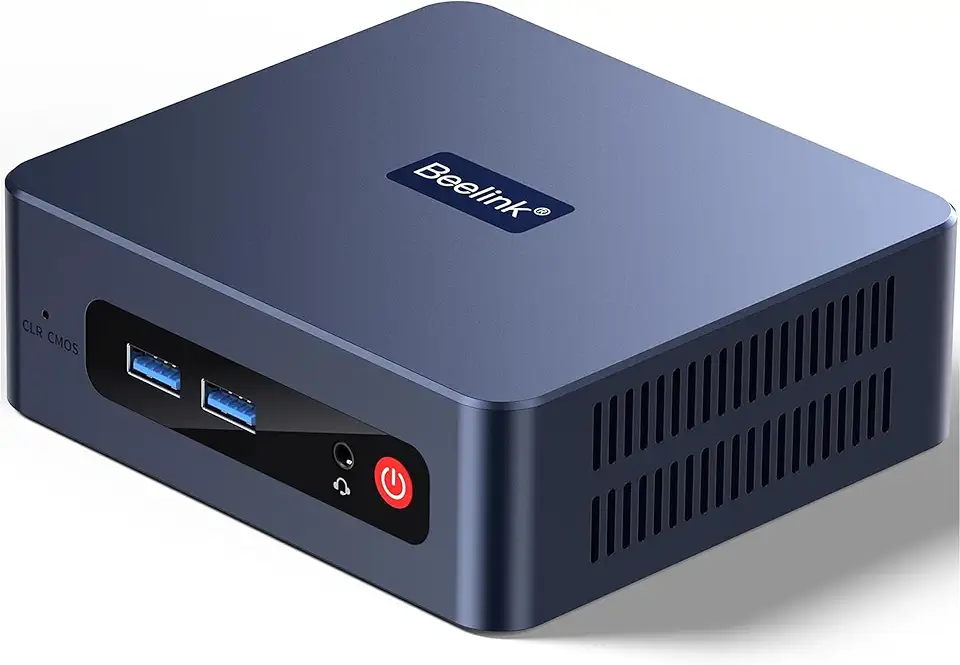
Beelink SER3 Mini Desktop PC with AMD Ryzen 3 3200U 2C/4T, 16GB DDR4 500GB PCIE3.0 X4 SSD, Dual Display Output, WiFi6/BT5.2 W-11 Pro Mini Gaming Computer

Beelink SER3 Mini PC, AMD Ryzen 3 3200U(14nm, 2C/4T) up to 3.5GHz, Mini Gaming Computer 16GB DDR4 RAM 500GB PCIE3.0 X4 SSD, Micro PC 4K@60Hz Dual Display, Mini Computer WiFi6/BT5.2/HTPC/W-11 Pro
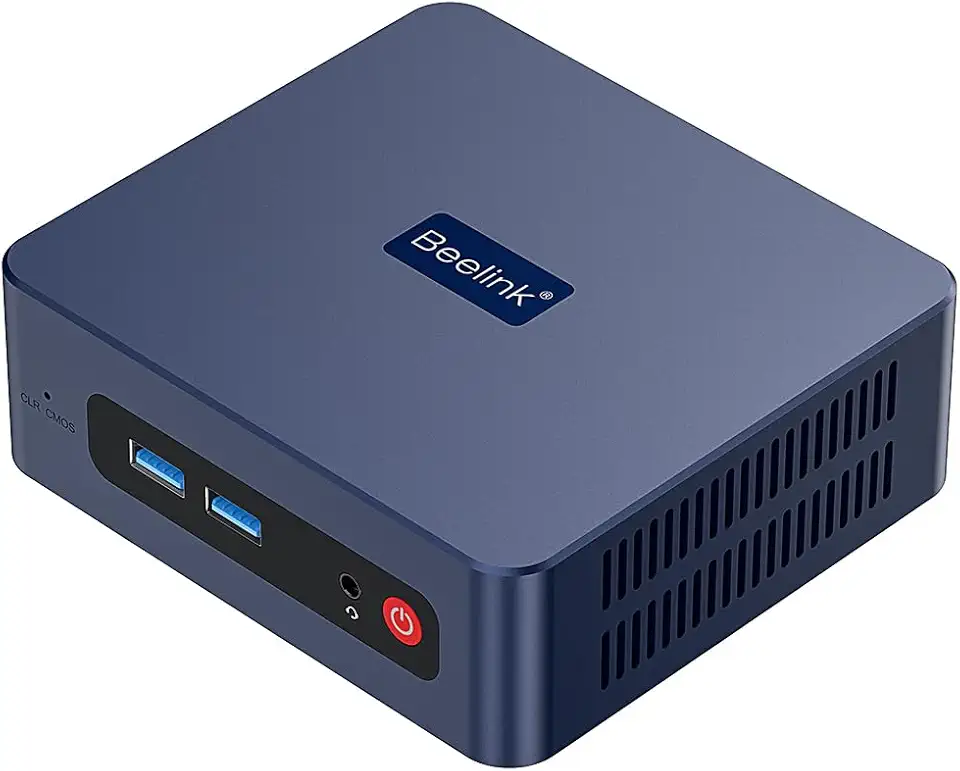
Beelink SER3 Mini PC, AMD Ryzen 3 3200U(up to 3.5GHz) 2C/4T, Mini Computer 16GB DDR4 RAM 500GB SSD, Mini Desktop Computer 4K@60Hz Dual HDMI Display WiFi6/BT5.2/WOL/HTPC/W-11 Pro
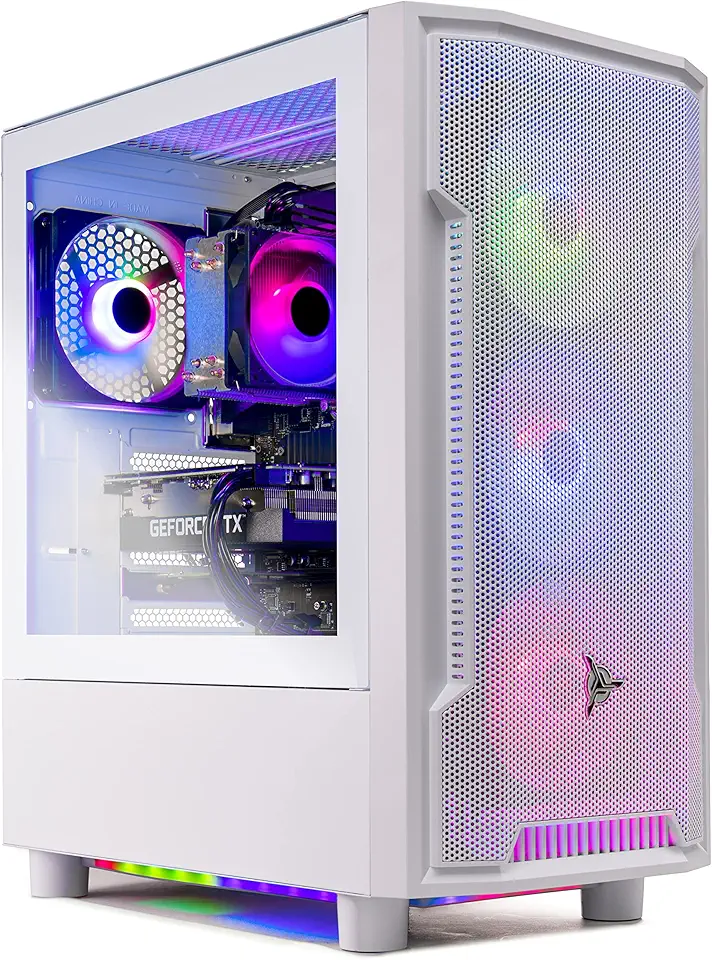
Skytech Archangel Gaming PC Desktop – AMD Ryzen 5 3600 3.6 GHz, NVIDIA RTX 3060, 1TB NVME SSD, 16GB DDR4 RAM 3200, 600W Gold PSU, 11AC Wi-Fi, Windows 11 Home 64-bit

MSI Thin 15 15.6" 144Hz Gaming Laptop, Intel® Core™ 5-210H, RTX 4050, 16GB DDR5, 1TB NVMe SSD, Windows 11 Home

Fanless Mini PC 13th Gen Core i7 1355U(10C/12T), Win11 Pro Mini Desktop PC Dual 2.5G LAN Mini PC Fanless, Iris Xe Graphics, Dual HD+ DP Triple Display, USB-C, WiFi6, BT5.2, 64GB RAM 1TB NVME SSD

Beelink SER5 MAX Mini PC, AMD Ryzen 7 6800U(8C/16T, Up to 4.7GHz), Mini Computer 32G LPDDR5 RAM 1TB NVMe PCIE4.0 SSD, Mini Desktop Computer 4K@144Hz Triple Display HDMI2.1/DP/WiFi6/BT5.2/W-11 Pro
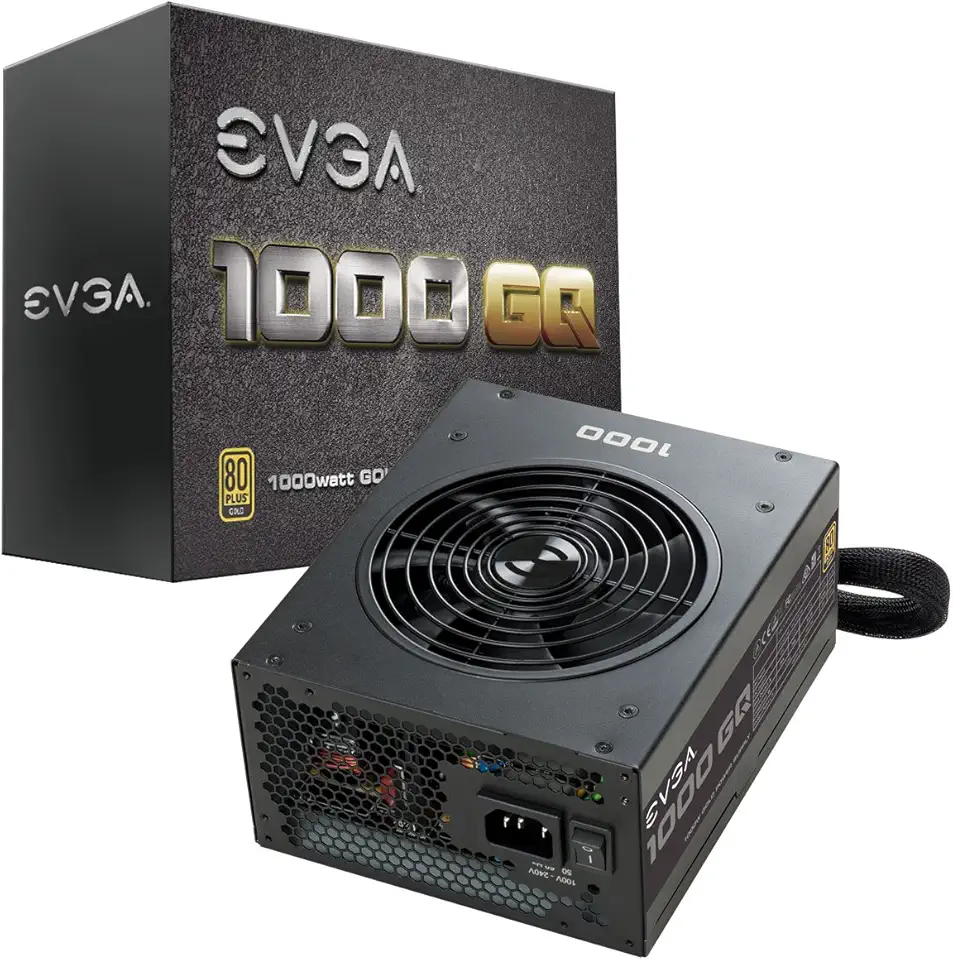
EVGA 1000 GQ, 80+ GOLD 1000W, Semi Modular, EVGA ECO Mode, 5 Year Warranty, Power Supply 210-GQ-1000-V1,Black

tomtoc 360 Protective Laptop Sleeve for 15.6 Inch Acer Aspire 1/3/5 15 Slim Laptop, 15.6-16 Inch ASUS Strix G16/G15, HP Pavilion 15, Lenovo Ideapad 3 Laptop, 15.6 Inch Dell Samsung Notebook Ultrabook

Lacdo 360° Protective 16 Inch Laptop Sleeve Case for 16 Inch HP Lenovo ASUS Acer Dell Laptop/HP Pavilion Envy/Lenovo ThinkPad IdeaPad/Acer Swift/ASUS Vivobook/Dell Computer Bag, Blue Global Recycled Standard

acer Enduro T1 ET108-11A-80PZ Rugged Tablet, 8.0" WXGA IPS Touch, MediaTek MT8385 Octa-Core Processor, 4GB LPDDR4, 64GB eMMC, WiFi-5, Front 2MP Webcam, Rear 5MP Webcam, Handstrap, Android 9 Pie

Acer PM161Q Bbmiuux 15.6" Full HD (1920 x 1080) Widescreen Portable IPS Display | AMD FreeSync Technology | 4ms (G to G) | 2 Speakers | USB Type-C Cable and Mini HDMI Cable

Logitech G203 Wired Gaming Mouse, 8,000 DPI, Rainbow Optical Effect LIGHTSYNC RGB, 6 Programmable Buttons, On-Board Memory, Screen Mapping, PC/Mac Computer and Laptop Compatible - Black
