Power Query Error Handling - How to Deal with Power Query Errors Part 1


Miss Microsoft
@missmicrosoftAbout
If you love making things work smarter with Power Query and Power BI then you've come to the right place! Through my videos, I’ll guide you step-by-step into the heart of Microsoft's powerful Business Intelligence tools, unravelling their mysteries into something you can understand and use right away. It's not just about learning; it's about making real progress and seeing the impact in your day to day work. Whether you're a curious beginner eager to automate your first dataset, or a seasoned enthusiast looking to refine your craft, you've found a community that gets you. This channel is on a journey to make automation accessible to everyone, we're creating a community of data enthusiasts ready to take on any challenge. Here's to hoping that these videos not only educate but inspire you to reach your goals and aspirations!
Latest Posts
No results found. Try different keywords.
Video Description
Learn how to deal with Power Query errors that result in the column of the table wasn't found errors and download did not complete errors. Learn what causes these errors and how to fix them. 00:00 Types of Errors in Power Query 00:46 Error Caused by Changed Type Step (1st Error) 02:18 The Column of the Table Wasn't Found (1st Error) 03:25 Why the Column of the Table Wasn't Found Occurs (1st Error) 03: 59 How to Fix the Column of the Table Wasn't Found (1st Error) 06:28 Error Caused by Removed Columns Step (2nd Error) 08:09 The Column of the Table Wasn't Found (2nd Error) 08:32 Why the Column of the Table Wasn't Found Occurs (2nd Error) 09:03 How to Fix the Column of the Table Wasn't Found (2nd Error) 1️⃣To learn how to deal with Power Query errors that display error values in the cell, please check out Part 2 of this video "Power Query Error Handling - How to Deal with Power Query Errors Part 2:" https://youtu.be/XL9GkpBC8pE ✅ If you would like to connect on LinkedIn: 🤝 www.linkedin.com/in/missmicrosoft ☕ If you would like to buy me a coffee, so I can get my caffeine in to keep creating as many videos as possible for you :). It's really quick and easy, please use this link: https://www.buymeacoffee.com/missmicrosoft ✅ For more videos please subscribe: https://www.youtube.com/channel/UCcZhWH_xKNZFIBbBjz1VsWw?sub_confirmation=1 ✅ For more Power Query videos please use the links below: Power Query in Excel Beginners Tutorial: Combine Multiple Excel Sheets, Automate & Transform Data: https://youtu.be/7nRRuF46qoc How to Fix Date and Time Error in Power Query: https://youtu.be/CFrLv_XlqBU Combine Data from Multiple Sheets into One Sheet in Excel: https://youtu.be/yxsQ-gCifkY ✅ Please also check out my Excel course on Udemy, please use this link: https://www.udemy.com/course/excel-foundations-learn-the-most-important-features-of-excel/?referralCode=AD9171333F41E4B774DA
You May Also Like

Master Power Query Today
AI-recommended products based on this video
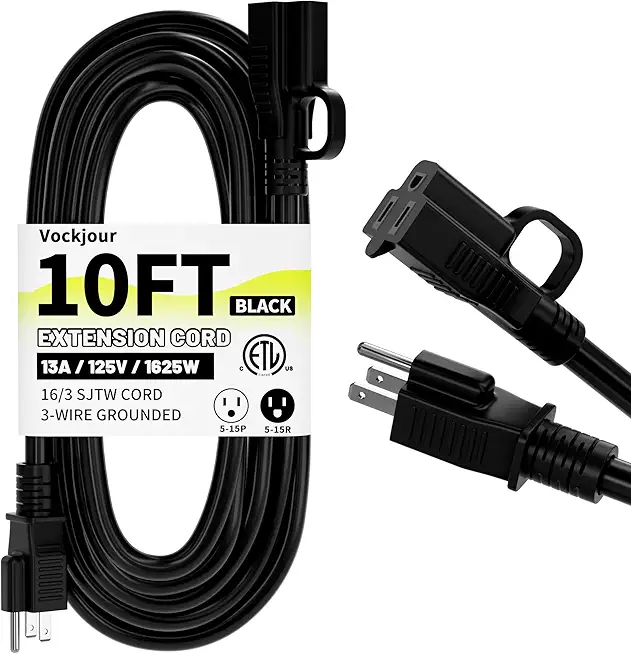
16/3 Black Indoor Outdoor Extension Cord 10 Ft Waterproof, Heavy Duty Extension Cord with 3 Prong Grounded Plug,13A 1625W 16AWG SJTW, Flexible Weatherproof Power Cable for Offices, Gardens and Lawns

VEEKTOMX Portable Charger with Built in Cables 10000mAh, Power Bank for iPhone with Wall Plug, Travel Essential Fast Charging USB C Slim External Battery Pack for iPhone16/15/14, Samsung, iPad, etc
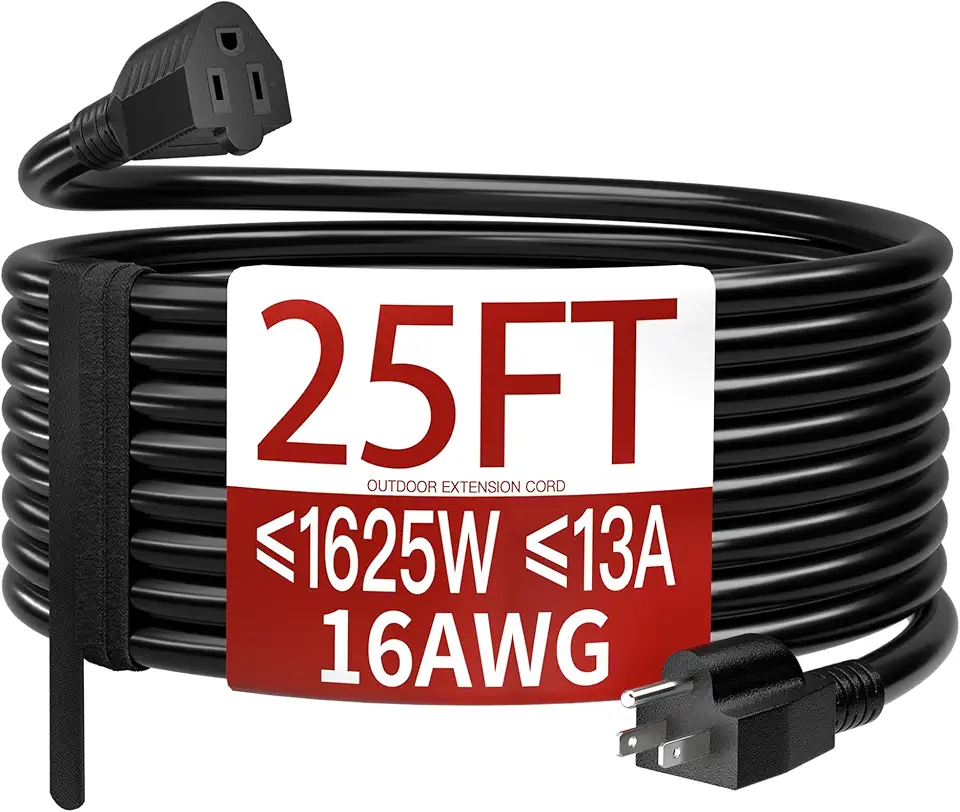
16/3 25 FT Outdoor Extension Cord Waterproof, Weatherproof & Flame Retardant Black 3 Prong Power Cord Outside for Lawn & Garden, 13 Amps 1625 Watts 125 VAC 16AWG SJTW, ETL Listed

Duracell Coppertop AAA Batteries with Power Boost Ingredients, 24 Count Pack Triple A Battery with Long-Lasting Power, Alkaline AAA Battery for Household and Office Devices
