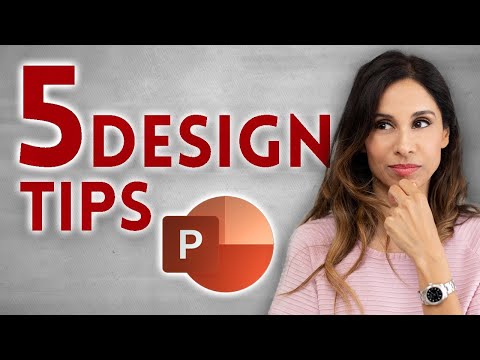
5 QUICK Ways to Improve Your PowerPoint Design
About
No channel description available.
Latest Posts
No results found. Try different keywords.
Video Description
The first 1000 people to use the link will get a free trial of Skillshare Premium Membership: https://skl.sh/leilagharani10201 🔥 400,000+ professionals trust our courses—start your journey here 👉 https://link.xelplus.com/yt-d-all-courses Transform your PowerPoint presentations from dull to dynamic with these essential design tips. Whether you're presenting data or ideas, these tips will make your slides more engaging and easier to understand. How do you create professional PowerPoint slides? It comes down to small things. Most of which we don't notice when we watch presentations we love. We know we like them, but often we don't quite know why. I've broken it down into 5 PowerPoint tips which I'll cover in this video. 🖌️ Key Design Tips: ▪️ Visualize Your Data: Simplify complex data with clear, concise charts. This keeps your audience focused on your message rather than getting lost in numbers. ▪️ Use White Space Effectively: Avoid clutter. White space, which can be any solid color or blurred background, helps direct attention to your key points. ▪️ Leverage Design Ideas: Utilize PowerPoint's Design Ideas feature for quick, AI-powered slide improvements, especially if you're short on time or design skills. ▪️ Opt for Scalable Vector Graphics (SVGs): Use SVGs instead of raster images like JPGs or PNGs to avoid pixelation when resizing. ▪️ Apply the Rule of Thirds: Borrow this photography technique to enhance visual appeal. Position key elements at the intersection points of a divided grid for a balanced look. 00:00 Design Tips for PowerPoint 00:51 Visualize Your Data in PowerPoint 01:46 Use White Space in PowerPoint 03:53 Apply Design Ideas in PowerPoint 05:14 Use Scalable Vector Graphics in PowerPoint 06:43 Rule of Thirds in PowerPoint 08:09 Sponsor Skillshare ⯆ Read the full article: https://www.xelplus.com/powerpoint-slide-design-tips LINKS to related videos: https://www.youtube.com/playlist?list=PLmHVyfmcRKywJTPy2_OBZEaKeGGdFXlX3 ★ My Online Excel Courses ► https://www.xelplus.com/courses/ ➡️ Join this channel to get access to perks: https://www.youtube.com/channel/UCJtUOos_MwJa_Ewii-R3cJA/join 🎓 Not sure which of my Excel courses fits best for you? Take the quiz: https://www.xelplus.com/course-quiz/ 🎥 RESOURCES I recommend: https://www.xelplus.com/resources/ 🚩Let’s connect on social: Instagram: https://www.instagram.com/lgharani LinkedIn: https://www.linkedin.com/company/xelplus Note: This description contains affiliate links, which means at no additional cost to you, we will receive a small commission if you make a purchase using the links. This helps support the channel and allows us to continue to make videos like this. Thank you for your support! This video was sponsored by Skillshare #PowerPoint
Elevate Your Presentations
AI-recommended products based on this video

Asus Prime Radeon™ RX 9060 XT 16GB GDDR6 OC Edition Graphics Card (PCIe 5.0, HDMI/DP 2.1, 2.5-Slot Design, axial-tech Fans, Dual Ball Fan Bearings, Dual BIOS, ASUS GPU Guard)

EVA Storage Bag for GTX 1660 Super, RTX 2060 Super, 3060 Ti, and 3070 Graphics Cards, 40 x 36 x 5 cm, Compact Protective Case with Dust-Resistant Design, Black

Asus Dual NVIDIA GeForce RTX 3050 6GB OC Edition Gaming Graphics Card - PCIe 4.0, 6GB GDDR6 Memory, HDMI 2.1, DisplayPort 1.4a, 2-Slot Design, Axial-tech Fan Design, 0dB Technology, Steel Bracket
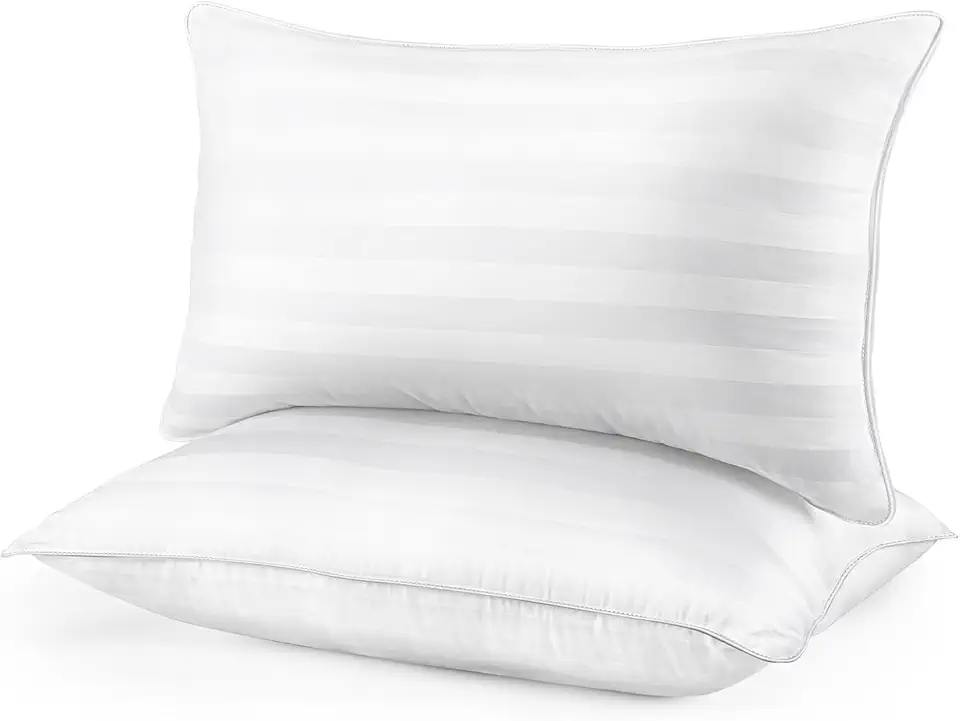
HEYCUZI Pillows Queen Size 2 Pack - Premium Down Alternative Cooling Bed Pillow for Side, Back, and Stomach Sleepers Hotel Quality Fluffy Soft Microfiber Fill Breathable Skin-Friendly

Pillows Queen Size 2 Pack for Sleeping - Premium Down Alternative Cooling Bed Pillow for Side, Back, and Stomach Sleepers Hotel Quality Fluffy Soft Microfiber Fill Breathable Skin-Friendly

Pillows Queen Size 2 Pack for Sleeping - Hotel Pillows Premium Down Alternative Bed Cooling Pillow for Side, Back, and Stomach Sleepers, Fluffy Soft Microfiber Fill Breathable Skin-Friendly