Running Windows NT 3.1 on (almost) modern hardware - Intel Ivy Bridge i7 (on bare metal)


Omores
@o_moresAbout
Ready for a "time-traveling" tech experience? Reboot your current PC into another era and dive into Windows 98 (or any other classic Windows OS) on real, modern hardware - even the latest generations! It might seem impossible, but thanks to the magic of x86 architecture and some creative workarounds, it's absolutely doable. This channel explores the journey of running vintage operating systems on today’s powerful machines. From MS-DOS to Windows 95 and beyond, we showcase iconic interfaces and nostalgic user experiences, all made possible through multi-boot setups and a carefully crafted blend of old and new hardware.
Latest Posts


Video Description
This video covers the installation and setup of Windows NT 3.1, Microsoft’s first fully 32-bit operating system, originally released in the summer of 1993. Designed with portability and scalability in mind, Windows NT 3.1 was built to run on multiple platforms beyond x86, including MIPS and other processors. Here, we install it on modern hardware—a 3.4 GHz Intel Ivy Bridge i7 3770 CPU—demonstrating its compatibility with legacy components and configurations. The installation explores challenges such as configuring the IDE mode on newer motherboards, working with Q67 and Z68 motherboards. Windows NT 3.1 installation requires careful setup of Legacy IDE mode, as certain modes can lead to inaccessible boot device errors. We also address memory upgrades beyond the original limitations by using updated NTDETECT and NTLDR files, allowing Windows NT to recognize up to 3.7 GB of RAM. Other highlights include: Comparison of Windows NT 3.1 with Windows 3.1, showing their shared program manager and differences in file management. Hardware checks and BIOS configurations to enable SATA drives for Windows NT installation. Compatibility with legacy 16-bit software and specific 32-bit applications designed for NT 3.1 You may want to checks these videos featuring Windows NT: *NT 3.51 running on modern hardware: https://www.youtube.com/watch?v=qIbeV1BYyOo *NT 4.0 running with multi CPU support on Intel 13th Gen hardware: https://www.youtube.com/watch?v=upuUtLkNVjY Check this page, in case you get CPU error during install: https://bearwindows.zcm.com.au/winnt31x.htm


Elevate Your Style
AI-recommended products based on this video
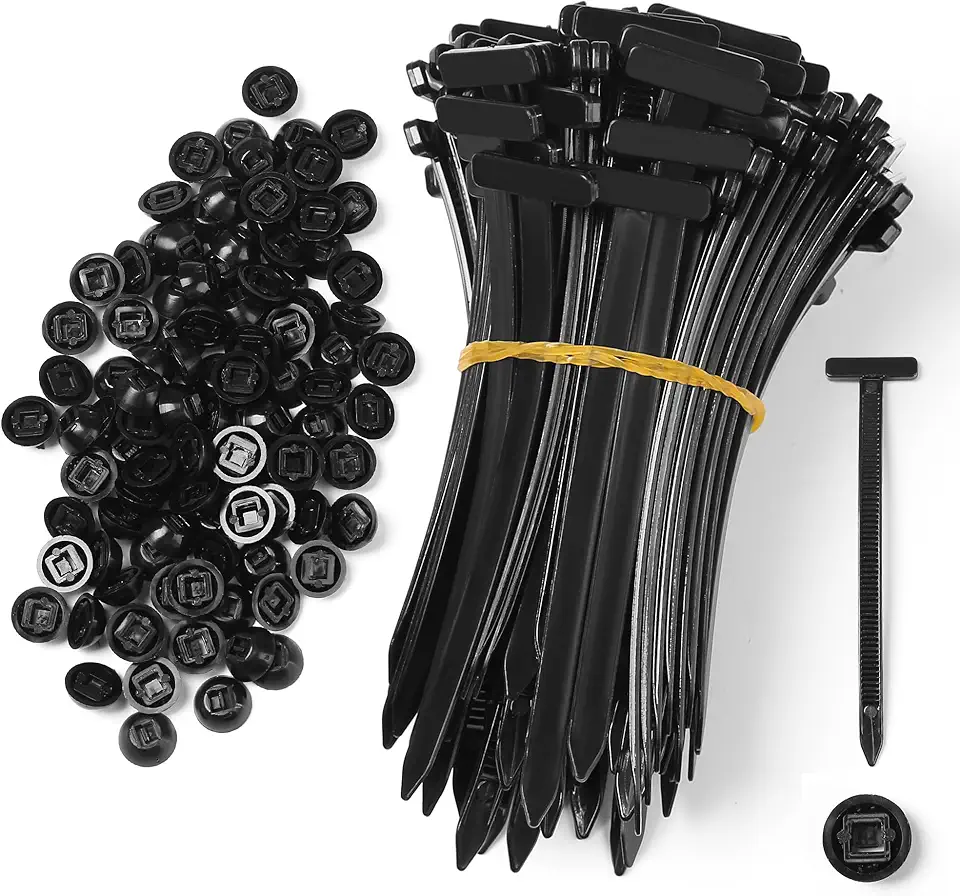
100 Pcs Nylon Universal Cable Tie Buckle - New Multifunctional Nylon Zip Ties With Pin & Button Design Plastic Cable Ties Tool Fasteners Car Body UV Resistant Zipties for Car Daily Repair Bumper Clips

CRZ YOGA Lightweight Tie Back Workout Tank Top for Women V Neck Spaghetti Strap Yoga Sleeveless Shirts Halter Camisole

PAIGE Women's Zoey 31in with Tie

PAIGE Women's Ari Waistband Tie and Stitch Thru Utility Pockets Pants

Medical Scrub Tops for Women - Soft Stretch Mandarin Collar Oversize Fit Scrub Shirts with 2 Pockets
