Self Host 101 - Set up and Secure Your Own Server

About
No channel description available.
Latest Posts



Video Description
In this video, CJ shows you how to configure and lock-down a Virtual Private Server running Ubuntu 22.04. With this base VPS setup, you can begin hosting your own apps and services. This is the first part in a series on self hosting. Next video in the series (Q&A): https://www.youtube.com/watch?v=wZ9kmBnwX54 Next video in the series, run multiple services on a VPS: https://www.youtube.com/watch?v=mLznVlBAtcg Next video in the series, Office Hours (Q&A) Live - https://www.youtube.com/watch?v=ZG76DYUlCEs 00:00 Intro 00:59 The What and Why of Virtual Private Servers 03:22 Connect to your VPS with SSH 05:14 Update package lists and Upgrade packages 09:16 Change root password 09:56 Create non-root user 13:08 Login with SSH Key 15:19 Disable Password Login 17:36 Disable root login 18:25 Network and Firewall Policy 19:11 Closed unused ports 20:15 Change default SSH port 21:31 Restrict port access to a specific IP 22:29 Enable and configure automatic updates 24:38 Thanks! ------------------------------------------------------------------------------ Listen to Syntax episode 615 - https://syntax.fm/show/615/where-should-you-host-your-app-hosting-providers-compared Watch Syntax episode 730 - https://www.youtube.com/watch?v=nCWznQ0HY9c Listen to Syntax episode 730 - https://syntax.fm/show/730/own-your-own-paas Github - generate an SSH key - https://docs.github.com/en/authentication/connecting-to-github-with-ssh/generating-a-new-ssh-key-and-adding-it-to-the-ssh-agent XKCD 149 - https://xkcd.com/149/ unattended-upgrades reference - https://github.com/mvo5/unattended-upgrades?tab=readme-ov-file#supported-options-reference ------------------------------------------------------------------------------ Terms and Topics Covered: Terminal Emulator - https://en.wikipedia.org/wiki/Terminal_emulator SSH - Secure Shell - https://en.wikipedia.org/wiki/Secure_Shell VPS - Virtual Private Server - https://en.wikipedia.org/wiki/Virtual_private_server Brute Force Attack - https://en.wikipedia.org/wiki/Brute-force_attack Exploit - https://en.wikipedia.org/wiki/Exploit_(computer_security) Vulnerability - https://en.wikipedia.org/wiki/Vulnerability_(computing) Self Hosting - https://en.wikipedia.org/wiki/Self-hosting_(web_services) Media Server - https://en.wikipedia.org/wiki/Media_server PaaS - Platform as a service - https://en.wikipedia.org/wiki/Platform_as_a_service Ubuntu - https://en.wikipedia.org/wiki/Ubuntu Debian - https://en.wikipedia.org/wiki/Debian Principle of least privilege - https://en.wikipedia.org/wiki/Principle_of_least_privilege Superuser - https://en.wikipedia.org/wiki/Superuser sudo - https://en.wikipedia.org/wiki/Sudo Public-key cryptography - https://en.wikipedia.org/wiki/Public-key_cryptography gnu Nano - https://en.wikipedia.org/wiki/GNU_nano port Computer Networking - https://en.wikipedia.org/wiki/Port_(computer_networking) Firewall - https://en.wikipedia.org/wiki/Firewall_(computing) ------------------------------------------------------------------------------ Self Host-able Services Mentioned: Awesome Selfhosted - https://github.com/awesome-selfhosted/awesome-selfhosted Media Servers Plex - https://www.plex.tv/ Jellyfin - https://jellyfin.org/ Emby - https://emby.media/ File Sharing Nextcloud - https://nextcloud.com/ Password Managers Bitwarden - https://bitwarden.com/blog/host-your-own-open-source-password-manager/ Passbolt - https://www.passbolt.com/self-hosted-password-manager Error Tracking / Monitoring Sentry - https://develop.sentry.dev/self-hosted/ ------------------------------------------------------------------------------ Self Host-able PaaS Mentioned: piku - https://github.com/piku/piku dokku - https://dokku.com/ kubero - https://github.com/kubero-dev/kubero caprover - https://caprover.com/ coolify - https://coolify.io/ ------------------------------------------------------------------------------ Paas - Platform as a Service Mentioned: Vercel - https://vercel.com/ Netlify - https://www.netlify.com/ Heroku - https://www.heroku.com/ fly.io - https://fly.io/ Render - https://render.com/ Railway - https://railway.app/ ------------------------------------------------------------------------------ Hosted Database Providers Mentioned: AWS RDS - https://aws.amazon.com/rds/ PlanetScale - https://planetscale.com/ Neon - https://neon.tech/ ------------------------------------------------------------------------------ Hit us up on Socials! https://www.syntax.fm/links Brought to you by Sentry - Use code "tastytreats" to get 2 months free - https://sentry.io/syntax #vps #ubuntu #selfhosted #guide
You May Also Like













Secure Your Server Today
AI-recommended products based on this video

BOSGAME Linux Mini PC, Intel 12th N100 16GB DDR4 RAM 512GB SSD Linux Server Computers Preinstalled Ubuntu 22.04,Support 4K Triple Display/USB3.2/WiFi 5/2.5GbE

10.1 Inch Touch Portable Monitor IPS Screen 1366x768P 60Hz 400 Brightness 99% sRGB HDMI USB-C Monitors Switch for Xbox PS3/4/5 Laptop Compatible with Raspberry Pi, Mini Touch Screen

ELECROW 8 Inch Portable Monitor, 1280x800 Mini HD Display with Built-in Speakers, USB Powered, Non-Touch LCD Screen for Raspberry Pi, PC, Laptop, Jetson Nano, Game Consoles

7 Inch Portable Monitor Touchscreen HD 1024x600 LED Display Dual HDMI Port Small Monitor for PC Raspberry Pi Laptop Computer Xbox PS4/5 Switch Built-in Speakers

BrosTrend 1800Mbps WiFi 6 Linux WiFi Adapter for PC and Raspberry Pi 2+, Long Range USB WiFi Dongle Linux for Ubuntu, Mint, Debian, Kubuntu, Lubuntu, Zorin, Windows 11/10, Dual Band Wireless Antenna

TP-Link 5 Port Gigabit Ethernet Network Switch (TL-SG1005D) - Plug and Play, Desktop or Wall Mount, Plastic Case, Ethernet Splitter, Fanless, Traffic Optimization, Unmanaged (TL-SG1005D)

TP-Link USB to Ethernet Adapter (UE306) - Foldable USB 3.0 to Gigabit Ethernet LAN Laptop Network Adapter, Supports Nintendo Switch, Windows, Linux, Apple MacBook OS 10.11- OS 12, Surface

Western Digital 2TB WD Blue SA510 SATA Internal Solid State Drive SSD - SATA III 6 Gb/s, 2.5"/7mm, Up to 560 MB/s - WDS200T3B0A
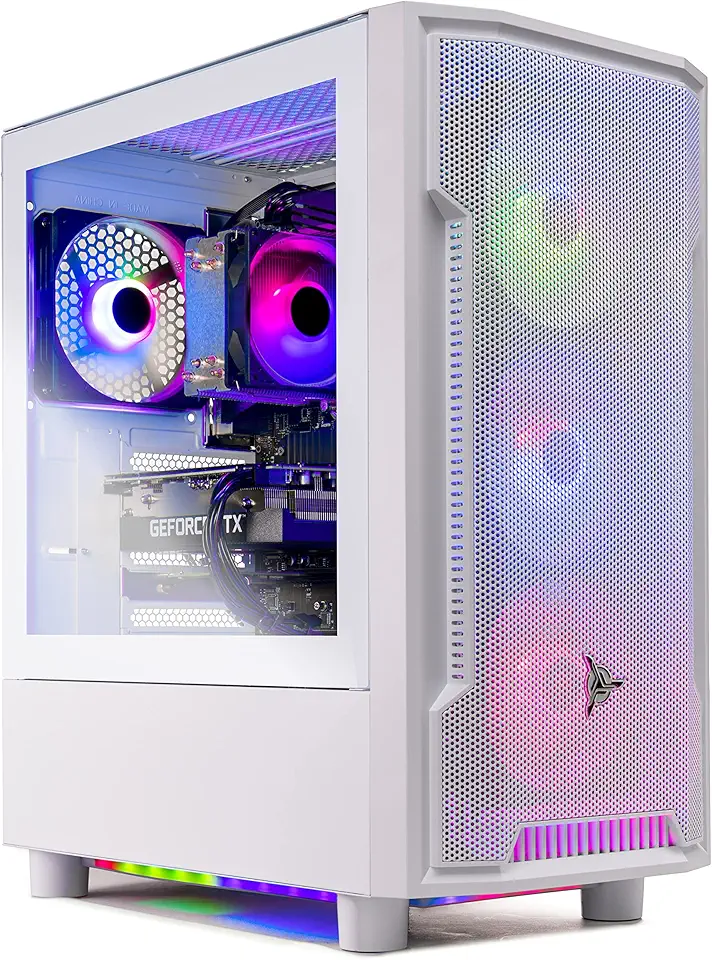
Skytech Archangel Gaming PC Desktop – AMD Ryzen 5 3600 3.6 GHz, NVIDIA RTX 3060, 1TB NVME SSD, 16GB DDR4 RAM 3200, 600W Gold PSU, 11AC Wi-Fi, Windows 11 Home 64-bit

Skytech Blaze 3.0 Gaming PC Desktop – Intel Core i5 12400F 2.5 GHz, NVIDIA RTX 3060, 500GB NVME SSD, 16GB DDR4 RAM 3200, 600W Gold PSU, 11AC Wi-Fi, Windows 11 Home 64-bit

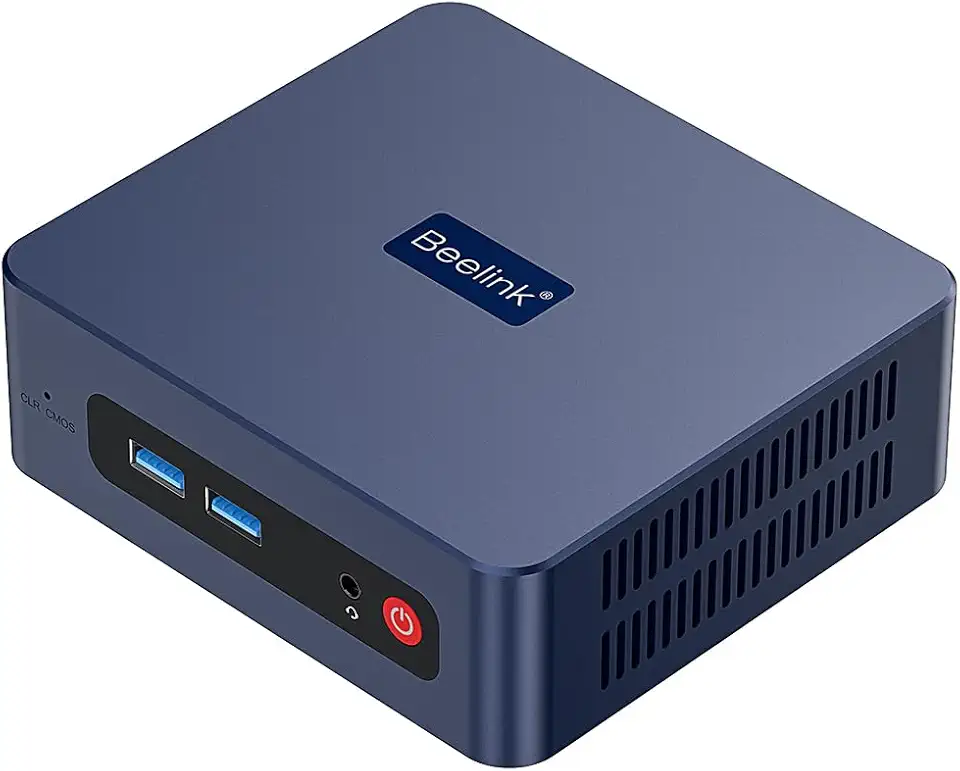
Beelink SER3 Mini PC, AMD Ryzen 3 3200U(14nm, 2C/4T) up to 3.5GHz, Mini Gaming Computer 16GB DDR4 RAM 500GB PCIE3.0 X4 SSD, Micro PC 4K@60Hz Dual Display, Mini Computer WiFi6/BT5.2/HTPC/W-11 Pro