Set up a Mac for Power Users and Developers

About
No channel description available.
Latest Posts




Video Description
In this video CJ walks you through his Macbook setup. He covers OS settings, essential productivity apps, terminal setup, zsh settings, VS Code setup and VS Code Extensions. Whether you're brand new to a mac or have been using one for years, you will likely find something useful in this video. View all of the links to the apps I install and commands I run here: https://github.com/CodingGarden/mac-setup View all of my VS Code settings and extensions here: https://github.com/CodingGarden/vscode-settings 00:00:00 Intro 00:00:56 What Macbook did I get? 00:01:14 Desktop Settings 00:02:18 Dock Settings 00:03:44 Finder Settings 00:07:01 Quick Launcher - RayCast 00:08:20 RayCast Setup and Overview 00:10:34 Homebrew 00:13:18 RayCast Homebrew Plugin 00:14:12 Window Management - Rectangle 00:16:04 App Switching - Alt-tab 00:17:20 Menu Bar Utility - Hidden Bar 00:18:30 Menu Bar Stats 00:21:26 Menu Bar Calendar - itsycal 00:22:10 Break Timer - Time Out 00:23:37 Homebrew Cask Versions 00:24:30 Install Firefox Developer Edition 00:25:12 Firefox Settings 00:28:21 Useful Browser Extensions 00:31:05 Privacy Focused Browser Extensions 00:32:30 Firefox Layout 00:33:29 Other Apps I use 00:35:06 Install Docker Desktop 00:35:41 oh my zsh setup 00:38:37 iterm settings 00:41:09 oh my zsh configuration 00:42:46 Set up git SSH key 00:44:49 dotfiles setup 00:45:42 CLI Tools I use 00:46:29 Install Node.js with nvm 00:47:37 Useful npm global commands 00:48:33 VS Code 00:49:32 Install VS Code Extensions 00:50:33 Local Project Setup 00:51:15 Load VS Code Settings 00:52:04 VS Code Layout 00:53:29 Useful VS Code Settings 00:54:50 Useful VS Code Extensions 00:58:15 Other VS Code Extensions 00:59:19 Thanks! ------------------------------------------------------------------------------ Hit us up on Socials! Syntax: https://twitter.com/syntaxfm http://www.syntax.fm Brought to you by Sentry.io - https://sentry.io/syntax ------------------------------------------------------------------------------ Device Mockup created from https://deviceframes.com/templates/macbook-pro-m1-14 #macbook #productivity #setup #development #webdevelopment #javascript
You May Also Like














Essentials for Your Mac Power Setup
AI-recommended products based on this video

tomtoc 360° Protective Laptop Sleeve for 15-inch MacBook Air M4/A3241 2025, M3/A3114 2024, M2/A2941 2023, 15-inch MacBook Pro A1990 A1707, Dell XPS 15 Plus Laptop, Water-Resistant Computer Case Bag Global Recycled Standard

tomtoc 360° Protective Laptop Sleeve for 13-inch New MacBook Air M4/A3240 2025, M3/A3113, M2/A2681 M1/A2337 A2179 A1932, 13-inch MacBook Pro M2/A2686 M1/A2338, Water-Resistant Computer Case Bag Global Recycled Standard

Apple 2025 MacBook Air 13-inch Laptop with M4 chip: Built for Apple Intelligence, 16GB Unified Memory, 256GB SSD Storage, Touch ID; Sky Blue - English Keyboard
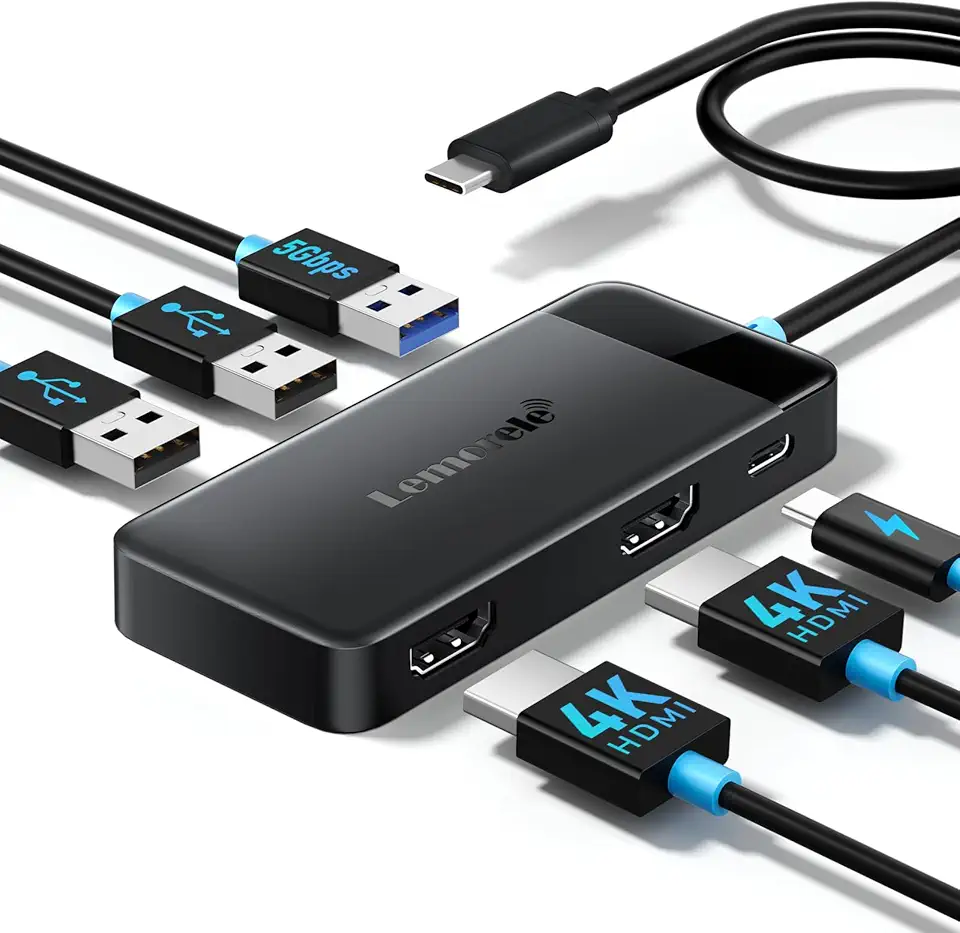
Lemorele Docking Station Dual Monitor, 6 in 1 USB C Hub Multiport Adapter w/2 HDMI 4K, 5Gbps USB3.0 & 2 USB2.0, 100W PD Charging - USB C Dock for Laptop Dell/HP/MacBook/Surface - Plug and Play

Anker 332 USB-C Hub (5-in-1) with 4K HDMI Display, 5Gbps - and 2 5Gbps USB-A Data Ports and for MacBook Pro, MacBook Air, Dell XPS, Lenovo Thinkpad, HP Laptops and More

Logitech M185 Wireless Mouse, 2.4GHz with USB Mini Receiver, 12-Month Battery Life, 1000 DPI Optical Tracking, Ambidextrous, Compatible with PC, Mac, Laptop - Black

Logitech G203 Wired Gaming Mouse, 8,000 DPI, Rainbow Optical Effect LIGHTSYNC RGB, 6 Programmable Buttons, On-Board Memory, Screen Mapping, PC/Mac Computer and Laptop Compatible - Black

Logitech G305 Lightspeed Wireless Gaming Mouse, Hero 12K Sensor, 12,000 DPI, Lightweight, 6 Programmable Buttons, 250h Battery Life, On-Board Memory, PC/Mac - Black

Logitech G502 Hero High Performance Wired Gaming Mouse, Hero 25K Sensor, 25,600 DPI, RGB, Adjustable Weights, 11 Programmable Buttons, On-Board Memory, PC/Mac, Black

Cmokifuly GMK67 65% Mechanical Keyboard Kit Tri-Mode South-Facing RGB LED for 3/5pin Switches,66 Keys+1 Knob Hotswap Socket PCB Gasket Mounted Plate Gaming DIY Keyboard Kit (White)

5 Pcs Adult Keyboard Clicker Toys, Portable Mechanical Keyboard Keychain Toy, Decompression Toys, Funny Cube Key Button Stress Relief for Adults Present to Relief Pass Time

Asus ROG Azoth Wireless Mechanical Gaming Keyboard – 75% TKL, Tri-Mode Connectivity, Hot Swappable Pre-lubed ROG NX Snow Linear Switches, PBT Keycaps, RGB, OLED Display, PC/Mac Support - Black

TMKB 60% Mechanical Gaming Keyboard, Brown Tactile Switch, LED Backlight, Anti-Ghosting, Detachable USB-C, Double-Shot Keycaps, 61 Keys, Wired, White

Bose QuietComfort Wireless Noise Cancelling Headphones, Bluetooth Over Ear Headphones with Up to 24 Hours of Battery Life, Moonlight Grey - Limited Edition

TP-Link USB to Ethernet Adapter (UE306) - Foldable USB 3.0 to Gigabit Ethernet LAN Laptop Network Adapter, Supports Nintendo Switch, Windows, Linux, Apple MacBook OS 10.11- OS 12, Surface
![TP-Link USB C To Ethernet Adapter (UE300C) - J45 To USB C [Thunderbolt 3/4 Compatible] Type-C Gigabit Ethernet LAN Network Adapter, Compatible With Apple MacBook Pro 2017-2023, MacBook Air, And More](https://m.media-amazon.com/images/I/418xZkoG-RL._AC_UY654_FMwebp_QL65_.jpg)
TP-Link USB C To Ethernet Adapter (UE300C) - J45 To USB C [Thunderbolt 3/4 Compatible] Type-C Gigabit Ethernet LAN Network Adapter, Compatible With Apple MacBook Pro 2017-2023, MacBook Air, And More

Apple AirPods Pro 2 Wireless Earbuds, Bluetooth Headphones, Active Noise Cancellation, Transparency, Personalized Spatial Audio, High-Fidelity Sound, H2 Chip, USB-C Charging

3 in 1 Charging Station for iPhone, Wireless Charger for iPhone 16 15 14 13 12 11 X Pro Max & Apple Watch - Charging Stand Dock for AirPods Global Recycled Standard

3 in 1 Charging Station for iPhone, Wireless Charger for iPhone 16 15 14 13 12 11 X Pro Max & Apple Watch - Charging Stand Dock for AirPods (Blue) Global Recycled Standard
