Tamil CI/CD Deploy An Application in Kubernetes Cluster Using Jenkins Pipeline Docker | InterviewDOT

Interview DOT
View ChannelAbout
No channel description available.
Latest Posts
No results found. Try different keywords.
Video Description
Click here - https://www.youtube.com/channel/UCd0U_xlQxdZynq09knDszXA?sub_confirmation=1 to get notifications. Tamil Deploy An Application in Kubernetes Cluster Using Jenkins Pipeline Docker | InterviewDOT Jenkins is an open source automation tool written in Java with plugins built for Continuous Integration purpose. Jenkins is used to build and test your software projects continuously making it easier for developers to integrate changes to the project, and making it easier for users to obtain a fresh build. They usually make shipping and deploying your application much easier. They make consistent testing much, much easier. Containerising your application is like shoving your app and all its dependencies into a box. Except the box is infinitely replicable. Whatever happens in the box, stays in the box - unless you explicitly take something out or put something in. And when it breaks, you'll just throw it away and get a new one. Containers make your app easy to run on different computers - ideally, the same image should be used to run containers in every environment stage from development to production. This post is your guide for building a Docker image, and then setting up Jenkins 2 to build and publish the image automatically, whenever you commit changes to your code repository. Requirements To run through this guide, you will need the following: To build and run the Docker image locally: Mac OS X or Linux, and Docker installed To set up Jenkins to build the image automatically: Access to a Jenkins 2.x installation Writing a Dockerfile To be able to build a Docker image with our app, we'll need a Dockerfile. You can think of it as a blueprint for Docker: it tells Docker what the contents and parameters of our image should be. Docker images are often based on other images. For this exercise, we are basing our image on the official Node Docker image. This makes our job easy, and our Dockerfile very short. The grunt work of installing Node and its dependencies in the image is already done in our base image; we'll just need to include our application. The Dockerfile is best stored with the code - this way any changes to it are versioned along with the actual application code. Building the image in Jenkins Now that we know our Docker image can be built, we'll want to do it automatically every time there is a change to the application code. For this, we'll use Jenkins. Jenkins is an automation server often used to build and deploy applications. Note: this guide assumes you are running Jenkins 2.0 or newer, with the Docker Pipeline plugin and Docker installed. If you don't have access to a Jenkins installation, refer to https://wiki.jenkins-ci.org/display/JENKINS/Installing+Jenkins PIPELINES AS CODE: THE JENKINSFILE Just like Dockerfiles, I'm a firm believer in storing Jenkins pipeline configuration as code, along with the application code. It generally makes sense to have everything in the same repository; the application code, what the build artifact should look like (Dockerfile), and how said artifact is created automatically (Jenkinsfile). We'll need to tell Jenkins what our stages are, and what to do in each one of them. For this we'll write a Jenkins Pipeline specification in a Jenkinsfile. That's the entirety of our pipeline specification for Jenkins. Now, we'll just need to tell Jenkins two things: Where to find our code What credentials to use to publish the Docker image We'll start by configuring the credentials: CONFIGURING DOCKER HUB WITH JENKINS To store the Docker image resulting from our build, we'll be using Docker Hub. You can sign up for a free account at https://hub.docker.com. We'll need to give Jenkins access to push the image to Docker Hub. For this, we'll create Credentials in Jenkins, and refer to them in the Jenkinsfile. As you might have noticed in the above Jenkinsfile, we're using docker.withRegistry to wrap the app.push commands - this instructs Jenkins to log in to a specified registry with the specified credential id (docker-hub-credentials). We have successfully containerised an application, and set up a Jenkins job to build and publish the image on every change to a repository. Great work! Next steps Now that we have set up a basic delivery pipeline, there are a few more things to consider. DEPLOYMENT The next logical step in the pipeline would be to deploy the container automatically into a testing environment. For this, we could use something like Amazon Elastic Container Service or Rancher. https://github.com/net-vinothkumar/cicd-k8s-demo.git
Build Your Dream Gaming Rig
AI-recommended products based on this video

GEEKOM A8 AI Mini PC (3-Year Quality Support) with AMD Ryzen 9 8945HS Mini Computers, 32GB DDR5 RAM&2TB M.2 2280 NVMe Gen4*4 SSD, Windows 11 Pro Mini Desktop, WiFi 6E/BT5.2/USB4/8K/Quad Display

GMKtec K11 Mini PC, AMD Ryzen 9 8945HS(8C/16T, Up to 5.2GHz) W11 Pro, 32GB DDR5 RAM 1TB Mini Desktop Computer, HDMI/DisplayPort/USB4*2

MINISFORUM AMD Ryzen 9 9955HX MS-A2 Mini PC (16C/32T, up to 5.4GHz), 64GB DDR5 1TB SSD, PCIe×16, HDMI/2x USB-C (8K@60Hz), 2X SFP+ 10G, 2X 2.5G LAN, 3X SSD M.2 (2280/22110/U.2)

AtomMan G7 Pt Mini PC AMD Ryzen 9 7945HX(16C/32T, up to 5.4GHz) 32GB DDR5 1TB PCIe4.0 SSD Micro Computer, HDMI+DP+USB-C Output, 2.5G LAN, WiFi7, BT5.4, 4xUSB AMD Radeon RX 7600M XT Graphics Gaming PC
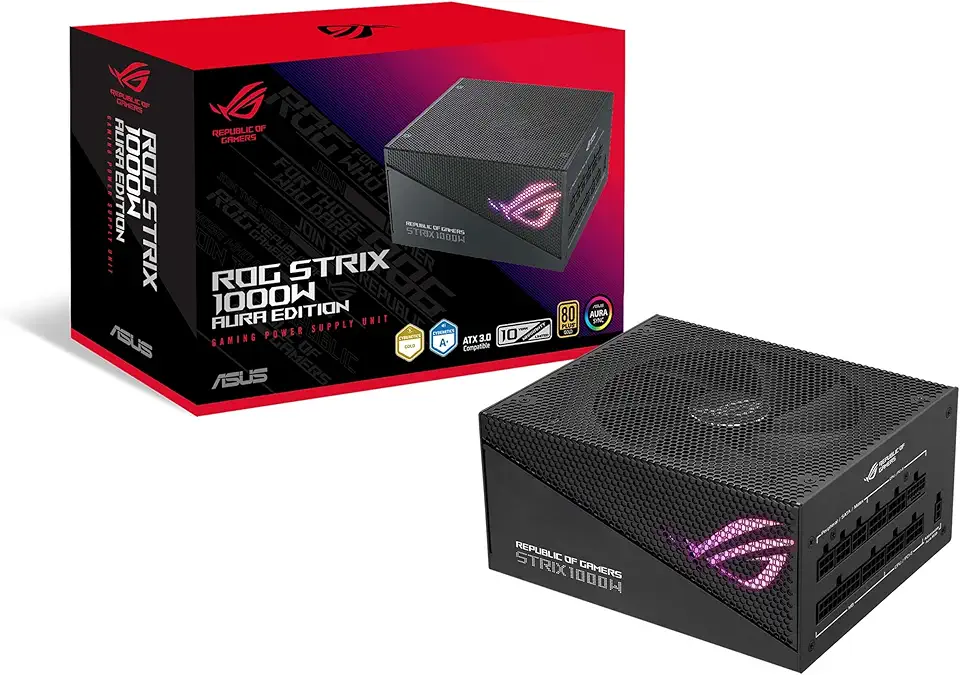
Asus ROG Strix 1000W Gold Aura Edition (Fully Modular Power Supply, 80+ Gold Certified, ATX 3.0, Cybenetics Lambda A+ Certification, PCIe Gen 5.0 Ready, Axial-tech Fan, Aura Sync, 10-Year Warranty)

Corsair Vengeance LPX 32GB (2 X 16GB) DDR4 3200 (PC4-25600) C16 1.35V Desktop Memory - Black

Samsung 990 EVO Plus - 4TB PCIe Gen4. X4, Gen5. X2 NVMe 2.0 - M.2 Internal SSD, Speed Up to 7,250 MBs, Upgrade Storage for PC-Laptops, HMB Technology and Intelligent Turbowrite (MZ-V9S4T0B/AM)
![SAMSUNG 870 EVO SATA SSD 500GB 2.5” Internal Solid State Drive, Upgrade PC or Laptop Memory and Storage for IT Pros, Creators, Everyday Users, MZ-77E500B/AM [Canada Version]](https://m.media-amazon.com/images/I/911ujeCkGfL._AC_UL960_FMwebp_QL65_.jpg)
SAMSUNG 870 EVO SATA SSD 500GB 2.5” Internal Solid State Drive, Upgrade PC or Laptop Memory and Storage for IT Pros, Creators, Everyday Users, MZ-77E500B/AM [Canada Version]
![SAMSUNG 870 EVO SATA III SSD 4TB 2.5” Internal Solid State Drive, Upgrade PC or Laptop Memory and Storage for IT Pros, Creators, Everyday Users, MZ-77E4T0B/AM [Canada Version]](https://m.media-amazon.com/images/I/71W2nK7LUrL._AC_UL960_FMwebp_QL65_.jpg)
SAMSUNG 870 EVO SATA III SSD 4TB 2.5” Internal Solid State Drive, Upgrade PC or Laptop Memory and Storage for IT Pros, Creators, Everyday Users, MZ-77E4T0B/AM [Canada Version]
![SAMSUNG EVO Select Micro SD-Memory-Card + Adapter, 128GB microSDXC 160MB/s Full HD & 4K UHD, UHS-I, U3, A2, V30, for Android Smartphones, Tablets, Nintendo-Switch (MB-ME128SA/AM) [Canada Version]](https://m.media-amazon.com/images/I/71lzXt4djxL._AC_UY654_FMwebp_QL65_.jpg)
SAMSUNG EVO Select Micro SD-Memory-Card + Adapter, 128GB microSDXC 160MB/s Full HD & 4K UHD, UHS-I, U3, A2, V30, for Android Smartphones, Tablets, Nintendo-Switch (MB-ME128SA/AM) [Canada Version]

Thermalright Aqua Elite 240 V3 Liquid CPU Cooler, 240 Cooling Row Size, 2 x 120mm PWM Fans, S-FDB Bearings,for AMD/AM4/AM5, Intel LGA1150/1151/1155/1156/1200/2011/1700,Desktop CPU Cooler AIO

Portable Air Conditioners, wobuzhi Evaporative Air Cooler with LCD Screen, Fan Speed&Spray, 7 RGB Lights,USB Powered,1-8H Timer, Personal Air Conditioners, Portable Air Conditioners for Home Office

llano RGB Laptop Cooling Pad with Powerful Turbofan Gaming Cooler Radiator with Infinitely Variable Speed, Touch Control, LCD Screen, 3-Port USB Hub, Seal Foam for Notebook Computer 15-19in

Neck Fan with Cooling Plate,Portable Neck Fan Rechargeable Battery Powered,Bladeless Personal Air Conditioner Wearable Neck Cooler Fans,USB Electric Quiet Necklace AC Fans for Travel Outdoor Black
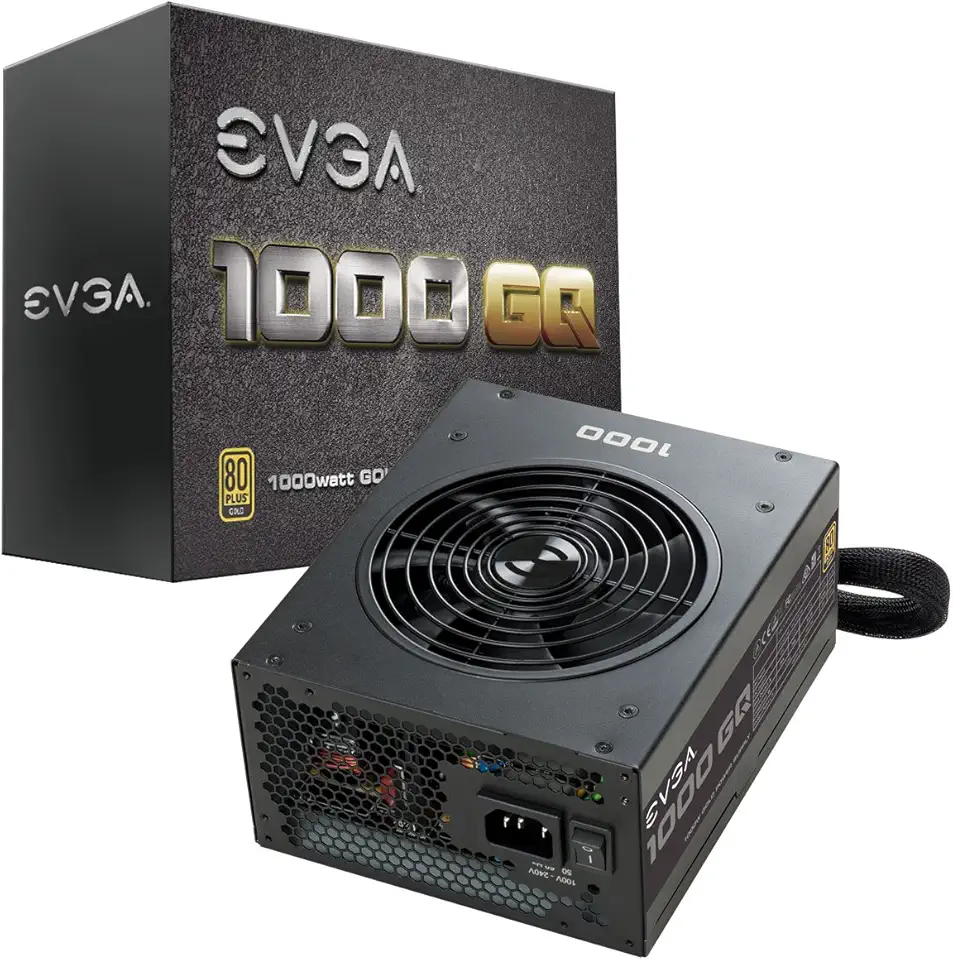
EVGA 1000 GQ, 80+ GOLD 1000W, Semi Modular, EVGA ECO Mode, 5 Year Warranty, Power Supply 210-GQ-1000-V1,Black

StanbyME LG 27-Inch Class Smart Portable Touch Screen Monitor 27ART10AKPL. Built-in 3 Hour Battery, Full Swivel Rotation, Rollable. LG Stanbyme, Standbyme, Stand by me.

Lg gram 16-inch +View Portable Monitor with USB Type-C, DCI-P3 99% (Typ.), Auto Rotate, Two-Way Supported Folio Cover
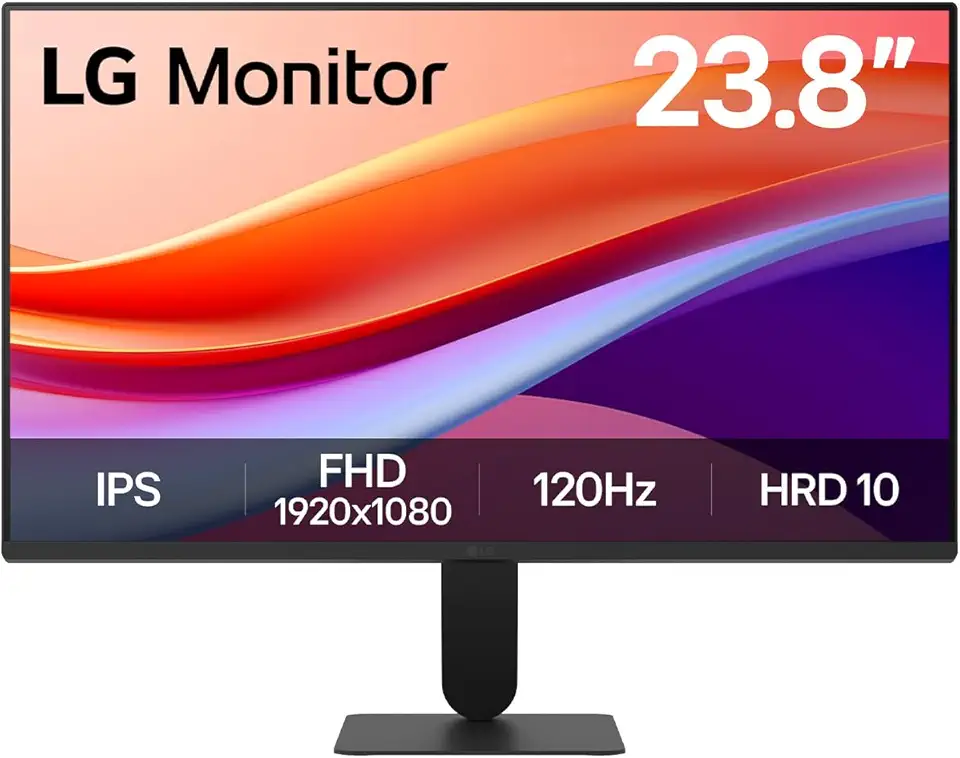
LG 24U411A-B 23.8" FHD (1920x1080) IPS Display Computer Monitor, 120Hz Refresh Rate, sRGB 99% (Typ.), USB-C, Reader Mode & Flicker Safe, Dynamic Action Sync, Black Stabilizer, Slim Stand Base, Black

LG UltraWide 34WP65C-B 34 Inch 21:9 Curved FreeSync 1ms 160 Hz WQHD(3440 x 1440) Gaming Monitor, Black
