The Easy Way To Make Beautiful Interiors In Blender


DECODED
@decodedvfxAbout
Videos about visual effects and Blender.
Latest Posts


Video Description
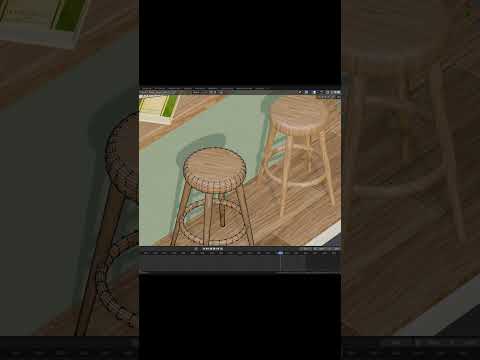
Get Surfshark VPN at https://Surfshark.deals/DECODED and enter promo code DECODED for 83% off and 3 extra months for FREE! Sign up before the end of Black Friday to get an extra month. People always ask me for tips to improve their interior scenes. In this video, I distill all the best tips and tricks I use to make realistic interior scenes using Blender. We'll cover how to make lamps, furniture, bedding, curtains, and loads more. By the end of this video, you'll be able to model just about any realistic interior scene in Blender. Addons and resources: BlenderGuru's curtain video - https://www.youtube.com/watch?v=h3PIlhh9ruw CGMatter's Wicker basket tutorial - https://youtu.be/W57I40wva5w Fspy - https://fspy.io/ Fspy Blender addon - https://github.com/stuffmatic/fSpy-Blender Free Textures - https://texturehaven.com/textures/ Other addons used (these are default, just enable them in Blender) - Archimesh - Node Wrangler - Import images as planes Get access to exclusive materials, assets, and tutorials on my Patreon - https://www.patreon.com/decoded Get DECODED merch - https://teespring.com/stores/decoded-3 Follow me on Facebook - https://www.facebook.com/blenderdecoded Or on Twitter - https://twitter.com/DECODEDVFX #Blender #DECODED #B3d Chapters: 00:00 Intro 00:29 Matching Perspective 00:51 Fast floors 02:42 Wall textures 03:45 Light fixtures 04:07 Carpets and rugs 05:30 Windows 05:56 Curtains 09:43 Lamps 11:06 Beds and sheets 13:14 Chairs and upholstery 13:53 Quick house plants 16:36 Lighting and rendering
Revamp Your Designs Today
AI-recommended products based on this video
