Turn Emails into PDFs on an iPad


Marble Jar Channel
@marblejarchannelAbout
Licensed therapist specializing in couples and relationship issues, imperfect digital artist, technophile, learning enthusiast, dime-store philosopher, and determined mother of two adult children. Ask the Relationship Referee questions at: https://forms.gle/CVBzJM4Pw4RdhMQ17
Latest Posts
No results found. Try different keywords.
Video Description
In this video, I’ll show you how to quickly turn an email, or really anything printable, into a PDF on your iPad. Please subscribe and leave comments below! **** A transcript follows. More transcripts can be found at www.marblejar.net. **** Hi, everyone! This is Lara Hammock from the Marble Jar channel and in today’s video I’ll show you how to quickly turn an email, or really anything printable, into a PDF on your iPad. Occasionally, I need to turn an email or photo into a PDF. Maybe I need to upload it to Google Drive or draw on it. There are workarounds for photos. If your email isn’t long, you can use one of those workarounds. But for long emails, if I try to cut and paste the email into a PDF creating app and the formatting turns whacky, up until now I’ve been out of luck. I finally stumbled onto a hidden solution for this. See the problem is that the native iPad email app doesn’t give you a share button. So, say you have a long email with a bunch of formatting like this one. You want to turn it into a PDF so that you can mark it up or save it or whatever. If you try to copy and paste into Notability for example, you lose all of the images and formatting. And it’s is too long to do with a bunch of screen shots. Here’s what you do: * Go to your email and push the arrow button * Now choose Print * This seems like a dead end because there are only 3 options, but check this out . . . * Use 2 fingers to pinch open the print preview image and look what happens! This is actually now a PDF AND you now have a share button and you can use to email it, upload it to a cloud service or save it to your iPad. Or you can open it in another app to mark it up as a PDF. This works for photos too and any other app that doesn’t allow sharing, but DOES allow printing. Let me know what you think! Comments are always appreciated and thanks for watching!
Upgrade Your Aerial Footage
AI-recommended products based on this video

DJI Mini 4K, Drone with 4K UHD Camera for Adults, Under 249 g, 3-Axis Gimbal Stabilization, 10km Video Transmission, Auto Return, Wind Resistance, 1 Battery for 31-Min Max Flight Time, Intelligent Flight
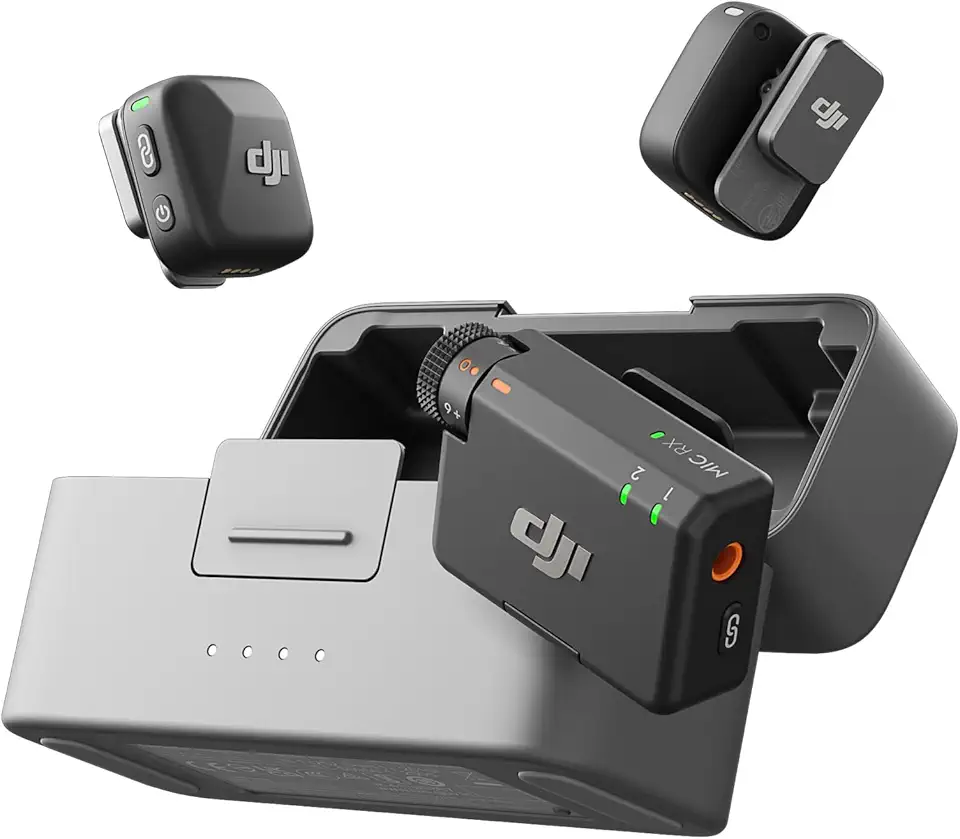
DJI Mic Mini (2 TX + 1 RX + Charging Case), Wireless Lavalier Microphone for iPhone/Camera/Android, Ultralight, Detail-Rich Audio, 48h Use, Noise Cancelling, Automatic Limiting, Vlog, Streaming
DJI Mini 4K, Drone with 4K UHD Camera for Adults, Under 249 g, 3-Axis Gimbal Stabilization, 10km Video Transmission, Auto Return, Wind Resistance, 1 Battery for 31-Min Max Flight Time, Intelligent Flight
DJI Mic Mini (2 TX + 1 RX + Charging Case), Wireless Lavalier Microphone for iPhone/Camera/Android, Ultralight, Detail-Rich Audio, 48h Use, Noise Cancelling, Automatic Limiting, Vlog, Streaming
DJI Mini 4K, Drone with 4K UHD Camera for Adults, Under 249 g, 3-Axis Gimbal Stabilization, 10km Video Transmission, Auto Return, Wind Resistance, 1 Battery for 31-Min Max Flight Time, Intelligent Flight
DJI Mic Mini (2 TX + 1 RX + Charging Case), Wireless Lavalier Microphone for iPhone/Camera/Android, Ultralight, Detail-Rich Audio, 48h Use, Noise Cancelling, Automatic Limiting, Vlog, Streaming
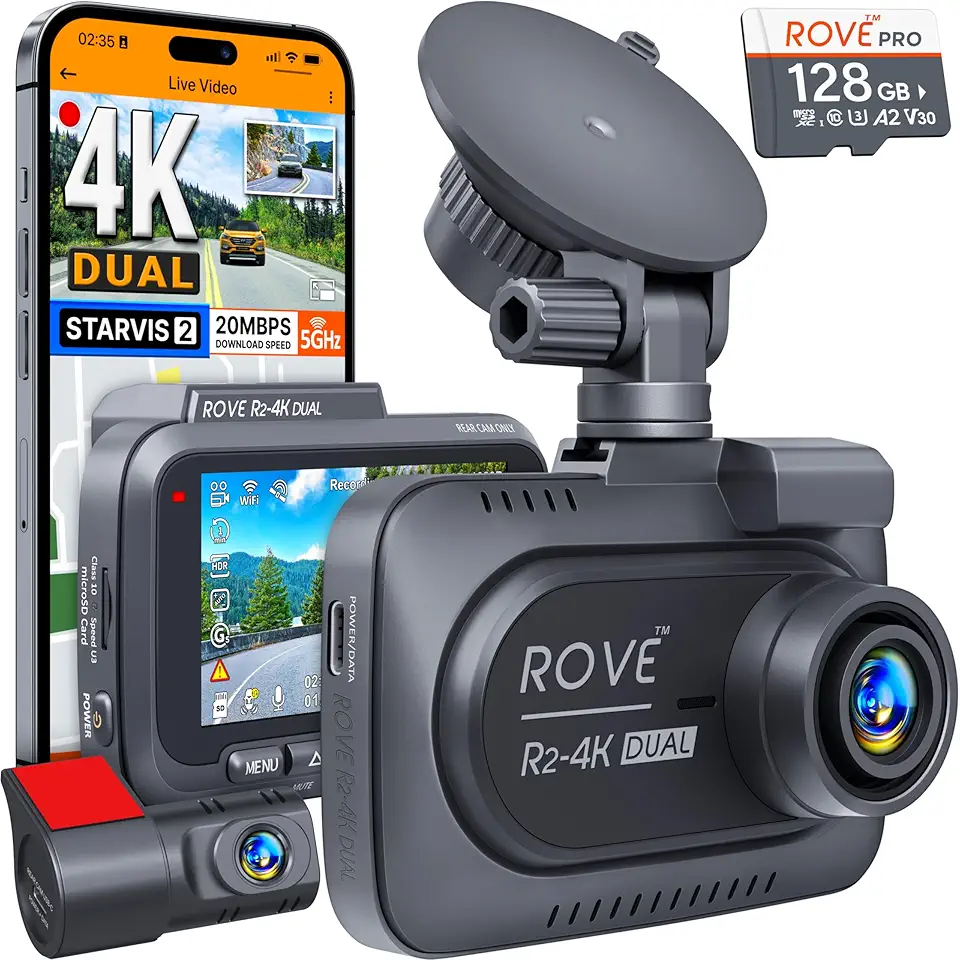
ROVE R2-4K DUAL Dash Cam Front and Rear, STARVIS 2 Sensor, FREE 128GB Card Included, 5G WiFi - up to 20MB/s Fastest Download Speed with App, 4K 2160P/FHD Dash Camera for Cars, 3" IPS, 24H Parking Mode
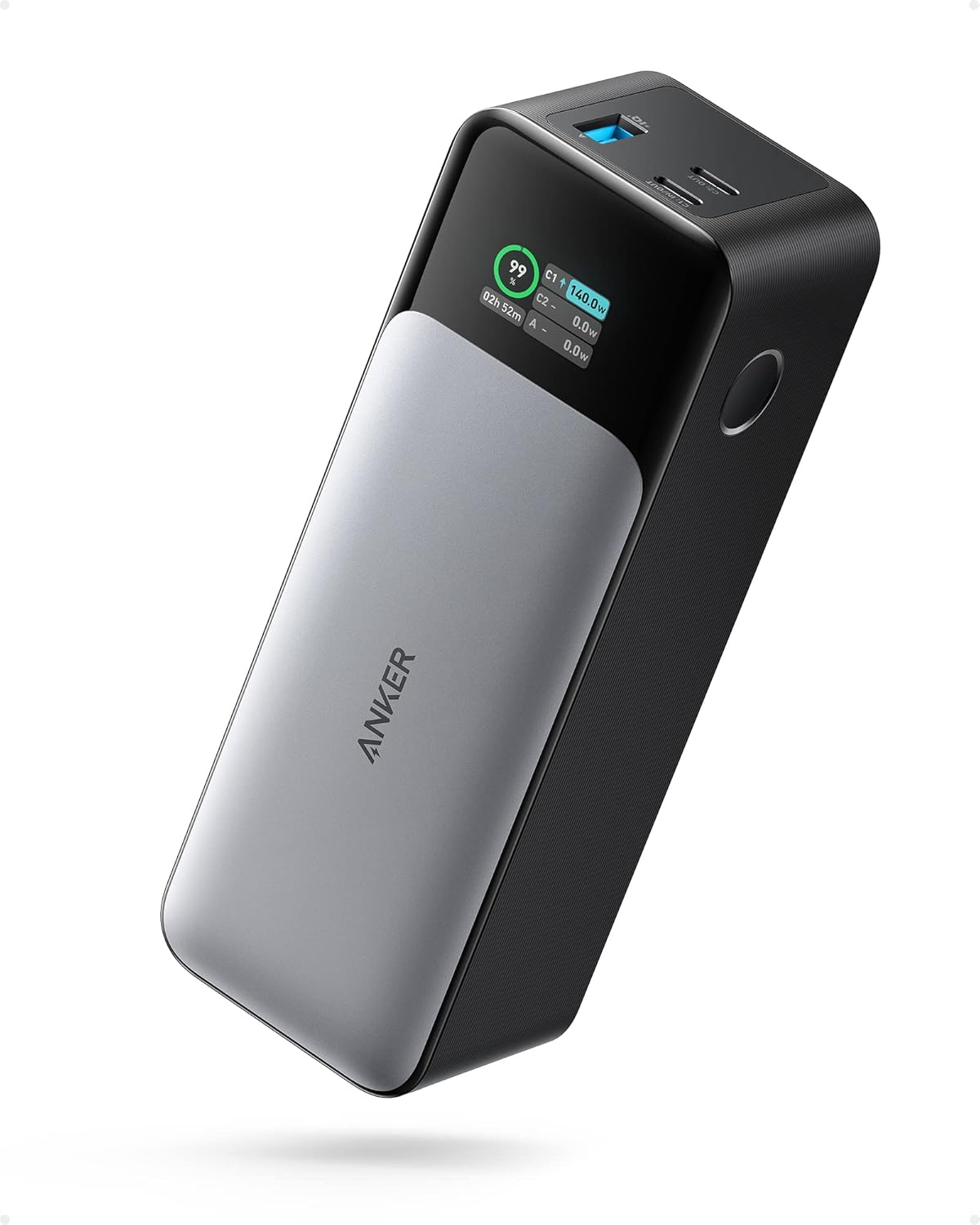
ANKER 737 Power Bank, 24,000mAh 3-Port Laptop Portable Charger with 140W Fast Charging, Smart Display, for Outdoor Work, Compatible with iPhone 16/15/14 Series, Vision Pro, Samsung, MacBook, and More

Anker iPhone 16 Charger, 2-Pack 20W Fast USB C Charger Block, for iPhone 16/16 Pro Max/15 Series/iPad Pro and More (White, 2 Pack & 2 Cable)
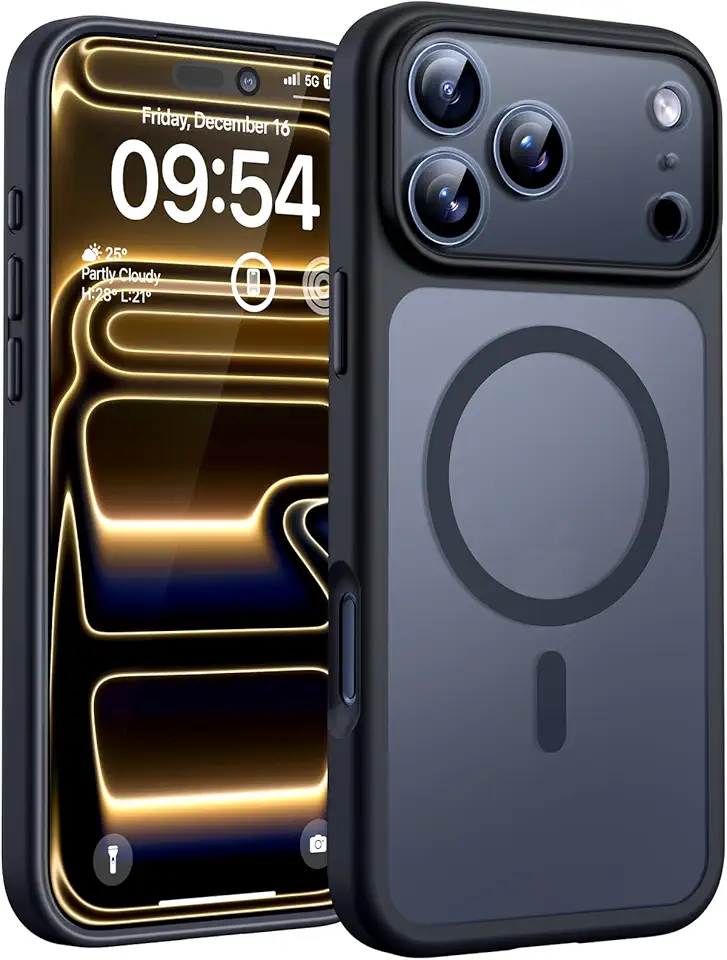
TOCOL for iPhone 17 Pro Case, Full Camera Protection, Built-in Magnetic Ring, Compatible with Magsafe Charger, Drop Protection, Translucent Matte Phone Case for iPhone 17 Pro 6.3 inch (Black) Global Recycled Standard
DJI Mini 4K, Drone with 4K UHD Camera for Adults, Under 249 g, 3-Axis Gimbal Stabilization, 10km Video Transmission, Auto Return, Wind Resistance, 1 Battery for 31-Min Max Flight Time, Intelligent Flight
DJI Mini 4K, Drone with 4K UHD Camera for Adults, Under 249 g, 3-Axis Gimbal Stabilization, 10km Video Transmission, Auto Return, Wind Resistance, 1 Battery for 31-Min Max Flight Time, Intelligent Flight