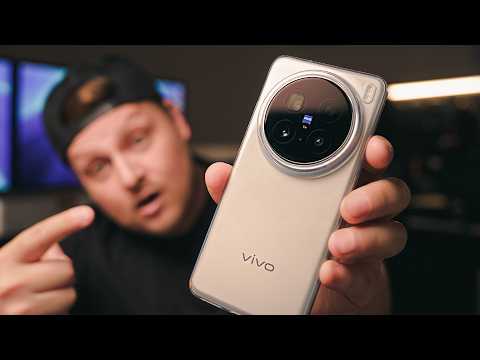
VIVO X200 Ultra / Pro TOP CAMERA SETTINGS for the BEST photos and videos!


PremiQum
@premiqumAbout
Hello, everyone! My name is Alexander, and you are on the Premikum tech channel! Here, my team and I regularly make exciting and informative videos for you about technology, flagship smartphones, action cameras, sports and smart watches, fitness gadgets, and much more! You will also find many instructions and life hacks on our channel for setting up smartphones from scratch and taking photos and videos on your mobile! We film our tests in unique locations: new countries, cities, nature, sunsets, to delight you with beautiful views and the highest quality content!



Video Description
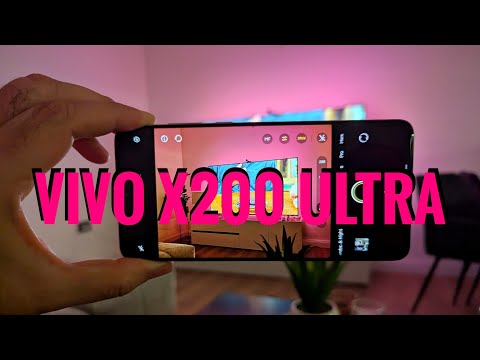
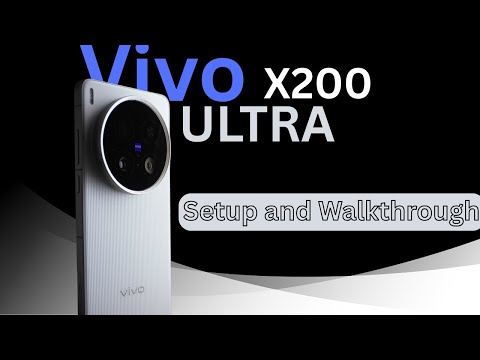
In this video, let's understand how to easily and conveniently customize the camera app for Vivo smartphones using the Vivo X200 Ultra as an example. The instruction is also suitable for other models: X200 Pro, X100 Ultra, XFold 3 Pro and others! 00:00 – Basic setup 01:11 – Advanced settings 08:45 – Photo mode 13:18 – Portrait mode 15:18 – Landscape and night mode 17:43 – Video recording 19:28 – Portrait video 20:12 – “More” mode #vivo #camerasetting #vivox200ultra #vivox200pro #vivox100ultra










Capture Magic: VIVO X200 Essentials
AI-recommended products based on this video

SanDisk 64GB Extreme PRO SDXC UHS-I Memory Card - C10, U3, V30, 4K UHD, SD Card - SDSDXXU-064G-GN4IN

SanDisk 128GB Extreme PRO SDXC UHS-I Memory Card - C10, U3, V30, 4K UHD, SD Card - SDSDXXD-128G-GN4IN

NEEWER Advanced 18 inch LED Ring Light for Phone, LCD Touch Screen, 2.4G Remote Lights Control, 3200-5600K, Tripod Light for iPhone Action Camera, for Studio Makeup TikTok YouTube Video Salon (Black)

NEEWER Zf Handgrip L Shape Grip for Nikon Z f, Ultra Thin Retro Formfitting Camera Mounting Baseplate with Handle & Aluminum Shutter Button Cap, Compatible with Arca Swiss Tripod Fluid Head, CA073

NEEWER CA076 Zfc Handgrip L Shape Grip for Nikon Z fc, Ultra Thin Retro Formfitting Camera Mounting Baseplate with Handle/Brass Shutter Button, Compatible with Arca Swiss Tripod Fluid Head, Black
