WAN 2.1: This AI Made an ENTIRE Video Without Me Doing Anything | WAN 2.1 Tutorial


Sandeep Singh
View ChannelAbout
iTechFever is a tech blog by Sandeep Singh to make tech easier. On this channel, you will get Various tech tips, tricks, reviews, and troubleshooting videos to resolve various computer, OS, and networking problems. I mostly cover Windows, Mac, and Android along with awesome and cool tech tips. I simply find the problem with computers, mobile phones, and other tech issues and create a video solution. All tips and troubleshooting are tested and implemented by myself and verified techniques to troubleshoot the problems, some tips may not work on your system due to different computer configurations. Disclaimers:- 1. Always create a system restore point and full backup before following any Computer tutorials. 2. Any data including names, emails, etc shown in any videos are for demonstration purposes only and do not belong to any third person or entity. 3. Some videos may contain affiliate links, I may get some commission for your purchase without any extra cost to you.
Latest Posts

Video Description
WAN 2.1 is a free AI video generator that is taking the Internet by storm. WAN AI is completely free and open source. This video demonstrates the WAN 2.1 on hugging face and overview to install it on your local computer. With WAN 2.1, you can create videos using text or images. It is developed by Alibaba Cloud and is completely free and open source; you can install it on your PC if you meet the system requirements. But before installing it, you can try it online. Timestamp: 00:00 AI Made Trailer 00:23 WAN AI Overview 01:17 Try WAN 2.1 Online 02:16 AI-generated video review 02:38 Install WAN 2.1 Locally 03:24 Runpod 03:40 Outro Wan 2.1 generates realistic videos that outperform Sora and Google's VEO2. Try WAN 2.1 online - https://huggingface.co/spaces/Wan-AI/Wan2.1 Local installation: If you have a good graphics car, you can download the AI model and install it on your PC. There are a few ways to install WAN 2.1 on a PC. 1. Install WAN 21 via CLI 2. Install WAN 2.1 using ComfyUI and repacked models. 3. Install using the Pinakio tool The 3rd option is the easiest way to install the model if you are a beginner. #wan2.1 #freevideogenerator #freeaitools #aimodel Don't miss these videos - Make Windows 11 200% Faster: https://youtu.be/8am0IB13Udg Password Protect Folders in Windows 11/10: https://youtu.be/MuB5keJcw_M Boost CPU Speed: https://youtu.be/ea89hdRpsKs Make WiFi Run Much Faster: https://youtu.be/eHcZ_kzhgMw Join this channel to get access to perks: https://www.youtube.com/channel/UCMdElTwiU4JrDUkuI_eqPJg/join Disclaimer:- Some links might be affiliate links, and I may earn some commissions on your purchase without any extra cost to you. Any data, IP, emails, and files shown in videos are for demonstration purposes only and do not belong to any third person or entity. Follow on Social Media Facebook - https://fb.com/iTechFever Twitter - https://twitter.com/itechfever Instagram - https://instagram.com/itechfever My IG - https://instagram.com/sparnidya Visit - https://www.itechfever.com
AI Video Makers' Top Picks
AI-recommended products based on this video

Seasonic Focus V4 GX-1000 (ATX3) - 1000W - 80+ Gold - ATX 3.0 & PCIe 5.1 Ready -Full-Modular -ATX Form Factor -Premium Japanese Capacitor -10 Year Warranty -Nvidia RTX 30/40 Super & AMD GPU Compatible
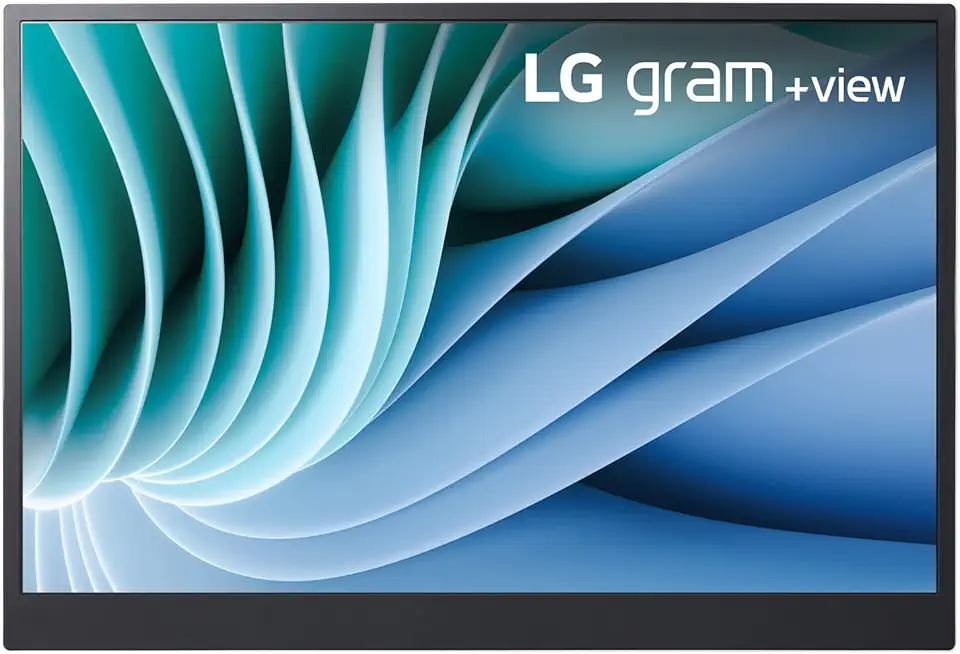
Lg gram 16-inch +View Portable Monitor with USB Type-C, DCI-P3 99% (Typ.), Auto Rotate, Two-Way Supported Folio Cover

StanbyME LG 27-Inch Class Smart Portable Touch Screen Monitor 27ART10AKPL. Built-in 3 Hour Battery, Full Swivel Rotation, Rollable. LG Stanbyme, Standbyme, Stand by me.
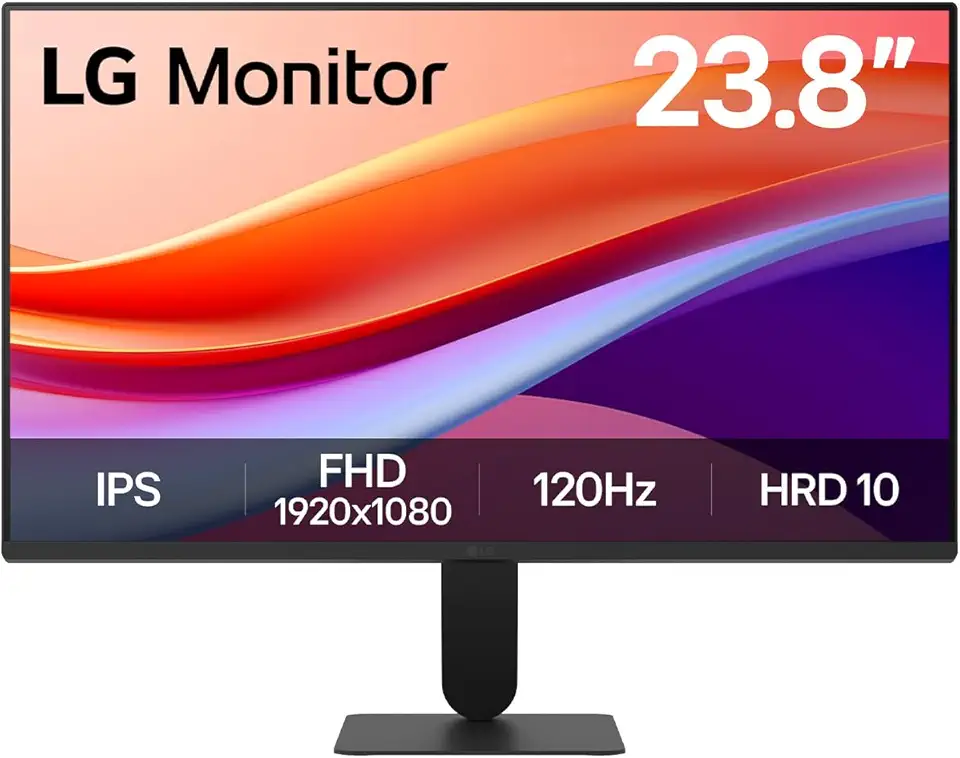
LG 24U411A-B 23.8" FHD (1920x1080) IPS Display Computer Monitor, 120Hz Refresh Rate, sRGB 99% (Typ.), USB-C, Reader Mode & Flicker Safe, Dynamic Action Sync, Black Stabilizer, Slim Stand Base, Black

LG UltraWide 34WP65C-B 34 Inch 21:9 Curved FreeSync 1ms 160 Hz WQHD(3440 x 1440) Gaming Monitor, Black

Logitech G203 Wired Gaming Mouse, 8,000 DPI, Rainbow Optical Effect LIGHTSYNC RGB, 6 Programmable Buttons, On-Board Memory, Screen Mapping, PC/Mac Computer and Laptop Compatible - Black

Logitech G305 LIGHTSPEED Wireless Gaming Mouse, Hero 12K Sensor, 12,000 DPI, Lightweight, 6 Programmable Buttons, 250h Battery Life, On-Board Memory, PC/Mac - Black

NEEWER Advanced 18 inch LED Ring Light for Phone, LCD Touch Screen, 2.4G Remote Lights Control, 3200-5600K, Tripod Light for iPhone Action Camera, for Studio Makeup TikTok YouTube Video Salon (Black)

SanDisk 4TB Extreme Portable SSD - Up to 1050MB/s, USB-C, USB 3.2 Gen 2, IP65 Water and Dust Resistance, Updated Firmware - External Solid State Drive - SDSSDE61-4T00-G25

Corsair RM1000e Fully Modular Low-Noise ATX Power Supply - Dual EPS12V Connectors - 105°C-Rated Capacitors - 80 Plus Gold Efficiency - Modern Standby Support - Black
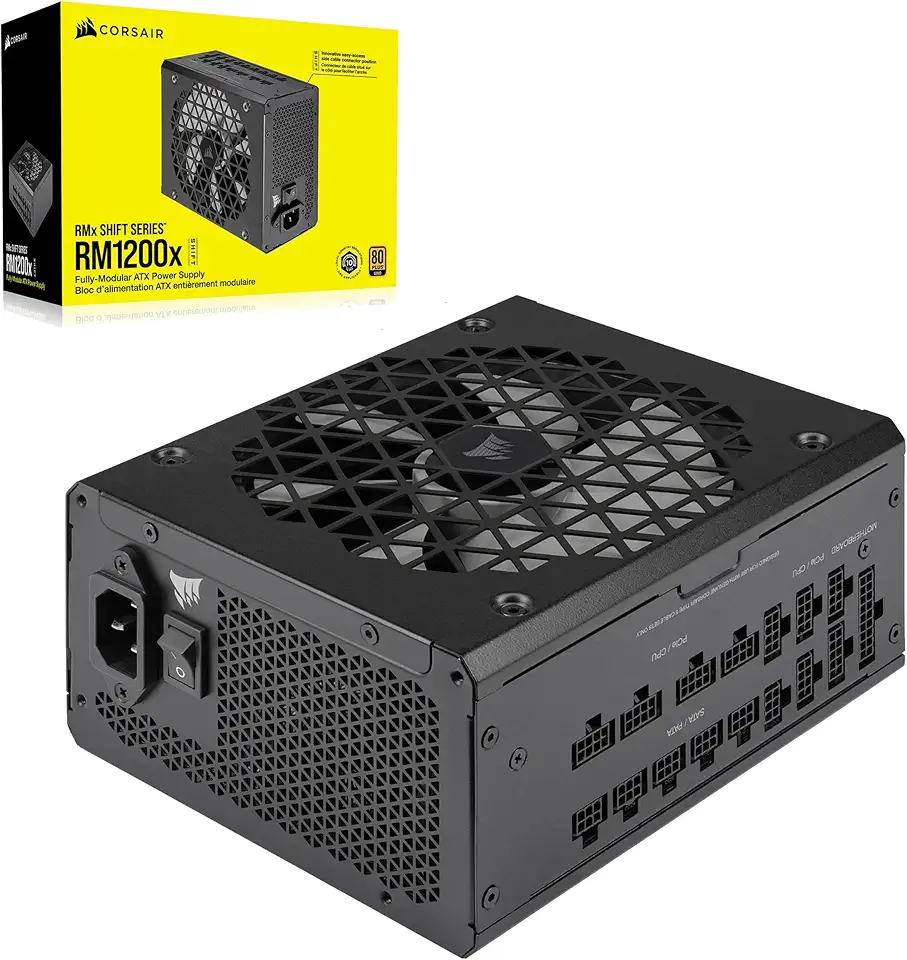
Corsair RM1200x Shift Fully Modular ATX Power Supply - Modular Side Interface - ATX 3.1 & PCIe 5.1 Compliant - Zero RPM Fan Mode - 105°C-Rated Capacitors - 80 Plus Gold Efficiency - Black, 1200W

Corsair RM1200e (2023) Fully Modular Low-Noise ATX Power Supply with 12V-2x6 Cable – ATX 3.1 & PCIe 5.1 Compliant, Cybenetics Platinum Efficiency, 105°C-Rated Capacitors, Modern Standby Mode – Black
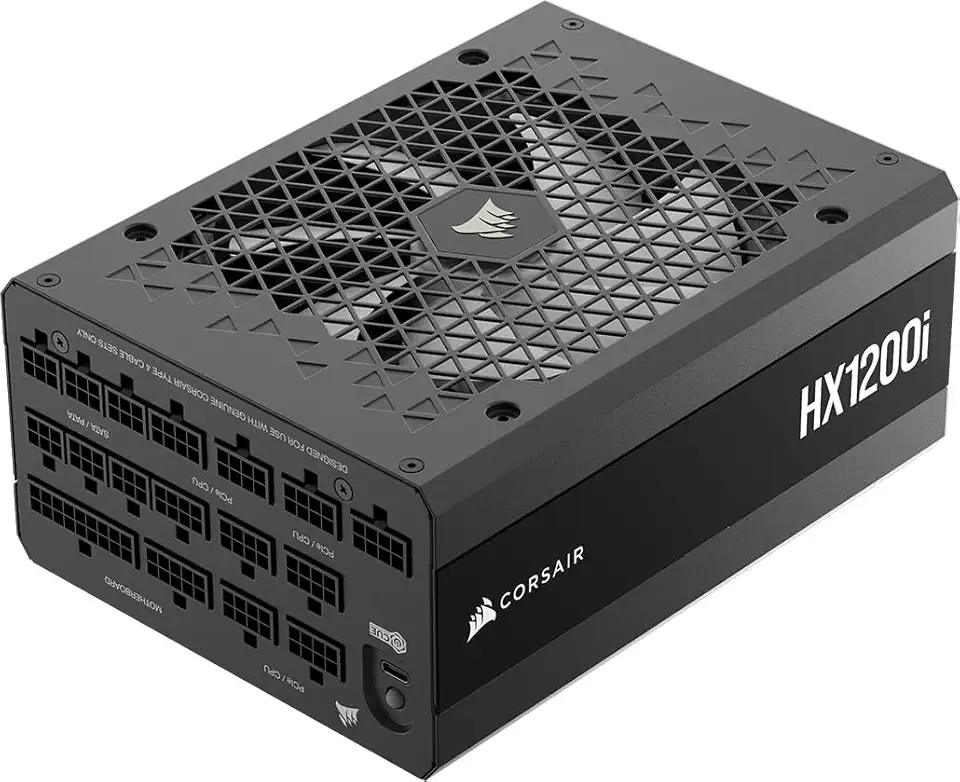
Corsair HX1200i (2025) Fully Modular Ultra-Low Noise ATX Power Supply with 12V-2x6 Cable – ATX 3.1 & PCIe 5.1 Compliant, Cybenetics Platinum Efficiency, Fluid Dynamic Bearing Fan – Black

The Pandy - Emotional Healing on Demand, Realistic Panda Plush for Emotional Support, Mimics Natural Movements for Realistic Comfort, Pandy Ai Plush with Ultra-Soft Fur, The Comfort Hug You Have

AI Translation Earbuds Real Time with Audio and Video Calls, 164 Language/7 Translation Modes Translator Earbuds Bluetooth 5.4 with APP, 50H Translate Ear Buds Device for Business/Learning/Travel
