We finally have a monitor designed specifically for writing code: BenQ RD320UA review
About
No channel description available.
Latest Posts




Video Description
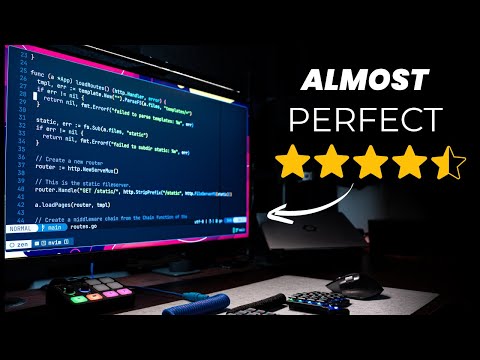
This monitor calls itself "the best monitor for programming", and it might just be very well be the case. The BenQ RD320UA is the newest product in their series of montiors for programmers, and it's the first monitor I've owned that I've not only been truly impressed by, but has made me excited to work on my desk. Disclosures: - BenQ sent this monitor to me for free in order to do a review. - No money changed hands, but I do get to keep the monitor - Every other product mentioned in this video I bought myself. Amendments: BenQ notified me that my understanding of Night Mode plus was off. BI.Gen2 uses ambient light to adjust the screen brightness whereas Night Hours Plus allows you to lower the display brightness to less than 1 nit, which can be activated manually or when the sensor detects low-light conditions. Links: BenQ RD320UA Monitor for Programming: https://benqurl.biz/48bG58T BenQ RD320UA Monitor Amazon link: https://benqurl.biz/3Bk2RPF --- BenQ Screenbar Pro: https://amzn.to/3O2p1cl Right Angled USB-A: https://amzn.to/3UG37iD The above 2 links are affiliate links, which if you purchase a product through will earn this channel money. There is no additional cost to you. --- Wallpaper: https://www.freepik.com/free-vector/gradient-abstract-background_19965186.htm Photos of the screen: https://imgur.com/a/YwAbpzR Become a better developer in 4 minutes: https://bit.ly/45C7a29 👈 Join this channel to get access to perks: https://www.youtube.com/channel/UCWQaM7SpSECp9FELz-cHzuQ/join Join Discord: https://discord.com/invite/eMjRTvscyt Join Twitter: https://twitter.com/dreamsofcode_io 00:00:00 Intro 00:01:02 Disclaimers 00:01:51 Screen 00:03:49 KVM Switch 00:07:00 USB Port Hack 00:07:57 Monitor Arm 00:08:58 Power Adapter 00:09:28 Moon Halo 00:10:34 Coding Modes 00:11:47 Picture By Picture 00:12:32 Menus 00:13:42 Display Pilot 2 00:15:20 Ergonomics 00:16:30 Conclusion








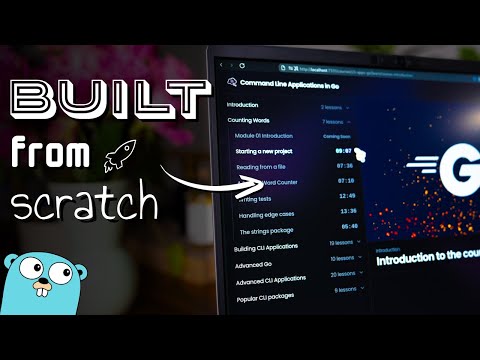




Upgrade Your Coding Setup Today
AI-recommended products based on this video

KOORUI Monitor 27 Inch, FHD/1080p Computer Monitor for Office and Home, 100Hz, HDMI, VGA, 99% SRGB, Frameless, Eye Care, Tilt Adjustment, Black, E2711F

Lenovo L27m-30-2022 - Everyday Monitor - 27 Inch FHD - 75 Hz - AMD FreeSync - Low Blue Light Certified - Tilt Stand - Integrated Speakers - HMDI & VGA & USB-C

KOORUI 27 Inch 4K Monitor, UHD(3840 x 2160) IPS Computer Monitors, HDR10, 90% DCI-P3, Frameless, 2X HDMI 2.0 & DisplayPort 1.4, VESA Mountable, Eye Care, N07

IMGadgets 47 x 24 Inches Height Adjustable Electric Standing Desk 2024, 5th Gen Quieter Motor Ergonomic Sit Stand Up Home Office Computer Desk with Height Memory Buttons, Display, 2 Headphone Holders

LODVIE Wireless Mouse for Laptop,2400 DPI Wireless Computer Mouse with 6 Buttons,2.4G Ergonomic USB Cordless Mouse,15 Months Battery Life Mouse for Laptop PC Mac Computer Chromebook MacBook-Black

NA to Clamp, Quick Release NA to Rail Lock Clamp with 1/4in 3/8in Thread, Standard NA to Clamp Adapter for Camera Cage Friction Arm Ball Head Cold Shoe Microphone Monitor
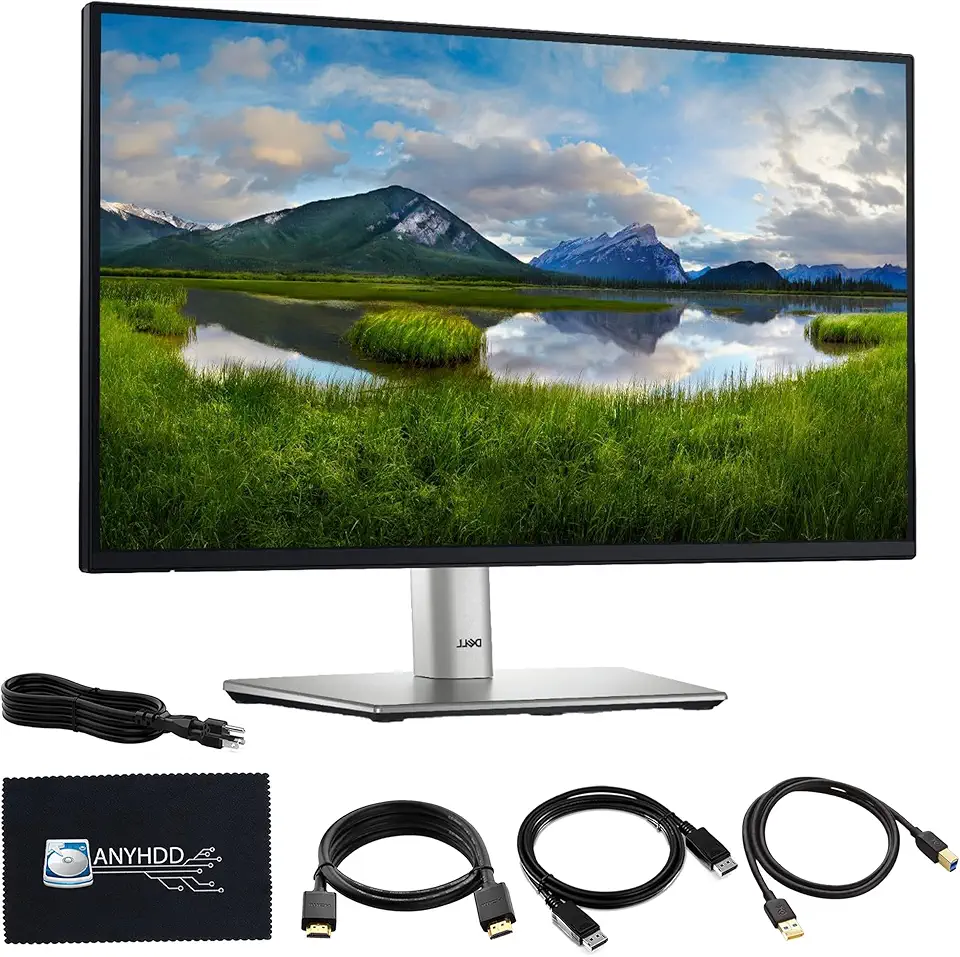
Dell P2725H 27" Full HD 1920 x 1080 Monitor - 1 Year Warranty, Computer Monitor Screen Bundle with Power Cable + USB 3.0 Upstream Cable + Display Port Cable + HDMI Cable + Microfiber Cloth Included
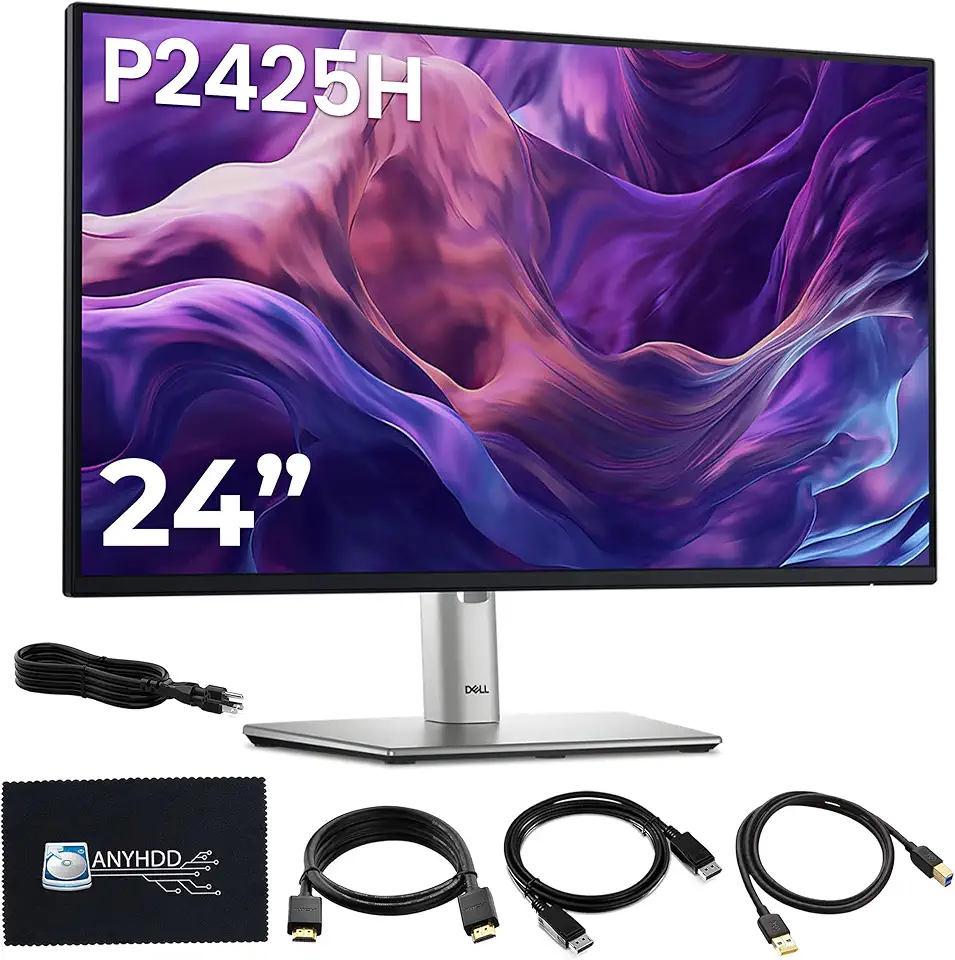
Dell P2425H Computer Monitor Screen 24" 16:9 IPS Display 100Hz w/Stand - 1 Year Warranty, Full HD, 1920 x 1080 with Power Cord + DisplayPort Cable + HDMI Cable + USB 3.0 Cable + Microfiber Cloth

Asus ZenScreen 16” Portable USB Monitor (MB169CK) - Full HD, IPS, Dual USB-C, Eye Care, Flicker Free, Blue Light Filter, Anti-Glare Surface, 360° Kickstand, 3 yr Warranty

Asus ZenScreen 15.6” 1080P Portable Monitor (MB16ACV) - Full HD, IPS, Eye Care, Flicker Free, Blue Light Filter, Kickstand, USB-C Power Delivery, for Laptop, PC, Phone, Console, Antibacterial Surface , BLACK
