WordPress - Hooks


Chris Miller
View ChannelAbout
If you’re interested in learning about web development, leveling up your web dev skills, or trying to kickstart your web development career, I’ve got you covered. My channel will help you to better understand the web by learning different languages, tools, and techniques. I’ve been a web developer for over 10 years, working with various languages, frameworks, and content management systems, meeting some wickedly talented people along the way. Hopefully, I’m able to share what I’ve learned with you. Sweet? Sweet!
Latest Posts


Video Description
Hooks are a powerful way to modify data or do something at a particular time and in a specific place with the theme. They are so powerful, in fact, that I had a challenging time grasping the concept when I first started. In this video — my goal is to break down the concept of hooks in WordPress so that you can get started using them. Here's an excerpt from the WordPress documentation: Hooks are a way for one piece of code to interact/modify another piece of code at specific, pre-defined spots. They make up the foundation for how plugins and themes interact with WordPress Core, but they're also used extensively by Core itself. There are two types of hooks: Actions and Filters. To use either, you need to write a custom function known as a Callback, and then register it with a WordPress hook for a specific action or filter. Actions allow you to add data or change how WordPress operates. Actions will run at a specific point in the execution of WordPress Core, plugins, and themes. Callback functions for Actions can perform some kind of a task, like echoing output to the user or inserting something into the database. Callback functions for an Action do not return anything back to the calling Action hook. Filters give you the ability to change data during the execution of WordPress Core, plugins, and themes. Callback functions for Filters will accept a variable, modify it, and return it. They are meant to work in an isolated manner, and should never have side effects such as affecting global variables and output. Filters expect to have something returned back to them. WordPress provides many hooks that you can use, but you can also create your own so that other developers can extend and modify your plugin or theme. ------ Download LocalWP https://localwp.com/ Interested in learning more? Check out the WordPress docs: https://developer.wordpress.org/plugins/hooks/ WordPress Hook - the_content https://developer.wordpress.org/reference/hooks/the_content/ WordPress Hook - the_head https://developer.wordpress.org/reference/hooks/wp_head/
Boost WordPress Skills Today
AI-recommended products based on this video

Freenove Ultimate Starter Kit for BBC micro bit (V2 Included), 316-Page Detailed Tutorial, 225 Items, 44 Projects, Blocks and Python Code

BBQ Rib Skinner, Rib Prep Pro, Professional Boning Tongs Boning Knife Set for Perfect Ribs, Ergonomic Handle Precise Cutting, Ultimate Grilling Gift for BBQ Enthusiasts & Grill Masters

Toenail Fungus Treatment Extra Strength - Nail Fungus Treatment Extra Strength for Thick, Yellow, Discolored, Broken and Ingrown Nails, Ultimate Fungus Nail Treatment for Toenail & Fingernail Trono(30ML)

8BitDo Ultimate C Wired Controller for Xbox with RGB Lighting Fire Ring, Hall Effect Triggers and Joysticks, Compatible with Xbox Series X|S, Xbox One, Windows 10/11 - Officially Licensed (Dark Gray)
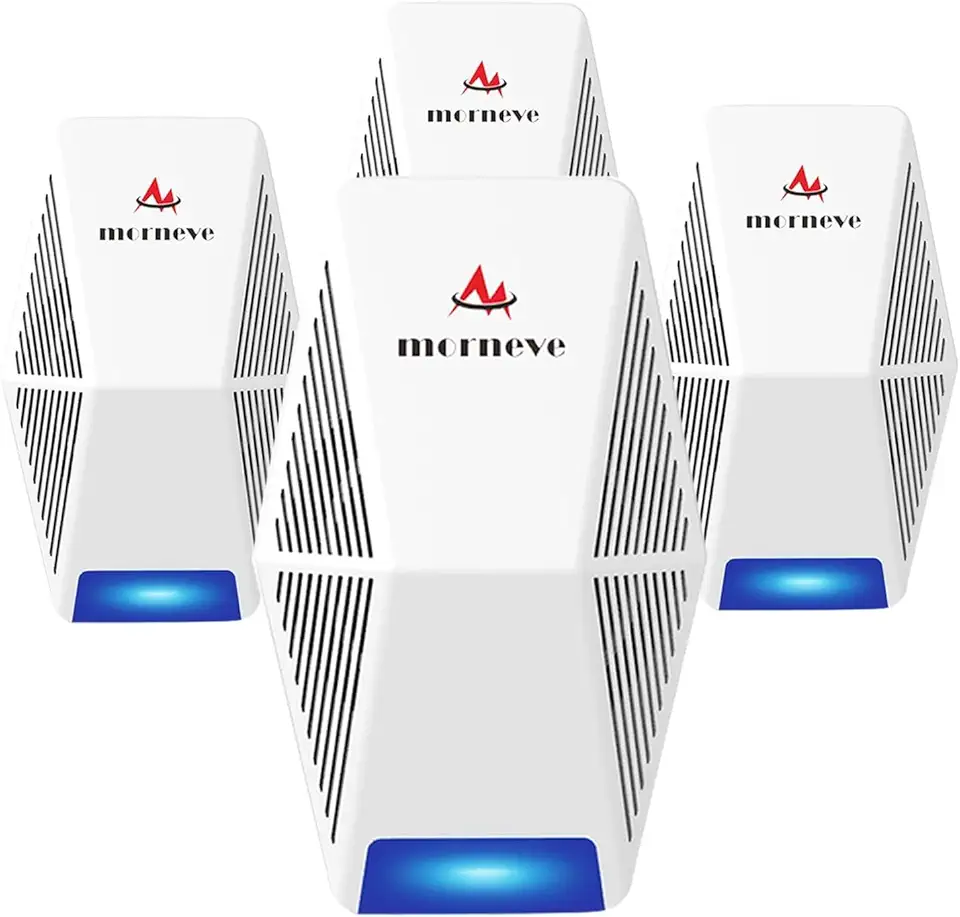
Pest Control Repeller 4-Pack, Upgraded Intelligent Plug-in Pest Repeller for Mouse, Insect, Cockroach, Mice, Spider, Bug, Ant, Mosquito, Rodent & Rats Indoor Use Repeller

eufy Security Solo Indoor Cam C120, 2K Security Indoor Camera, Plug-in Camera with Wi-Fi, IP Camera, Human & Pet AI, Voice Assistant Compatibility, Night Vision, Two-Way Audio, HomeBase not Compatible
