All 80+ Adobe Illustrator Tools Explained in 20 Minutes


Andy Tells Things
@andytellsthingsAbout
Hi there! I'm Andy! I'm a graphic designer, decade long user of Adobe Illustrator and an Adobe Community Expert with a big, big passion for teaching. You'll find sprinkles of design lessons here and there, but the main focus of the channel is to teach you all about Illustrator, a software that I know the ins and outs like the palm of my hand! From in depth journeys into every function, tool and menus of Illustrator, to quick tips and tricks, design lessons and the things that inspire me - you'll find it all here! Make yourself at home and don't hesitate to comment the videos with your doubts! I'll make sure to reply you :)
Latest Posts


Video Description
🎨 Subscribe to the Creative Cloud through my affiliate link and help support the channel: https://prf.hn/l/G9aODMz ✨ Patreon: https://www.patreon.com/andytellsthings 🎮 Epic Games Creator Code: ANDYTELLSTHINGS 🐦 Twitter: https://twitter.com/andytellsthings 📧 Contact: [email protected] --- Adobe Illustrator has a total of 87 different tools, and in this beginner tutorial I'll show you how to use every tool there is, from the well known ones like the Selection Tool, the Pen Tool and the Type Tool, to the forgotten ones that you never heard before, like the Symbol Sprayer and the Slice Tool. This Illustrator tutorial will also show you some tips and tricks that will help you improve your design skills and speed up you workflow in Illustrator. --- Want to support me? Use my Epic Games creator link, either in the Epic Store or in Fortnite: ANDREXUXU --- Adobe Illustrator is a software to create vector art for graphic design, web design, UI and so much more. With over 20 years of updates and upgrades, it has accumulated a wide range of tools and functions, which can be overwhelming at start, but with a few tutorials like this one, you'll be creating amazing art in no time! --- Check out other tutorials that might help you: 50 Things You MUST Know About Illustrator: https://youtu.be/lwtUHg0_4ak Secret Menus in Illustrator: https://youtu.be/nsMlD0dLjvo Shortcuts in Under 10 Minutes: https://youtu.be/YEXqiCeyL9A --- All the timestamps for this video are listed below, so if you ever need to rewatch the explanation of a specific tool, just search for it on the list. --- 👍 If you enjoyed this video, like and subscribe to the channel! 🔔 Click on the bell icon to be notified whenever I upload a new video. --- TIMESTAMPS 0:00 - Intro 0:04 - Selection 0:23 - Direct Selection 0:41 - Group Selection 0:49 - Magic Wand 1:07 - Lasso 1:17 - Pen 1:32 - Add Anchor Point 1:39 - Delete Anchor Point 1:53 - Anchor Point 2:10 - Curvature 2:19 - Type Tool 2:31 - Area Type 2:37 - Type on a Path 2:44 - Vertical Type 2:50 - Vertical Area Type 2:58 - Vertical Type on a Path 3:06 - Touch Type 3:20 - Line Segment 3:26 - Arc 3:30 - Spiral 3:41 - Rectangular Grid 3:51 - Polar Grid 4:00 - Rectangle 4:09 - Rounded Rectangle 4:21 - Ellipse 4:30 - Polygon 4:40 - Star 4:54 - Flare 5:10 - Paintbrush 5:25 - Blob Brush 5:42 - Shaper 6:00 - Pencil 6:12 - Smooth 6:22 - Path Eraser 6:32 - Join 6:39 - Eraser 6:49 - Scissors 6:56 - Knife 7:02 - Rotate 7:18 - Reflect 7:31 - Scale 7:48 - Shear 8:02 - Reshape 8:13 - Width 8:26 - Warp 8:33 - Twirl 8:40 - Pucker 8:47 - Bloat 8:57 - Scallop 9:04 - Crystalize 9:15 - Wrinkle 9:22 - Free Transform 9:40 - Puppet Warp 10:05 - Shape Builder 10:20 - Live Paint Bucket 10:43 - Live Paint Selection 11:01 - Perspective Grid 11:39 - Perspective Selection 11:59 - Mesh 12:10 - Gradient 12:23 - Eyedropper 12:42 - Measure 12:58 - Blend 13:14 - Symbol Sprayer 13:35 - Symbol Shifter 13:43 - Symbol Scruncher 13:56 - Symbol Sizer 14:12 - Symbol Spinner 14:21 - Symbol Stainer 14:37 - Symbol Screener 14:51 - Symbol Styler 15:07 - Graphs 15:30 - Artboard 15:38 - Slice 15:52 - Slice Selection 16:00 - Hand 16:19 - Rotate View 16:31 - Print Tiling 17:04 - Zoom 17:15 - Final Tips & Tricks --- #AdobeIllustrator #IllustratorTools #IllustratorTutorial




Craft Essentials for Instant Winds
AI-recommended products based on this video

NESTLE Assorted Hide Me Eggs, Miniature Egg-Shaped KITKAT, SMARTIES, COFFEE CRISP and AERO, Perfect For Egg Hunts & Easter Baskets, Individually Wrapped, 300 g

UMI 110V to 220V Step Up Voltage Converter LX-300C Toroidal Transformer for 220V Appliances to Be Used in US, Simple White Plastic Shell, Safe and Effective

Switch OLED Carrying Case Compatible with Nintendo Switch & Switch OLED, Portable Switch Travel Carry Case Fit for Joy-Con and Adapter, Hard Shell Protective Switch Pouch Case with 20 Games, Red

Orzly Carry Case Compatible with Nintendo Switch and New Switch OLED Console - Black Protective Hard Portable Travel Carry Case Shell Pouch with Pockets for Accessories and Games

AnyZip Luggage Sets 2 Piece Aluminum Frame Carry On and Checked Suitcase PC ABS Hard Shell TSA Lock No Zipper(Black, 20/28)

Ultra-Slim Bidet Attachment, Posterior&Feminine Wash-(Retractable Dual Nozzles), Non-Electric Bidet Attachment for Toilet Seat, Adjustable Fresh Cold Water Pressure, Stainless Steel Inlet (White)
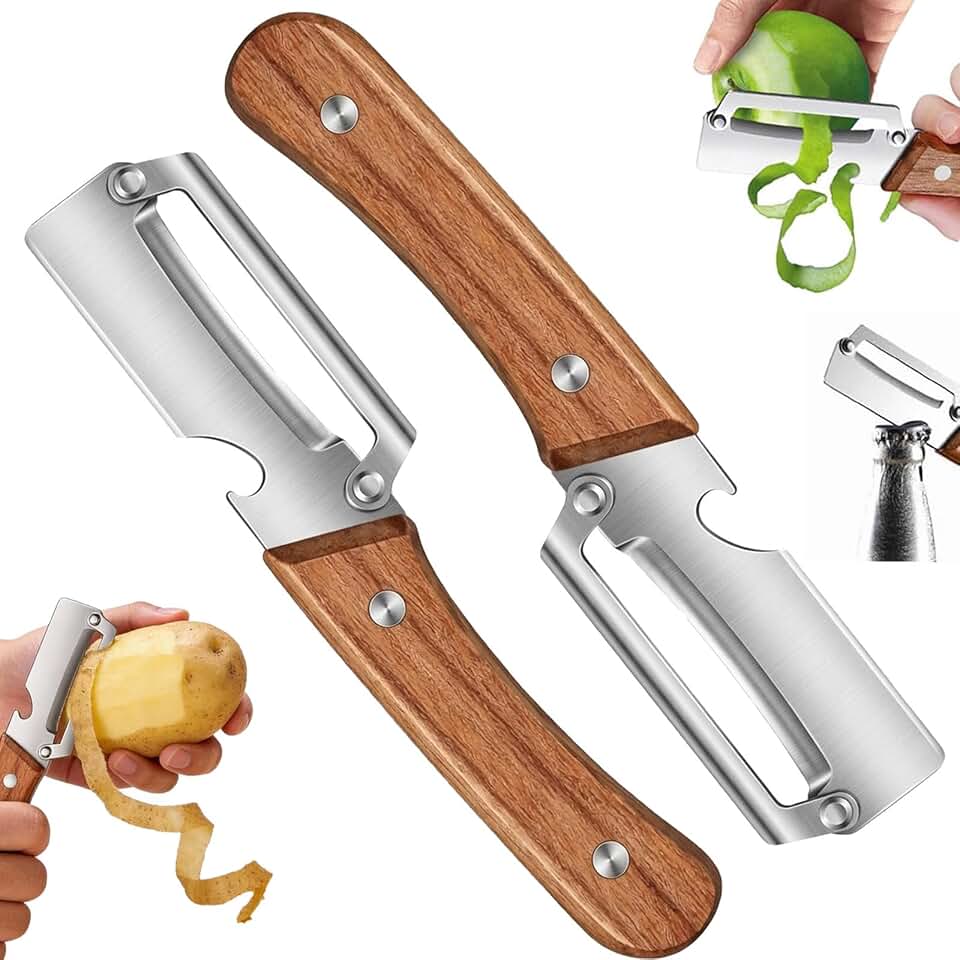
Multi-Functional Vegetable Peeler for Kitchen,Vegetable Peeler Wooden Handle,2-in-1 Stainless Steel Fruit & Vegetable Peelers with Bottle Opener for Potato Pineapple (2PC)
Ultra-Slim Bidet Attachment, Posterior&Feminine Wash-(Retractable Dual Nozzles), Non-Electric Bidet Attachment for Toilet Seat, Adjustable Fresh Cold Water Pressure, Stainless Steel Inlet (White)