Cinematic Motion Capture with Move One and Metahuman Animator - Unreal Engine 5.4 Beginner Tutorial

About
No channel description available.
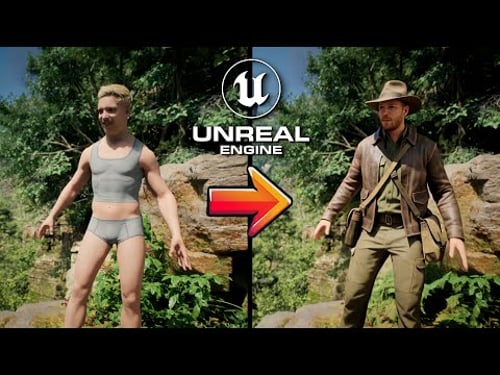


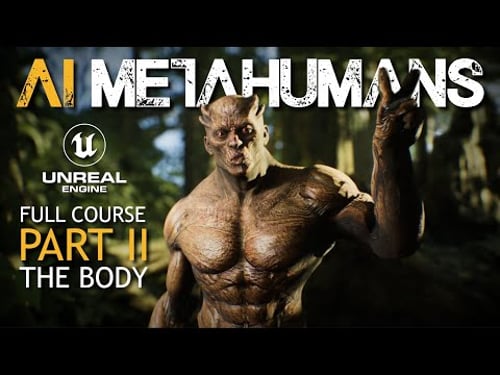
Video Description
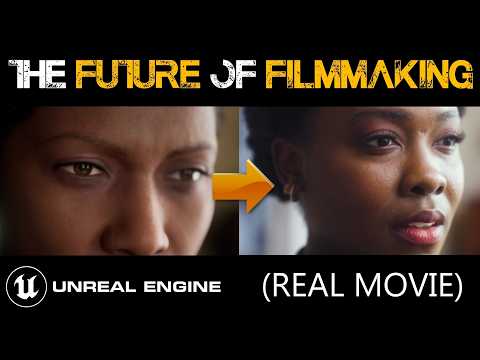
Use your mocap to animate MASSIVE crowds of Metahumans with my new product, OverCrowd, now available on Fab: https://bit.ly/4gq8VXe Join the Patreon for exclusive content and discounts on future products: https://patreon.com/CharlieDriscoll Metahuman Animator has made AAA facial animation easy and cheap to create, but motion capture suits are still too expensive for many. However, there do exist some low-cost, easy-to-use full-body motion capture solutions, such as AI-based Move One. This is a detailed tutorial showing every step to creating a cinematic scene with Metahumans in Unreal Engine 5 using Move One and Metahuman Animator together, at the same time. This tutorial should be very accessible to beginners. Every step is explained through commentary and shown through video demonstration. Please let me know what you think in the comments! Join the Discord to get my raw Move One animation and Metahuman Animator take (in the Tutorial Files channel) to follow along. Discord: https://discord.gg/thedarkestage 00:00 Intro 00:46 Mocap Suits Are Too Expensive 02:56 Move One, The Good and The Bad 04:54 Required Equipment 06:03 Rokoko Vision, DeepMotion Comparison 07:07 Final Scene 08:08 Mocap Helmets, Rokoko Headrig vs. DIY Helmet 11:26 Recording the Animation with Move One and Metahuman Animator 15:31 Transferring Animation through Move One Chrome Extension 16:27 Setting Up Your Unreal Engine 5.4 Project 19:16 Creating Your Metahuman 24:30 Importing Your Move One Animation into Unreal Engine 26:34 Retargeting The Move One Animation to Metahuman Skeleton 27:22 Creating a Sequence and Adding your Metahuman and Animation 30:26 Transferring Metahuman Animation from iPhone to PC using iTunes 31:18 Setting Up Your Metahuman Animator Animation 39:25 Syncing Face and Body Animations in Sequencer 41:00 Setting Metahuman LOD to 0 42:00 Separating Audio from Video in Adobe Premiere 43:55 Morphing Your Voice Using AI in Elevenlabs 46:44 Adding Your Audio to the Sequence 48:35 Adding Custom Metahuman Clothing from the Marketplace 53:04 Changing Hair and Beard Physics in Groom Settings 57:48 Building The Environment Using Quixel Megascans, Adding Diegetic Lights and Exponential Height Fog 1:05:24 Adding Free Fire Particles from the Marketplace 1:09:33 Setting Up a Camera 1:11:31 Adding a Focus Tracker Object to Your Metahuman 1:16:11 Changing Camera Lens to 24mm 1:17:12 Removing Distortion from Niagara Fire 1:18:14 Fixing Metahuman Eye Occlusion Material Fog Bug 1:20:01 Baking Metahuman Animation to Control Rig 1:20:40 Smoothing Out Jitters in Animation Using Curves Editor 1:28:08 Fixing Foot Sliding in Animation Using Keyframes 1:32:10 Fixing Hands Using Hand Poses 1:39:46 Adding and Animating More Cameras and Cleaning Up Animation 1:42:38 Adjusting Lighting, Adding Rectangular Light 1:44:36 Adding Post Processing Volume 1:46:01 Adding Another Main Camera Angle 1:47:51 Adding a Wide Angle Dolly Shot 1:49:28 More Cameras and Animation Cleanup, Adjusting Lighting 1:51:13 Making Lights Flicker Using Light Function Material 1:54:20 Finalizing The Lighting 1:56:30 Final Environmental Tweaks 1:57:24 Editing Camera Cuts in Sequencer 2:01:51 Last Minute Animation Smoothing 2:04:40 Exporting Using Movie Render Queue 2:06:02 Importing Image Sequence into Adobe Premiere 2:07:19 Sound Design Overview 2:10:13 Finished Film 2:11:10 Outro DIY Mocap Helmet Amazon Links: 2.5 Pound Weight: https://a.co/d/dYzviyj Skateboard Helmet: https://a.co/d/fdOxGcC Phone Mount: https://a.co/d/40jvJAB Arm and Helmet Mount: https://a.co/d/7Y4qkRv










Create Epic Bubble Snakes
AI-recommended products based on this video

Lehoo Castle Bubble Machine for Bathtub, Baby Bath Toys, Dinosaur Toys for 2 3 Year Old Boys Girls, Toddler Toys with Melody
Lehoo Castle Bubble Machine for Bathtub, Baby Bath Toys, Dinosaur Toys for 2 3 Year Old Boys Girls, Toddler Toys with Melody
Lehoo Castle Bubble Machine for Bathtub, Baby Bath Toys, Dinosaur Toys for 2 3 Year Old Boys Girls, Toddler Toys with Melody

Heavy Duty Tripod Gimbal Head, Aluminum Alloy 360° Panorama Gimbal with for Arca Swiss Standard Quick Release Plate and Bubble Level, with 1/4 Inch and 3/8 Inch Screws

MAGIC JOHN 2 Pack for Samsung Galaxy S25 Ultra Privacy Tempered Glass Screen Protector, Bubble Free, Easy Installation, Auto Dust-Elimination
