Copilot Studio Tutorial: Add Knowledge to Your Copilot

Lisa Crosbie
@lisacrosbieAbout
This channel is all about making AI at work accessible to everyone. I break down these technologies into practical, easy to follow fun tutorials. Here you will find short and long form tutorials and free courses on Copilot Studio, Microsoft Copilot, Power Apps, and other Microsoft technologies, as well as tutorials on how to use AI at work. You'll also find feature updates here every time there is a major event or new announcement from Microsoft, to help you keep up with what's ahead, and what's important and why. I am a five-time Microsoft Most Valuable Professional (MVP) and Microsoft Certified Trainer, with more than a decade of experience consulting with organizations and training business users to get the most out of Microsoft applications at work. Thanks for watching!
Latest Posts

Video Description
Learn how and why to add knowledge to your Copilot with this step by step tutorial. I take you through how to add a public website, and a document, including the importance of adding descriptions. I show you how to add a SharePoint site and a Dataverse table, using descriptions and synonyms, for internal Copilot scenarios. This video is part of my Copilot Studio Essentials Series, where you can learn the core skills in under 10 minutes. Watch the full series here: https://www.youtube.com/playlist?list=PLSZfLwFd23STmtWCyoHobrjGwjFMGoRZU Timestamps: 00:00 Add Knowledge to your Copilot 01:21 Public website 03:12 Upload files 05:29 SharePoint 06:58 Dataverse 08:56 Environments 09:29 Other enterprise data sources 09:43 Add Topics to your Copilot -------------------------------------------------- Connect with me: ☕ Buy me a coffee: https://www.buymeacoffee.com/lisacrosbie 🦉 Learn more about AI: https://aka.ms/learnwithlisa 🖇 LinkedIn: https://www.linkedin.com/in/lisa-crosbie/ 📼 TikTok: https://www.tiktok.com/@lisa.crosbie 🐦 X (Twitter): https://twitter.com/LisaCrosbie 📚Take my LinkedIn Learning Course: Microsoft Power Platform Fundamentals (PL-900) Exam: Power Apps https://www.linkedin.com/learning/microsoft-power-platform-fundamentals-pl-900-cert-prep-power-apps/




Enhance Your Copilot Studio Experience
AI-recommended products based on this video

Lenovo ThinkPad E16 Business Laptop (16" FHD+ Touchscreen, Intel 13th Gen 10-Core i7-1355U, 40GB RAM, 2TB SSD) Backlit, Fingerprint, FHD Webcam, Ethernet, Thunderbolt 4, Win 11 Pro w/ AI Copilot

Dell 15.6" FHD Touchscreen Student and Business Laptop – AMD Ryzen 7 7730U, Radeon Graphics, 16GB DDR4 RAM, 512GB SSD, USB-C, HDMI, SD Card Reader, Wi-Fi 5, Copilot Ready, Windows 11 Pro

Seasonic Focus V4 GX-1000 (ATX3) - 1000W - 80+ Gold - ATX 3.0 & PCIe 5.1 Ready -Full-Modular -ATX Form Factor -Premium Japanese Capacitor -10 Year Warranty -Nvidia RTX 30/40 Super & AMD GPU Compatible
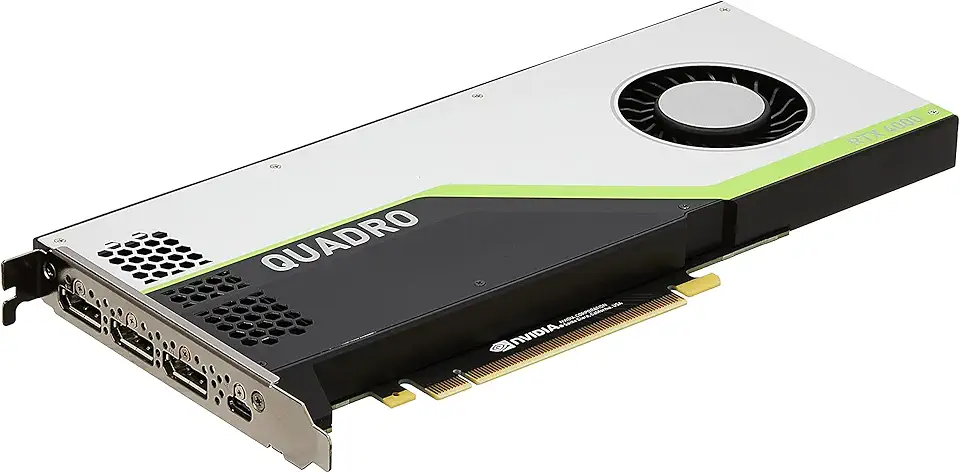
PNY NVIDIA Quadro RTX 4000 - The World’S First Ray Tracing GPU

soundcore by Anker P20i True Wireless Earbuds, 10mm Drivers with Big Bass, Bluetooth 5.3, 30H Long Playtime, IPX5 Water-Resistant, 2 Mics for AI Clear Calls, 22 Preset EQs, Customization via App

The Pandy - Emotional Healing on Demand, Realistic Panda Plush for Emotional Support, Mimics Natural Movements for Realistic Comfort, Pandy Ai Plush with Ultra-Soft Fur, The Comfort Hug You Have
soundcore by Anker P20i True Wireless Earbuds, 10mm Drivers with Big Bass, Bluetooth 5.3, 30H Long Playtime, IPX5 Water-Resistant, 2 Mics for AI Clear Calls, 22 Preset EQs, Customization via App