How to build a self-service agent for your website with Copilot Studio

Lisa Crosbie
@lisacrosbieAbout
This channel is all about making AI at work accessible to everyone. I break down these technologies into practical, easy to follow fun tutorials. Here you will find short and long form tutorials and free courses on Copilot Studio, Microsoft Copilot, Power Apps, and other Microsoft technologies, as well as tutorials on how to use AI at work. You'll also find feature updates here every time there is a major event or new announcement from Microsoft, to help you keep up with what's ahead, and what's important and why. I am a five-time Microsoft Most Valuable Professional (MVP) and Microsoft Certified Trainer, with more than a decade of experience consulting with organizations and training business users to get the most out of Microsoft applications at work. Thanks for watching!
Latest Posts

Video Description
This hands-on beginner tutorial walks you through the essentials of building a self-service agent for your website using Microsoft Copilot Studio. Whether you're just getting started or exploring the tool for the first time, this session offers a step-by-step introduction to creating, testing, refining, and publishing your own conversational agent. By the end of the tutorial, you’ll have a working, website-ready agent—customized, tested, and ready to support your users. No prior experience needed. ———————- Connect with me: ☕ Buy me a coffee: https://www.buymeacoffee.com/lisacrosbie 📘 Get my book: Microsoft Copilot Pro: Step by Step https://www.microsoftpressstore.com/store/microsoft-copilot-pro-step-by-step-9780135369425 🦉 Learn more about AI: https://aka.ms/learnwithlisa 🖇 LinkedIn: https://www.linkedin.com/in/lisa-crosbie/ 📼 TikTok: https://www.tiktok.com/@lisa.crosbie ———————— Timestamps: 0:00 - Build a self-service agent for your website 2:19 - Create an agent in Copilot Studio 7:43 - Test your agent 11:42 - Refine your agent 17:20 - Control the conversation 21:22 - Publish your agent 23:41 - Create an action





Empower Your Site with AI
AI-recommended products based on this video
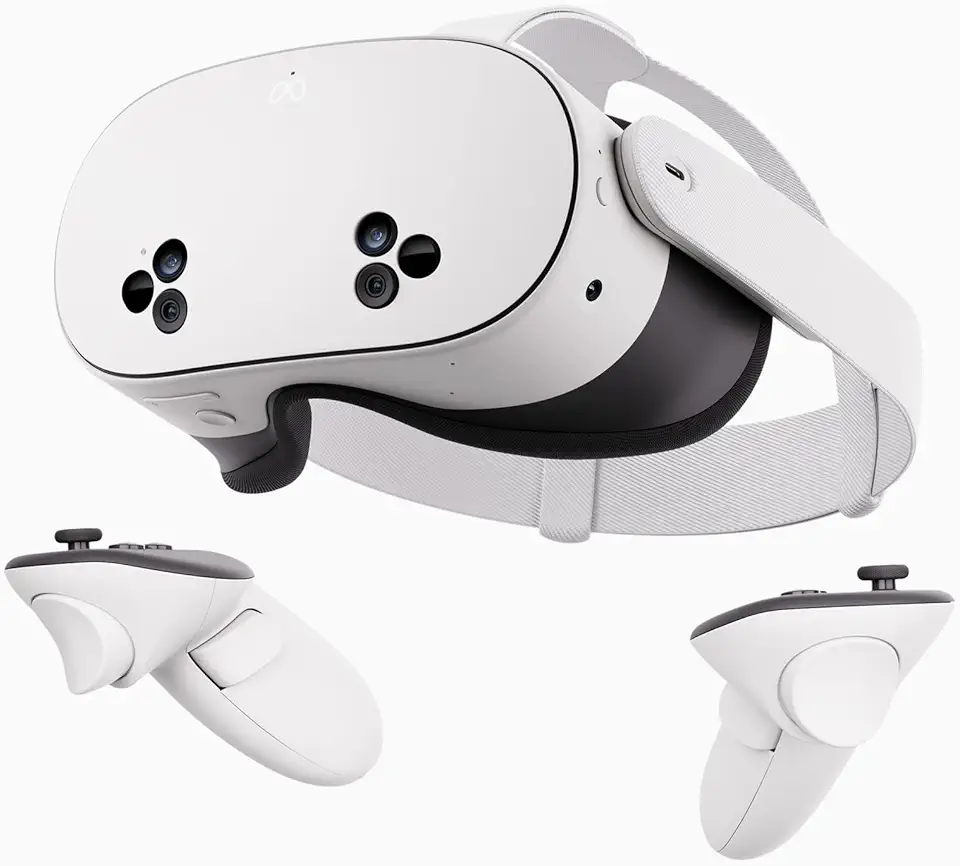
Meta Quest 3S 128GB | VR Headset — Thirty-Three Percent More Memory — 2X Graphical Processing Power — Virtual Reality Without Wires — Access to 40+ Games with a 3-Month Trial of Meta Horizon+ Included

BASESAILOR iPhone 16 15 Pro Max Charger Cord,USB to USB C Cable 6.6FT/2Pack,Type C Charging Power Cord for Apple iPad 10,Samsung Galaxy AI S25 S24 S23 S22 S20 Plus Ultra Flip,A52 A53 A54,Google Pixel

soundcore by Anker P20i True Wireless Earbuds, 10mm Drivers with Big Bass, Bluetooth 5.3, 30H Long Playtime, IPX5 Water-Resistant, 2 Mics for AI Clear Calls, 22 Preset EQs, Customization via App
